
RC-20 Retro Color — Mac download
Download (170 MB) Earlier builds
Ticked
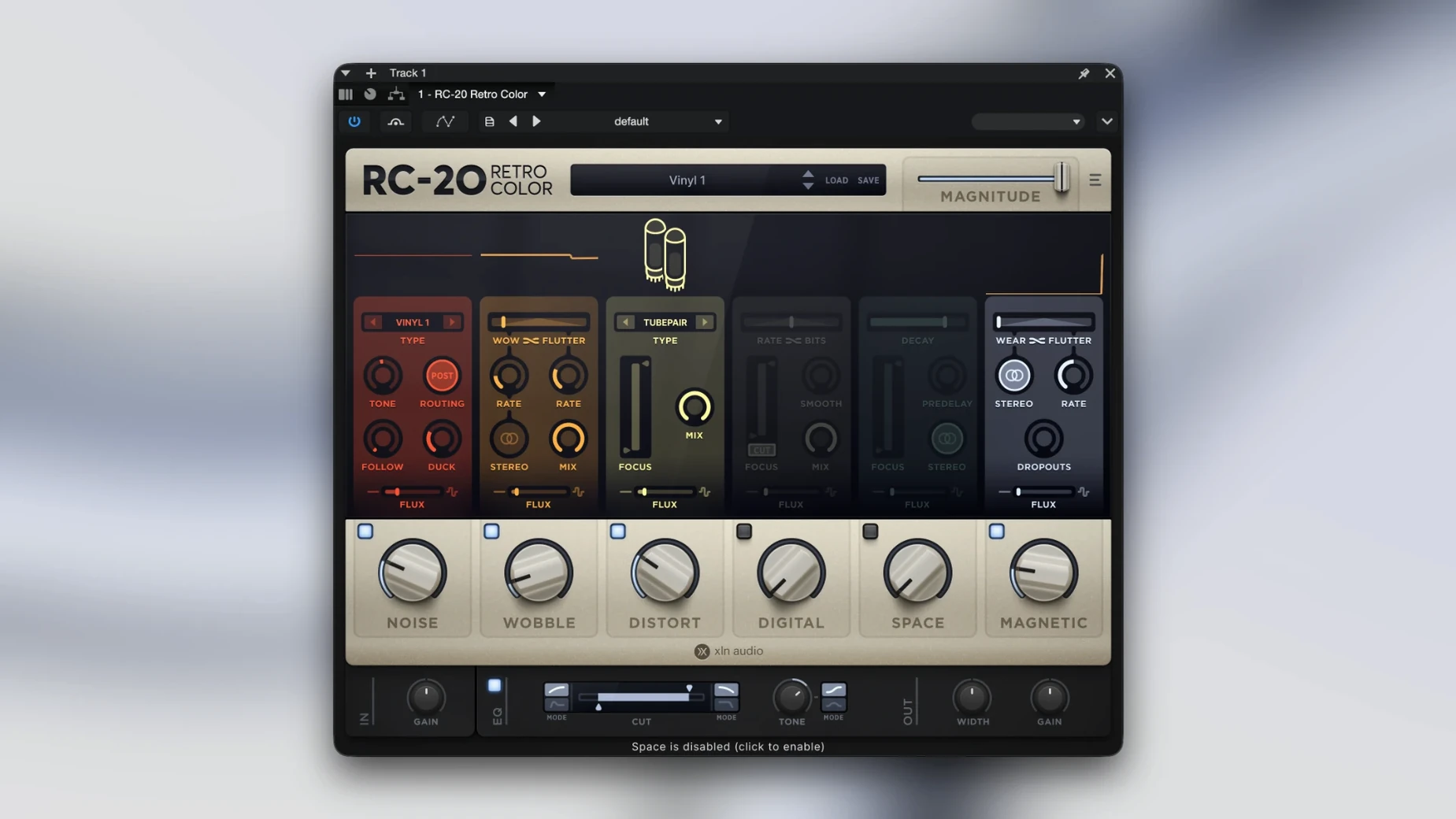
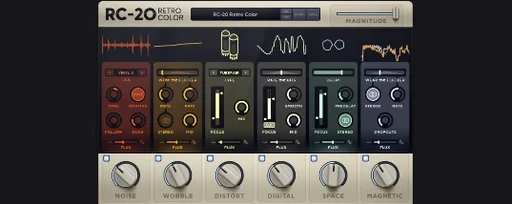
Six effect modules in one window. That is the starting point for every sound you run through RC-20 Retro Color.
On individual tracks
Drop it on a synth line that sounds too clean. A touch of the Noise module and a slight pitch wobble from the Wobble section makes digital parts sit further back in the mix.
On drum buses
Add the Magnetic module to a full drum bus for subtle saturation and a slight drop in high-end clarity. The Distort module works when you need more obvious grit.
As a send effect
Place it on a return track and blend in the Digital and Space modules. A small amount of bit crushing and reverb sent from multiple sources glues a track together quickly.
Flux engine surprises and the off-by-default LEDs
First run and no sound is passing through. Check the module on/off LEDs at the top right of each section. They ship off in the default state and people miss that every time.
Another regular one: the Flux engine sounds too seasick. Turn the Depth slider down to about 15% and slow the Rate. A little random wobble goes a long way. Cranked to full, it throws pitch so far out that basslines become unusable.
Latency spikes in Logic when the plugin window is open. This is a known graphics draw issue on some Intel machines. Close the plugin window during playback and the CPU load drops straight back to normal.
A few users hunting for an rc-20 retro color plugin free download end up with an installer that refuses to validate. The only legit Mac package is a signed disk image. If Gatekeeper blocks it, right-click the installer and select Open rather than double-clicking. That is standard for any unsigned or third-party installer on macOS 10.13 and later.
Double-click to reset, Shift-drag for fine control
- Double-click any knob to reset it to its default value. Much faster than trying to eyeball 12 o'clock on the Depth dial.
- Hold Shift while dragging a knob for fine adjustments. Useful on the Noise tone control where half a millimetre changes the colour noticeably.
- The preset browser has a star button. Star your three or four go-to starting points and skip the menu-scrolling session after session.
- Right-click a module's on/off LED to solo that module. Handy for dialling in the Magnetic saturation without being distracted by the wobble and noise you already set.
- All six modules process in a fixed order: Noise, Wobble, Distort, Digital, Space, Magnetic. You cannot reorder them, but knowing the chain means you can compensate upstream. If Magnetic is dulling the transient too much, add a little attack back with a transient shaper before RC-20.
Why three instances turn a mix to wool
Putting RC-20 on every channel because it sounds good in isolation. By track five the mix turns into a woolly mess. Use it on two or three elements that need to feel older, and leave the rest clean for contrast. That contrast is what sells the effect.
Ignoring the mix percentage on the Digital module. Bitcrushing at 100% wet sounds like a broken Game Boy. Pull it back to 20-30% wet and suddenly it is a texture layer instead of a gimmick.
Leaving the Noise module's Follow switch off and wondering why the hiss cuts out between phrases. Follow ties the noise generator to the input signal. Without it, noise runs constantly. With it, noise ducks when the audio stops, which sounds far more like real tape hiss.
Some people grab an RC-20 Retro Color crack from a random forum and run a version that needs the AU validator to pass. A broken AU component file left in the Components folder will stop Logic from scanning any XLN plugins. If RC-20 vanishes from your plugin list after a bad install, check ~/Library/Audio/Plug-Ins/Components/ and remove any leftover RC-20 component file before reinstalling.
- macOS 10.13 or later
- 64-bit host
- Intel and Apple Silicon supported
Questions the team asks
It includes six modules: Noise, Wobble, Distort, Digital, Space and Magnetic, each designed to add a specific type of vintage texture and character.
Yes, version 1.5.1 supports Apple Silicon natively and requires macOS 10.13 or later in a 64-bit host.





Comments 0
Sign in or create an account to add a comment.
No comments yet. They go up after moderation.