
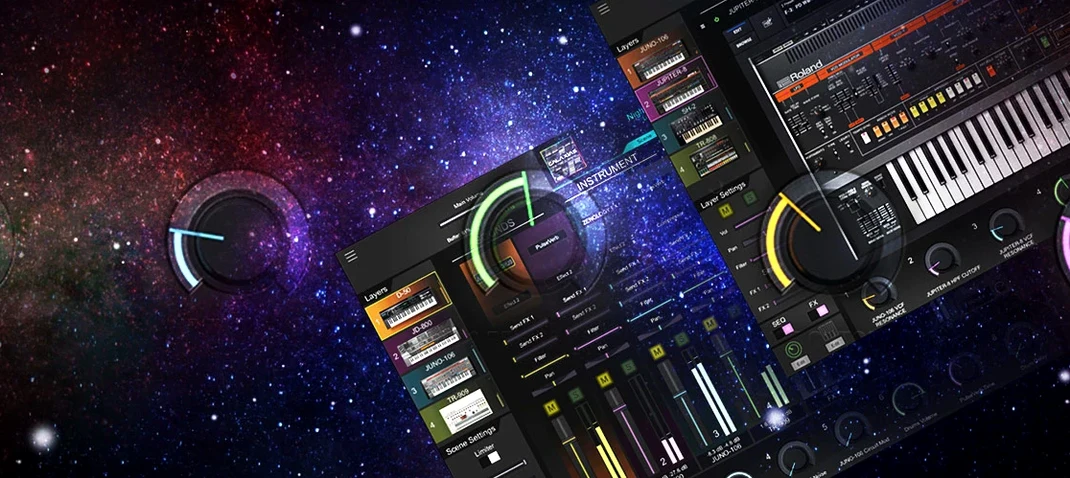
Roland Cloud Legendary Series — Mac download
Ticked
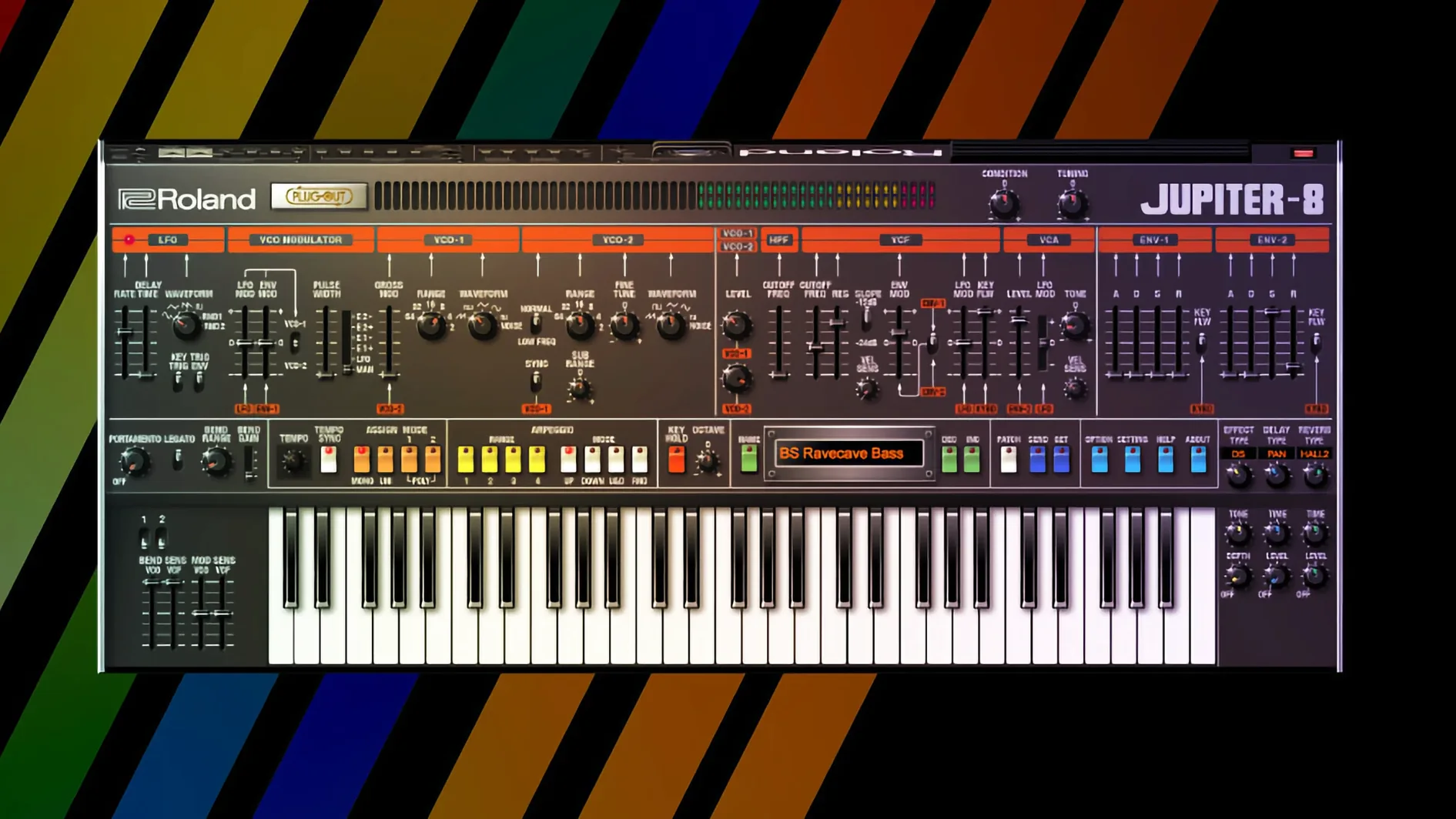
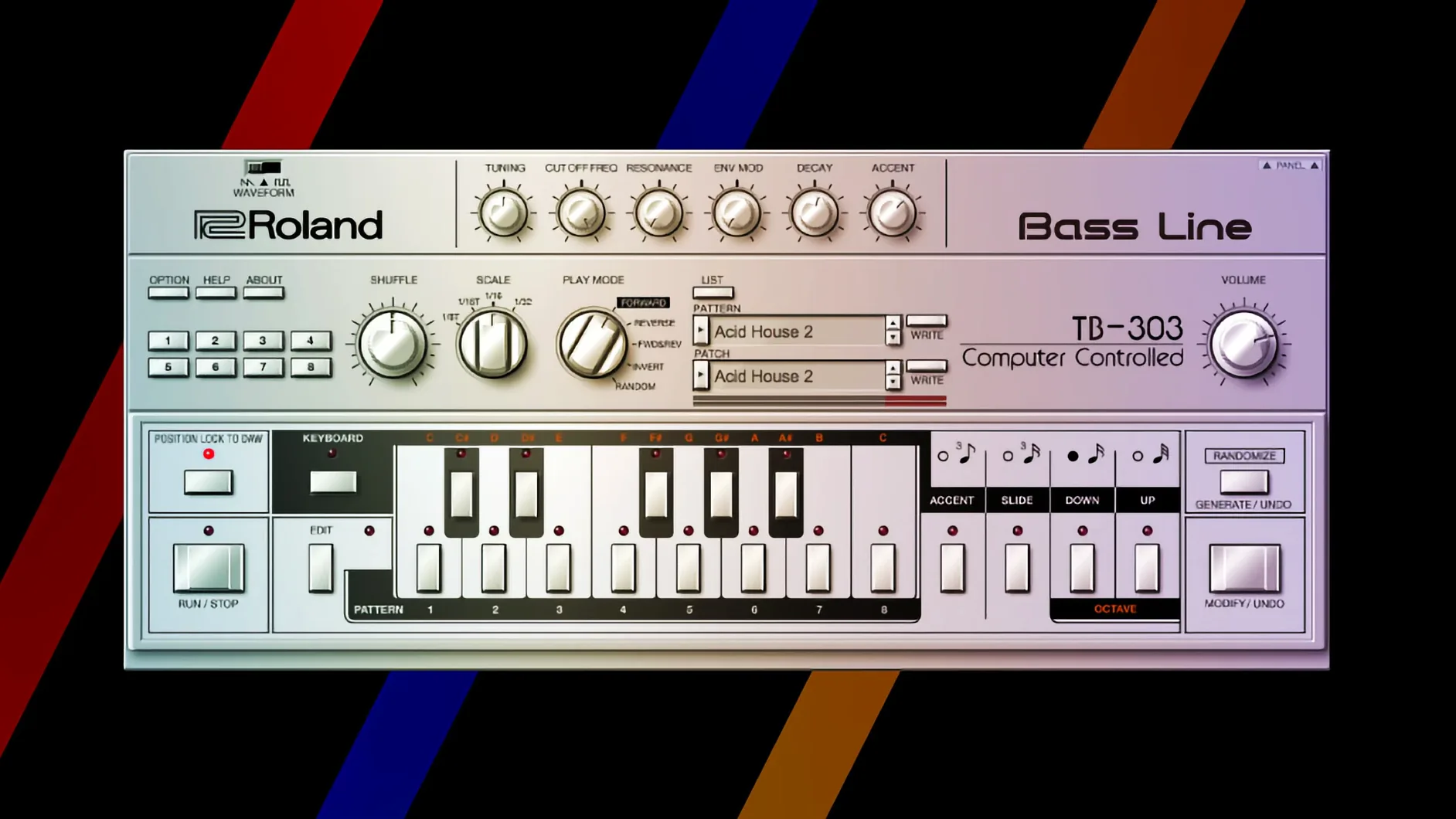
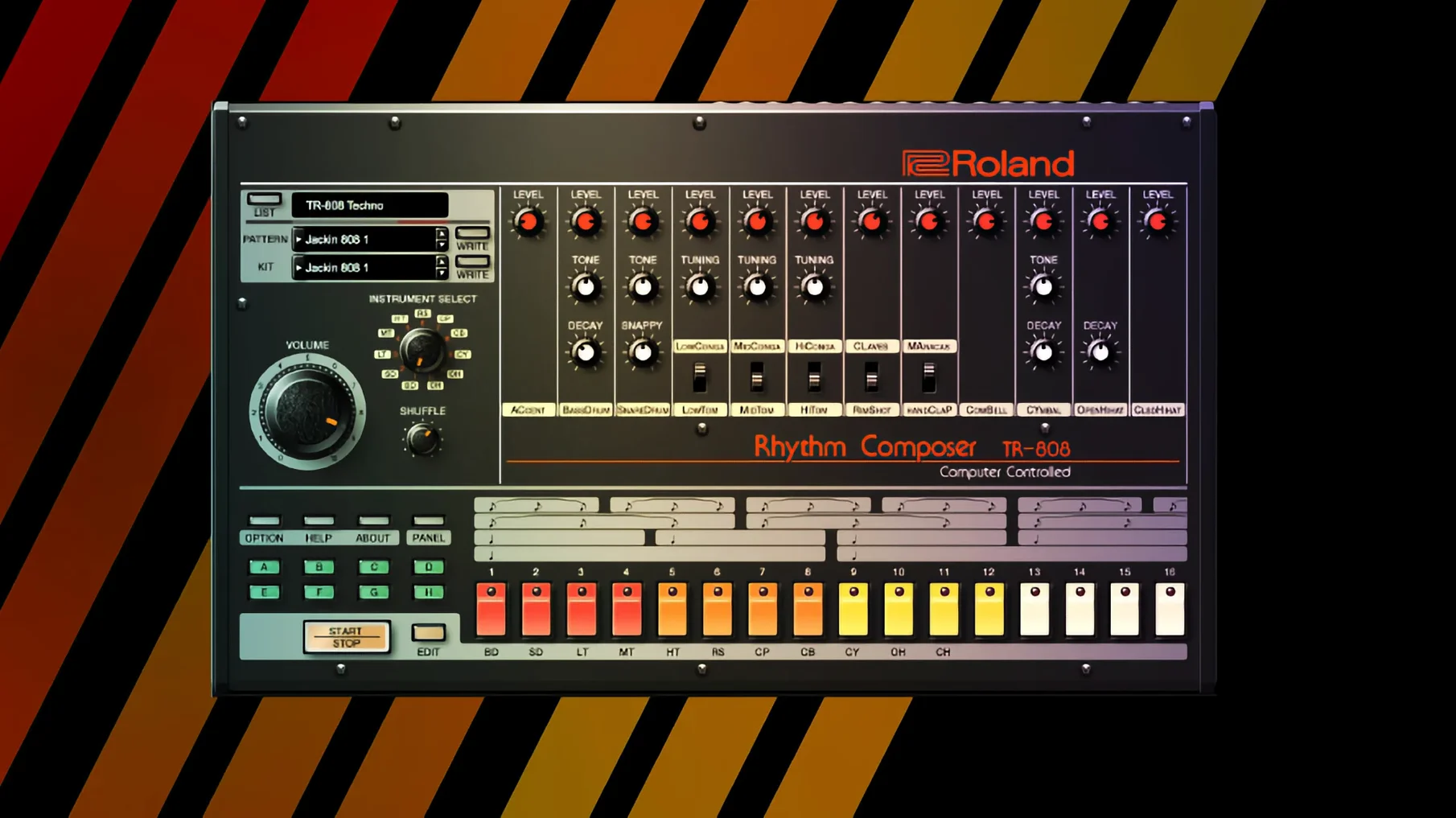
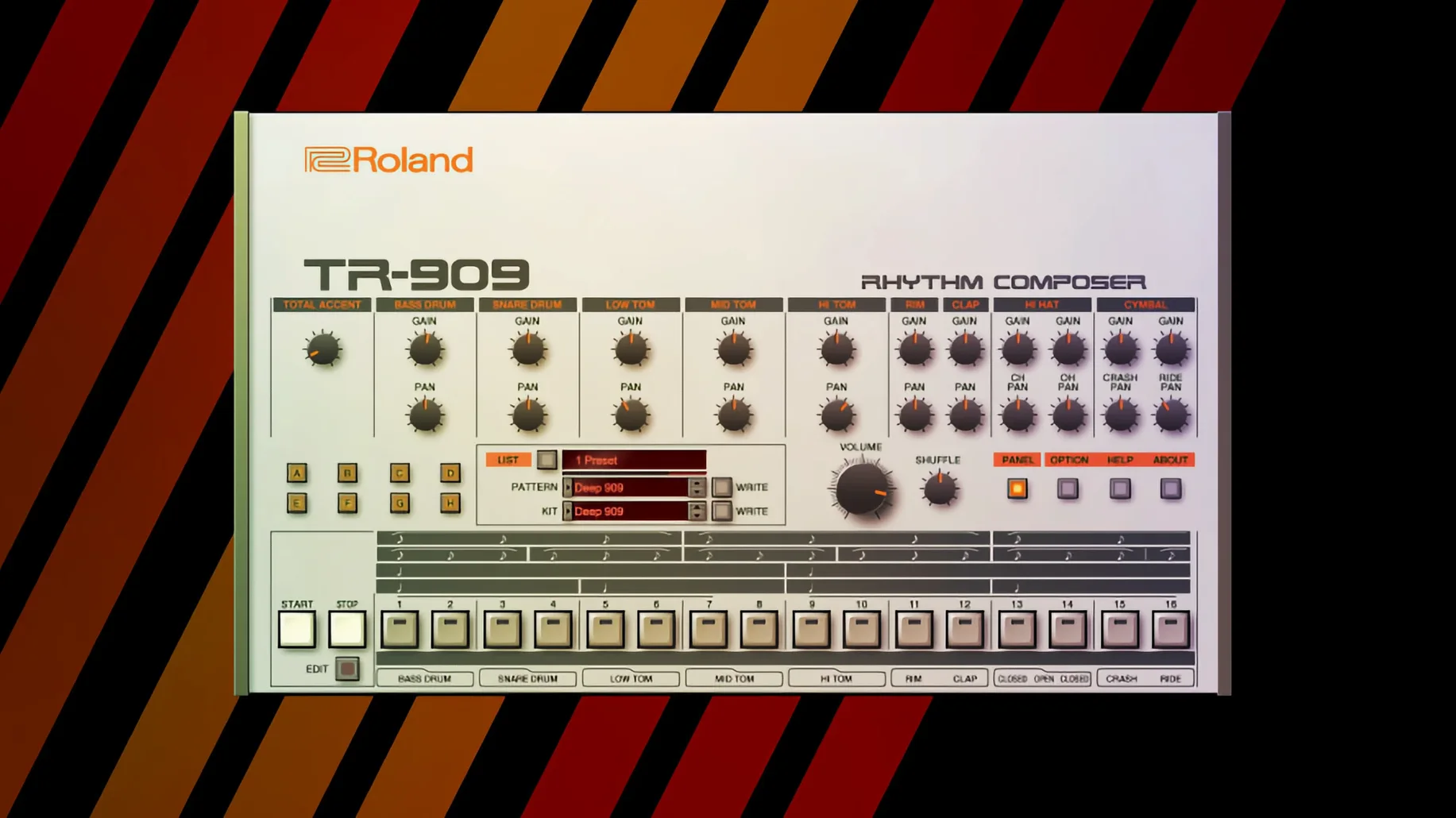
ACB modelling powers the JUPITER-8. It's one of five recreations in this collection, alongside the D-50, JUNO-60, TR-808, and TR-909. Here is how they fit on a Mac.
Runs native on Apple Silicon and Intel Macs
The collection needs macOS 11 or later and runs natively on both Apple Silicon and Intel 64-bit architectures.
Know what's inside
You get five Legendary instruments plus a v2 subset with the JUPITER-4, JUPITER-8, and JUNO-106. Each supports DAW integration and comes with modern effects.
Pick a sound role
Fix missing plugins with a DAW rescan
Most issues trace back to two things: authorisation hiccups and DAW recognition. Here is a short checklist.
- Plugin doesn't appear in the DAW. Rescan your plugin folder. In Logic, use the Plug-in Manager. In Ableton, hold
Altand click Rescan. If it still fails, the AU or VST3 may need dragging into the correct folder manually. - Interface is tiny on a Retina display. The v2 instruments (JUPITER-8, JUPITER-4, JUNO-106) scale properly. Older ones do not. Run your DAW in Low Resolution mode for the D-50 or TR-808 if the window feels cramped.
- Crackles and dropouts at low buffer sizes. The ACB engine is hungry. Bump your buffer to 256 or 512 samples while tracking. You can drop it for mixing.
- MIDI mapping resets after a restart. Save your mapping as a DAW preset, not inside the plugin. Roland's internal MIDI learn does not always persist across sessions.
- TR-808 or TR-909 outputs are silent. Check the internal mixer. Individual drum channels default to the main out, but a muted channel strip inside the plugin kills the sound.
Replace a rack of hardware with five Roland classics
Not every producer needs this collection. Three groups benefit the most.
DAW-based producers who want hardware tone without the bulk. If your studio is a MacBook and a pair of headphones, five classic Roland machines in plugin form replace a wall of vintage gear. The JUNO-60 alone covers pads and basses that sit in a mix without extra processing.
Sound designers who layer textures. The D-50's digital attack transients combined with the JUPITER-8's analog-style body create hybrid patches that neither synth can produce alone. Stacking two Legendary instances inside a DAW instrument rack opens that up.
Users already on the Roland Cloud platform. If you use Zenology or other Cloud instruments, the Legendary Series shares the same download manager and folder structure. You already know the install rhythm.
It is less suited to someone who wants one synth and no extras. The collection makes sense when you reach for at least three of the five instruments regularly.
Keep the internal effects on to match demo tones
- Ignoring the internal effects. Each instrument ships with Roland's modern reverb, delay, and modulation blocks. New users often disable them, then wonder why the sound feels flat compared to demo tracks. Leave them on while you learn the sweet spots.
- Dialling in the same settings as a hardware photo. A JUNO-60 patch that sounds warm through a physical mixer and tape machine will feel sterile on a raw plugin track. Add subtle saturation or a channel strip emulation after the plugin.
- Not saving instrument states. The Legendary plugins do not auto-save your last session state outside the DAW project. If you tweak a TR-909 kit for an hour and close the window without saving a preset, it is gone.
- Running too many instances. Four JUPITER-8s plus two TR-808s on a base-model MacBook Air will choke the CPU. Freeze or bounce tracks early.
Shift-click any knob to reset it instantly
These shortcuts speed things up once the instruments are loaded.
- Shift-click a knob to reset it. Works across all Legendary plugins. Faster than hunting for a default value in the manual.
- Right-click for MIDI learn. Instead of opening a mapping menu, right-click any control and move your hardware knob or fader. The assignment sticks for that session.
- TR-808 and TR-909 pattern drag-and-drop. You can drag a programmed pattern straight from the plugin into a MIDI or audio track in Logic and Ableton. No need to route extra outputs for a quick arrangement.
- JUNO-106 chorus noise floor. The v2 recreation includes the original chorus circuit's background hiss as a switchable option. It is off by default. Enabling it adds authenticity on headphone listens.
- D-50 partials as layering tools. Each D-50 patch is built from two partials plus an upper and lower tone. You can mute one partial entirely and use a single PCM attack transient layered under a JUPITER-8 pad for a completely new hybrid sound.
Use these for pads, basses, leads, and rhythmic parts. The TR-808 and TR-909 handle drum programming, while the synths cover melodic and chord work.
- macOS 11 or later
- Apple Silicon or Intel 64-bit processor
Questions the team asks
It includes the D-50, JUNO-60, JUPITER-8, TR-808, and TR-909, with v2 instruments adding the JUPITER-4 and JUNO-106.
Yes, the collection supports ARM and x86 64-bit architectures from macOS 11 onwards.
Yes, all instruments support DAW integration for use in your production workflow.



Comments 0
Sign in or create an account to add a comment.
No comments yet. They go up after moderation.