
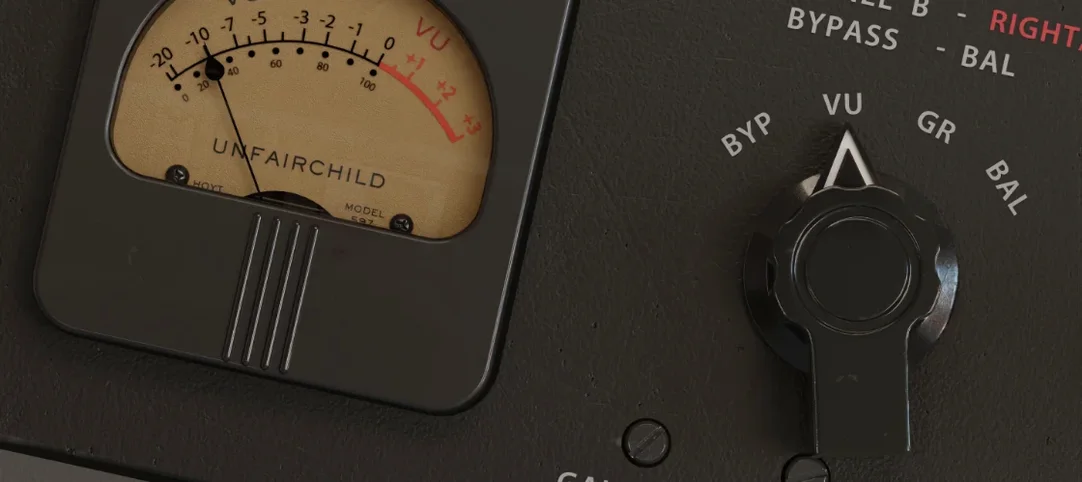
UnderTone Audio UnFairchild — Mac download
Download (220 MB) Earlier builds
Ticked
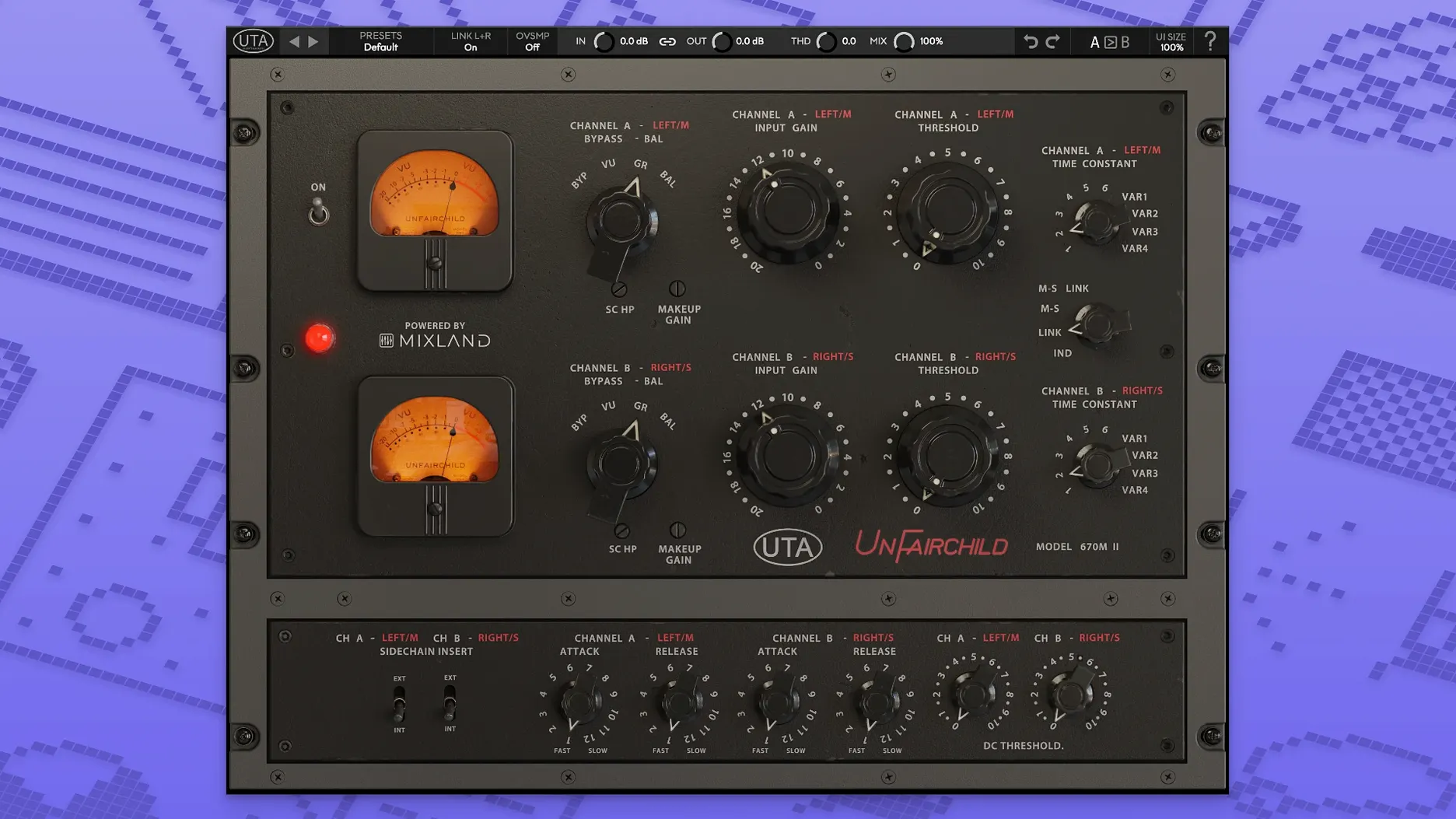
The unfairchild plugin is a painstaking recreation of the Undertone Audio UnFairchild 670M mkII vari-mu compressor, developed with MIXLAND and Eric Valentine. It runs in VST3, AU and AAX formats on macOS 10.13 and later, with native Apple Silicon and Intel support.
Side chain processing is included. True bypass keeps the signal path clean when the processor is disengaged. A wet/dry control lets you blend compressed and uncompressed signals for parallel compression without extra routing. MS function and fine left/right balance adjustment give you precise stereo image control.
Six original preset time constants sit alongside four variable time constants. That range shapes the attack and release behaviour from the original hardware's fixed points through to completely free adjustment. An overall THD control adds harmonic saturation, from subtle warmth to obvious colour.
The single-window interface is in English. All controls sit on one panel, laid out to mirror the hardware's signal flow. Installation and activation instructions come in the package.
Mono, stereo, and aux duties across any DAW
UnFairchild works across any DAW that hosts AU, VST3 or AAX plug-ins — Logic Pro, Ableton Live, Pro Tools, Reaper, Cubase and Studio One all handle it. Insert it on a mono or stereo channel, on an auxiliary track for parallel processing, or on the mix bus.
The wet/dry control means you do not need to set up extra sends and returns for parallel compression. Dial the mix directly on the plug-in panel. MS processing plays well with analyser plug-ins after it in the chain: compress the mid channel while leaving the sides open, then check the stereo spread with a meter.
macOS 10.13 compatibility keeps it available on older machines still running High Sierra. Apple Silicon support on newer Macs means low latency and stable CPU usage, even at 96 kHz sessions. The true bypass circuit plays nicely with DAW bypass commands — no pops or latency shifts when toggling.
Drum bus starting point with time constant 3 and THD at 9 o'clock
- Start on a drum bus with preset time constant 3 and THD at 9 o'clock. Push the input until the needle moves 3–4 dB on the loudest hits. Adjust the wet/dry to 70% wet and listen.
- Check the DC Threshold default before you touch anything else. The control is easy to overlook. A setting too low can thin out low-end on bass-heavy material.
- Test Feed-Back versus Feed-Forward on a vocal track. Feed-Back gives the classic vari-mu grab and release; Feed-Forward is tighter, better for fast transients.
- Map output level to a MIDI controller knob if your DAW supports it. The output stage adds its own colour, so riding it during a pass can create movement without touching the threshold.
- Save a default preset with your preferred routing — side chain engaged or not, MS on or off. The plug-in loads blank each time unless you save one.
A complete drum parallel compression workflow
- Route all drum channels to a stereo bus. Insert UnFairchild on that bus.
- Set time constant to 2 — quick attack, medium release. Switch to Feed-Forward mode.
- Engage the side chain high-pass filter if your DAW's side chain routing allows it. Send the kick drum to the side chain input so it does not trigger excessive gain reduction.
- Pull the wet/dry fully wet. Drive the input until gain reduction peaks at 5–6 dB on snare hits.
- Back the wet/dry to 50%. The dry signal preserves transients; the compressed signal adds body and sustain.
- Increase THD to 11 o'clock for harmonic weight on the compressed side only. The dry path stays clean.
- Check the left/right balance with a stereo meter. If the overheads pull the image off-centre, use the fine balance adjustment to correct it.
- Toggle true bypass on and off. Match perceived loudness with the output level control, not the threshold.
- macOS 10.13 or later
- Intel or Apple Silicon processor
- VST3, AU or AAX host
Questions the team asks
It runs in VST3, AU and AAX formats on macOS 10.13+ and Windows, with support for both Intel and Apple Silicon Macs.







Comments 0
Sign in or create an account to add a comment.
No comments yet. They go up after moderation.