

Piezo — Mac download
Download (15 MB) Earlier builds
Ticked
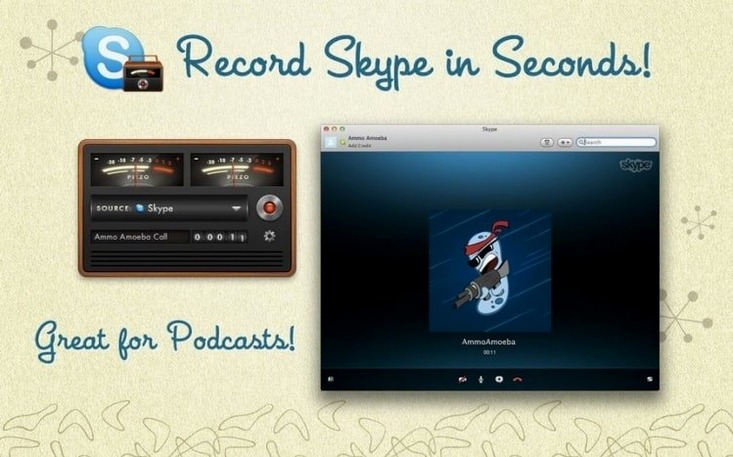
You're about to hop on a Skype call with a remote team. You need a clean recording of both sides of the conversation—no fuss, no multi-track routing. You open Piezo, pick Skype from the source list, and click record.
Tools for the detail-minded
- Per-channel recording. Save audio from different sources into separate channels. Edit each side of a VoIP call independently later.
- Application-aware capture. Piezo sees your running apps. Select one and it records only that app's output, ignoring system alerts and other noise.
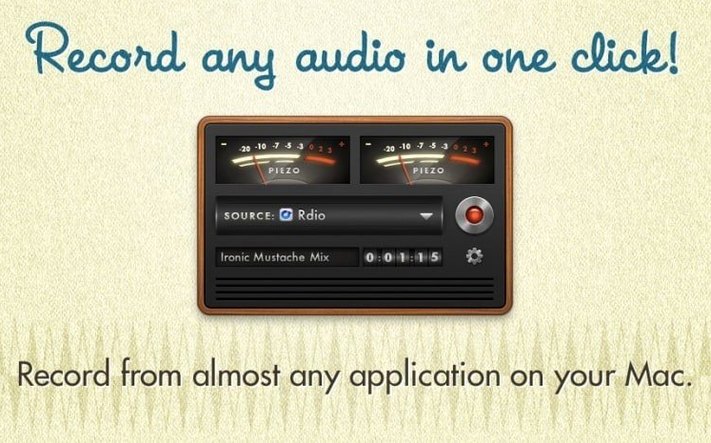
- Zero-config start. No virtual devices to create, no routing matrices. Choose your source and go.
- Input flexibility. Switch between application audio and hardware inputs like microphones without touching System Settings.
What quiet improvements look like
Version 1.9.10 brings full support for macOS 27 and drops the launch warning that used to appear. That's it. Piezo stays out of the way so you stay focused on the recording, not the recorder.
Grabbing a demo from Chrome before lunch
Imagine Tuesday morning. A colleague in Berlin pings you: “Can you grab the audio from the product demo in Chrome? I need it by lunchtime.”
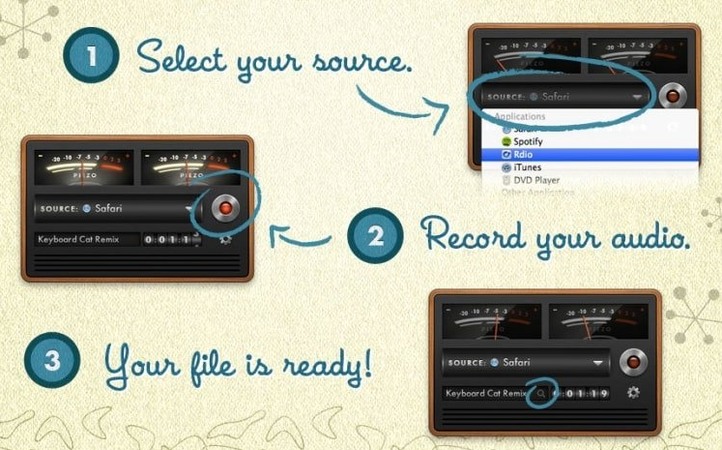
- Open Piezo. The main window presents a source selector and a large record button. No panels to hunt down.
- Pick your source. Chrome appears in the application list. Select it. Piezo's meters flicker as it locks onto the browser's audio.
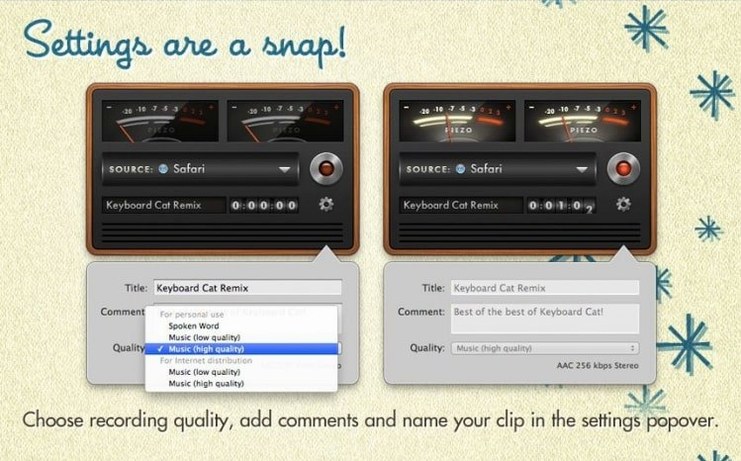
- Name the clip. Type “product-demo-take2” in the label field. Add a quick comment: “post-Q&A section only.”
- Set quality. Leave it on the default AAC setting. Good enough for a reference recording.
- Hit record. Play the demo. Piezo captures everything Chrome outputs—no system dings, no Mail notifications bleeding in.
- Stop and find the file. The recording lands in your Music folder, named and timestamped. Drag it straight into a Slack message.
Six steps, under two minutes. That's the rhythm Piezo works to.
Why your app isn't in the source list
- “I can't see my app in the source list.” The application needs to be running first. Launch the app you want to capture, then look again. If it still doesn't appear, the app might be routing audio through a helper process—check for companion processes with similar names.
- “Recording is silent.” Piezo captures at the system level, so make sure the source app's own volume isn't muted. Also confirm you haven't selected a microphone input by mistake when you meant to grab application audio.
- “The file is huge.” Recording quality defaults can produce larger files than expected for long sessions. Drop the quality setting one notch for voice-only calls—you won't hear the difference.
- “VoIP calls record only my side.” Some VoIP apps split input and output streams. If you need both sides, try selecting the app's output rather than the microphone. You might also need to check the app's audio output device in its own preferences.
A quick piezo for mac free download search leads many users here. Once installed, these small adjustments sort most early stumbling blocks.
- Full support for macOS 27.
- Launch warning on macOS 27 removed.
- macOS 14.4 or later
- Apple Silicon or Intel Mac








Comments 0
Sign in or create an account to add a comment.
No comments yet. They go up after moderation.