
Native Instruments Reaktor — Mac download
Download (144 MB) Earlier builds
Ticked
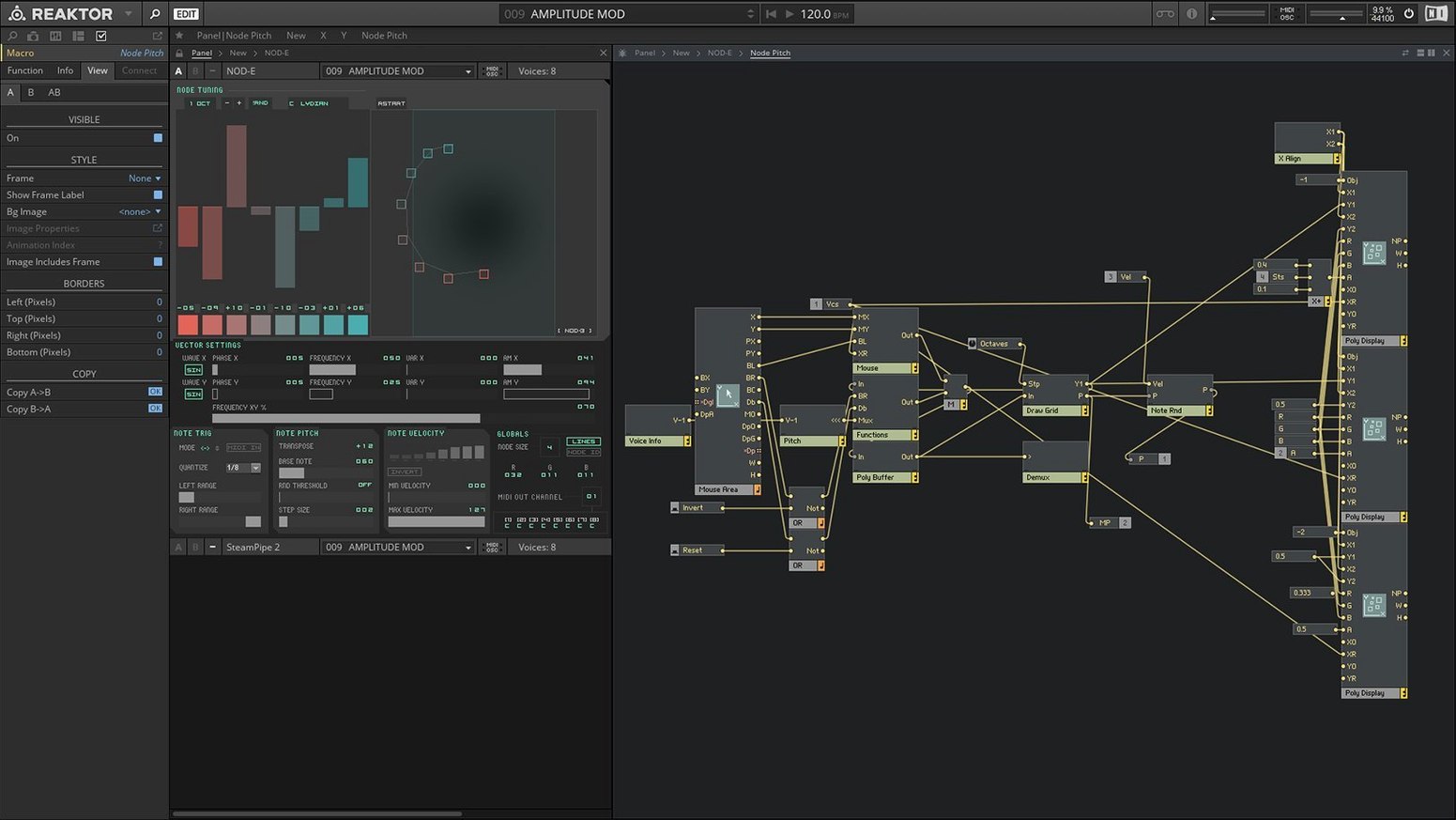
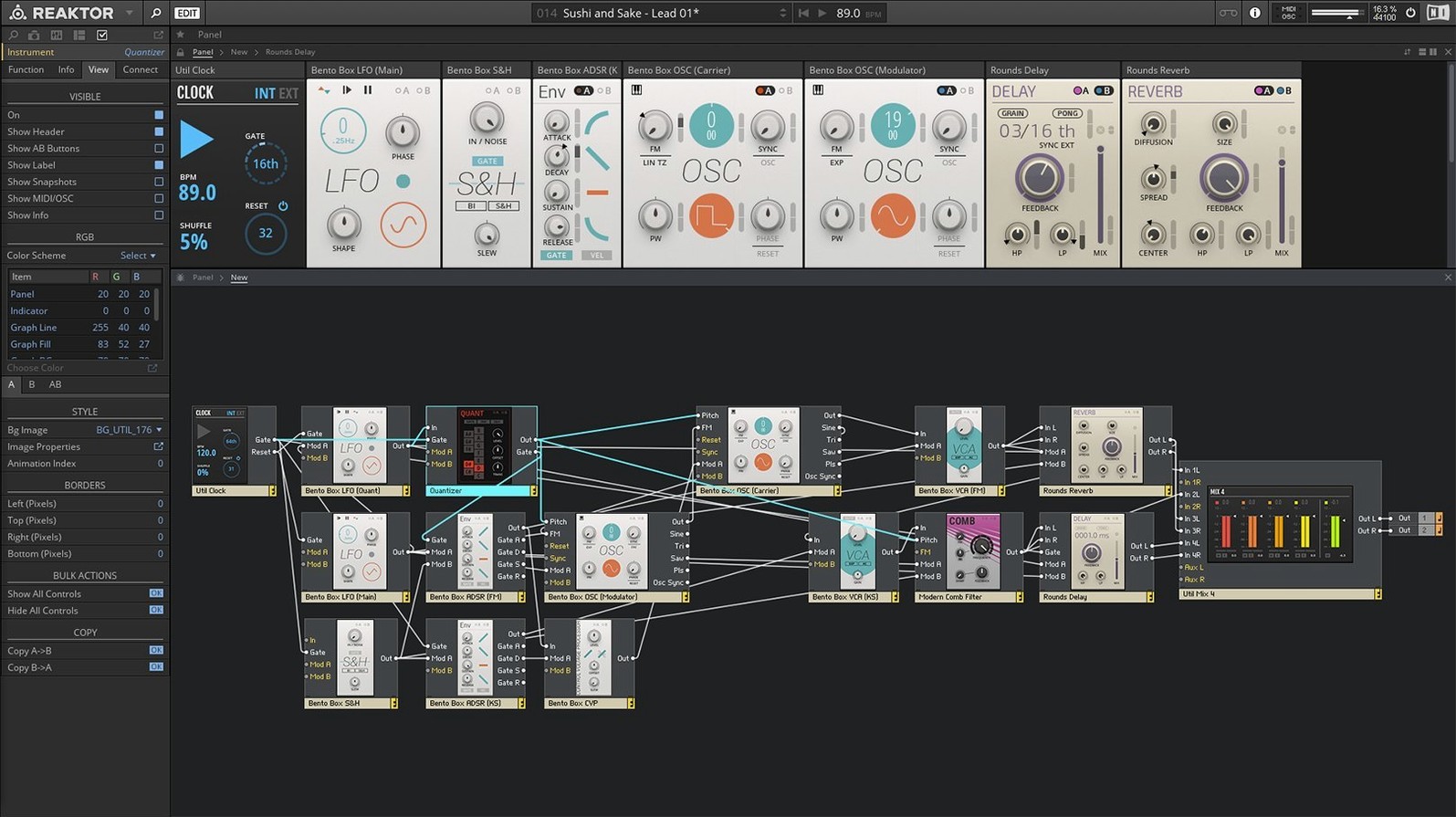
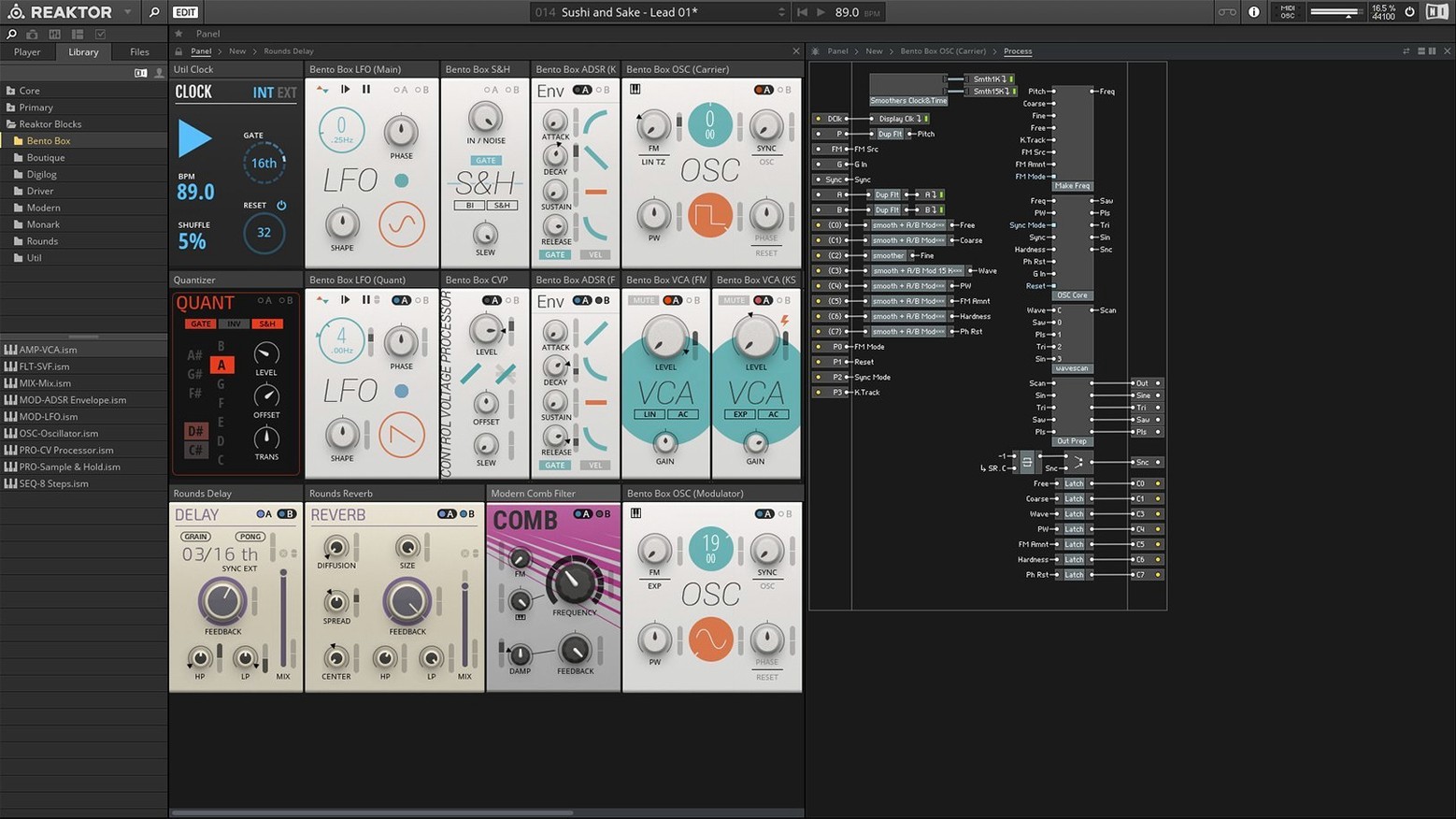
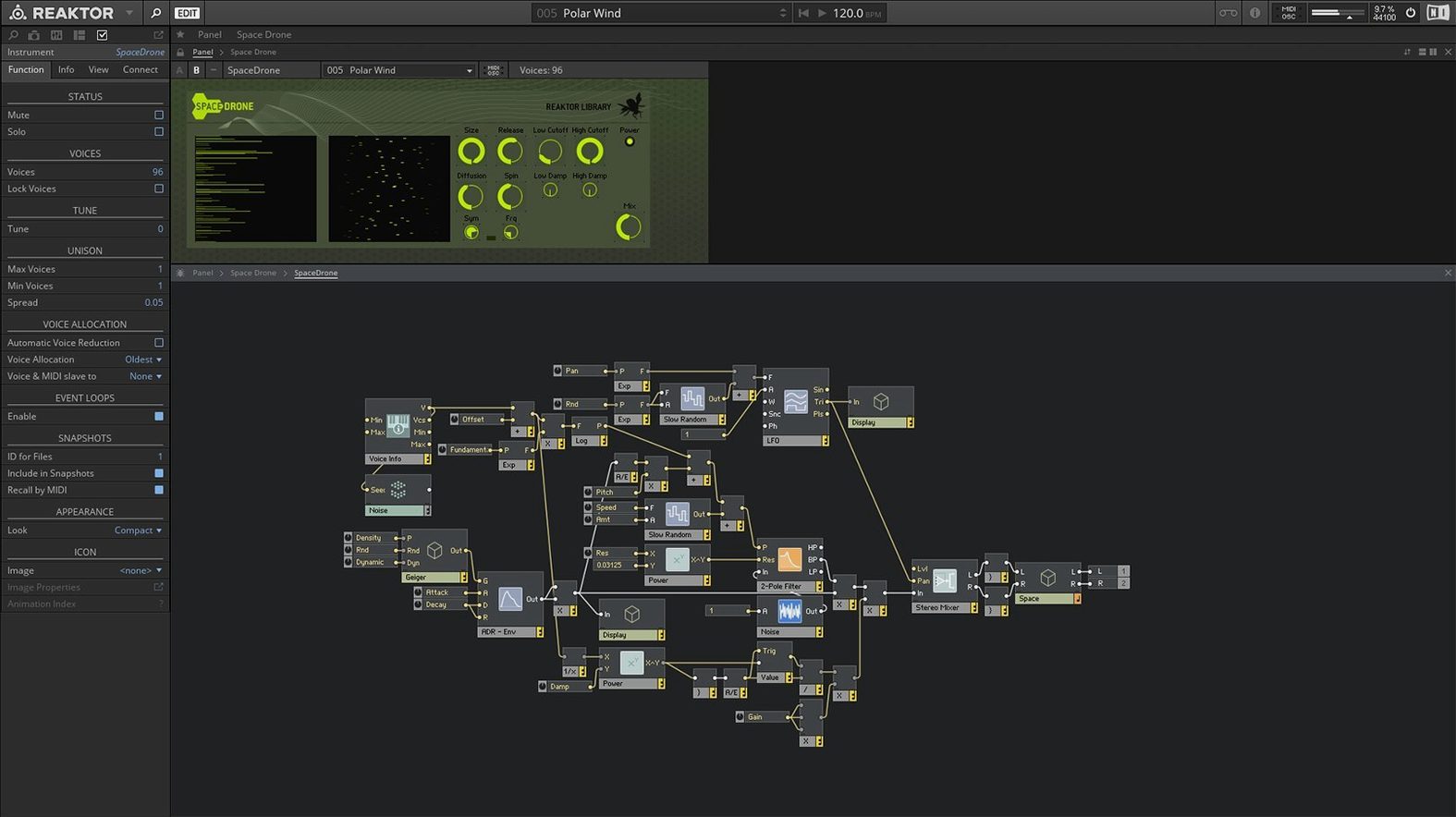
A patch window sprawls across the screen, wires connecting oscillators to filters you built yourself. The routing isn't fixed — you decide where the signal flows.
Build a custom module
Reaktor Core Technology lets you edit at the block level visually — draw the structure, set the parameters. No pre-built limits.
Pull apart an existing ensemble
Open any of the 23 new instruments in version 6. Trace the wiring, swap a component, hear how the character shifts.
Browse the user library
Sound design for a short film score
A composer opens Reaktor standalone on a MacBook Pro. She needs a tense, evolving drone for a single scene. She loads Razor, one of the 23 included instruments, and automates the filter cutoff with a slow LFO. The partials shift against each other. She records eight bars straight into the DAW via the plug-in bridge, then layers a second pass with a granular ensemble from the user library. The whole patch stays inside Reaktor — no external effects, no extra routing. Twenty minutes, one usable stem.
Match your interface sample rate to avoid timing drift
- Sample rate — set it to match your audio interface in File > Audio and MIDI Settings. Mismatched rates cause timing drift in sequenced ensembles.
- Multicore support — enable it in the same panel. Large Blocks will split processing across CPU cores, which keeps polyphonic patches from crackling.
- MIDI controller mapping — right-click any knob, choose Learn, and move a hardware control. Do this for three or four parameters and save the ensemble. Your hands stay off the trackpad during playback.
- UI zoom — under View, bump the scaling to 125% or 150% on a Retina display. Panel labels become readable without squinting at small text.
Start typing to filter the whole library instantly
- Quick search in the library — start typing with the browser focused. Reaktor filters across instrument name, creator, and tags without clicking a search field first.
- Structure view shortcut — double-click an empty part of the panel background. You jump straight into the wiring layer. Double-click empty space again to return.
- Snapshot morphing — store two snapshots in the Snapshot pane, then hold Shift and drag the slider between them. The values interpolate in real time. Useful for finding sweet spots between a pad and a lead.
- Wire cleanup — select a module and press Ctrl+R (or Cmd+R on Mac). Reaktor tidies the connected cables into straight angles. A small thing that stops large builds looking like a plate of spaghetti.
- Bring your own samples — drop a WAV or AIFF file onto the panel of any sampler-based ensemble. Reaktor maps it automatically. No import dialog, no reloading the ensemble.
Producers who grab a reaktor 6 download often overlook the user library entirely. Thousands of free devices sit there — sequencers, glitch machines, physical modelling experiments — built by people who treat the platform as a second DAW. A reaktor torrent might get you the core app, but the community instruments are what keep the canvas fresh long after the factory library feels familiar.
Filter by synth, effect, or sequencer — community devices show techniques you would not think to try on a blank canvas.
- Reaktor Core Technology added for visual building of custom modules at the signal level
- 23 new instruments included, covering synths, effects, and sequencers
- macOS 10.15 or later (macOS 13, 14, 15 with latest update)
- Apple Silicon native or Intel 64-bit (Rosetta 2 supported)
- Interface language: English
Questions the team asks
Native Instruments states Reaktor 6 runs on macOS 10.15 and later, with the latest update covering macOS 13, 14, and 15.









Comments 0
Sign in or create an account to add a comment.
No comments yet. They go up after moderation.