
Logic Pro — Mac download
Download (1.5 GB) Earlier builds
Ticked
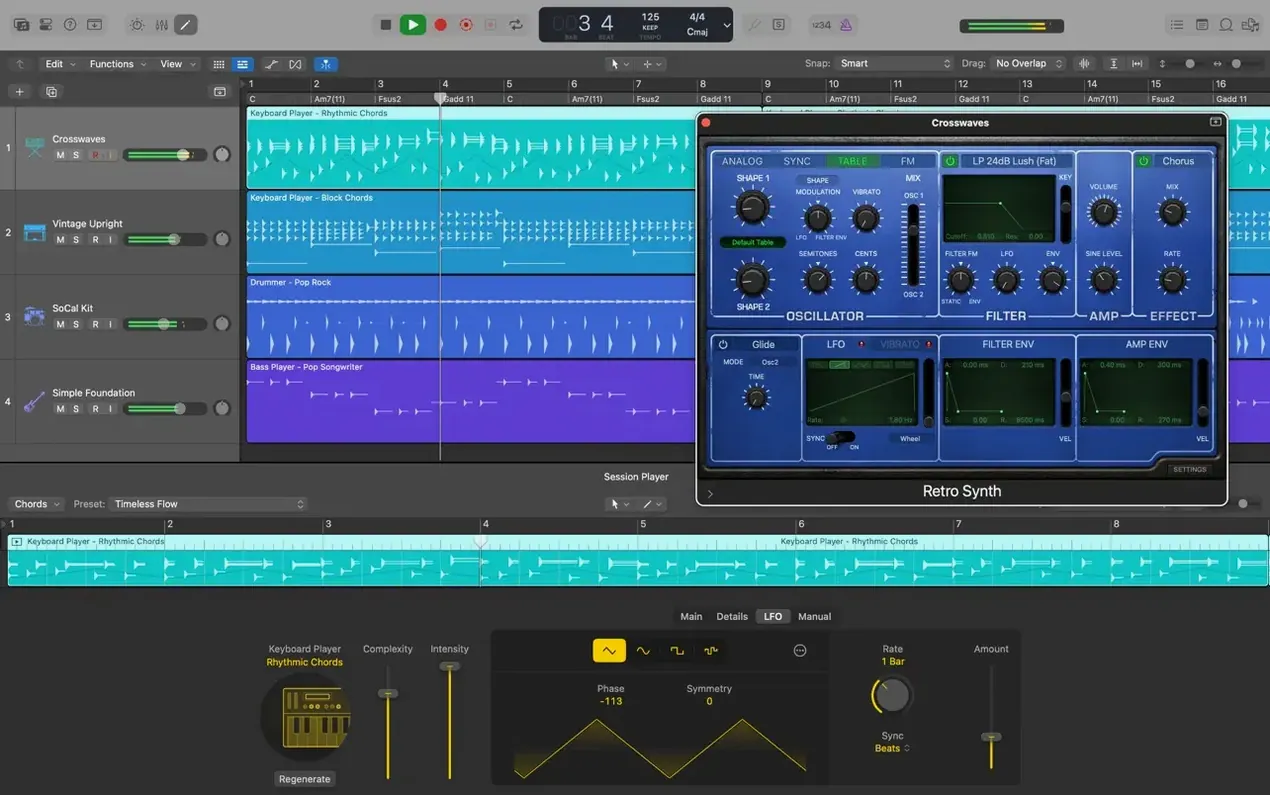
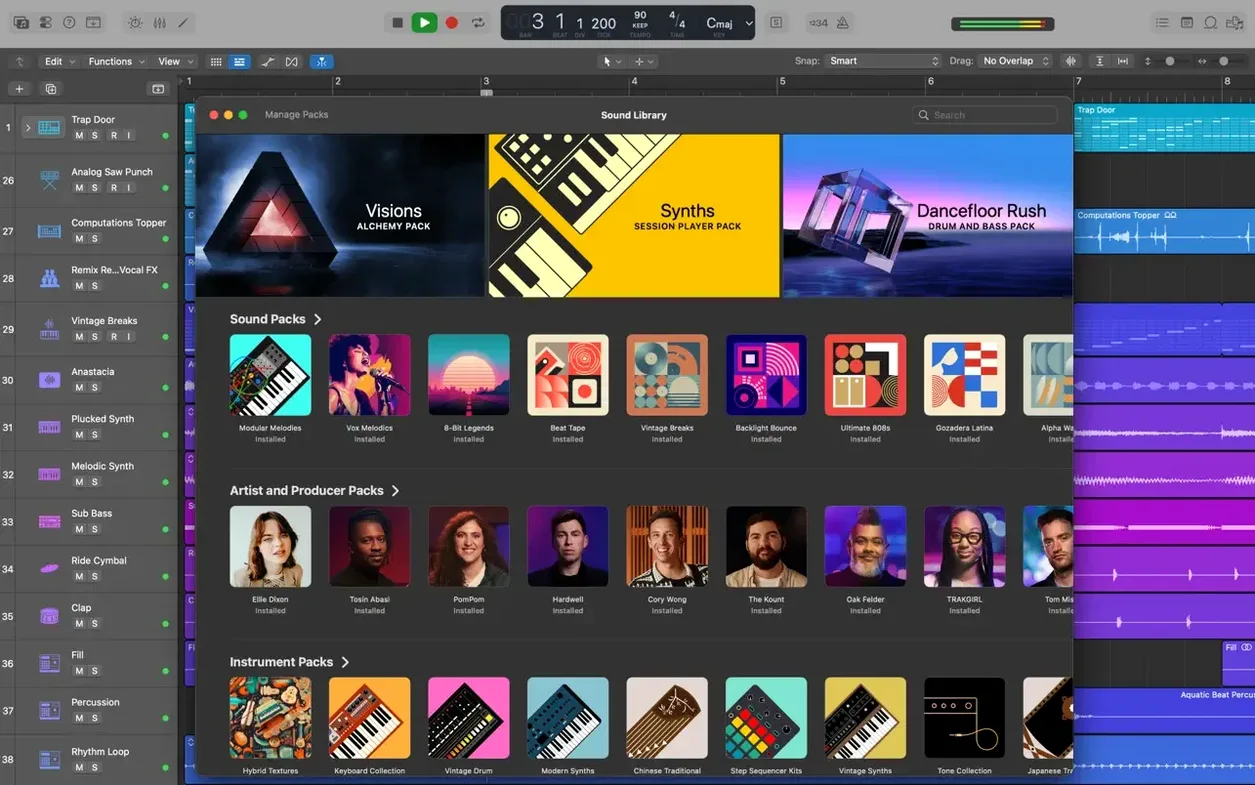
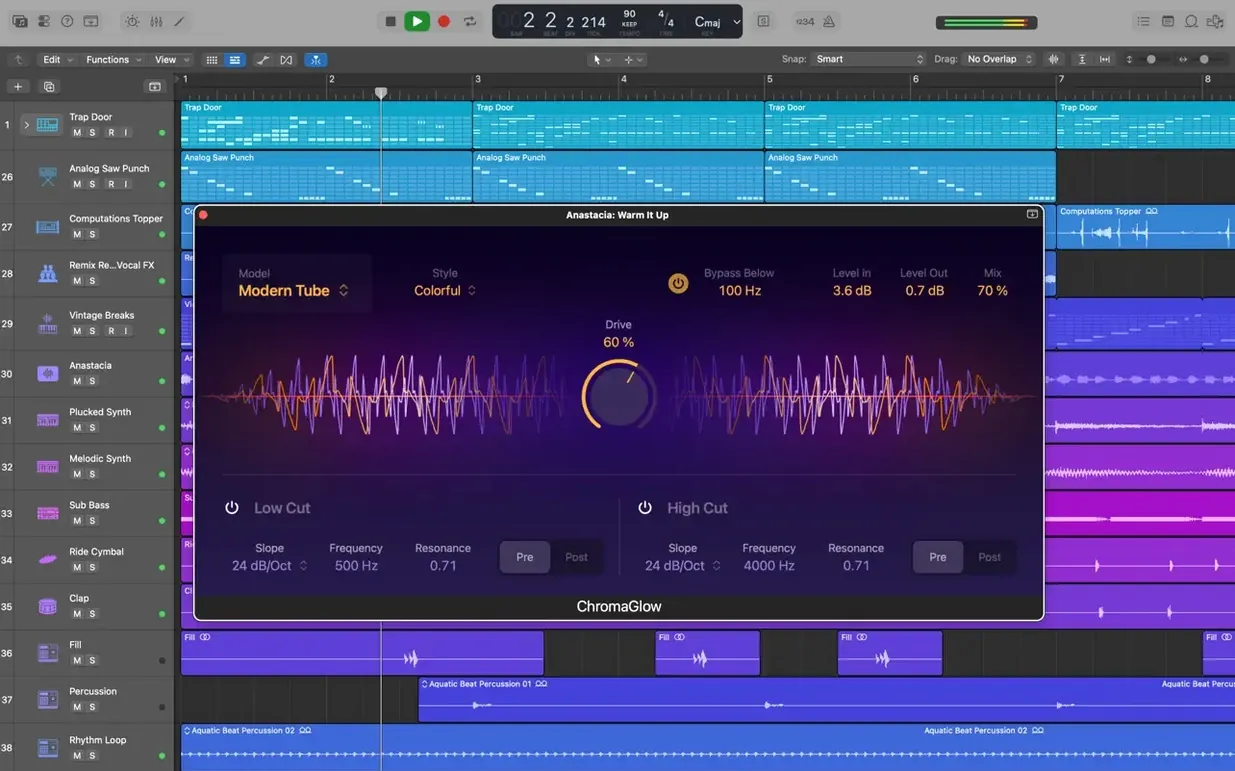
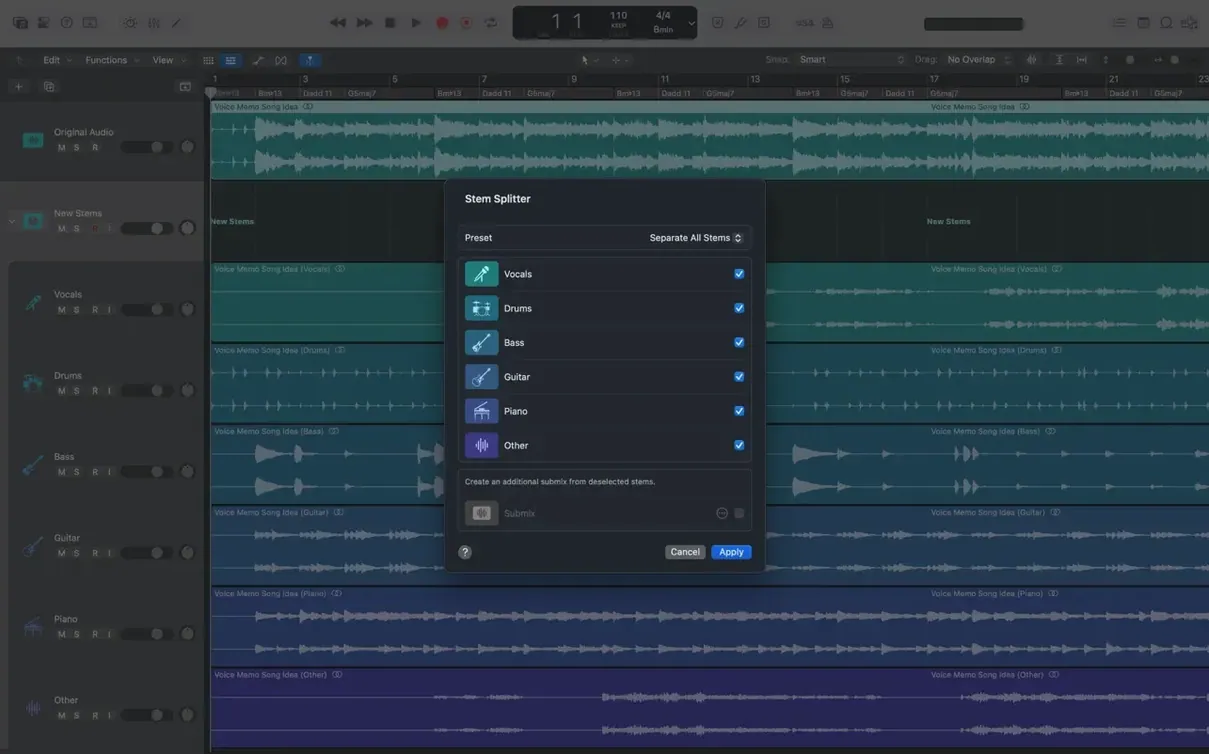
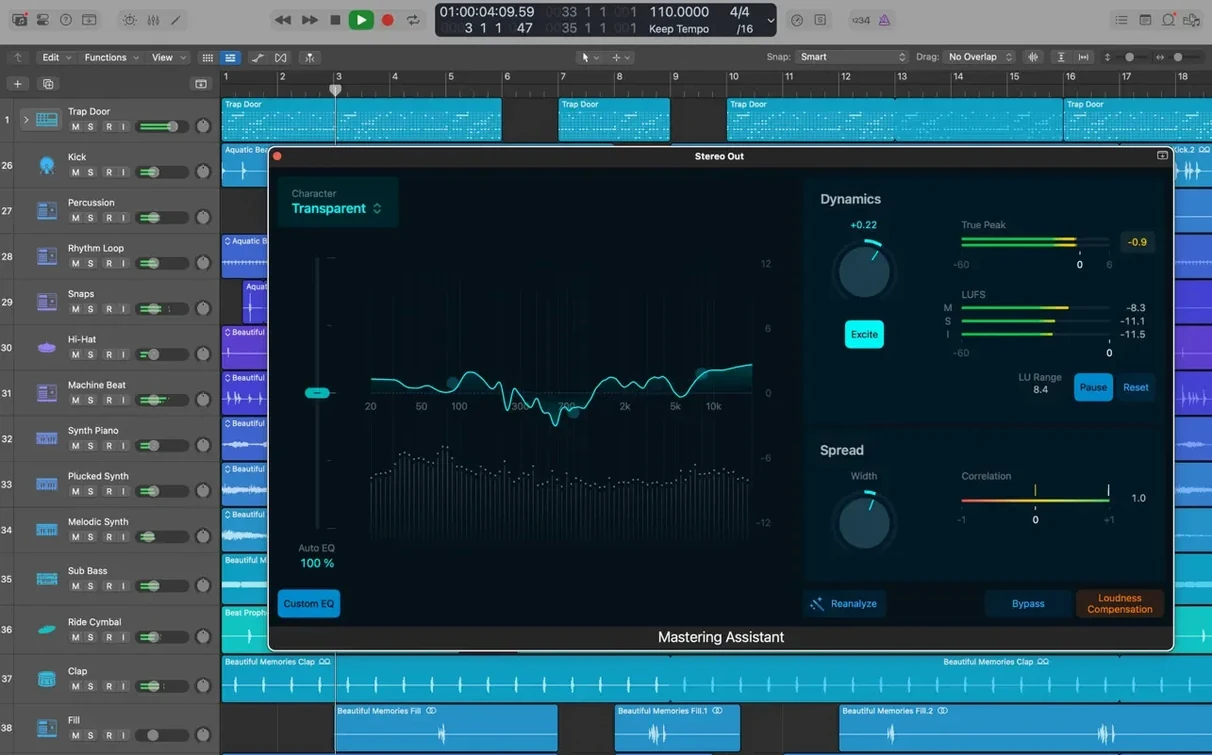
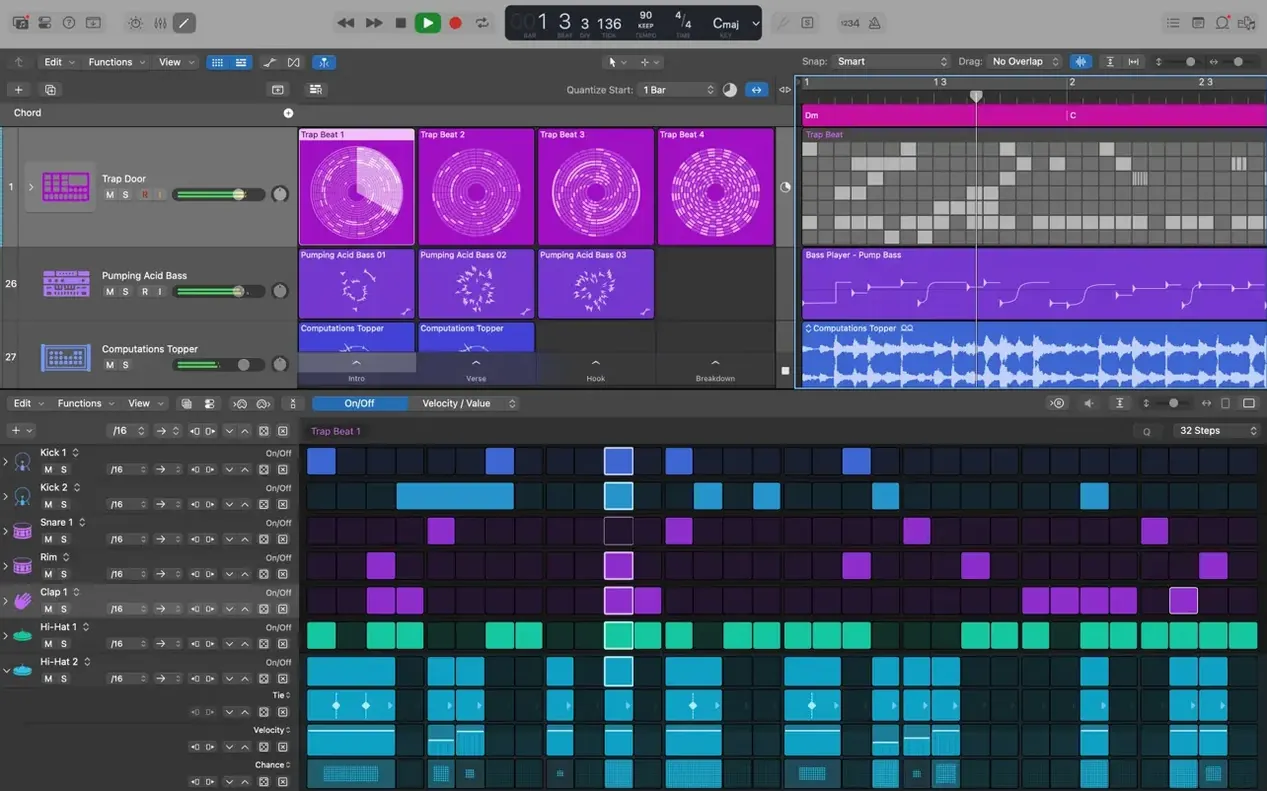
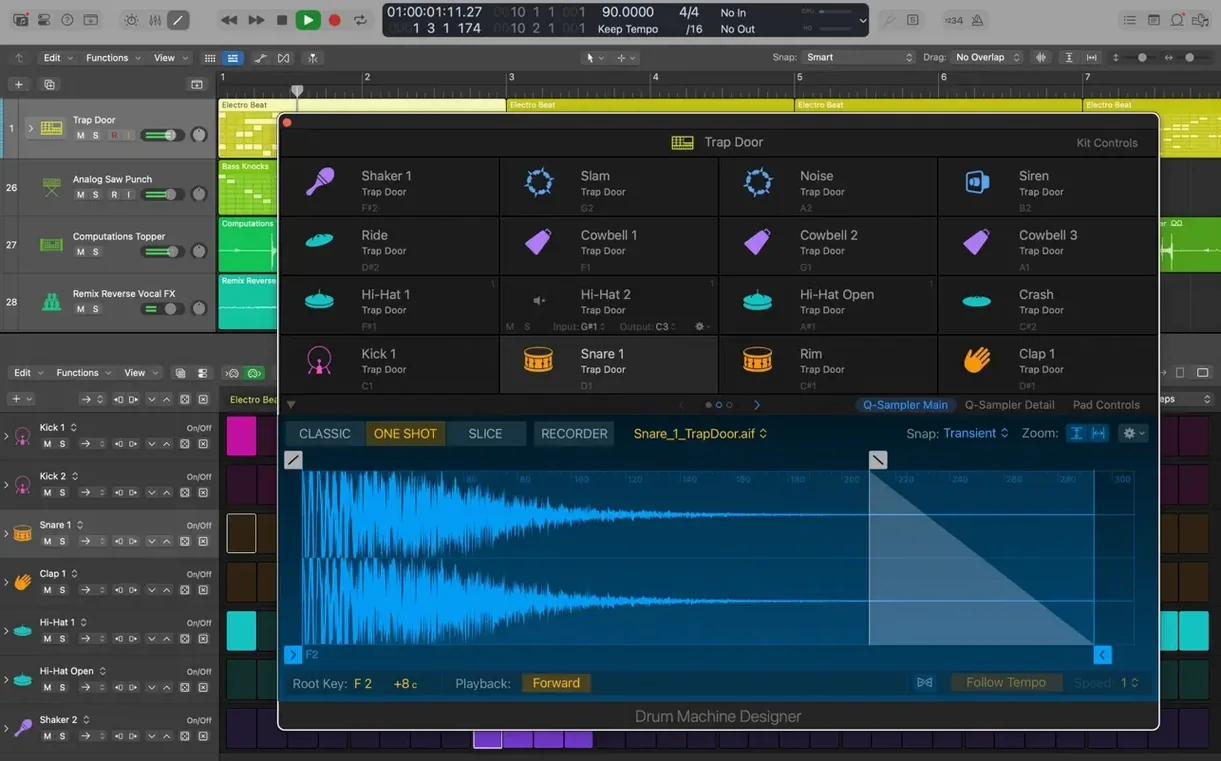
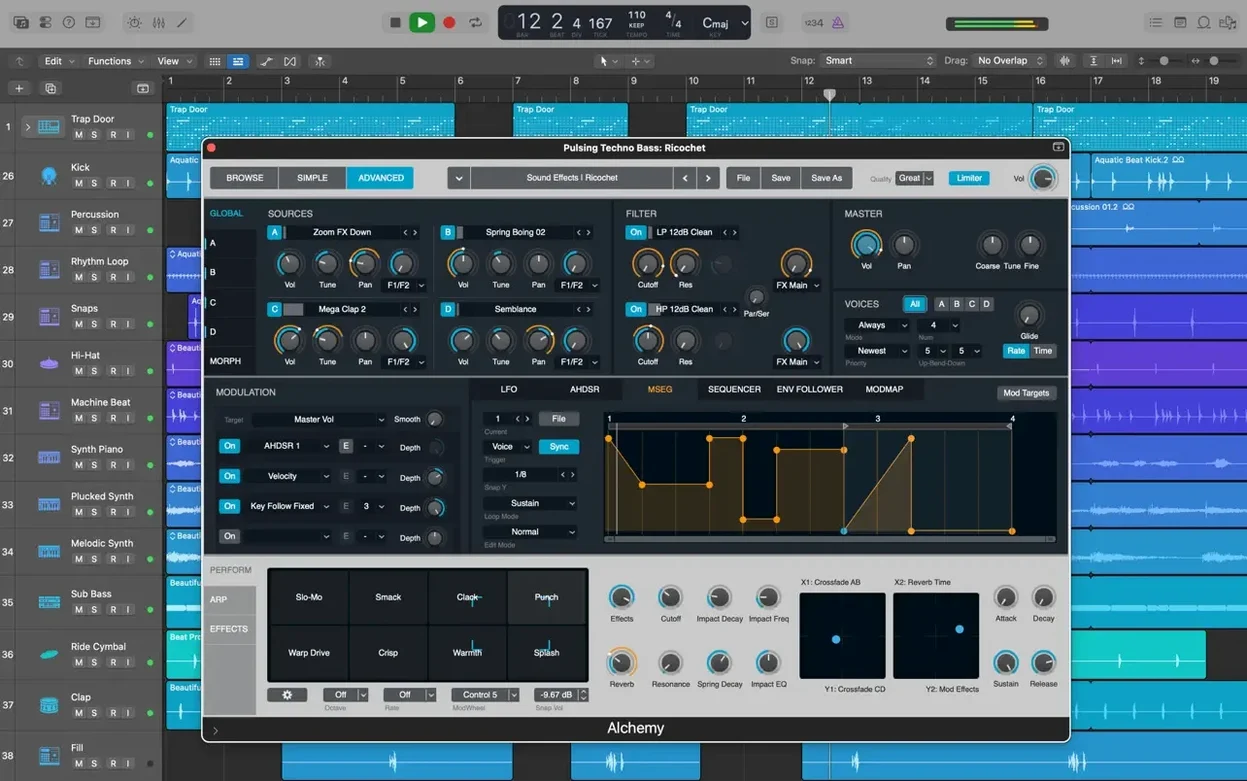
Version 12.3.1 tidies things up. Dragging a crossfade edge works again. Beat mapping transients stay where you put them. The Score follows Staff Style changes properly. A video in a project no longer causes unexpected quits, and navigating heavy track regions feels snappier.
Before anything else, check your Mac. Logic Pro 12.3.1 needs macOS 15.6. It runs on both Intel and Apple Silicon. 4 GB of memory gets you in; a 1280 × 768 display is the minimum. Disk space is the real ask — 6 GB for the essentials, 63 GB if you want the full Sound Library. 64-bit Audio Unit plug-ins are required.
Once it is running, you get a full recording and editing studio. Work with audio and MIDI regions. Flex Time lets you reshape timing and tempo. Quick Swipe Comping organises takes into a single comp. The Alchemy sampler synthesizer sits alongside Drum Kit Designer, Smart Controls that manage multiple plug-ins at once, and more than 2,800 instrument and effect patches.
Projects move between Mac and iPad via iCloud or GarageBand export. Final Cut Pro X gets XML import and export. More than 7,000 Apple Loops, plus tools for beat-making, songwriting, and remixing, round out the package. MainStage comes as part of Apple Creator Studio.
Sound Library stuck on "Downloading" forever
First launch can throw a couple of curveballs. Here is what I see most often.
- Sound Library sits at "Downloading" forever. A full install needs 63 GB. If your connection drops mid-download, open Logic Pro > Sound Library and choose Reinstall Sound Library rather than waiting.
- Previously working plug-in fails validation. After a macOS or Logic update, open Logic Pro > Settings > Plug-in Manager. Find the failed unit. Click Reset & Rescan Selection. If it still fails, check the developer has a 64-bit version that matches your macOS release.
- Project from an older Logic version opens with missing sounds. Logic reads projects back to Logic 5, but samples and third-party instruments may not migrate. Keep a note of which plug-ins a project uses before upgrading. Re-save the project as a folder with assets once everything is found.
- Cursor Tool modes feel sticky. 12.3.1 fixed this — modes activate immediately now. If you are on an earlier build, a quick Logic Pro > Settings > General > Editing reset of the tool behaviour can help.
- Audio recordings drift out of sync with video. Set the project sample rate to match the video's audio before importing. 48 kHz is standard. Flex Time can pull things back, but matching from the start is cleaner.
Set your audio buffer before you record a note
Once the Sound Library is downloaded, spend an afternoon on a few things that save hours later.
Set up your audio device early. Go to Logic Pro > Settings > Audio and choose your interface. Set the I/O buffer low for recording (64–128 samples), higher for mixing (512–1024). This avoids pops during tracking and overloads during playback.
Build two template projects. One for recording — armed tracks, a rough Drummer groove, a bus with a light compressor. One for mixing — empty, with your preferred colour-coded track groups and sends already routed. Save them as templates. You will not start from scratch again.
Learn Track Alternatives before you need them. Right-click any track header and choose Track Alternatives > New. Use them to try arrangement edits, different plug-in chains, or a stripped-down version of a part without losing the original. Switching between them is instant.
Tag your Apple Loops. With more than 7,000 loops included, the browser can overwhelm. Favourite the ones you use often. Create keyword collections for your own recordings. The Loop Browser search is fast, but a curated set is faster.
Start a sketch in GarageBand iOS, finish in Logic
Logic Pro does not sit in a bubble. Apple has built several bridges worth knowing about.
GarageBand for iPad and iPhone. Start a sketch on the go. Export from GarageBand to iCloud, then in Logic choose File > Import > GarageBand iOS Project. Tracks, tempo, and rough arrangements come across. This is also how a logic pro 12 download session on Mac picks up work started on iPad.
Final Cut Pro X. Logic exports an XML file (File > Export > Project to Final Cut Pro X XML) that carries audio tracks, volume automation, and region placements. Hand it to a video editor and they get a timeline-ready mix. The import path works the other way too — pull a Final Cut XML in to rebuild an audio edit for further work.
Finder tags and Spotlight. Logic projects are packages. Add Finder tags to them before archiving. Months later, a Spotlight search for "client name + Logic project" brings up the exact version. No digging through folders.
Audio Unit hosts. If you use Plogue Bidule, Blue Cat's PatchWork, or host plug-ins inside Ableton Live, the same Audio Units you validate in Logic are available system-wide. Test them in Logic first — its validation report is the most detailed you will get.
Backup workflows. Logic's auto-save is solid, but Time Machine does not understand open project packages well. Close projects at the end of a session, or save a copy to a watched folder. Some engineers route their project folder through a cloud-sync service for an off-site backup.
A logic pro 10.5 download or a later build such as logic 10.7.9 download introduced features that now feel essential — Live Loops, step sequencing, and the expanded Sampler. 12.3.1 builds on those with the stability fixes listed. Whether you grab a logic pro 10.6.3 installer from an archive or a current build, the integration points above stay consistent. Many users who download logic pro free for the first time find the template and iCloud workflow the two things that shape their first week.
- Restores the ability to relocate beat mapping transients.
- Score now responds correctly to Staff Style changes in the Inspector.
- Right side of a crossfade can be dragged and extended again.
- Fix for an unexpected quit when playing MIDI in a project with video.
- Performance improvement when working with tracks that contain many regions.
- macOS 15.6 or later
- Intel or Apple Silicon
- 4 GB RAM
- 1280 × 768 display or higher
- 6 GB free disk space for minimum installation
- 63 GB free disk space for full Sound Library installation
- 64-bit Audio Unit plug-ins required
Questions the team asks
A minimum installation needs 6 GB of free space. Installing the complete Sound Library requires 63 GB.
Yes. The workflow is supported through iCloud and GarageBand export from the Mac version.







Comments 0
Sign in or create an account to add a comment.
No comments yet. They go up after moderation.