

Kontakt — Mac download
Download (1.6 GB) Earlier builds
Ticked
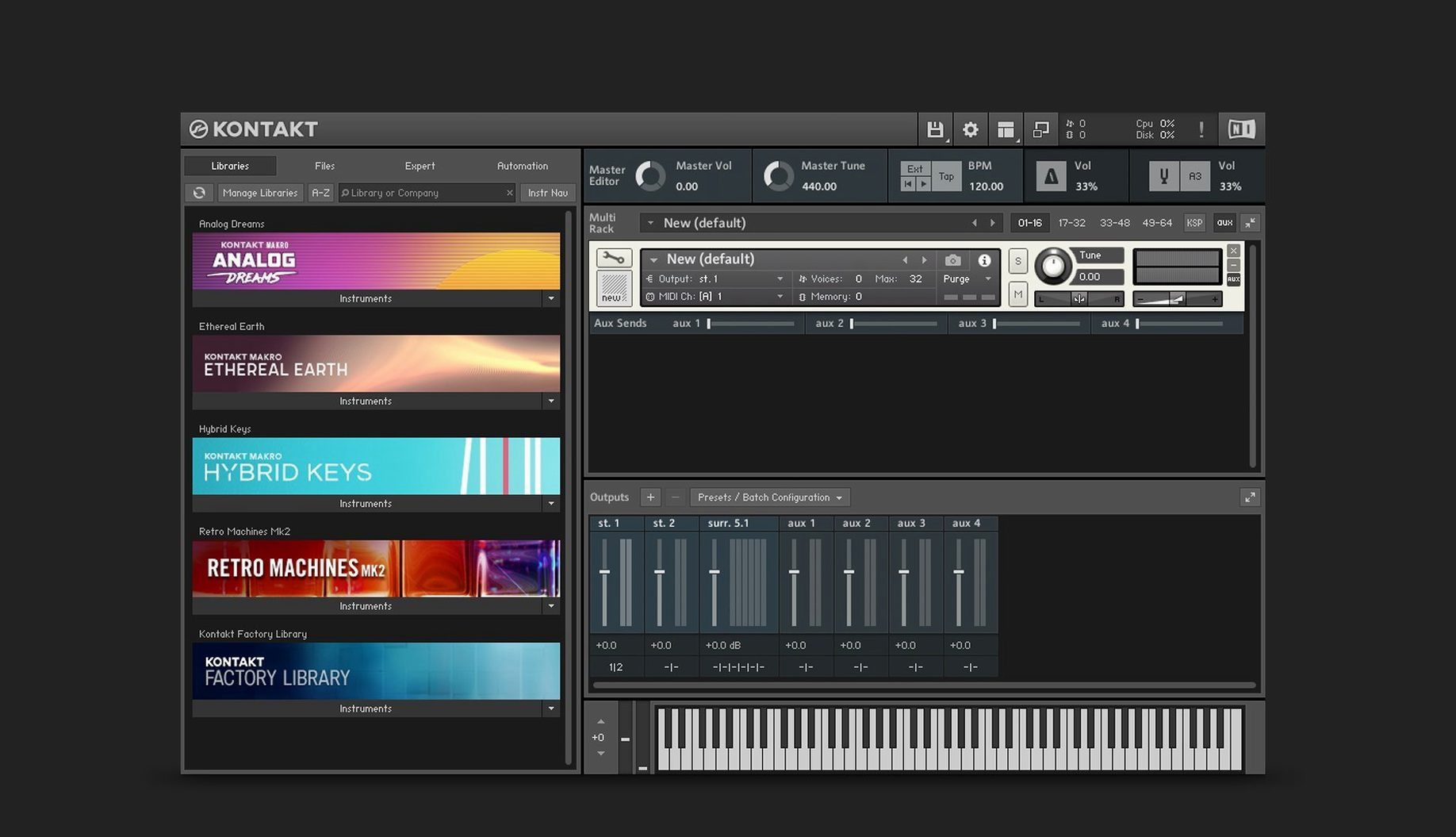
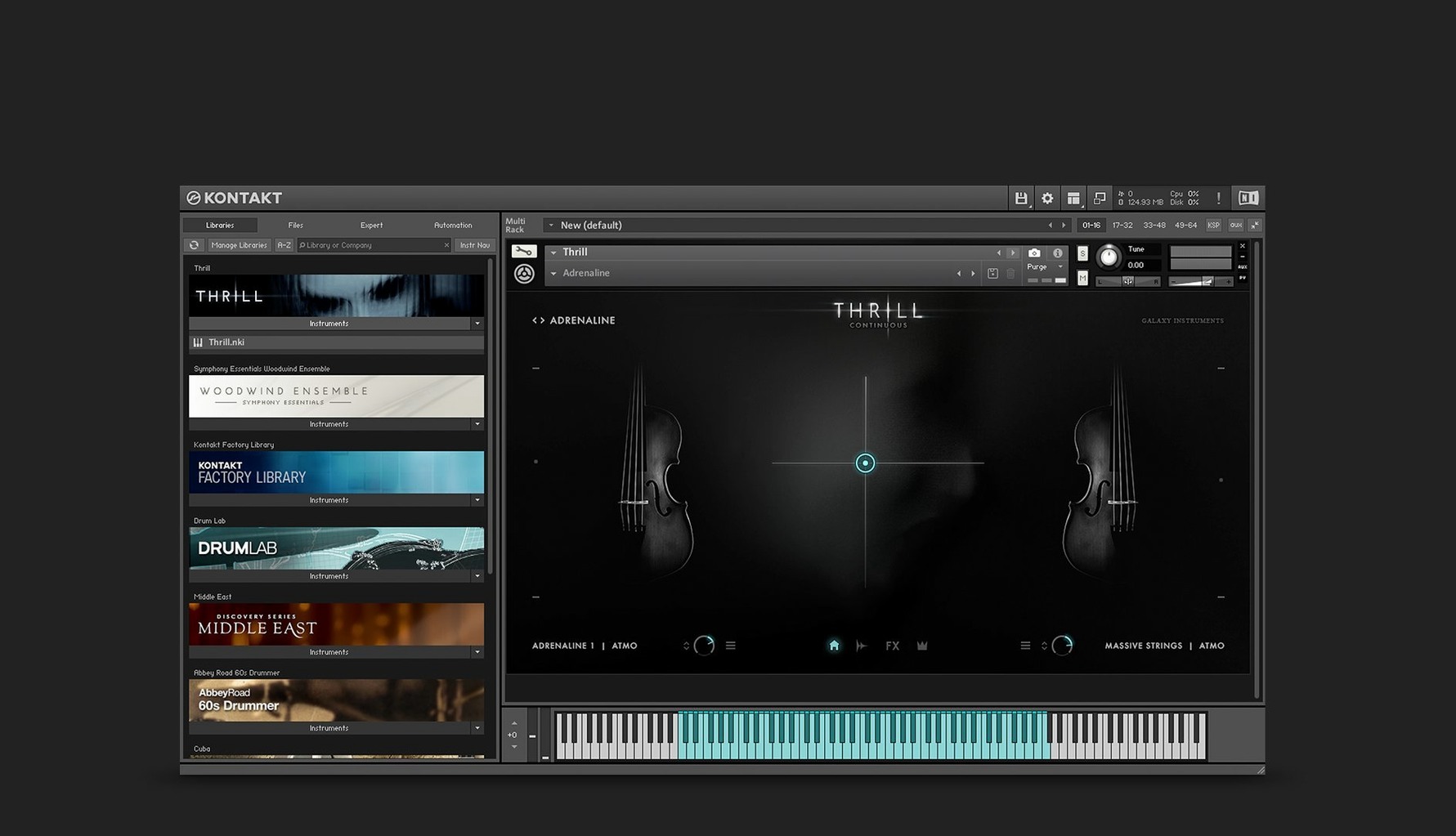
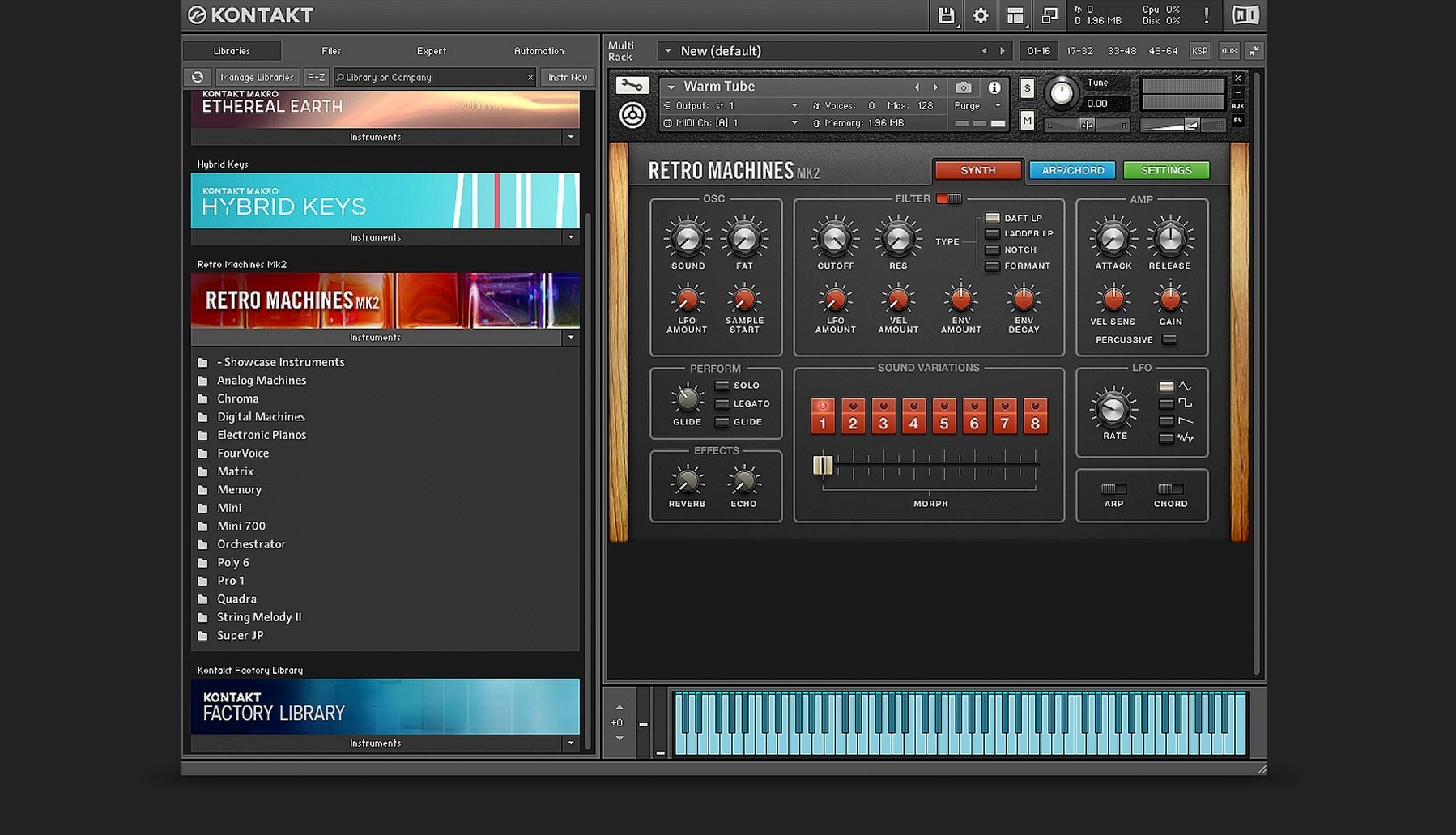
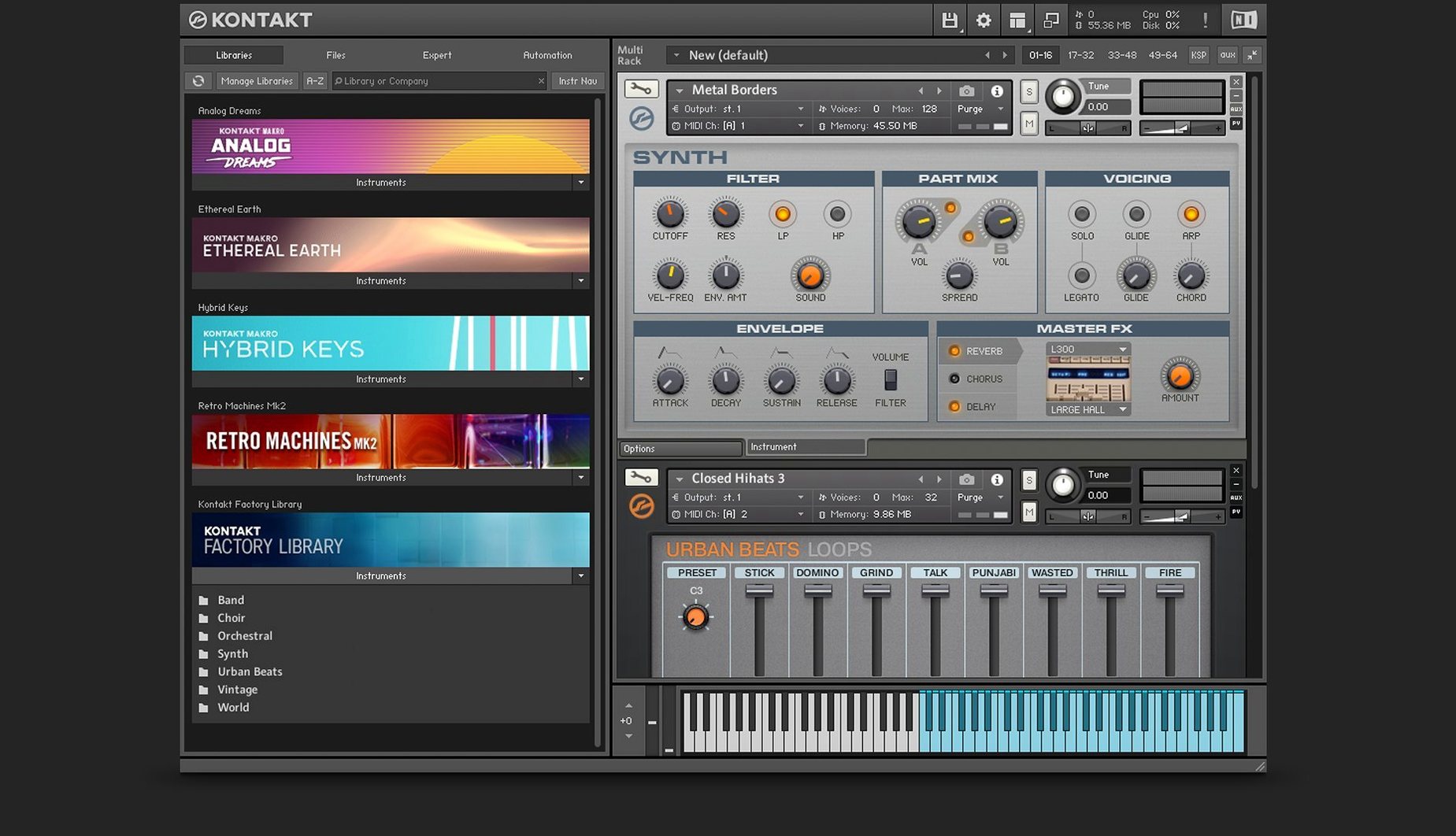
Kontakt 8 runs on any Mac with macOS 14 or newer, natively on both Apple Silicon and Intel 64-bit machines. No emulation layer, no translation. It loads as a standalone instrument or slots straight into a DAW via VST, AU or AAX.
Layering a piano and wavetable pad in version 8.13.1
| Detail | Info |
|---|---|
| Current version | 8.13.1 |
| Developer | Native Instruments |
| macOS | 14 and newer |
| Architecture | ARM and x86 64-bit |
Take a simple job: layering a clean piano with a wavetable pad, then shaping the combined signal. Load a piano library. Add a second instrument slot, pull up a wavetable patch — here you can engage the second Form shaper and a modulation oscillator to thicken the tone. Route both slots to one of the 16 internal stereo buses introduced in Kontakt 6. On that bus, insert the Solid Bus Comp and the Tape Saturator. The side pane added in Kontakt 8 lets you connect a MIDI Tool to both instruments so an arpeggiator runs across the two layers. The Komplete UI keeps every control sharp on a high-DPI display while you tweak.
Launching standalone and loading two instruments in the rack
- Launch Kontakt 8 as a standalone instrument — quick check that the audio interface is recognised and the Default view shows the new side pane on the left.
- Create two instrument slots in the rack. In slot one, load a piano from a third-party library. In slot two, load a wavetable pad.
- Open the side pane, pick a MIDI Tool — say, a chord generator. Drag it onto the rack header so it feeds both slots.
- Click the Wavetable module on the pad instrument. Engage the second Form shaper, set it to a gentle pulse. Dial in a little modulation oscillator for movement.
- Route both slots to Bus 1 using the instrument output dropdowns. On Bus 1, insert Solid G-EQ first, then Solid Bus Comp, then Tape Saturator.
- Play a few chords. Adjust the compressor threshold until the piano and pad glue together. Back off the Saturator drive if the high end gets scratchy.
- Jump to Leap. Drag in a drum loop and a one-shot vocal stab. Trigger them from the keyboard while the layered pad and piano run underneath.
- Save the multi as a preset. Done.
Real-world scenario: a sample library builder
A sound designer is building a library of prepared piano textures. They record four velocity layers and three round-robins of each articulation. The raw WAVs sit in a folder, neatly numbered.
- The designer opens Kontakt 8, clicks the new instrument button, and starts mapping samples across the keyboard in the mapping editor.
- They group the samples by velocity and assign them to three round-robin groups using the group editor.
- For the soft layer, they apply Adaptive Resonance on the filter to keep the resonance from ringing out on quiet notes. The parameter adjusts automatically — no manual envelope tweaking.
- A second group gets TimeMachine Pro time-stretching, stretching a plucked attack into a sustained pad-like texture without losing harmonic detail.
- They write a short Komplete Script to handle the legato transitions. The script triggers a crossfade between the sustain samples whenever two notes overlap.
- Finally they design a Komplete UI panel — two knobs for reverb mix and attack, one switch to bypass the time-stretching. The panel renders crisp on a Retina display.
The library gets saved as a monolith. The builder drags it onto a test DAW project, runs a MIDI file through it to check timing, then sends it to a beta tester. The whole build, from mapped zones to finished UI, stays inside Kontakt 8.
Fixing a missing library path in Native Access
- Library not showing up after a kontakt mac download. Open Native Access, check that the library is installed and activated. If it is, rescan the library location from Preferences > Libraries. A missing folder path is almost always the culprit.
- Audio crackles when using the Wavetable module's modulation oscillator. Increase the audio buffer size in the DAW or standalone preferences. The modulation oscillator can push CPU usage higher, especially with heavy Form shaper settings. Also try disabling one of the Form shapers to compare load.
- TimeMachine Pro introduces warbling on a solo woodwind. Switch the stretch mode from "Pro" to the standard TimeMachine algorithm for solo instruments with strong formants. TimeMachine Pro works best on harmonic material; monophonic reeds and brass can phase.
- MIDI Tool not affecting the second instrument. Open the side pane, check the Tool's routing. It must be connected to the rack header, not to an individual instrument slot. Re-drag the Tool onto the header if the connection looks broken.
- Komplete UI panel appears blurry on an external monitor. Make sure the monitor's scaling is set to an even multiple in macOS display settings. Komplete UI scales cleanly at 1x and 2x; odd fractional scaling can cause softness. Restart the plug-in after changing the display setting.
- Leap loops drift out of sync with the DAW tempo. Check that the loops are sliced correctly in Leap's editor. If the transients are misdetected, manually adjust the slice markers. Also confirm the DAW's transport is sending tempo information to the plug-in.
What's new in 8.14.0
- Updated instrument and processing tool headers — another batch complete.
- Sidebar, overlay browser and hardware browser now stay in sync: state and item order improved.
- Sidebar browser splits content lists and preset lists — they adapt as you browse.
- Default View gains a global parameters editor and patch saving.
- Leap tab removed from the browser — Leap instruments now live under Instruments.
- Fixed a crash when loading older instruments in versions newer than 8.11.1.
- Fixed an intermittent crash when selecting an instrument header in Rack View.
- Fixed partial interface clipping on some older instruments.
- Fixed memory usage display in the Classic View header.
- Fixed screen flickering and interface freezes in Cubase on Windows.
- Fixed an issue where the browser sidebar could show no content.
- Fixed a problem moving libraries without Kontakt Player in projects with multiple Kontakt instances.
- Fixed a bug where switching snapshots could break the audio engine on some Apple Silicon machines.
- Fixed DAW processes persisting after closing a project with Kontakt loaded.
- Komplete UI updated to version 1.10.
- Claude AI integration added to Komplete UI Builder — drop in Figma mockups for interface creation and checks.
- Fixed audio glitches when using Program Out in a chain with a processing instrument.
- Fixed LFO sync to DAW tempo in instruments using those modulators.
- Fixed a memory release problem that had been present since version 6.3.2.
- macOS 14 or later
- Apple Silicon or Intel 64-bit







Comments 0
Sign in or create an account to add a comment.
No comments yet. They go up after moderation.