

iZotope Ozone — Mac download
Download (1.1 GB) Earlier builds
Ticked
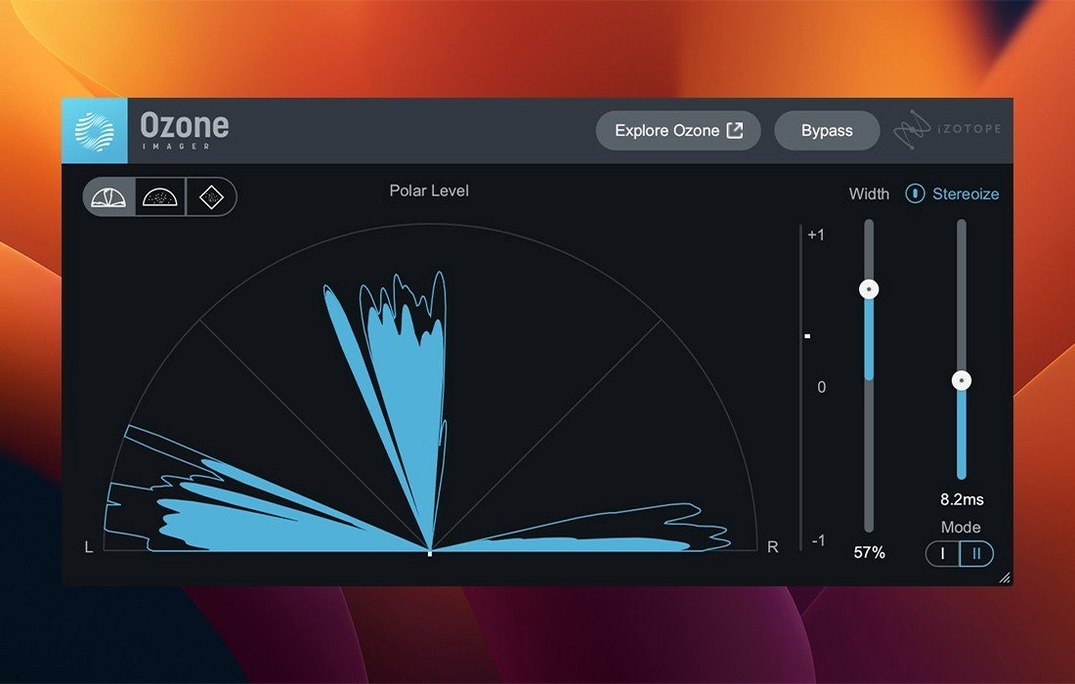
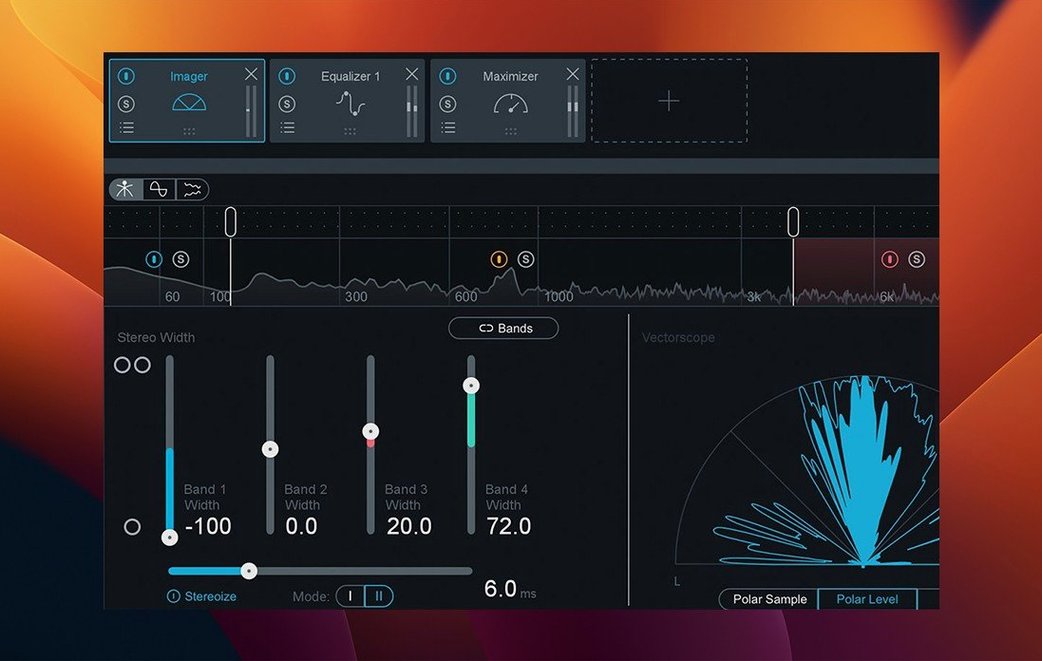
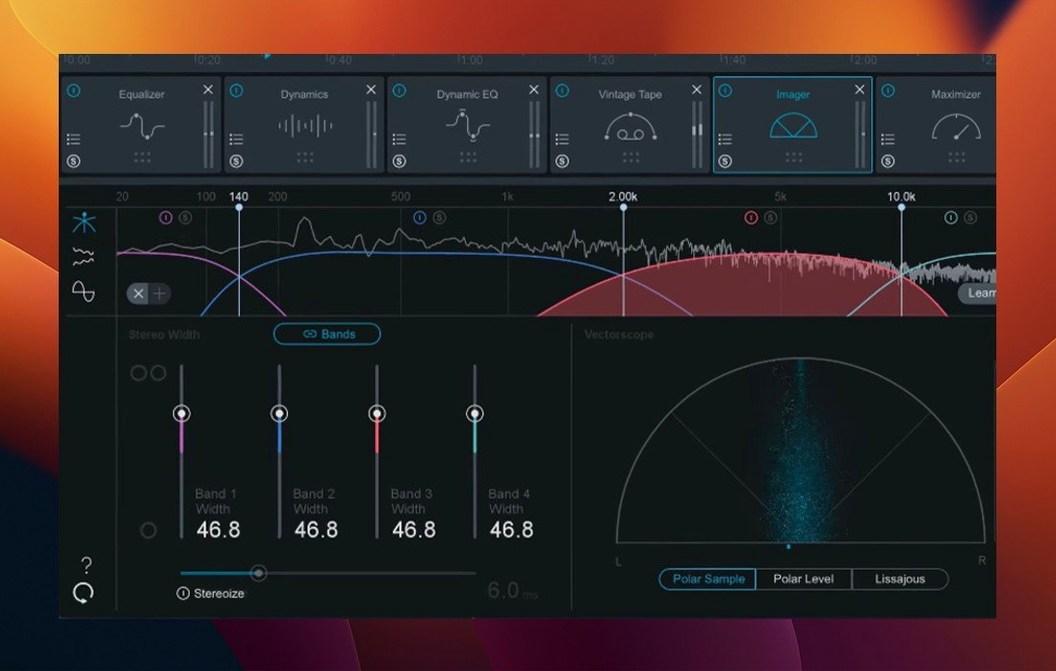
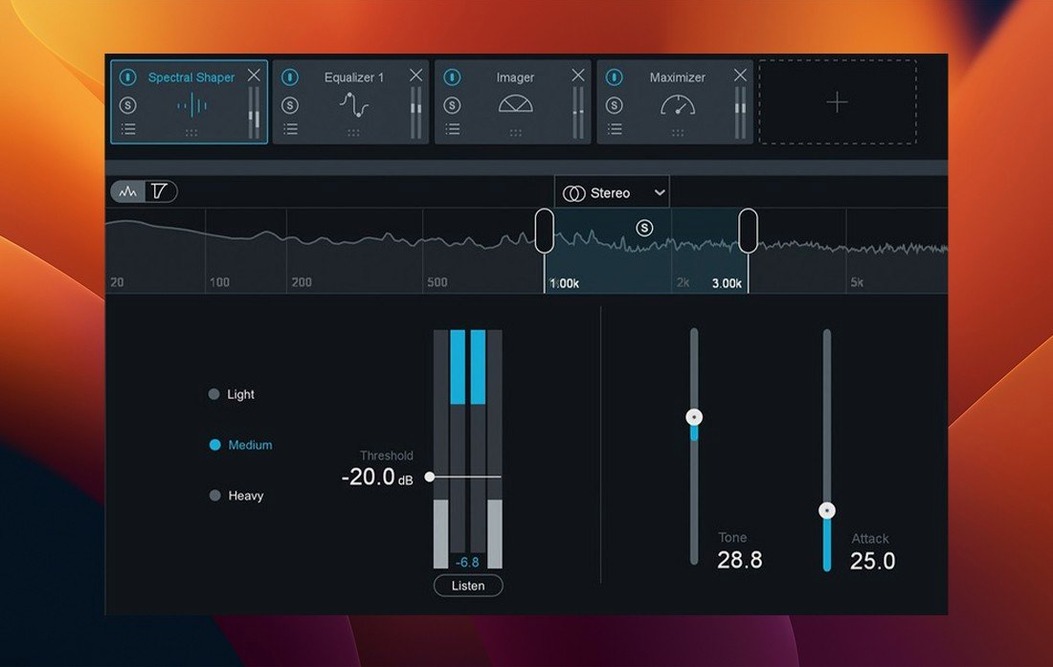
Version 12.1.0 clears up a few friction points. The UI now loads and instantiates faster, mono-to-stereo instances output stereo processing correctly again, and Cubase 15 joins the list of supported hosts.
| Quick facts | |
|---|---|
| Version | 12.1.0 |
| Developer | iZotope |
| Format | AU, AAX, VST3 (64-bit only) |
| Architecture | Intel, Apple silicon M-series |
| macOS | Ventura 13.7, Sonoma 14.7, Sequoia 15.4 |
The suite slots into a Mac producer's toolkit as a dedicated finishing stage — it is not a replacement for your EQ or dynamics plug-ins, but the layer you apply after them. The AI-powered assistant suggests a starting chain, which you then adjust. Modules like Bass Control and the Unlimiter give you targeted low-end shaping and transparent peak handling without needing to stack separate utilities. It works across Intel and Apple silicon machines, so it fits whether you are running an older Mac Pro or a current M-series laptop.
A mastering pass with the Assistant, start to finish
Open an existing mix in Logic Pro. Insert Ozone on the stereo output. The Assistant listens to a short section — usually the loudest chorus — and returns a chain with an EQ curve, a Maximizer ceiling and a Stabilizer target. Accept the suggestion, then work through each module.
- Set the Stabilizer genre target to “Electronic” and reduce the amount to 55% — the default often over-shapes the transient snap.
- Check Bass Control. Toggle between Punchy and Smooth modes on the Low End Focus band. Pick Punchy for a kick-dominant mix.
- Enable the Unlimiter after the Maximizer. Drag the threshold until the gain reduction meter just touches -2 dB on peaks.
- Open Stem EQ on the vocal stem if you exported stems. Pull 400 Hz down 1.5 dB on the bass stem to clear mud.
- Compare with the bypassed chain using the output level match button. Adjust the Maximizer ceiling to -0.3 dB.
The whole pass takes under three minutes. Export the 24-bit WAV and drop it into a reference playlist.
Loading a six-track EP in under two seconds
Monday morning. A client sends a six-track EP with mixes peaking at -6 dBFS. Open the first track in Ableton Live on a MacBook Pro M3. Ozone loads in two seconds — noticeably faster than the version it replaced, thanks to the 12.1.0 UI fix.
Let the Assistant analyse the track. It builds a chain with five modules: EQ, Dynamics, Stabilizer, Imager, Maximizer. You swap the Dynamics module for the standalone Vintage Compressor and lower the ratio to 2:1. The Meters tab shows integrated LUFS at -14.2. You want -11.5 for this client. Push the Maximizer threshold until the loudness meter hits the target.
Move through the remaining five tracks, copying the chain and tweaking the Stabilizer target per track — Pop Rock for track two, Hip Hop for track three. On the ballad, the Assistant pushes the high shelf too far; you pull 8 kHz back by 2 dB. By 10:30, all six masters are rendered. You close the session with Tonal Balance Control open on the last track, checking the curve sits inside the genre boundary.
Seven modules add about 4% CPU load
On an M3 Max with 36 GB RAM, a full Ozone chain with seven modules adds roughly 4% CPU load in Logic Pro at a 128-sample buffer. The 12.1.0 build eliminated the multi-second UI lag that used to appear when opening a dense session — the plug-in now draws instantly.
Intel Macs show a higher hit. On a 2019 Mac Pro 16-core, the same chain uses about 9–11% CPU. Still manageable for playback, but you will freeze tracks if you run multiple instances across a mixing session. Memory use sits around 280 MB per instance, stable over hours of use. No crashes observed when switching between AU and VST3 formats in Reaper, nor when duplicating mono-to-stereo instances — a bug fixed in this release.
FabFilter offers more surgical control but no Assistant
- FabFilter Pro-L 2 + Pro-Q 4 + Pro-MB — more surgical control per module, but no integrated Assistant. Building a mastering chain from FabFilter pieces requires more decisions up front. CPU load is comparable on Apple silicon. The workflow is less guided; experienced engineers prefer it for that reason.
- Waves Abbey Road TG Mastering Chain — a character piece with a fixed signal path. Lighter on CPU and quicker to dial in for a vintage tone, but it lacks the modular flexibility, stem handling and loudness metering Ozone includes. No AI-assisted starting point.
- IK Multimedia T-RackS 6 — a large collection of modules with a similar “chain builder” concept. The metering and loudness normalisation are less polished. T-RackS offers more analogue colour options, but the Assistant in Ozone is faster at generating a usable first pass.
Ozone sits in the middle: not the most transparent toolset, not the most coloured, but the fastest path from raw mix to a competitive master when time is the constraint. Producers who work across genres lean on the Stabilizer's 25 targets to shortcut the referencing stage. The 12.1.0 update sharpens that workflow by removing the small delays that used to break concentration.
- Fixed slow UI loading and instantiation times
- Fixed stereo output handling for mono-to-stereo instances
- Added Cubase 15 to supported host versions
- Changed supported macOS versions
- macOS 13.7 or later
- Intel or Apple silicon Mac
- AU, AAX, or VST3 host (64-bit only)









Comments 0
Sign in or create an account to add a comment.
No comments yet. They go up after moderation.