

MainStage — Mac download
Download (1 GB) Earlier builds
Ticked
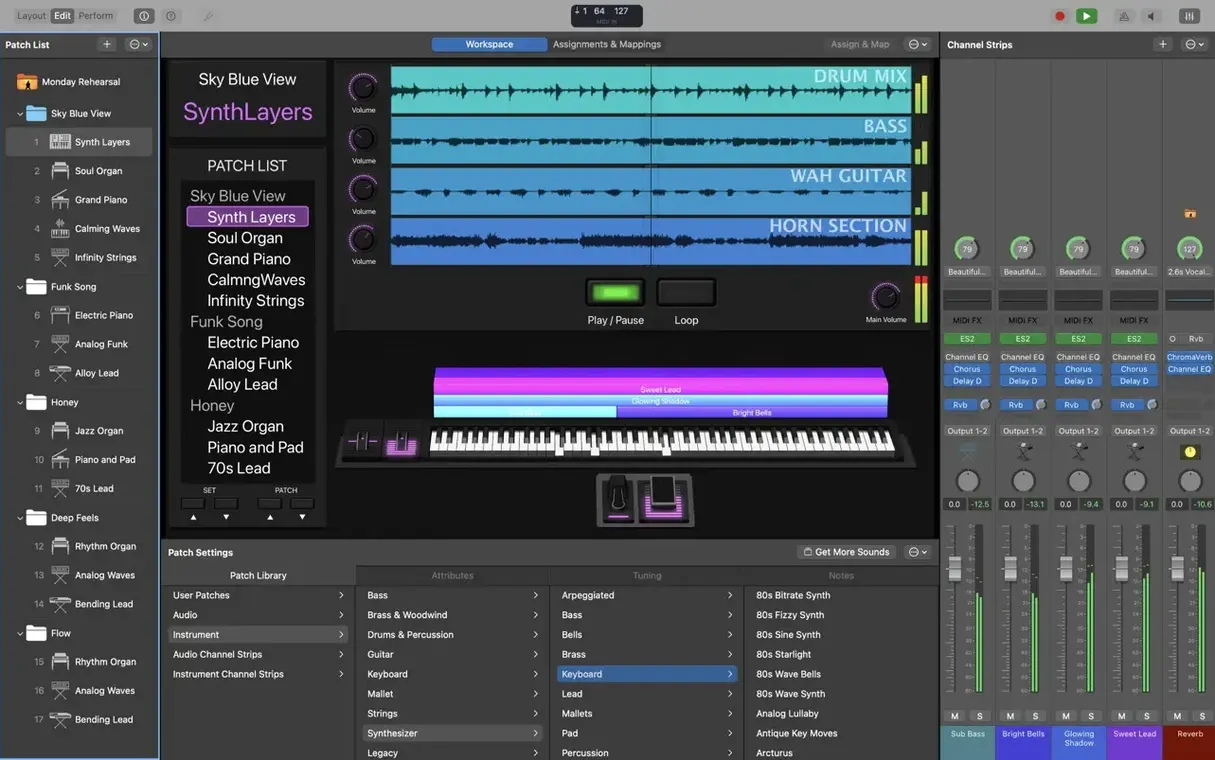
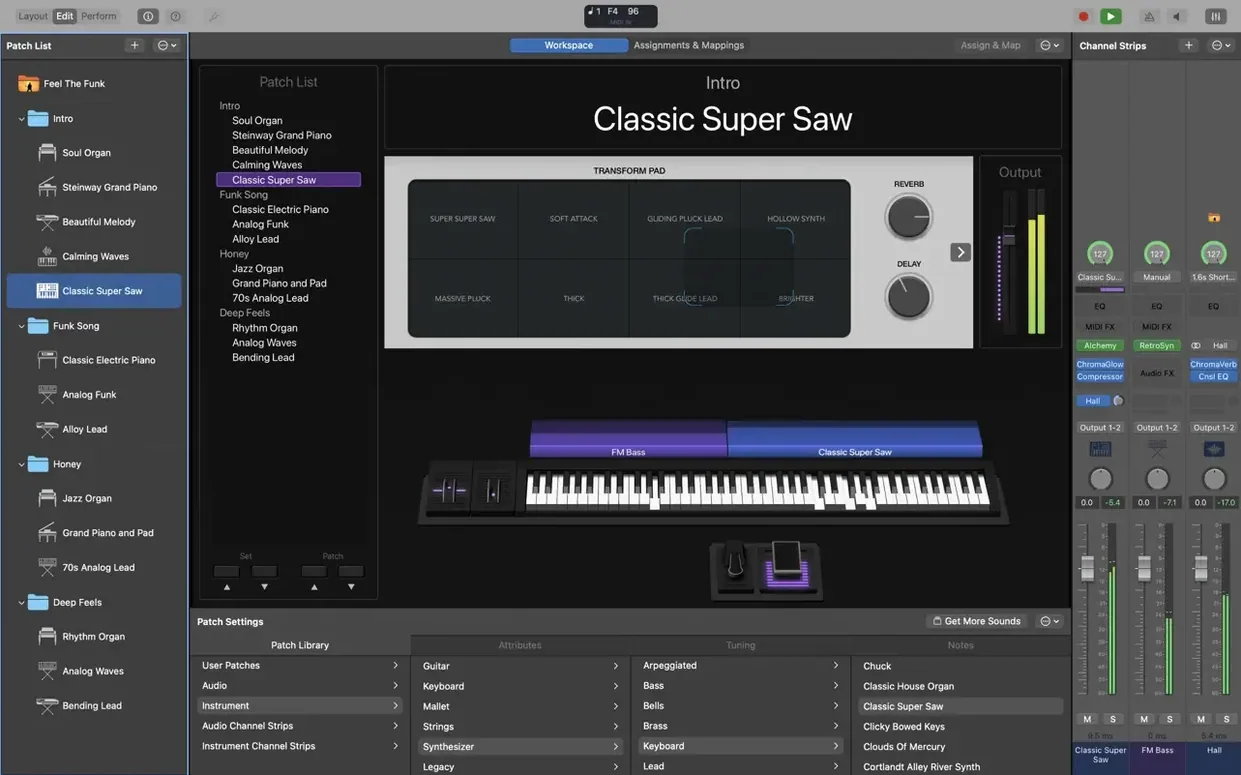
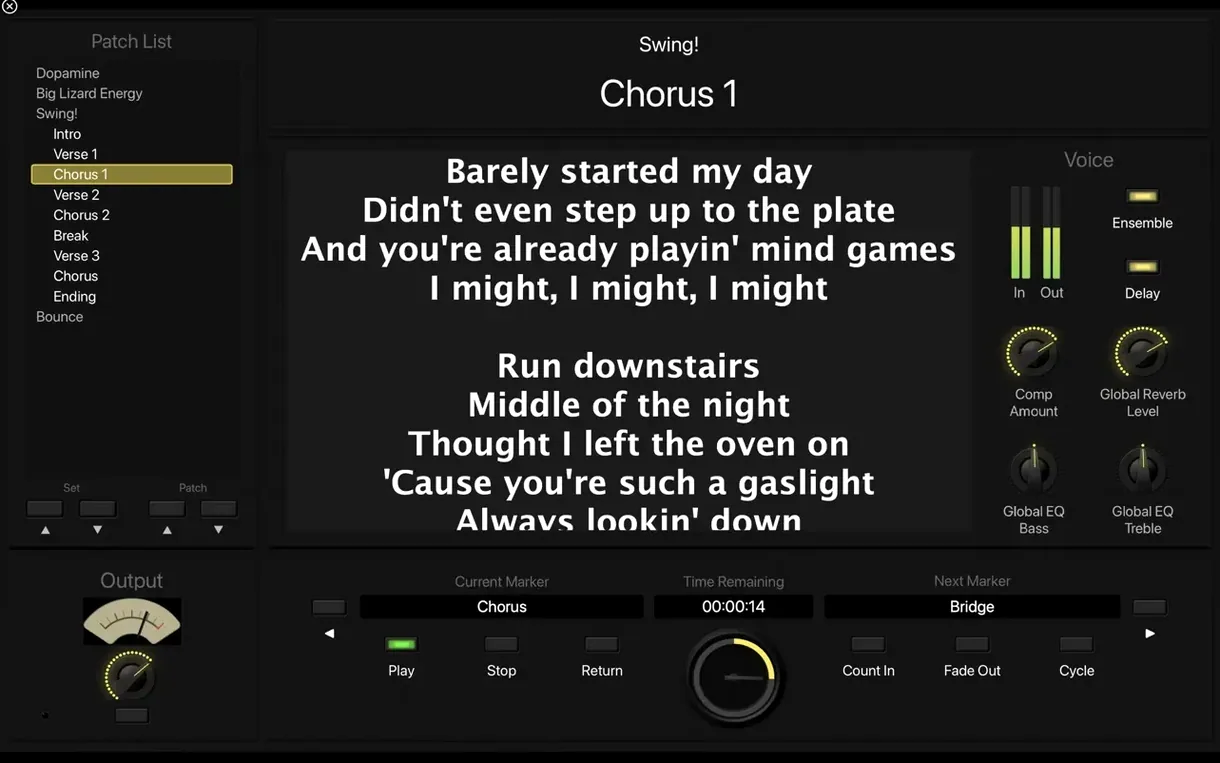
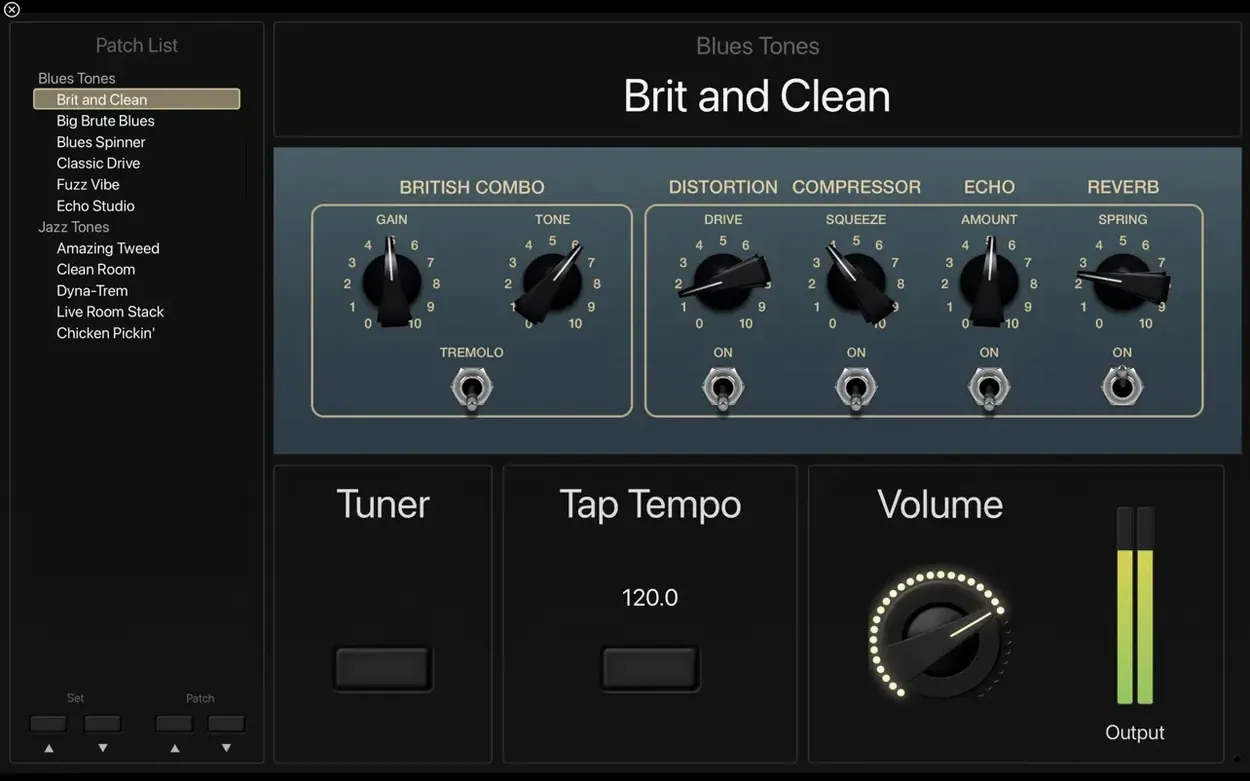
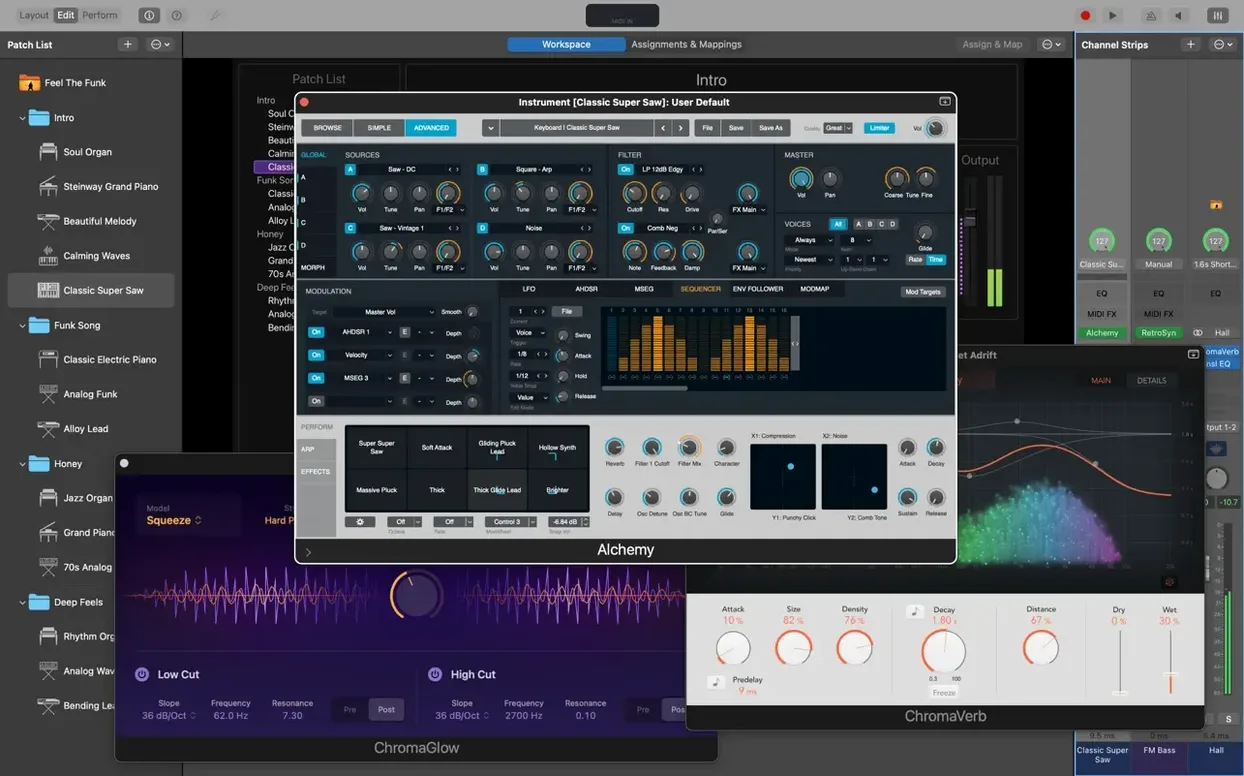
One set, one patch, one screen
You have a keyboard, a MacBook, and a thirty-minute set opening with a synth pad that swells into a piano riff. Instead of loading three different plug-ins between songs, you build a single MainStage concert.
From blank concert to first downbeat
- Open MainStage and choose the Empty Concert template. The workspace shows a patch list on the left and an edit area in the centre.
- Create Patch 1. From the Library, pull in Warm Analog Pad under Synthesizers. Drag the on-screen smart control for cutoff to a hardware knob on your controller.
- Add a second channel strip for the piano. Select Yamaha Grand Piano from the Library and set its volume fader to respond to a pedal via the Assignments tab.
- Patch 2 needs rhythm. Insert a Drum Kit Designer track and call up a tight maple kit. Drop the Arpeggiator MIDI plug-in on the track for a repeating sixteenth-note pattern.
- For the chorus, add the Transposer plug-in to the pad channel strip. Map the transpose interval to a button on your controller for instant key shifts.
- Load a stereo backing track into the Playback plug-in. Set the marker to start on the verse so the band falls in on cue.
- Hit Command-0 for full-screen performance mode. Each patch switches instantly from your controller's program-change buttons.
Load last week's concert, run three songs with Command–1
You load a concert for a rehearsal night. The band wants to run three songs with different keyboard parts. You open the concert from last week and glance at the patch list.
- Press Command–1 to open the edit area. Patch 1 is a Rhodes with a slow tremolo. It still sounds right, so you leave it alone.
- Patch 2 needs a brighter organ. You select Vintage B3 from the Library and swap it in. The drawbar settings from your last gig load automatically.
- The guitarist asks for a pad behind the bridge. You duplicate Patch 2, rename it Bridge Pad, and replace the B3 with Warm Analog Pad from the Synthesizers folder.
- You map the pad's filter cutoff to the third fader on your controller. The assignment tab confirms the fader moved when you touched it.
- Patch 3 has a backing track in the Playback plug-in. You trim the intro marker back two bars so the drums enter after the guitar riff.
- You switch to performance mode with Command–0. The screen shows only the patch name and your mapped controls.
- You step through all three patches from the controller. The transitions are silent, with no clicks or cut-off tails.
Ten minutes after opening the app, the set sounds right. You close the lid and head to rehearsal.
MacBook Air works with a hub for more ports
Does MainStage work on a MacBook Air? Yes, on the Apple Silicon models it runs well. The main limits are screen size and ports. A hub helps if you plan to connect more than one controller and an audio interface.
Can I use my own Audio Unit plug-ins? Yes. MainStage loads 64-bit Audio Unit instruments and effects. If a plug-in works in Logic Pro, it should load here. Keep them updated, since a bad plug-in can stop a concert from opening.
Is a MIDI controller required? Not strictly. You can click controls and use the on-screen keyboard, but the app is built around hardware. Even a small 25-key controller with a few knobs changes the experience.
Do I need Logic Pro? No. MainStage includes its own collection of instruments, effects and MIDI plug-ins. If you have Logic or GarageBand sounds installed, they can be added to patches too. A mainstage download from a trusted source gives you everything without needing the larger Logic installer.
How big is the install? A minimal install needs about 6 GB. The full Sound Library, with all instruments and loops, wants around 57 GB. Start small and add sounds as you need them.
Patch changes by itself when you type a number
A patch changes by itself when you type a number. This was a bug in earlier builds. Version 4.3.1 fixes the Patch List switching problem, so updating clears it. If it still happens, check that no controller button is sending a stray program-change message.
An incoming SysEx message does nothing. Older versions blocked some SysEx messages before they reached your patches. Version 4.3.1 fixes that. After updating, test the device that sends the message and watch the MIDI monitor in the workspace.
Sampler instruments load the wrong sound. The 4.3.1 update addresses sampler loading errors. If a patch still calls up the wrong instrument after updating, open the channel strip, remove the instrument, and drag the correct one from the Library again.
Numbers will not type into the Add Channel Strip window. This was another fixed bug. If the field still refuses input after updating, click outside the window and back into the field, or restart MainStage and reopen the concert.
A plug-in crashes the app at launch. The usual culprit is an old or 32-bit Audio Unit. Remove the plug-in from the Components folder, restart, and test the concert again. MainStage requires 64-bit Audio Units.
Disk space warnings during installation. The full Sound Library is large. If space is tight, install the minimal set first, then add instruments from the Library one by one. They download only when you select them.
From blank concert to stage-ready, you have assigned hardware, mapped smart controls, and linked every sound to a button press — no mouse required.
- Incoming MIDI SysEx messages no longer blocked.
- Typing numbers into the Add Channel Strip window works again.
- Sampler instruments recall the correct sounds on load.
- macOS 15.6 or later
- Apple Silicon Mac
- 64-bit Audio Unit plug-ins required
- 6 GB free disk space (minimal install) / 57 GB free disk space (full Sound Library)
Questions the team asks
Yes. Any instrument or patch you have added to GarageBand or Logic Pro appears in the MainStage Library.
It supports 64-bit Audio Unit plug-ins, so most modern instrument and effect units load directly into a channel strip.
A full installation of the Sound Library requires 57 GB of free disk space; a minimal install takes 6 GB.








Comments 0
Sign in or create an account to add a comment.
No comments yet. They go up after moderation.