

Maschine — Mac download
Download (1.3 GB) Earlier builds
Ticked
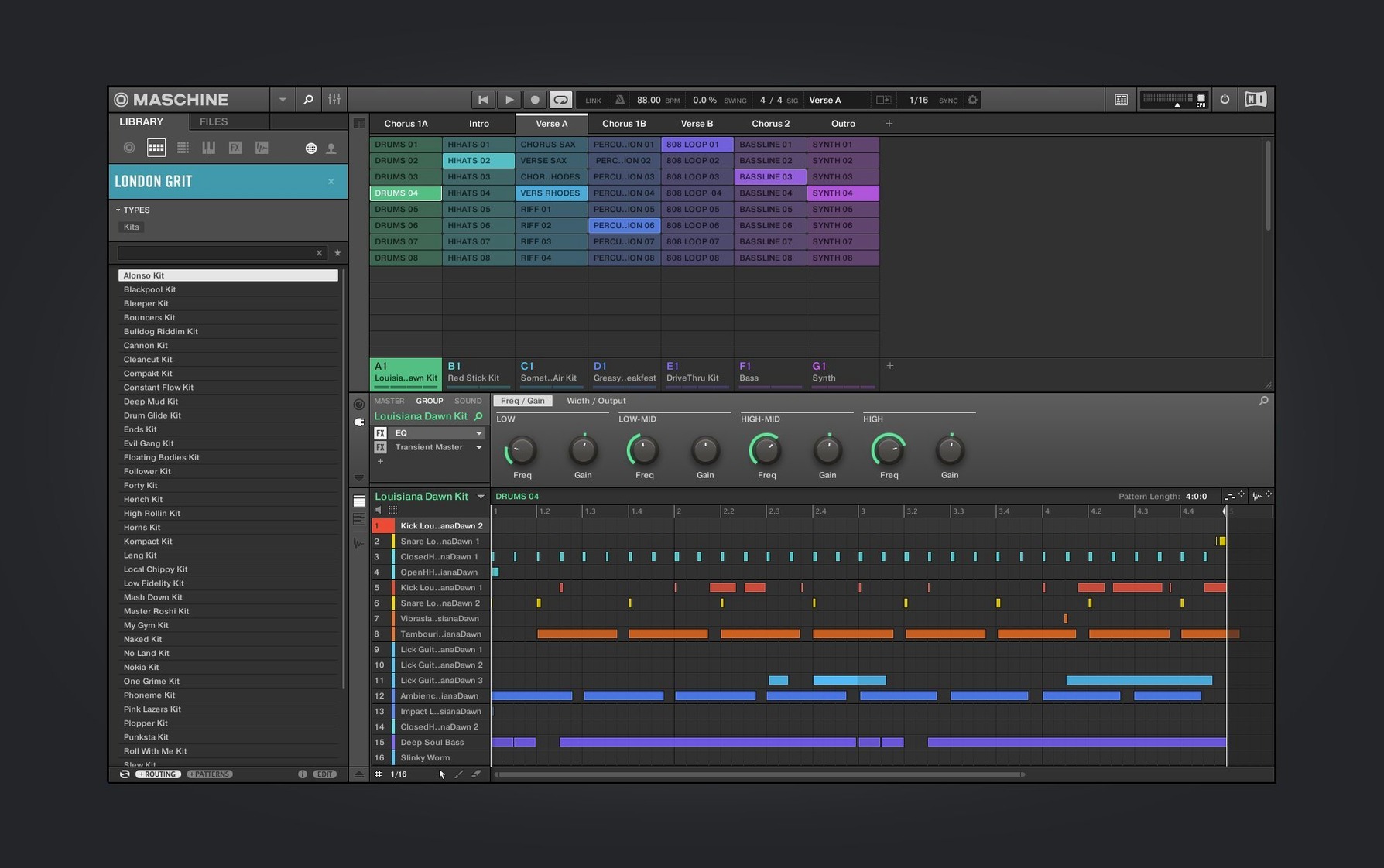
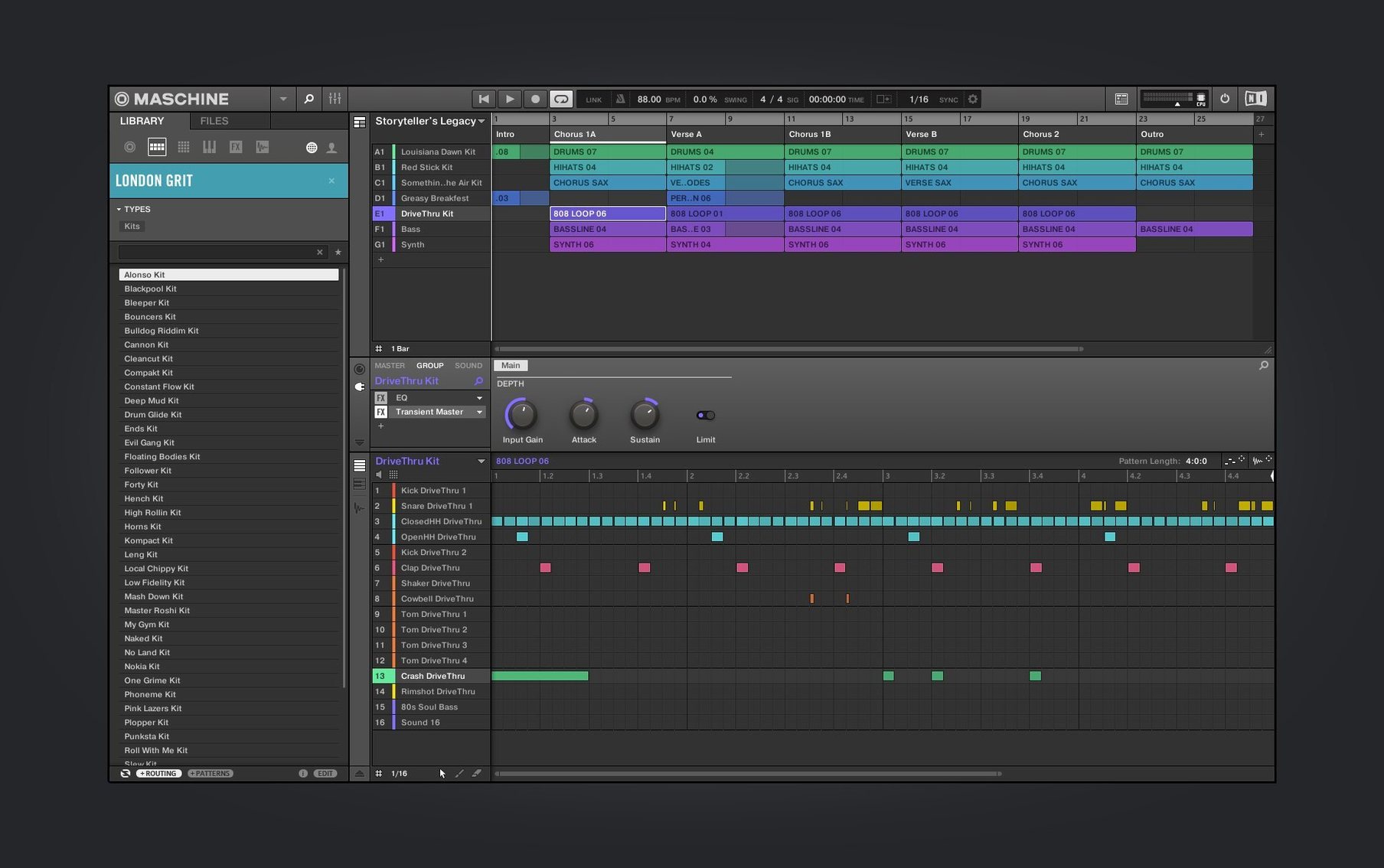
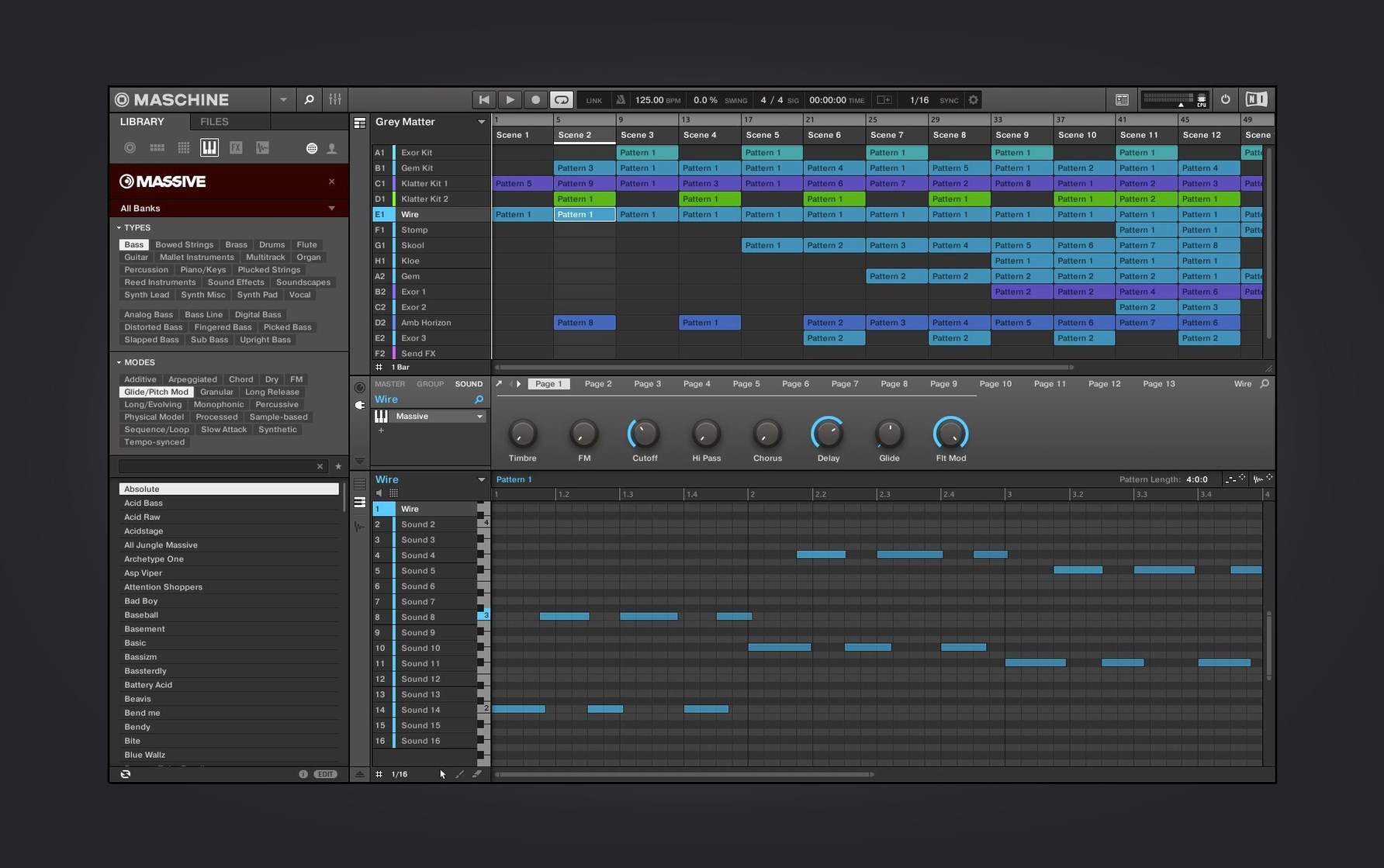
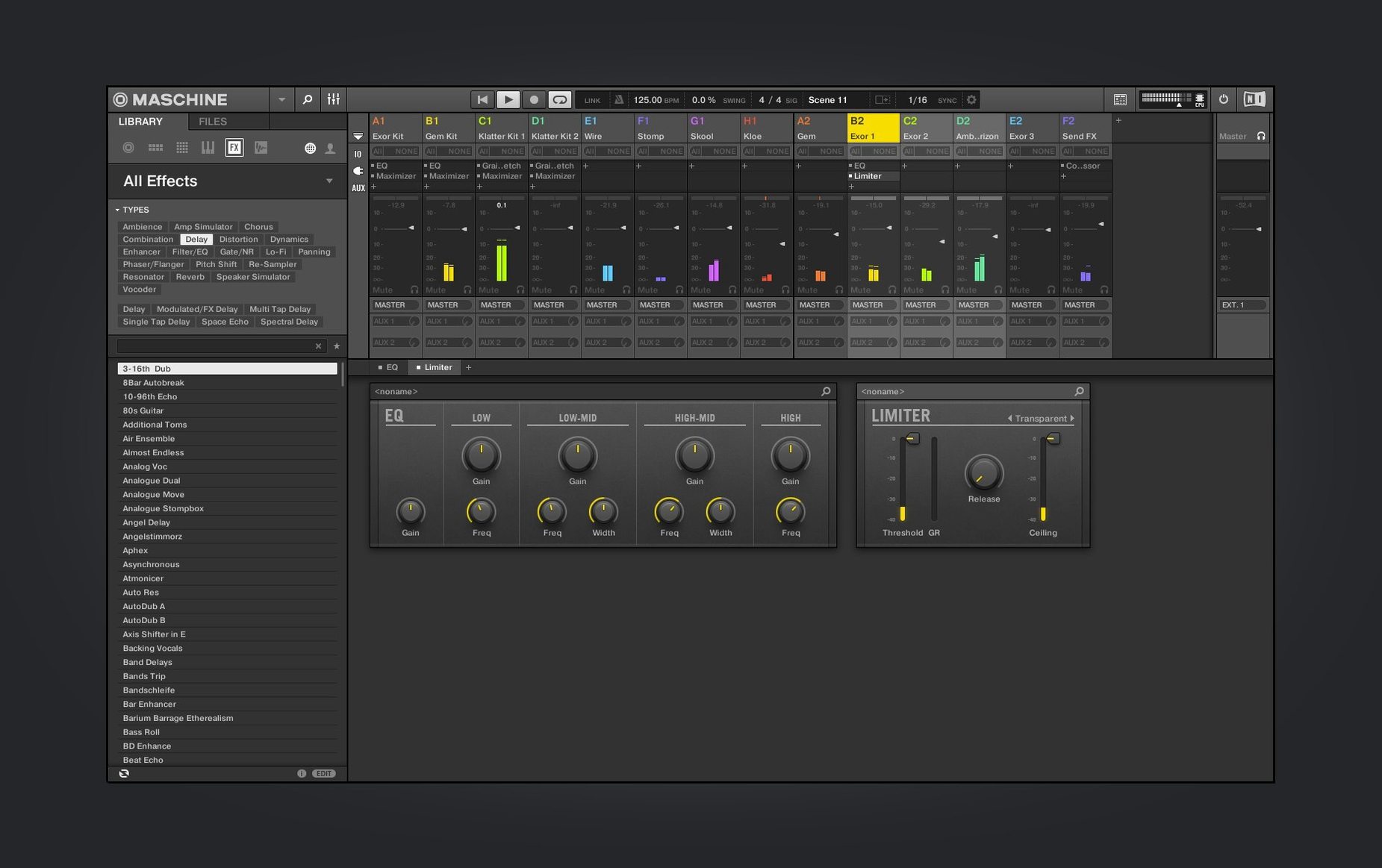
Sample-flippers, finger drummers, and hardware heads who build beats with Native Instruments' hybrid system reach for Maschine to turn a loose idea into a structured pattern. It runs standalone or as a plug-in, with a high-performance sampler and a built-in audio interface keeping the signal chain short.
Sampling and slicing a loop
Drop a drum break onto a pad and the sampler takes over. Maschine's loop slicing functions split the audio into hits mapped across the pad grid. From there, you tighten start and end points per slice, adjust pitch and envelope, then trigger the pieces with a controller or your mouse. The redesigned UI in version 3.6.0 makes the Audio module quicker to scan: waveforms are larger, and gain staging sits where you expect it.
Layering and mixing down
Add a bass stab from the Poly Synth or layer a kick from the Drum Synth — both modules got the same interface refresh. Each sound lands on its own mixer channel with level, pan, and send controls. Route groups through the built-in audio interface, balance the faders, and record your performance into the arrangement. What starts as a chopped loop ends as a bounce-ready sequence, all inside one window.
A typical session, pad to pattern
Start with an empty project. The welcome screen offers demo projects and tutorial links, but the habit is to skip straight to a blank group. Load a kit from the browser, tap the pads on the controller to find a kick and snare that sit together, then hit record. The pattern-based sequencer captures the performance as sixteen steps.
Drop a vocal sample onto pad nine and open the Audio module. The waveform displays large — slice mode splits it into eight hits. Tap through the slices, delete two that clash with the snare, and nudge the timing of the rest. Add a bassline on another group using the Poly Synth. Turn the cutoff knob while the sequence loops. The sound thins out, then opens again. Everything stays in sync because the sequencer runs all groups from the same clock.
Switch to song view. Chain four patterns: intro, verse, chorus, outro. The mixer shows each group on its own channel. Pull the hi-hats down two decibels, push the kick up one. Bounce the arrangement to a stereo file and drag it onto the desktop. Twenty minutes from blank canvas to finished loop.
The hardware is faster than the mouse
- Ignoring the hardware. Treating Maschine as a mouse-only DAW misses the point. The controller handles browsing, recording, and mixing faster than clicking through menus.
- Over-slicing loops. Chopping a break into thirty-two hits when eight will groove is a quick way to lose the original feel. Start coarse, tighten only the hits that need it.
- Stacking effects on every pad. The mixer handles sends. One reverb on an aux channel sounds cleaner than eight reverbs fighting each other.
- Leaving the metronome on during sampling. The click bleeds into the recording. Switch it off before resampling anything through the built-in audio interface.
- Skipping the manual's controller shortcuts. Pattern duplicate, note repeat, and quick mute are one button press away. Hunting through menus for them wastes minutes per session.
Slicing to thirty-two hits kills the groove
Maschine vs. Akai MPC Beats
MPC Beats shares the pad-first philosophy and ties into Akai's hardware range, including the MPK mini IV that now connects via NKS. Maschine's integration runs deeper: the browser tags sounds by type and tempo, the mixer is more flexible, and the plug-in host wraps third-party instruments inside its pattern workflow. MPC Beats feels quicker for standalone loop sketching; Maschine handles full arrangements with fewer workarounds.
Maschine vs. Ableton Live's Drum Rack
Drum Rack is a powerful sampler inside a linear DAW. Maschine replaces the linear timeline with a pattern-based sequencer that encourages playing scenes like a performance. The built-in audio interface and dedicated controller mean Maschine operates without touching the computer once a project is loaded. Ableton workflows often drift back to the screen for editing. For producers who think in patterns rather than arrangements, Maschine's structure stays out of the way.
Maschine vs. Logic Pro's Sampler and Step Sequencer
Logic's recent updates brought a step sequencer and a capable multisampler. The gap narrows for in-the-box work. Maschine still wins on immediacy: the controller maps directly to browsing, slicing, and mixing, whereas Logic splits those tasks across multiple windows and key commands. If hardware control and a unified interface matter more than deep scoring or orchestral templates, Maschine remains the tighter tool.
- Redesigned UI for the Audio, Poly Synth, and Drum Synth modules
- Continued Mixer view redesign work
- Added NKS Connect support, starting with AKAI MPK mini IV
- Added NKS Mode integration for compatible NKS Connect controllers
- macOS 13 or later
- Apple Silicon or Intel processor
Questions the team asks
Yes, it supports both ARM and x86 64-bit architectures, running natively on Apple Silicon and Intel processors.







Comments 0
Sign in or create an account to add a comment.
No comments yet. They go up after moderation.