
Loop Mash Up Pro — Mac download
Ticked
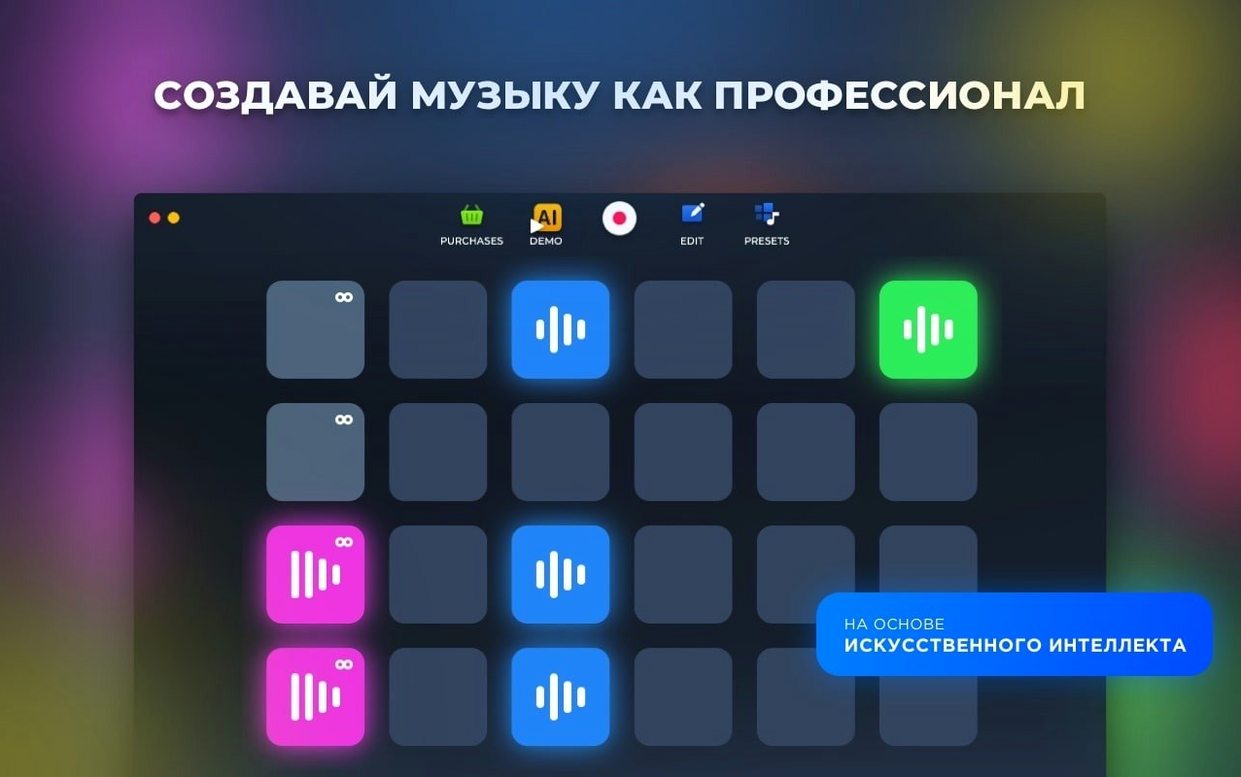
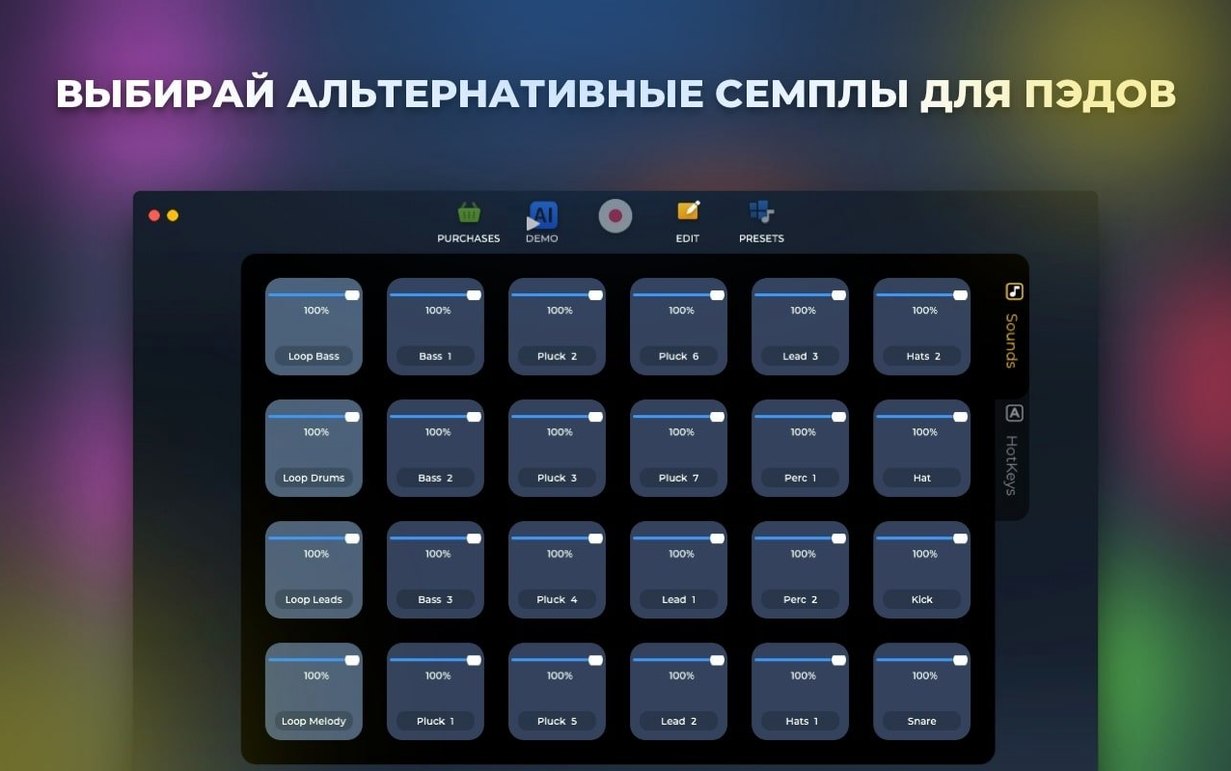
Loop Mash Up Pro sees most use from producers who live in the sampler and want fast, assignable control over their material. It suits anyone building tracks from an 80 bpm drum loop or building out full arrangements with live-recorded parts.
Working with AI and live recording
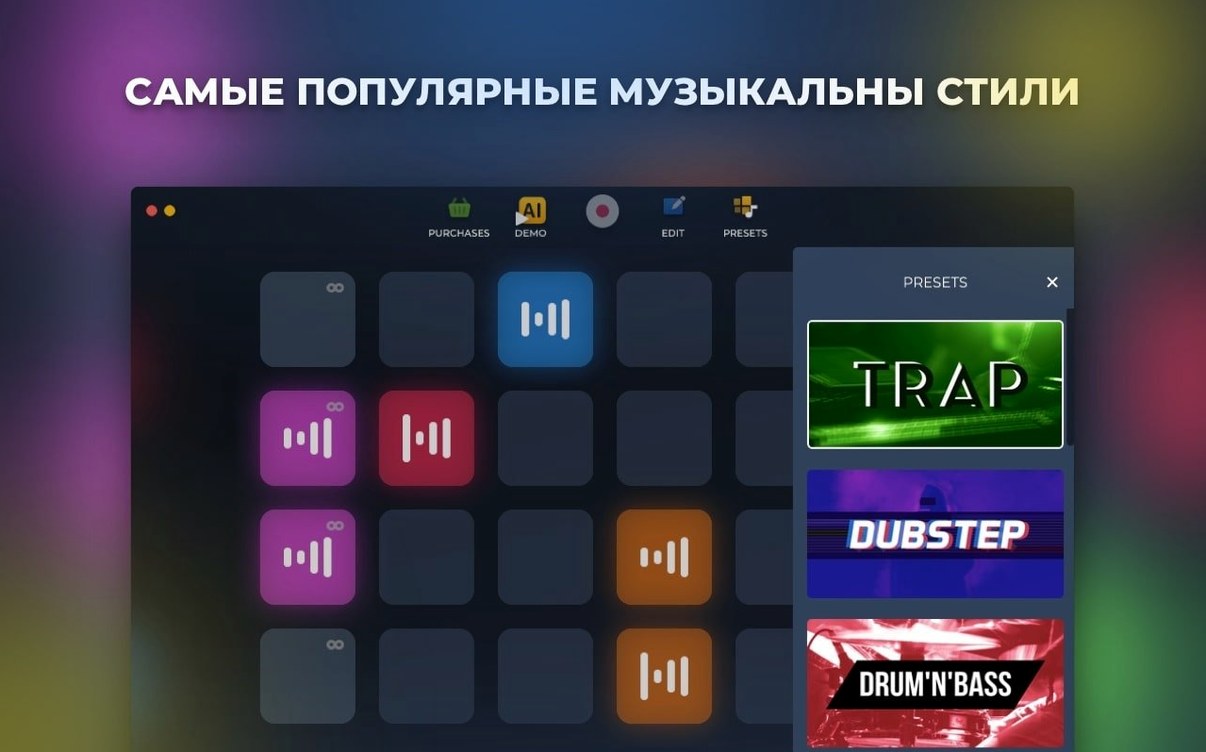
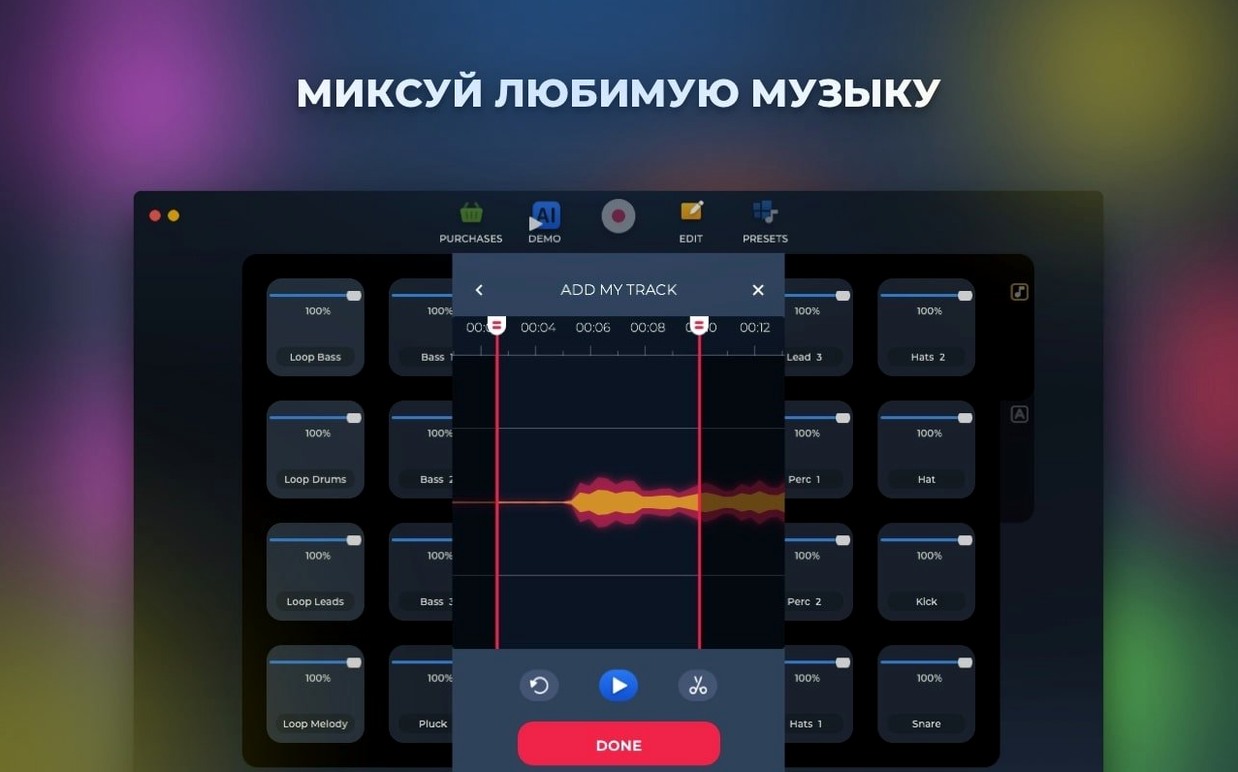
The AI-based track generation creates starting points across 6 electronic music styles. Results save straight to disk. Live recording runs alongside this — capture a performance, then drop it into the arrangement. The two methods sit side by side, so you move between generated material and played-in parts without stopping.
Pad layout and hotkey assignments
Pads and loops are fully rearrangeable. Assign any loop to a hotkey, reorganise the grid to match a set list, then trigger everything from the keyboard. An 80 bpm drum loop can sit next to a vocal chop and a synth stab, all mapped to keys you choose. It keeps the workspace matching how you perform, not the other way round.
Gatekeeper blocks launch after updates
First launch can throw a security warning on newer macOS builds. The Gatekeeper bypass during install handles this — if it reappears after an update, run the Terminal step again.
Loop playback sometimes drifts when the buffer size sits too low. Bump it to 512 or 1024 samples in your audio device settings. This clears up clicks without adding noticeable latency for pad triggering.
Hotkeys occasionally stop responding after a live recording pass. Quit and relaunch. If the assignments don't stick between sessions, save a new preset immediately after mapping — the app reads assignments from the last saved state.
AI-generated tracks land in the default export folder. If that folder has write restrictions, the save fails silently. Point it to a user folder like Documents or Desktop before generating.
Map samples to Q–Y for one-row muscle memory
- Map your six most-used samples to keys Q through Y. Muscle memory builds fast with a single row.
- Pick one style folder and audition every sound. Mark the keepers by dragging them into a dedicated pad bank — you'll have a curated kit by day two.
- Record a short live pass and layer it under an AI-generated chunk. Mute and unmute parts to find what the arrangement actually needs.
- Create two project templates: one for live-triggered sets, one for timeline-style building. Different workflows, different starting grids.
Hotkey pads vs Serato’s stem stretching
Loop Mash Up Pro vs Serato Sample
Serato Sample excels at time-stretching and key-shifting individual stems. Loop Mash Up Pro leans harder into live performance — hotkey-triggered pads and grid rearranging matter more here. Serato's cue-point editing runs deeper, but Loop Mash Up Pro lets you build full tracks inside the app without a separate DAW.
Loop Mash Up Pro vs Koala Sampler
Koala Sampler on desktop keeps the mobile-first workflow. It's quicker for chopping a single loop and resampling on the fly. Loop Mash Up Pro gives you AI generation and a wider spread of electronic styles out of the box. If you want pre-built genre kits instead of start-from-scratch slicing, Loop Mash Up Pro fills that gap.
Loop Mash Up Pro vs FL Studio's channel rack
FL Studio's channel rack covers sequencing, layering and step editing in depth. Loop Mash Up Pro strips that back to pad triggering and live recording only. The trade-off is focus — no menu diving to assign a loop, no pattern editor to work around. It suits producers who want a sampler panel rather than a full production environment.
- Several bugs fixed.
- macOS 11 or later
- Intel 64-bit processor








Comments 0
Sign in or create an account to add a comment.
No comments yet. They go up after moderation.