

Guitar Rig — Mac download
Download (951 MB) Earlier builds
Ticked
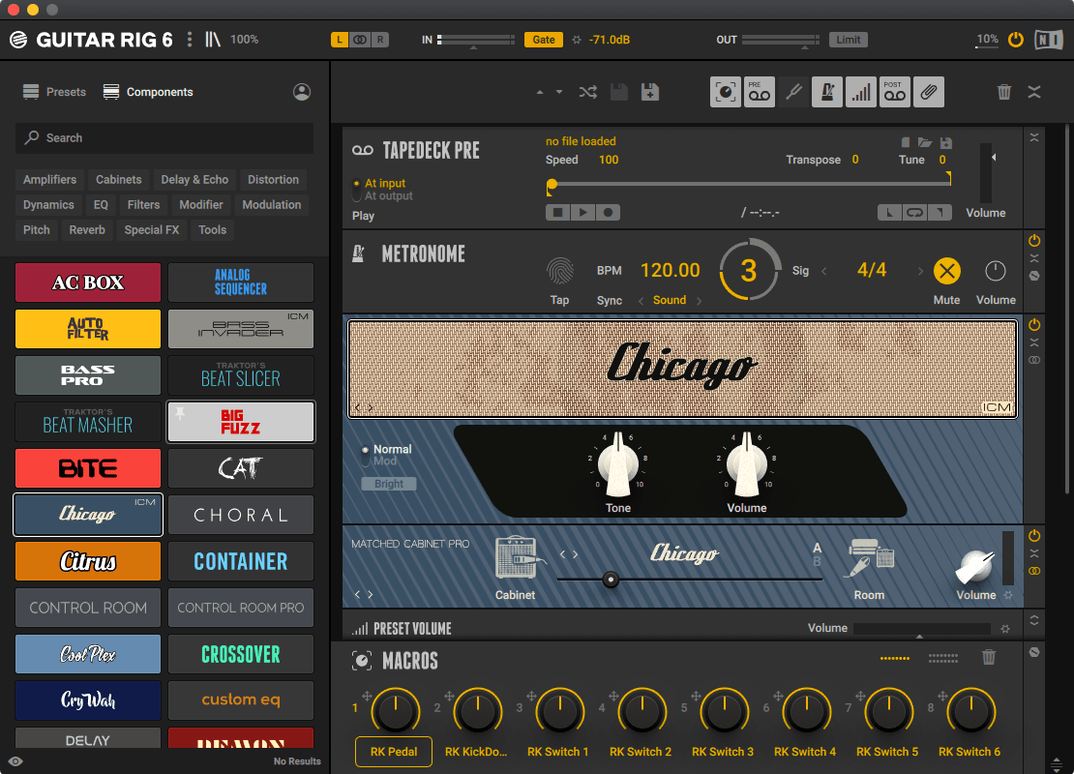
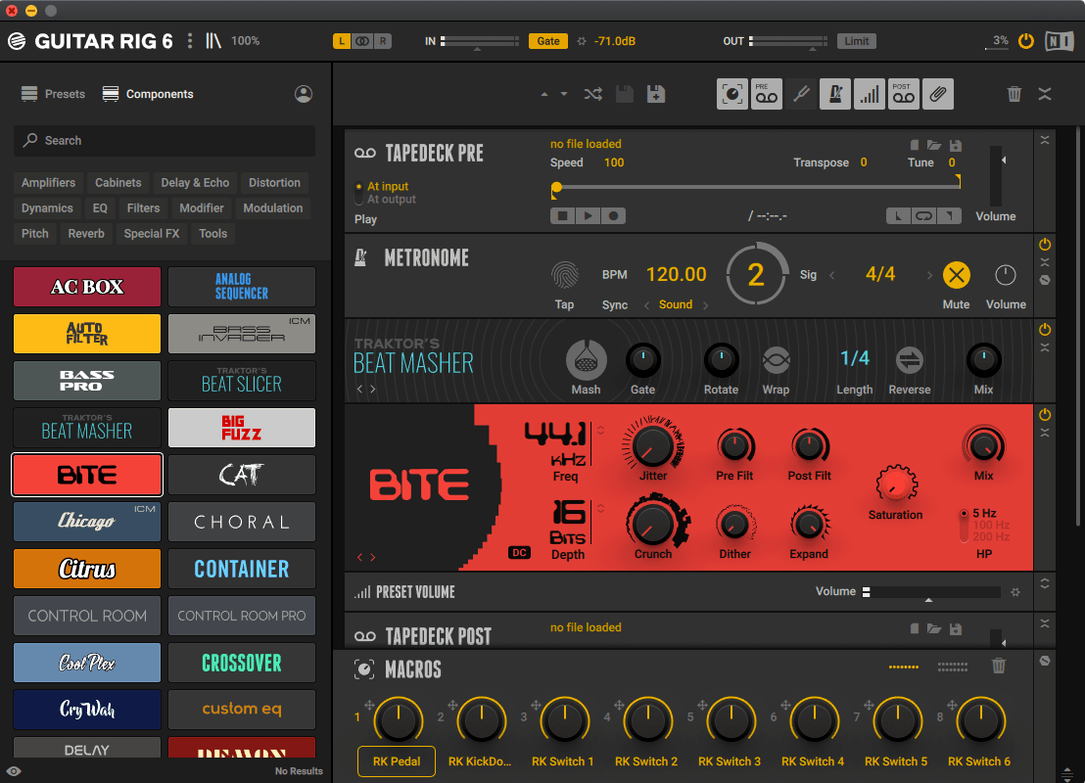
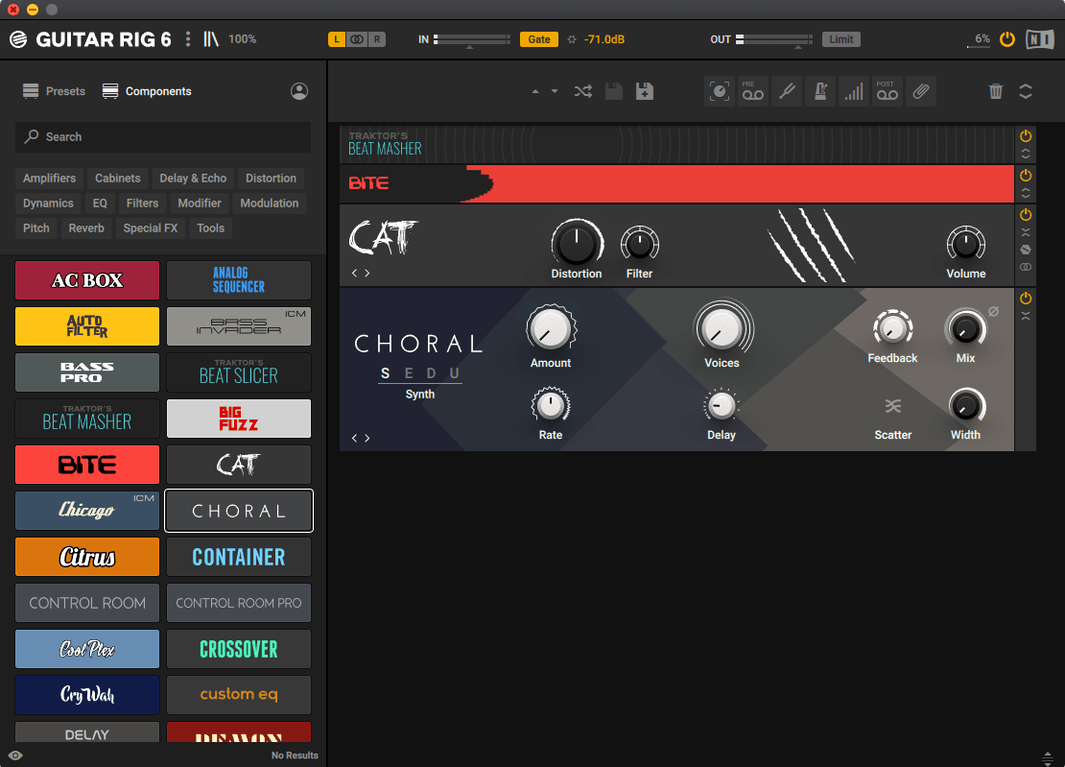
Guitar Rig runs on any Mac with macOS 11 or later. It works natively on both Apple Silicon and Intel 64-bit chips. Plug-in formats are AU, VST3 and AAX. A stand-alone app is also included.
Chain amps, pedals and studio effects without patching cables
- Building complex chains of amps, pedals and studio effects
- Dialling in a tone with the built-in tuner and metronome
- Switching between bass and guitar signal paths fast
Bass chains push older Macs harder than expected
- Requires macOS 11 minimum
- Large effect chains can test older machines
One task: a clean-to-crunch bass preset
Open the stand-alone app. Drag a bass amp from the component list onto the rack. Place a compressor before it — keep the ratio gentle. Add a drive pedal next. Set the blend knob to 40% so the clean DI signal stays present. Insert the tuner at the start of the chain and check tuning before you play. Open the metronome, set the tempo and turn on sync. Save the rack as a volume preset with two options: one flat, one with a 3 dB boost. The chain is now ready to record or perform.
A session player’s morning in a home studio
A guitarist logs three remote tracks before lunch. The brief asks for a clean verse tone, a mid-gain chorus hook, and a fuzz lead with a tight low end. Guitar Rig keeps the session moving.
Track one opens with a bass amp and a studio compressor side‑chained to the kick drum channel. The metronome runs at 112 bpm, synced to the DAW. Track two uses a split rack: one path holds a clean amp, the other runs through a pitch shifter and a tape delay. A volume preset with a 2 dB boost handles the chorus lift without touching the fader.
For the fuzz lead, the rack chains a treble booster into a modelled vintage head. An EQ block after the cabinet cuts mud at 250 Hz. The tuner stays pinned to the input slot; a quick tap checks intonation between takes. All three tracks bounce inside twenty minutes. No outboard gear was powered on.
Preset tags don't vanish after plug‑in scans anymore
Version 7.0.2 tightened the preset browser. Tag searches return results faster, and the favourites list no longer resets after a plug‑in scan. For users who rely on the stand‑alone app, the metronome sync holds steady when switching sample rates — a small fix that removes a frequent rehearsal annoyance.
Apple Silicon support matured. On M‑series Macs, larger racks that used to spike the CPU at low buffer sizes now run without glitches. Users who moved from an Intel machine notice the headroom when stacking modulation effects and two cabinet IRs in parallel. The volume preset block also gained a mute switch, useful for A/B testing chains without deleting routing.
Daily workflows feel less interrupted. Fewer crashes when loading third‑party impulse responses. The tuner display refreshes quicker on high‑resolution screens. For bassists, the updated amp models react more evenly to active pickups — less gain‑staging guesswork at the input.
A mixing engineer’s repair chain
A producer receives a DI bass track that arrived too hot. No re‑recording is possible. Inside the DAW, Guitar Rig loads as an AU insert. A gain plug‑in trims the input first. Then a bass amp model sits between a gentle optical compressor and a parametric EQ. The compressor catches peaks; the EQ notches a room resonance at 140 Hz. A second volume preset at the end of the chain matches the output to the next plug‑in in the session. The track sits in the mix without further treatment.
- Version 7.0.2 available for Guitar Rig 7 Player
- macOS 11 or later
- Apple Silicon or Intel 64-bit Mac









Comments 0
Sign in or create an account to add a comment.
No comments yet. They go up after moderation.