

FL Studio — Mac download
Download (1.1 GB) Earlier builds
Ticked
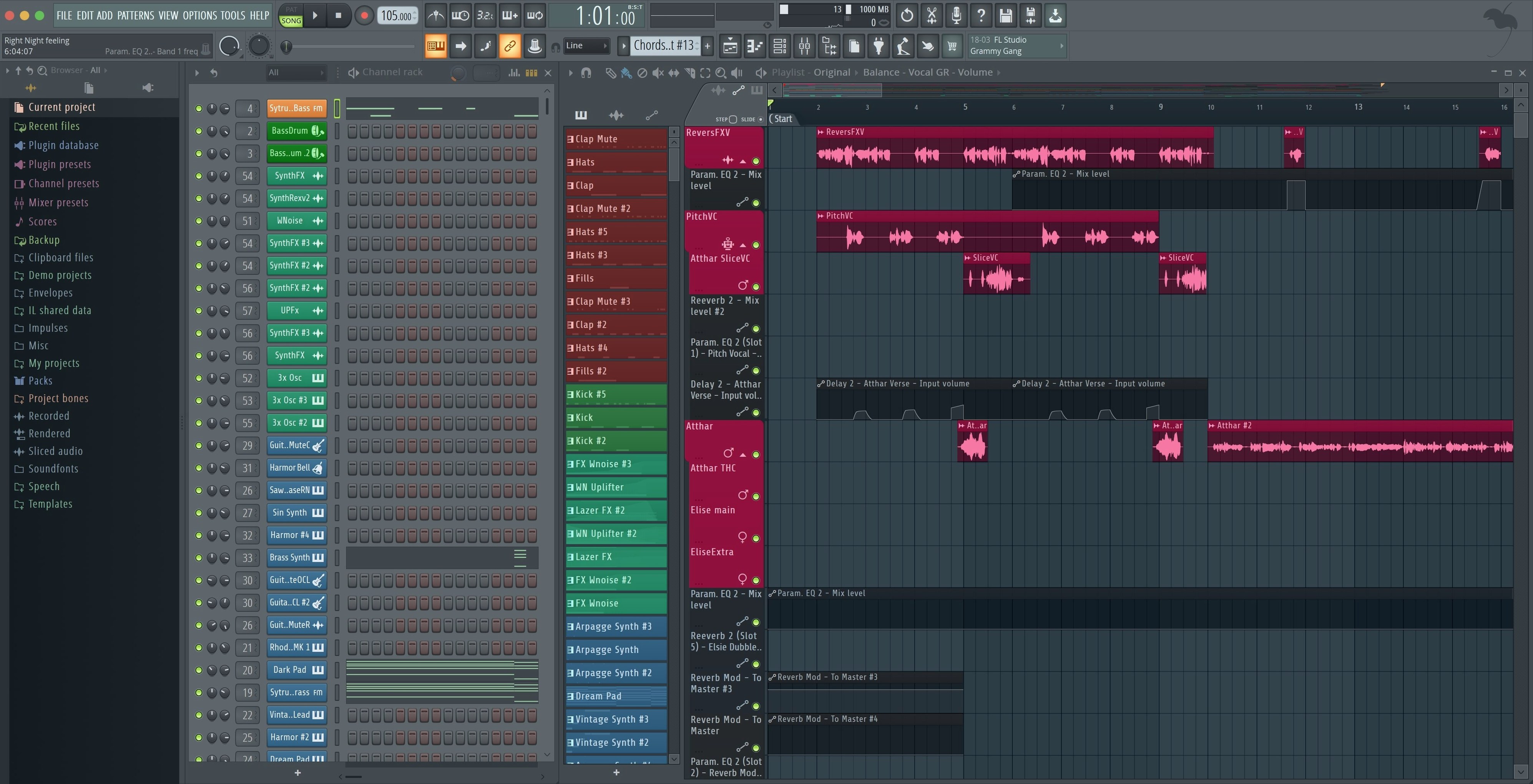
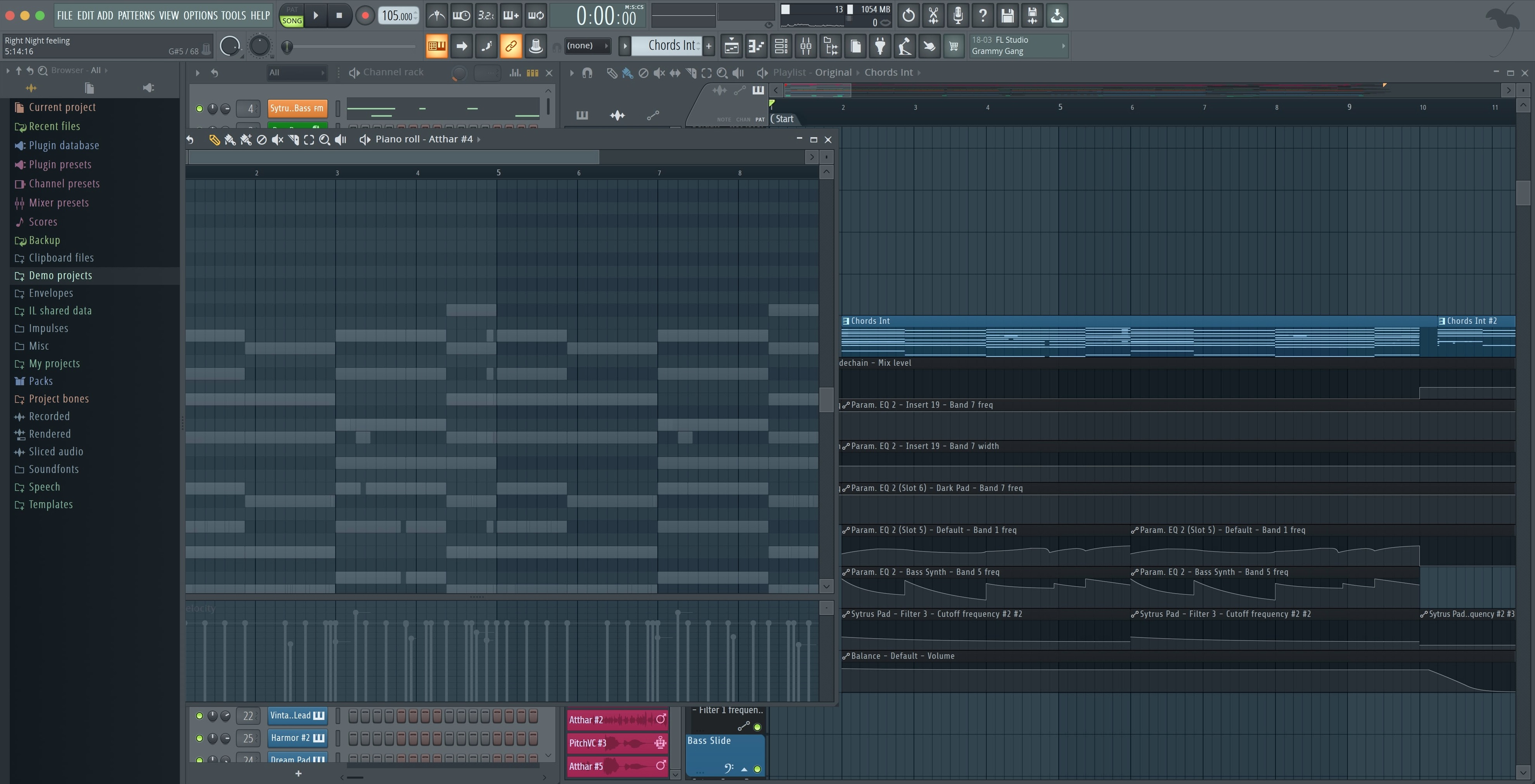
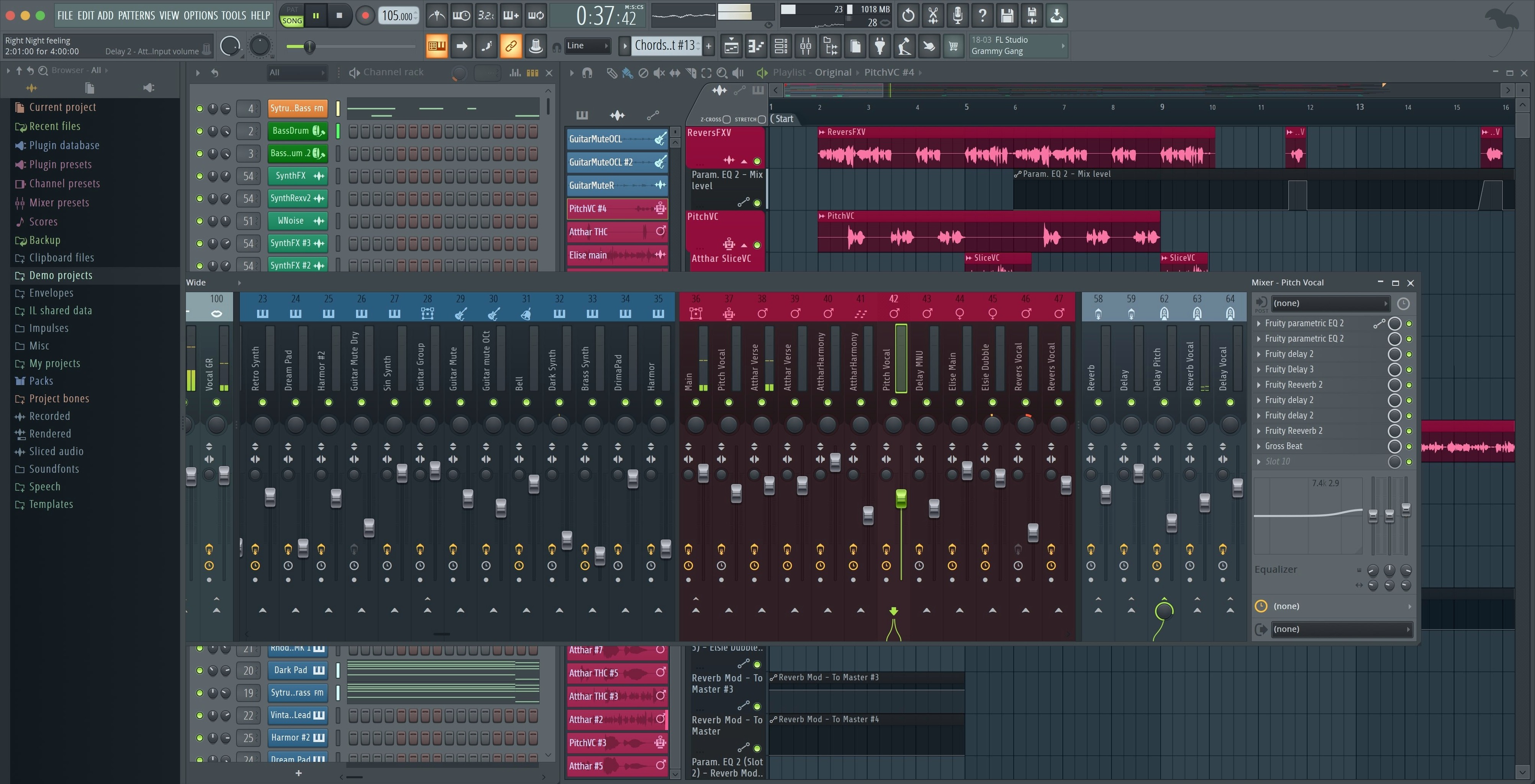
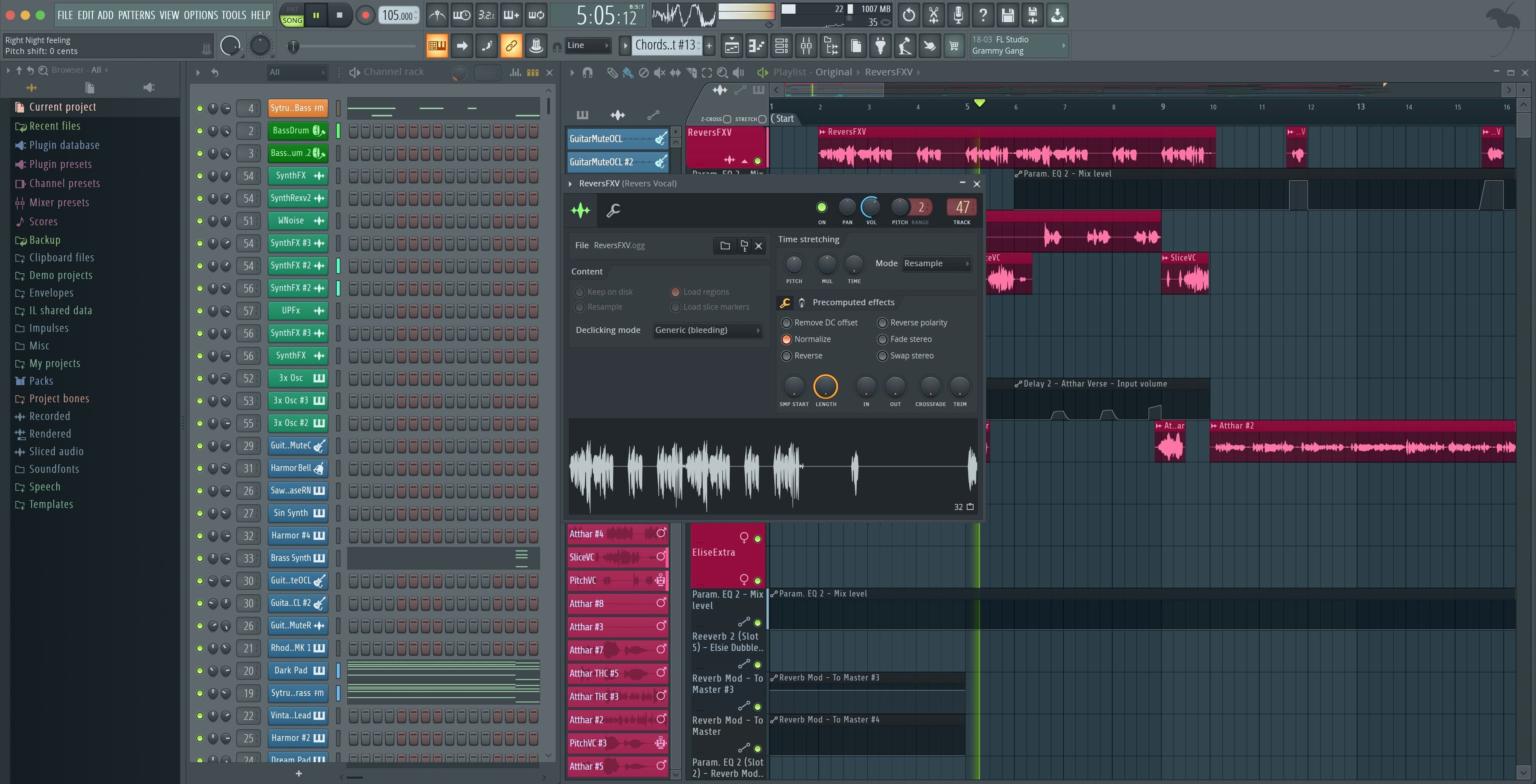
Version 2026 ships with a new FLEX sound search, cloud project backup, and the Gopher assistant built in. It handles multitrack audio and MIDI recording alongside beat and pattern creation — all inside a single project environment.
Patterns, audio arrangements, and native Apple Silicon mixing
- Building full arrangements from recorded audio and MIDI parts
- Pattern-based beat creation with a step sequencer workflow
- Mixing projects with the new master and current track render checkboxes
- Apple Silicon Macs — runs natively, no Rosetta required
English-only interface and Catalina minimum on Producer tier
- Interface and documentation are English only
- Edition noted is Producer Edition — features differ across tiers
- macOS requirement starts at Catalina (10.15)
- Akai Fire controller now defaults to its dedicated script; check mappings if you use other surfaces
Dragging a dusty piano sample into the Playlist before breakfast
Someone who builds lo-fi hip-hop in their bedroom starts the day by dragging a dusty piano sample from Finder straight into the Playlist. They chop it on the grid, pitch it down four semitones in the Sampler, and layer a kick from the stock library underneath. The new FLEX sound search saves them ten minutes of scrolling — typing warm pad lands them on a preset that sits behind the beat without clashing. By lunch they have a one-minute loop, balanced in the mixer and exported with the new split-track checkboxes, ready to send to a vocalist.
Confirm the Akai Fire script first, then watch the Plugin Performance Monitor
- Run the Akai Fire check. The 26.1.6 update defaults to the dedicated script. If your pads feel off, open MIDI settings and confirm the Fire is assigned — takes thirty seconds.
- Watch the Plugin Performance Monitor. Fractional percentages now show exactly which synth eats CPU. Keep it open in a corner while you load your ten heaviest instruments.
- Build a default template. Drop a kick channel, a snare channel, a sampler for melodic chops, and a basic mixer routing into an empty project. Save it. Every new beat starts from this, not from silence.
- Test the cloud backup. Save a throwaway project, close FL Studio, re-open it. Knowing your projects sync automatically removes the fear of losing a late-night idea.
- Connect one MIDI controller and watch for the notification. The new pop-up asks if you want to enable it. Say yes, then play a few notes to confirm it talks to the Channel Rack.
Before you install: questions answered
Native ARM support with no Rosetta, Catalina onward
Yes. FL Studio runs natively on Apple Silicon. No Rosetta translation layer required. Installation works on any Mac running Catalina or later, Intel or ARM.
Will my third-party VSTs carry over
If you already own VST2 or VST3 plug-ins, scan them through the Plugin Manager after installation. The 64-bit x86 and ARM architecture support means most modern plug-ins load without issue. Older 32-bit plug-ins will not appear.
Can I open projects from the Windows version
Project files cross over without conversion. A beat made on a Windows machine opens on your Mac, samples and all, provided the sample paths point to accessible folders. Keep sample libraries on an external drive with a consistent name to avoid relinking.
Is the step sequencer still the heart of it
It is. The Channel Rack holds your patterns, the Piano Roll handles melodies, and the Playlist stitches everything together. That core workflow hasn't changed. What version 2026 adds — cloud backup, Gopher assistance, FLEX search — stacks on top without disrupting it.
- Export dialog now includes checkboxes to render Master and Current when splitting mixer tracks
- Plugin Performance Monitor shows fractional precision on percentage readouts
- Notification appears when a new MIDI controller is connected, with a one-click enable option
- macOS 10.15 Catalina or later
- Intel and Apple Silicon (native, no Rosetta needed)
- English interface








Comments 0
Sign in or create an account to add a comment.
No comments yet. They go up after moderation.