
Fender Studio Pro — Mac download
Download (558 MB) Earlier builds
Ticked
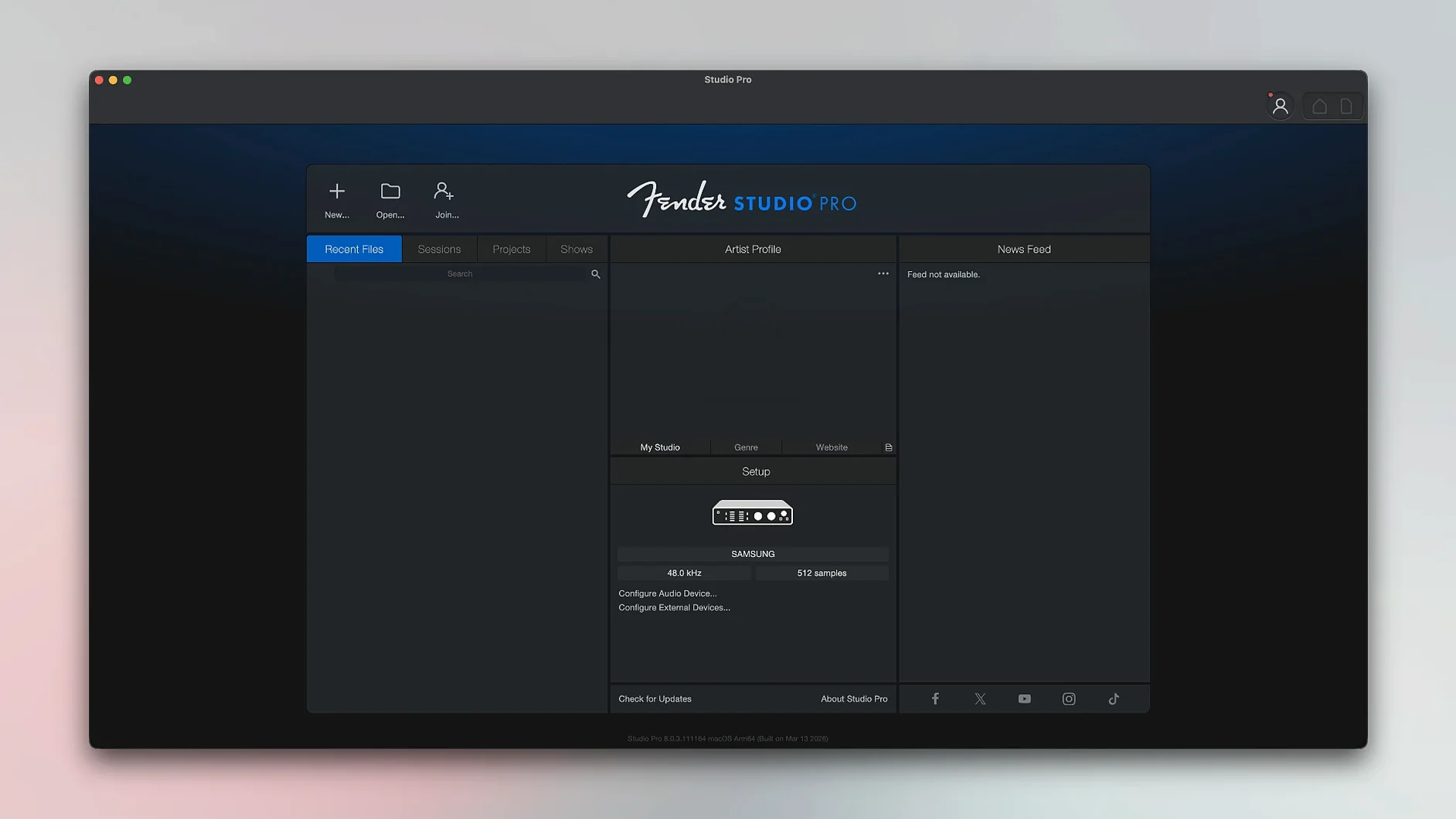
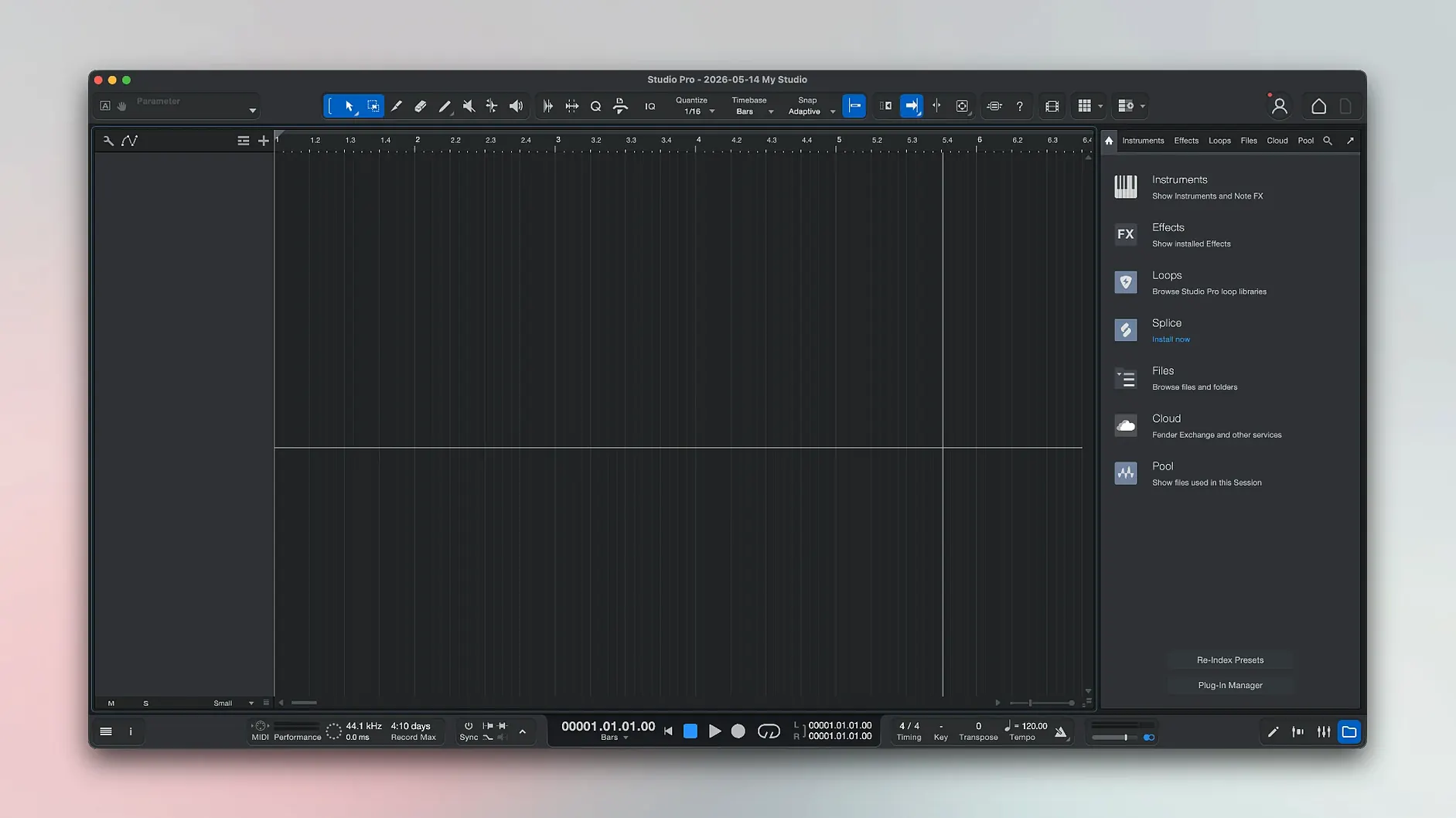
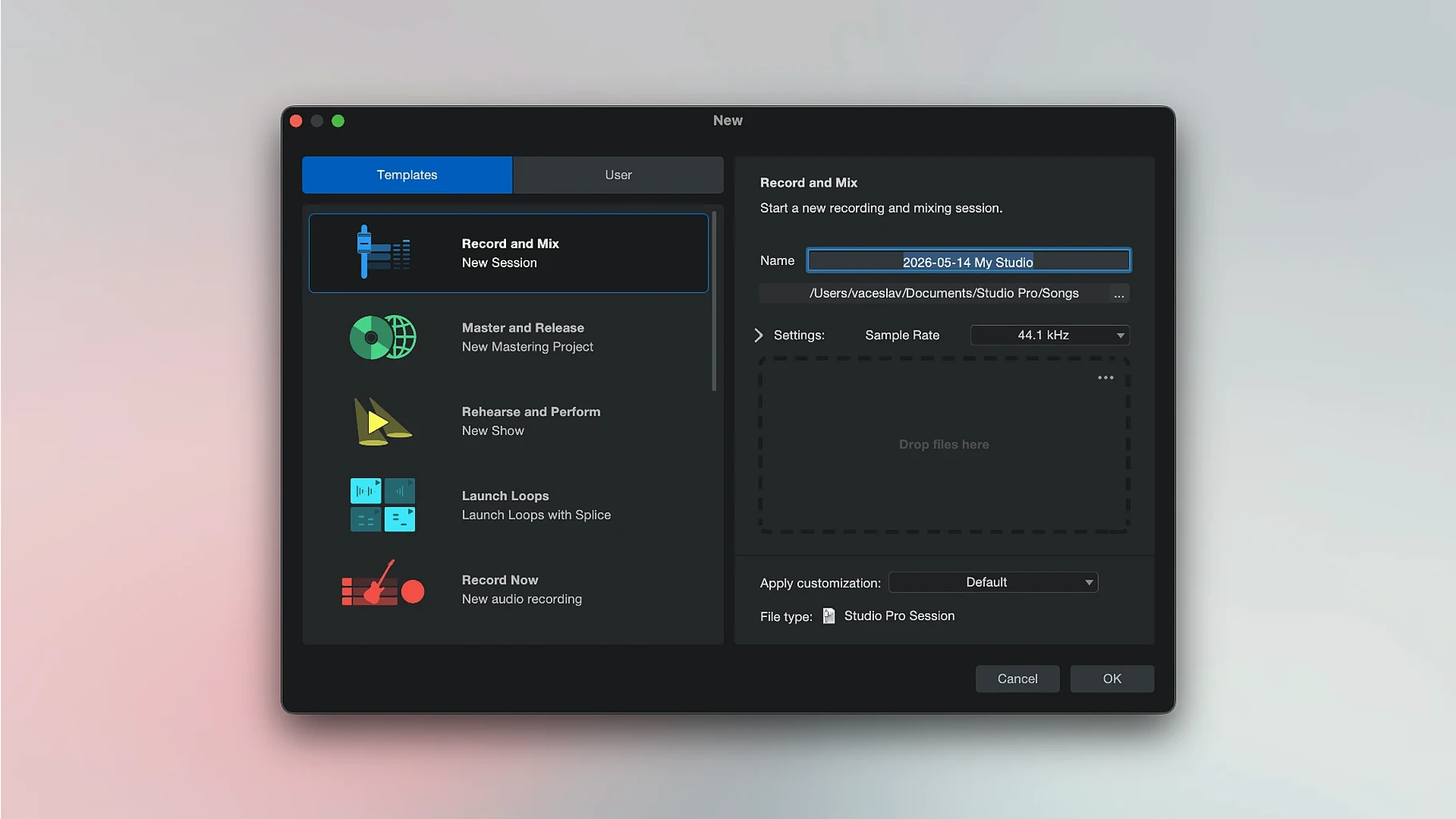
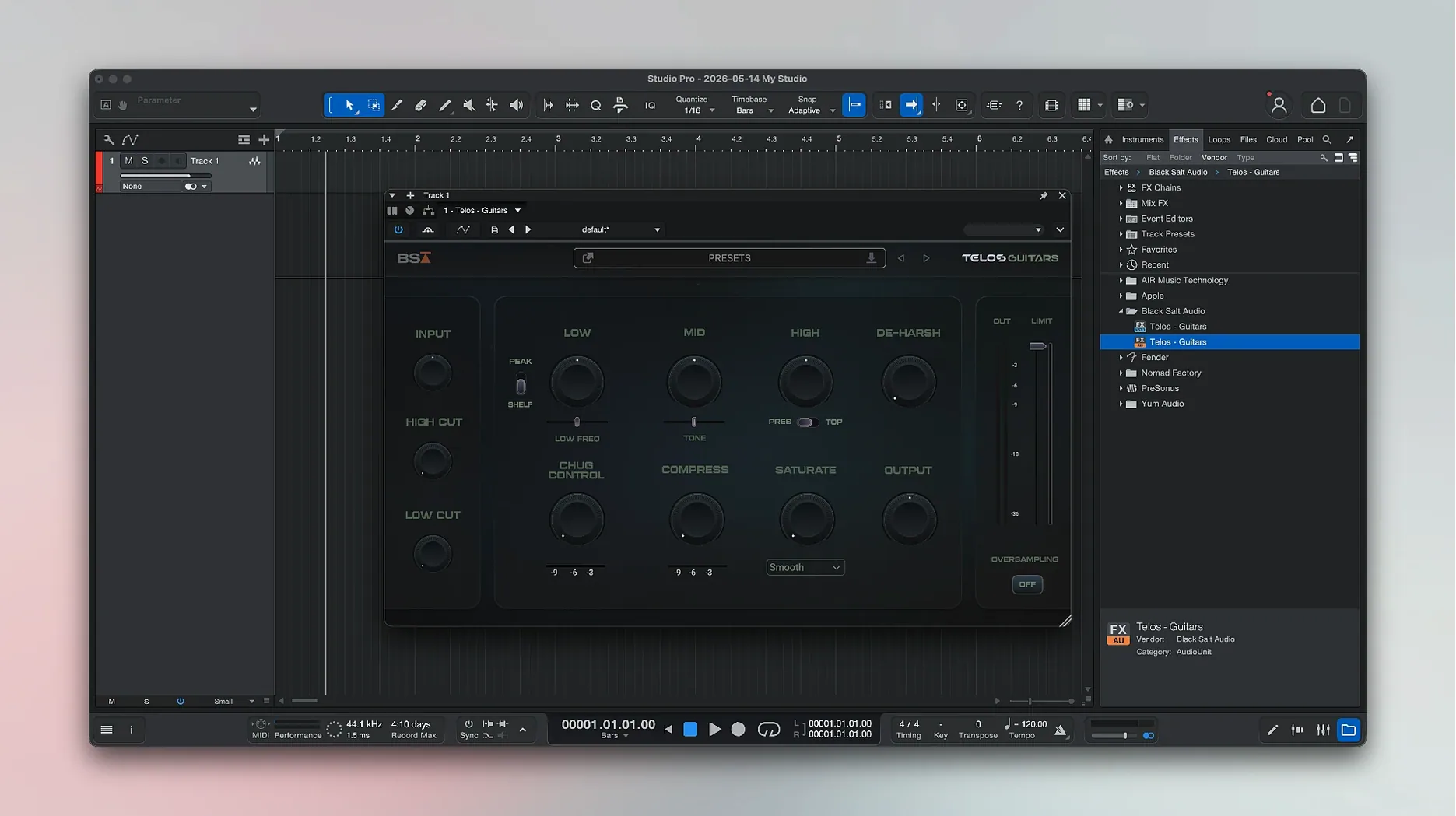
Fender Studio Pro is a single-window recording and mixing app that keeps guitar amps, virtual instruments and audio processing on one screen.
Record with amp sounds built in
The app includes Fender guitar and bass amplifiers ready to track. No extra plug-ins to hunt down — pick an amp and start recording.
Split a recording into stems
One mixed file can be separated into individual tracks for vocals, drums, bass and other instruments. Useful for remixing or pulling apart a rough demo.
Turn audio into MIDI notes
Pick a model and hit record, no routing needed
Guitarists and bassists who record at home. The amp collection is ready to go — no routing, no third-party plug-ins, just pick a model and hit record. That cuts setup time to nearly zero.
Songwriters who build from demos. Record a rough take, split the stems, pull the drums forward, mute the guide vocal. The stem separation and audio-to-MIDI tools turn a phone memo into something you can arrange.
Producers moving from GarageBand or a hardware recorder. One window holds recording, mixing and processing. The jump feels familiar, not overwhelming.
Less useful for sound designers who need deep synthesis or post-production editors working to picture. The toolset centres on music tracking and mixing, not film scoring or foley work.
Buffer set too low clicks and drops out
- Skipping buffer size setup. A buffer set too low causes clicks and dropouts during recording. Too high, and latency makes monitoring unusable. Set it low while tracking, then raise it for mixing.
- Recording everything in one long take. Eight minutes of noodling is harder to edit than short, labelled sections. Use loop recording or punch-in points from day one.
- Ignoring the Freeze Instrument Track command. Virtual instruments eat CPU. Freeze the track, and playback continues without stuttering — the option sits right in the Launcher now.
- Leaving Direct Monitoring off with Mustang or Rumble plug-ins. Automation on those native amps now responds properly with Direct Monitoring enabled. Turn it on and save yourself the headache of manual fader rides.
- Forgetting to set the sample rate before starting a session. Changing it later forces conversions. Pick 48 kHz or 44.1 kHz upfront and stick with it.
Swap the first plug-in chain to find your sound
Audio device and buffer
Open the audio preferences, select your interface, then set the buffer to 128 samples for tracking. Move it to 512 or 1024 when mixing. The app does not auto-switch, so make this a habit.
Plug-in latency compensation
The Audio Batch Converter now compensates for plug-in latency. If you export stems regularly, enable this in the batch processor preferences. It keeps exported files sample-accurate.
Metronome routing
The click defaults to the main output. Send it to a separate headphone mix instead — useful when recording with a vocalist who wants the click louder than the backing track.
Auto-save interval
Not set aggressively out of the box. Lower it to every two minutes. The backup folder stays tidy, and you lose less when the unexpected happens.
Colour-coded tracks
Assign colours by instrument group — red for drums, blue for bass, green for guitars. The mixer view stays readable as track counts climb past twenty.
Runs natively on Apple Silicon, no Rosetta needed
Does it run on Apple Silicon Macs? Yes. Version 8.1.1 is a universal binary that runs natively on ARM and Intel 64-bit Macs. No Rosetta translation needed on M-series machines.
What macOS version do I need? macOS 13.5 Ventura or later. Older systems won't launch the app.
Can I open old Studio One projects? The app continues the Studio One Pro line under the Fender name. Projects from recent Studio One versions open without conversion, though some third-party plug-in references may need relinking.
Is the amp collection any good, or is it filler? The Mustang and Rumble models are the same native plug-ins Fender ships in its hardware amps. They respond to gain and EQ the way the physical units do, and they now follow automation properly with Direct Monitoring enabled.
Will it work with my audio interface? Any class-compliant Core Audio interface works. The app sees whatever macOS sees. If your interface needs a driver, install that first, then select it in the audio device menu.
How big is the download? The installer includes the full instrument and loop library. Keep at least 40 GB free on the target drive. The exact size depends on which optional content you select during installation.
Recorded audio converts to notes you can edit or send to the bundled virtual instruments. A quick way to sketch ideas without replaying parts.
- Audio Batch Converter now compensates for plug-in latency.
- Mustang and Rumble native plug-ins follow automation with Direct Monitoring on.
- Freeze Instrument Track added to the Launcher.
- macOS 13.5 Ventura or later
- Intel and Apple Silicon Macs





Comments 0
Sign in or create an account to add a comment.
No comments yet. They go up after moderation.