

Cubase — Mac download
Download (1.2 GB) Earlier builds
Ticked
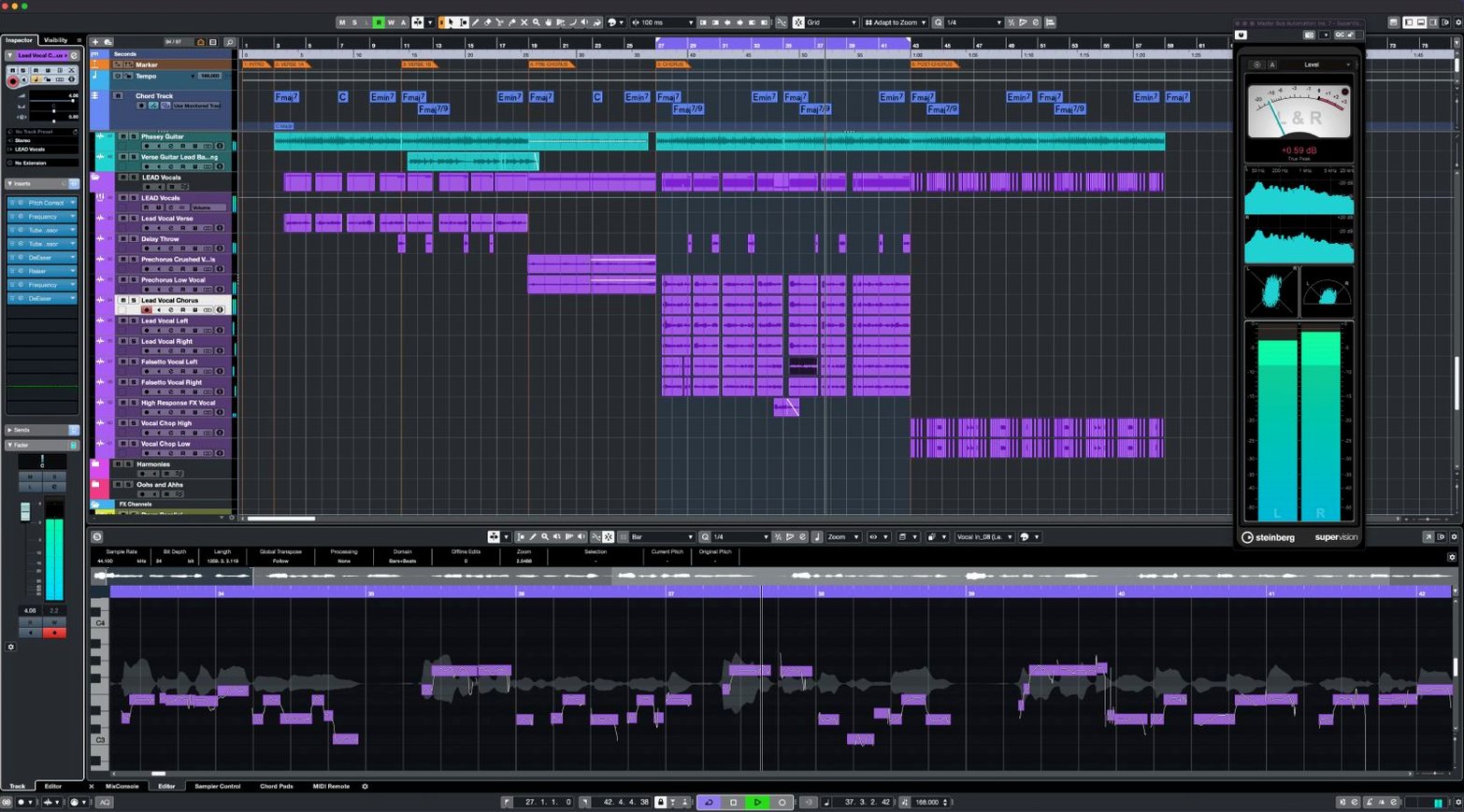
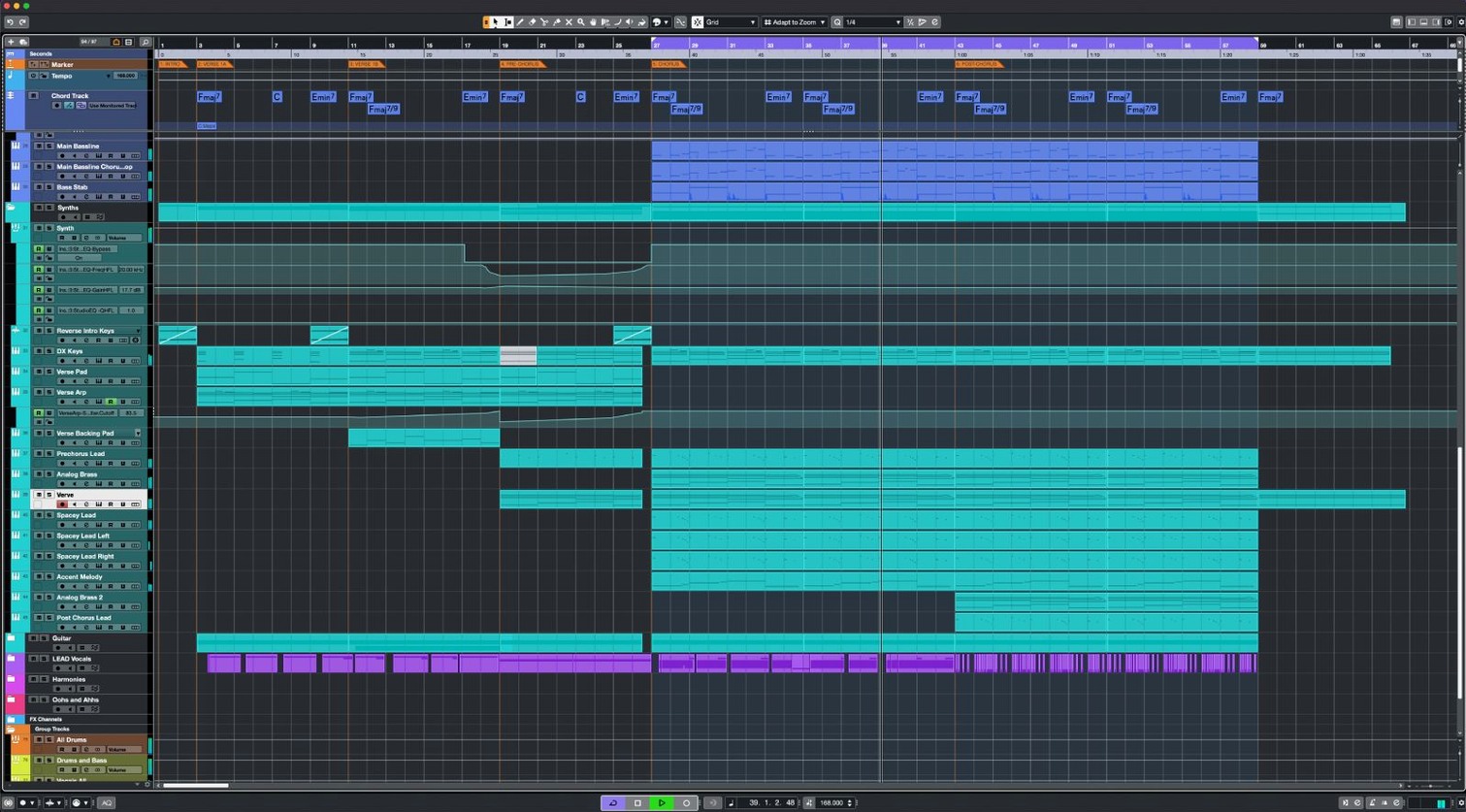
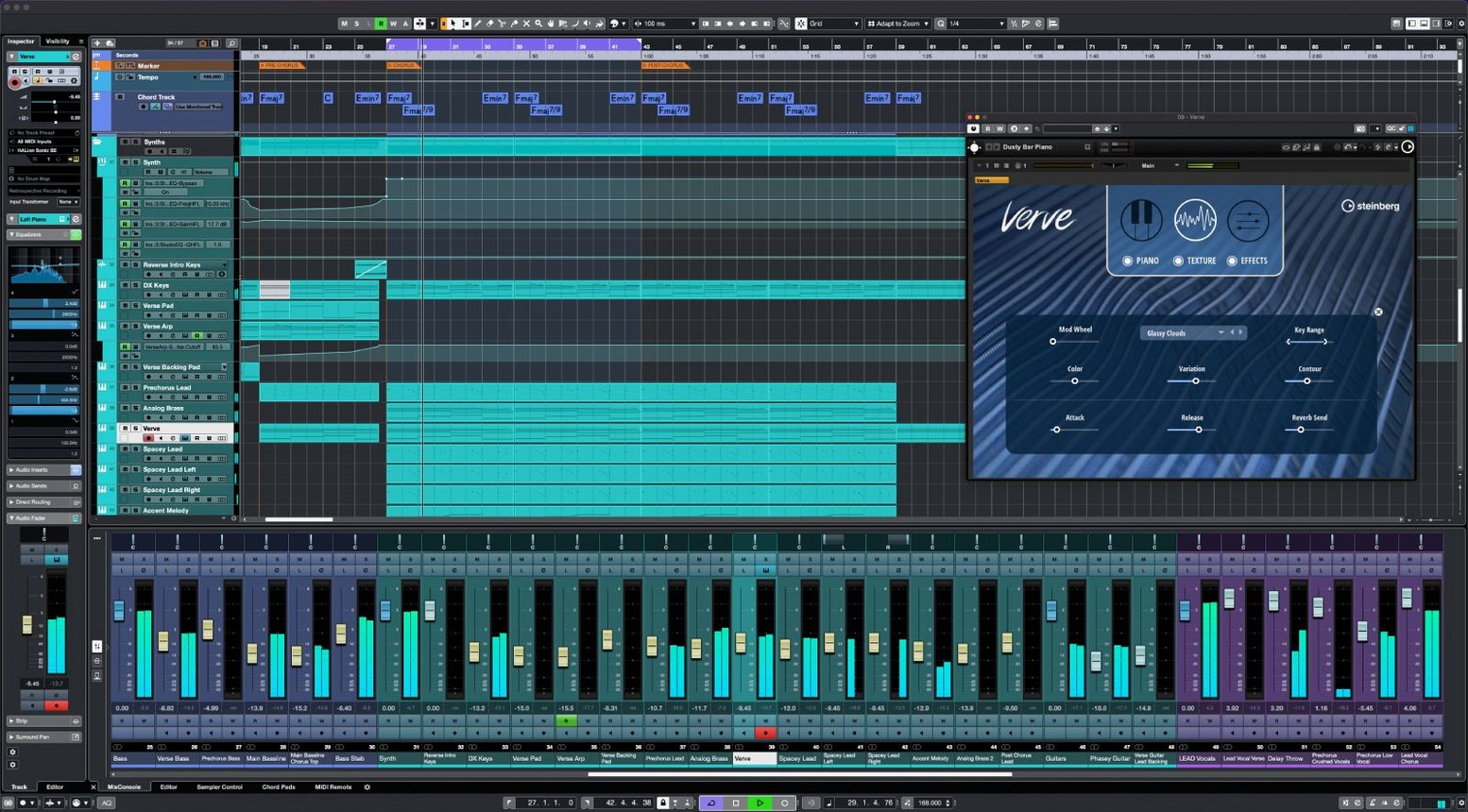
If you know Nuendo, think of Cubase as its composition-focused sibling — same core technology, streamlined for music production.
Standout features
64 VST instrument slots — load massive orchestral templates or layered synth setups without juggling tracks.
AudioWarp — quantise audio to the project tempo and grid. Tighten a loose bassline without slicing manually.
FX Modulator — an envelope-driven multi-effect for textural swells, rhythmic filter chops and evolving pads.
Raiser — a compressor built for loudness. Increases perceived level while transients stay punchy and the top end remains open.
MIDI Remote integration — link hardware controllers directly. Create custom mappings that stick with the project, not just the session.
Dolby Atmos tools — native surround panning and monitoring for immersive mixes without external renderers.
Channel architecture — 16 insert effects, 8 sends and 64 return channels per track. Signal chains can go deep.
First days with Cubase
Installation is a single package — the licence unlocks your version. Once it opens, resist the urge to load a full template on day one.
- Set your audio device first. Go to Studio Setup and pick your interface. Check the buffer size — 128 samples works for tracking, 512 or higher for mixing.
- Map one MIDI controller. MIDI Remote integration scans connected hardware. Accept the auto-mapping for your main keyboard or pad controller, then test transport controls and a fader. Getting the physical workflow dialled in early saves hours later.
- Create a blank project template. Strip everything back — one group channel, a reverb on an FX track, a limiter on the stereo out. Save it as your starting point. You build habits around a clean slate, not someone else's 200-track orchestral session.
- Learn three shortcuts.
Pfor the project window,F3for the mixer,Shift+Rto toggle read automation. Three keystrokes that cover eighty percent of navigation. - Warp one audio clip with AudioWarp. Drop in a drum loop, hit
Qfor quantise, and watch how hitpoints snap to the grid. Adjust a few transient markers manually to feel the sensitivity.
One installer unlocks Elements, Artist or Pro
Does the single installer really cover all versions? Yes. One download serves Cubase Elements, Artist and Pro. The licence file or activation determines which feature set opens. If you later upgrade, you do not reinstall — you simply activate the new tier.
Will my older Mac run it? The minimum is macOS 13, and the build supports both Intel and Apple Silicon. On an M-series machine it runs natively. On an older Intel MacBook Pro with 16 GB RAM, expect smooth playback at moderate track counts — just freeze instrument tracks when the fan kicks up.
Can I open projects from Cubase 14 or earlier? Yes. Projects open forward, and the engine keeps backward compatibility with arrangements, audio files and most plug-in data. Save a copy under a new name on first open, so the original stays intact if you need to go back.
How long does the full mac download take? The package sits under 1.3 GB. On a decent connection that is ten to fifteen minutes. The Steinberg Download Assistant handles the transfer and verifies the file. Keep the installer — future point updates may patch the same base build.
Does Cubase 15 Pro download include all content packs? The core application installs first. Additional sound libraries and Groove Agent content are separate downloads through the Download Assistant. Pick what you need — the full set runs much larger than 1.3 GB.
Launch Control XL MK3 support arrives in June
Version 15.0.30 landed in early June 2026. It is a stability and integration release rather than a feature drop, but a few additions sharpen everyday use.
- Novation Launch Control Series 3 support. Plug in a Launch Control XL MK3 and Cubase recognises it immediately. The eight faders map to channel levels; the pads trigger transport and markers. Setting up custom encoder assignments for EQ bands takes under a minute through the MIDI Remote editor.
- MIDI Remote API 1.3. For anyone building or maintaining custom controller scripts, the updated API exposes more parameters for feedback — scribble strip text, colour changes, and finer resolution on endless encoders. This matters most if you use niche hardware or a bespoke control surface.
- General fixes. Several areas of the application received under-the-hood attention. Users on the Steinberg forums note smoother waveform redraws when zooming in large projects, and quicker response when switching between the Key Editor and the MixConsole on M-series Macs.
Day-to-day, the update is quiet. No menu items moved. No key commands changed. The improvements sit in the background — controllers connect faster, MIDI feedback is tighter, and the interface stays responsive under heavier session loads.
Audio drops: raise the buffer to 512 or 1024
Audio drops during playback. This is almost always the buffer size. Open Studio Setup, find your audio device, and raise the buffer to 512 or 1024 samples. If the project has many virtual instruments, freeze the ones you are not currently editing — right-click the track and pick Freeze. The audio engine renders a temporary file and unloads the plug-in from RAM.
MIDI controller not recognised. Check that the device is connected before launching Cubase. If it still does not appear, open the MIDI Remote Manager from the Studio menu, remove any old entry for that hardware, and let the auto-detection run again. For controllers that use custom scripts, confirm the script folder is in the correct location — /Library/Application Support/Steinberg/MIDI Remote/ on macOS.
Third-party plug-ins missing after install. A Cubase point update does not scan plug-ins automatically. Open the Plug-in Manager, click the rescan button, and wait for the list to refresh. If an Audio Unit fails validation, try the VST3 version instead — Cubase prioritises VST3 and often runs it more reliably.
Project file opens but audio files are offline. The audio folder may have moved. Open the Pool window with Ctrl+P, select the offline files, right-click and choose Find Missing Files. Point it to the correct folder and Cubase re-links everything in one pass.
Dolby Atmos renderer connection fails. Confirm the Renderer is running before you open Cubase. In the Audio Connections window, check that the Atmos output bus is assigned to the correct driver channels. If the Renderer updated recently, rebuild the output bus — delete the old one, create a fresh 7.1.4 or 9.1.6 configuration, and reassign.
- Fixes and enhancements applied across several areas of the application.
- Novation Launch Control Series 3 now supported.
- MIDI Remote API updated to version 1.3.
- macOS 13 or later
- Intel or Apple Silicon Mac
Questions the team asks
Cubase 15 is a major release of Steinberg's digital audio workstation for music production and sequencing, updated on 2026-06-03.
Yes. It includes native Dolby Atmos tools for creating and monitoring immersive surround sound projects.





Comments 0
Sign in or create an account to add a comment.
No comments yet. They go up after moderation.