

Microsoft Office — Mac download
Ticked
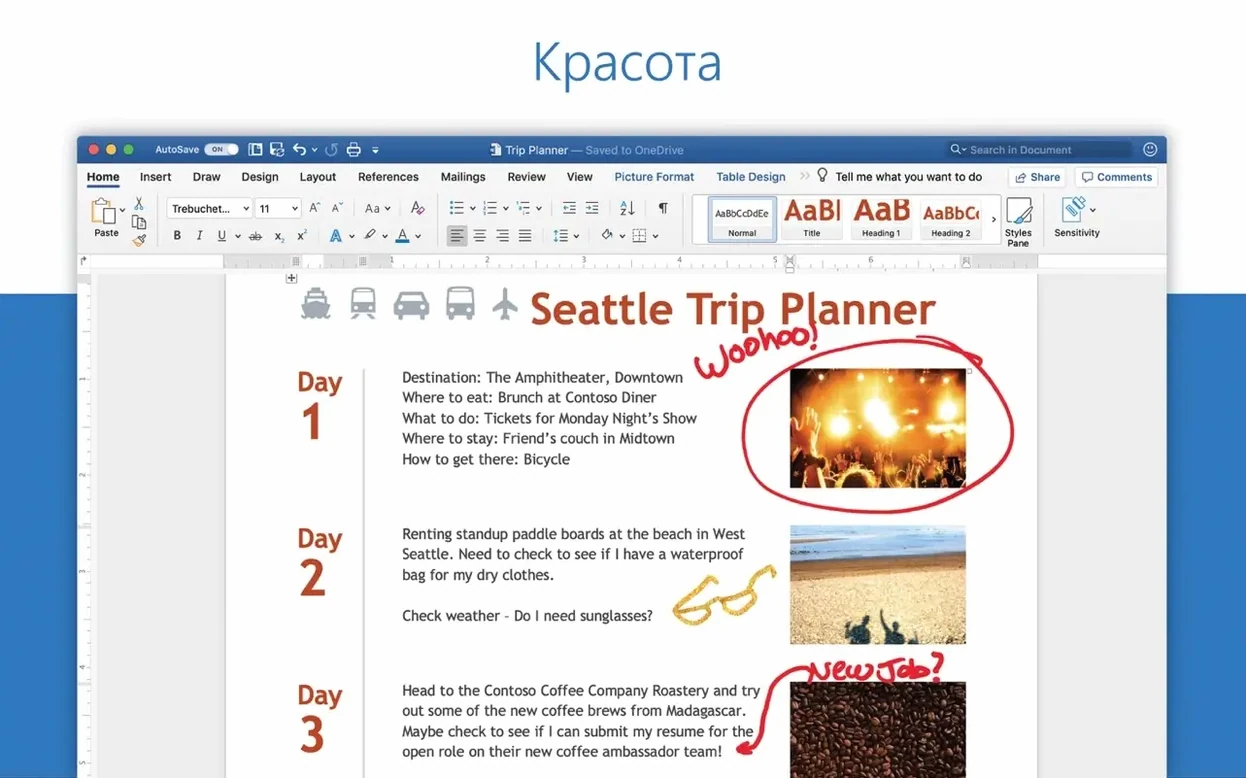
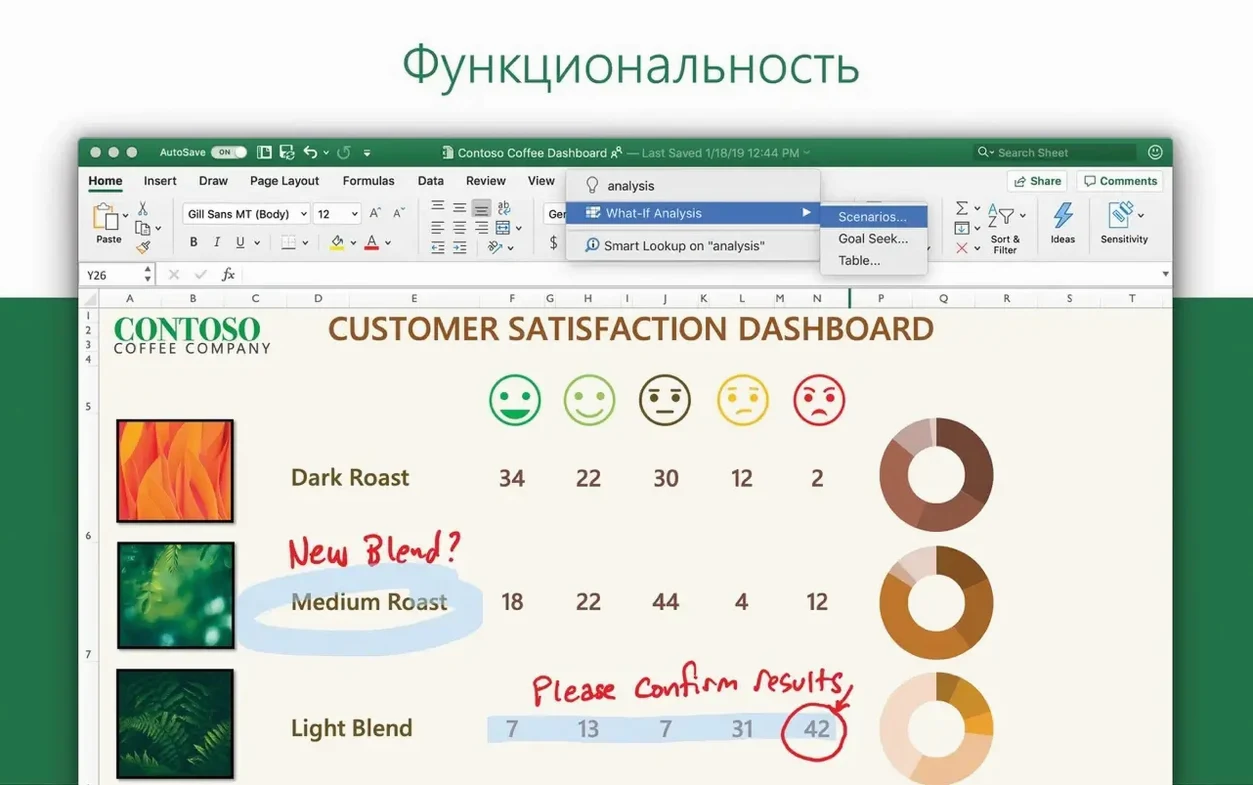
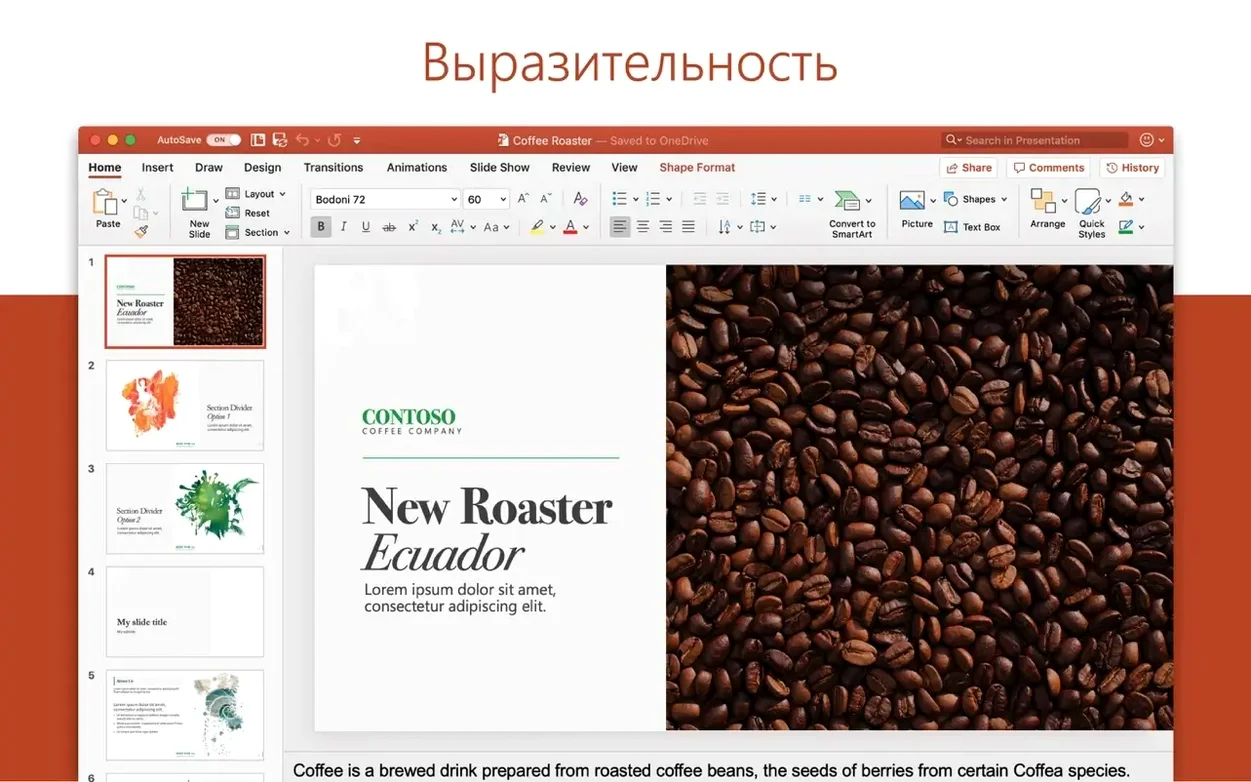
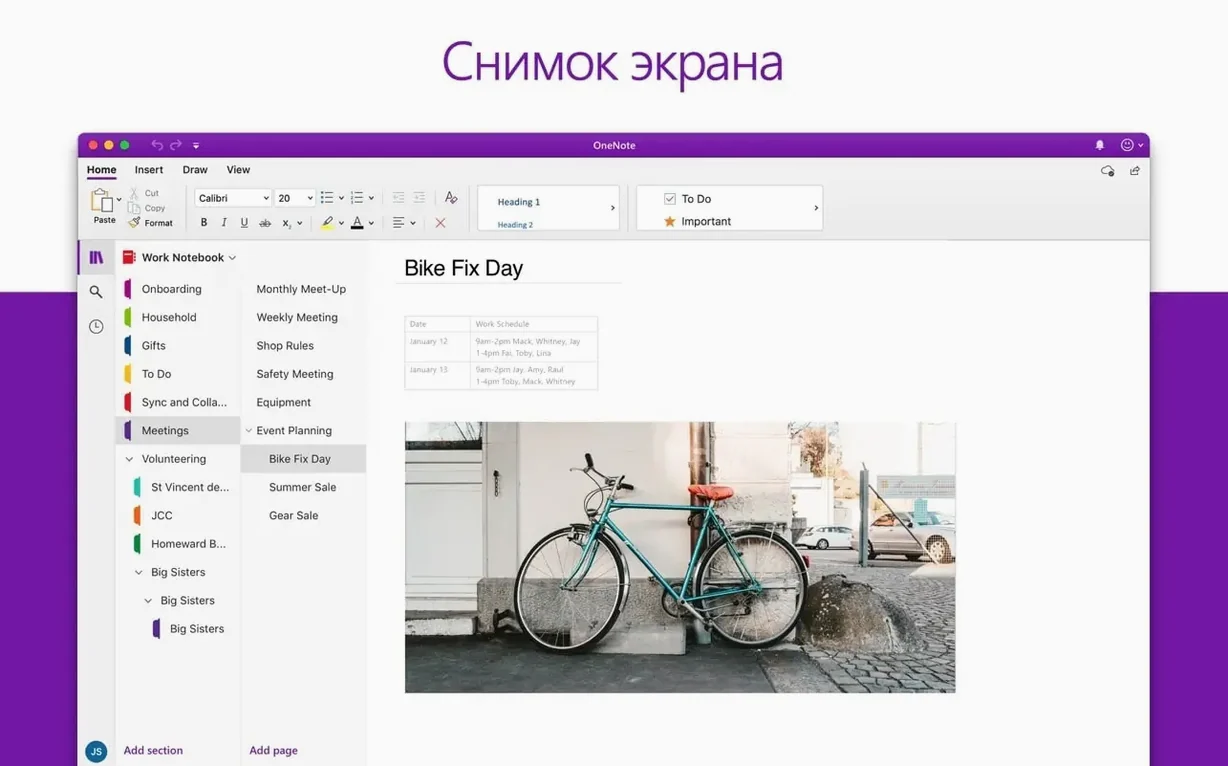
A project manager opens Excel to finalise a budget, drafts the summary in Word, checks the schedule in Outlook, and keeps meeting notes in OneNote — all in a single afternoon. That is the Office workflow on Mac.
Compatibility and what is in the package
Version 16.93 is a 64-bit suite that runs on macOS 13 and later, on both Intel and Apple Silicon Macs. The build includes Word, Excel, PowerPoint, Outlook and OneNote — no extra downloads for the core apps. Updates arrive roughly once a month, keeping the toolset in line with current macOS releases.
Activation and keeping things working
A clean install uses packages pulled from official servers. You run the LTSC 2024 VL Serializer to activate, then install Microsoft AutoUpdate to receive future patches. If activation does not take, removing Office fully and reinstalling is the standard fix.
Outlook flags, a calendar check, and a clear morning
9:15 am. Outlook opens first. Three new messages from the client, one calendar invite for a Thursday review. A quick flag on the invoice request — marked for follow-up before lunch. Calendar shows the morning is clear. Good.
9:25 am. Excel launches. The quarterly tracker needs actuals added. Paste the CSV export from the accounting tool, refresh the pivot table. The Ideas pane suggests a trend line for Q2 spend — unexpected dip in travel costs. Worth flagging in the summary.
10:10 am. Word picks up the thread. The project summary document links to the Excel sheet, so the chart updates live. Two paragraphs on the travel variance, a note on headcount changes, and the draft is ready for the Thursday review. Shared via OneDrive with edit permissions for the finance lead.
10:45 am. OneNote holds the agenda for Thursday. Drag the Excel chart onto the page, type three discussion points, and tick off the action items from last week's meeting. Everything in one place, no hunting through folders.
11:00 am. PowerPoint needs a slide for the same review. Pull the summary text from Word, the chart from Excel. Apply a motion effect to the trend line — subtle, not distracting. Three slides done in under ten minutes.
The rhythm is the point. No app works in isolation. Data flows from Excel into Word into PowerPoint. OneDrive sits quietly in the background, syncing versions. Outlook keeps the timeline honest.
Juggling budgets, Excel deep dives, and OneNote notes
Good for
- Project managers juggling budgets, timelines, and stakeholder updates across multiple apps.
- Financial analysts who live in Excel but need to present findings in Word or PowerPoint.
- Students and researchers organising notes in OneNote while writing papers in Word.
- Teams that collaborate on shared documents — OneDrive and real-time co-authoring make version chaos less likely.
- Anyone managing a busy inbox and calendar in Outlook alongside document work.
Not for
- Users who only need a lightweight text editor — Word is overkill for plain notes.
- Designers expecting layout precision like InDesign or Affinity Publisher.
- People who prefer browser-based tools and rarely work offline.
- Those on macOS 12 or earlier — version 16.93 needs macOS 13 minimum.
Switch off AutoSave for local files first
Fresh install, a few changes make the suite feel less like a default template and more like your workspace.
- Turn off AutoSave for local files. AutoSave is on by default for cloud documents. For anything stored locally, switch it off in Word, Excel, and PowerPoint preferences. Stops accidental overwrites during exploratory edits.
- Set default save location. In each app, under Save preferences, point the default folder to your working directory. Avoids documents scattering across the drive.
- Customise the Quick Access Toolbar. Add Print, New Comment, and Send as Attachment. Saves three clicks per action, which adds up across a working day.
- Outlook reading pane off for flagged folders. Prevents marking messages as read when you are just scanning. Toggle it per folder in View settings.
- OneNote dark mode with ruled lines. Makes long note-taking sessions easier on the eyes. Found under Preferences, not the View menu, which trips up new users.
Activation fails—drag apps to Trash and reinstall
Activation fails after installation. This is the most frequent issue. The fix is a full removal — drag the apps to Trash, delete the Microsoft folders from ~/Library/Containers and ~/Library/Group Containers, restart, and reinstall. The VL Serializer needs a clean slate to work properly.
OneDrive sync stuck on "Processing changes." Pause syncing from the menu bar icon, wait ten seconds, resume. If that does not clear it, quit OneDrive and restart it. Still stuck? Check that no individual file path exceeds 400 characters — OneDrive on Mac trips over deep folder structures.
Outlook search returns nothing. Rebuild the profile by deleting and re-adding the account. A nuisance, but fixes the Spotlight index mismatch that causes the problem after macOS updates.
Excel beachballs on large pivot tables. Turn off the Ideas pane when working with datasets over 50,000 rows. The analysis engine runs in the background and competes for resources. Also, switch calculation to manual for heavy sheets — Formulas tab, Calculation Options, Manual.
PowerPoint 3D models look pixelated on export. The default resolution for exported slides is 96 dpi. Bump it to 150 dpi or higher in PowerPoint preferences under Output and Sharing. The file size increases, but the output is presentable.
Word documents open read-only from OneDrive. Check that no other user has the document locked — co-authoring shows who is in the file at the top right. If it is only you, sign out of your Microsoft account in Word and sign back in. Clears the stale lock token.
A download like microsoft office for mac torrent download often bundles these apps together, which saves fetching each one separately. Some users search for office mac 2024 torrent to get the latest build in one go. The key is a clean install and a working serializer — once those are in place, the package launches smoothly.
- Version 16.93 ships as the current Office suite build for Word, Excel, PowerPoint, Outlook and OneNote.
- macOS 13 or later
- Intel or Apple Silicon Mac
- 64-bit only
Questions the team asks
The suite includes Word, Excel, PowerPoint, Outlook and OneNote.









Comments 0
Sign in or create an account to add a comment.
No comments yet. They go up after moderation.