

Microsoft PowerPoint — Mac download
Ticked
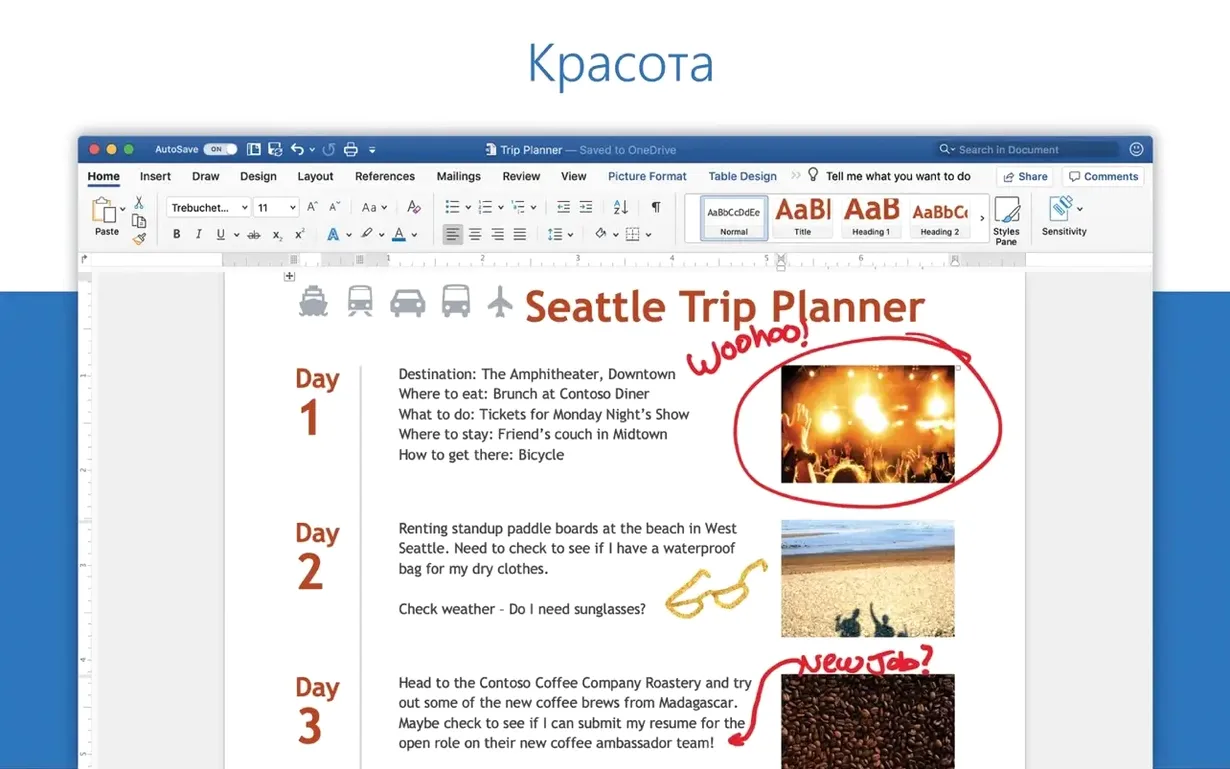
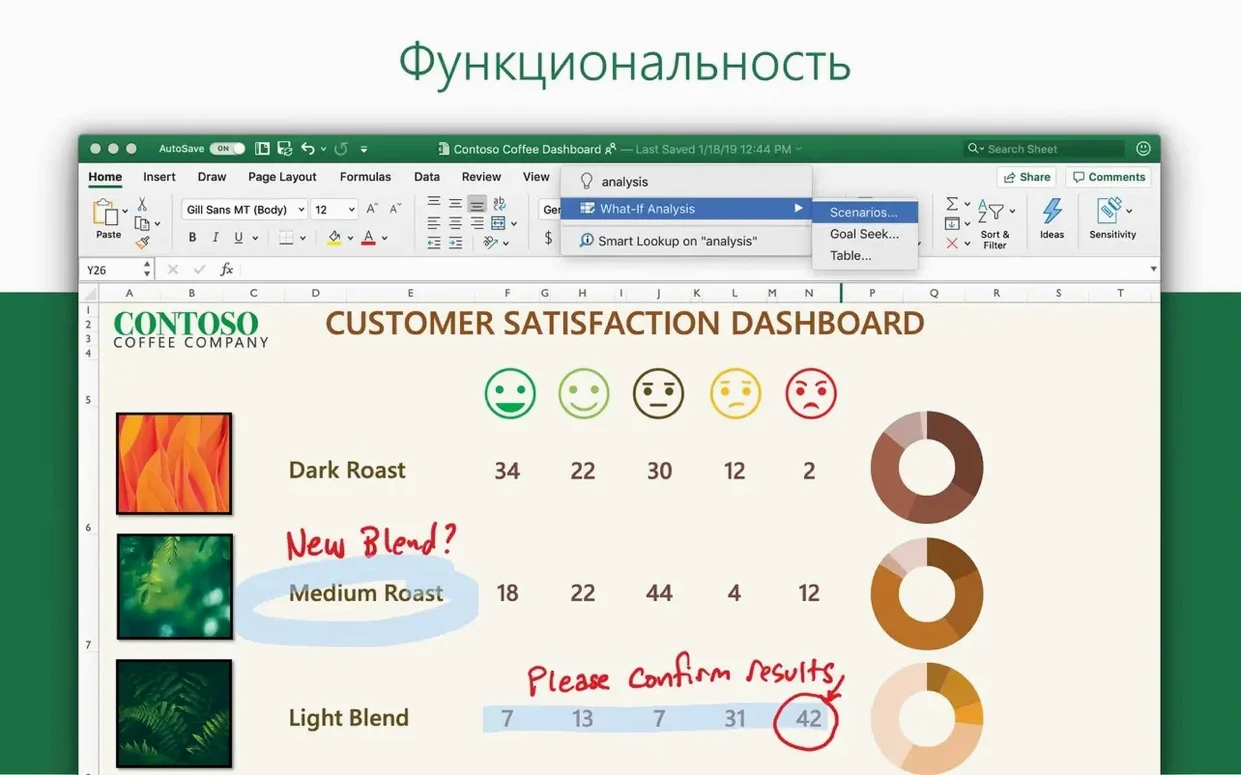
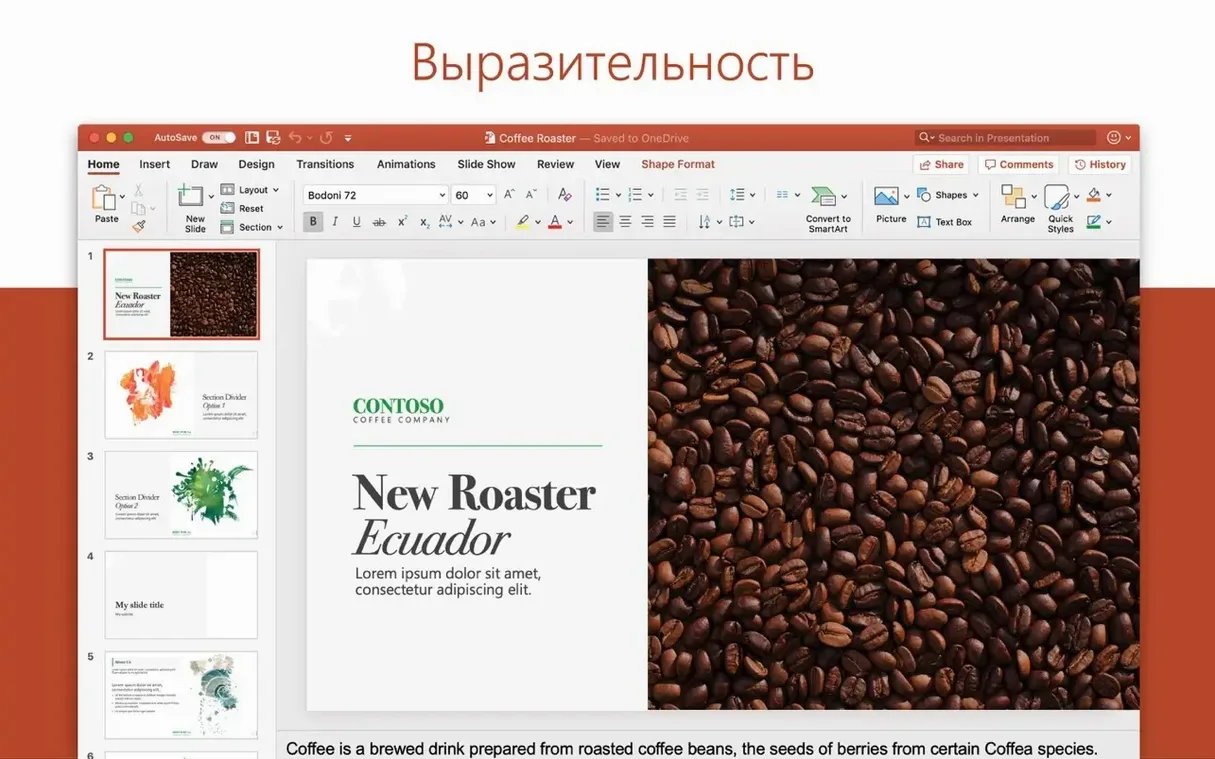
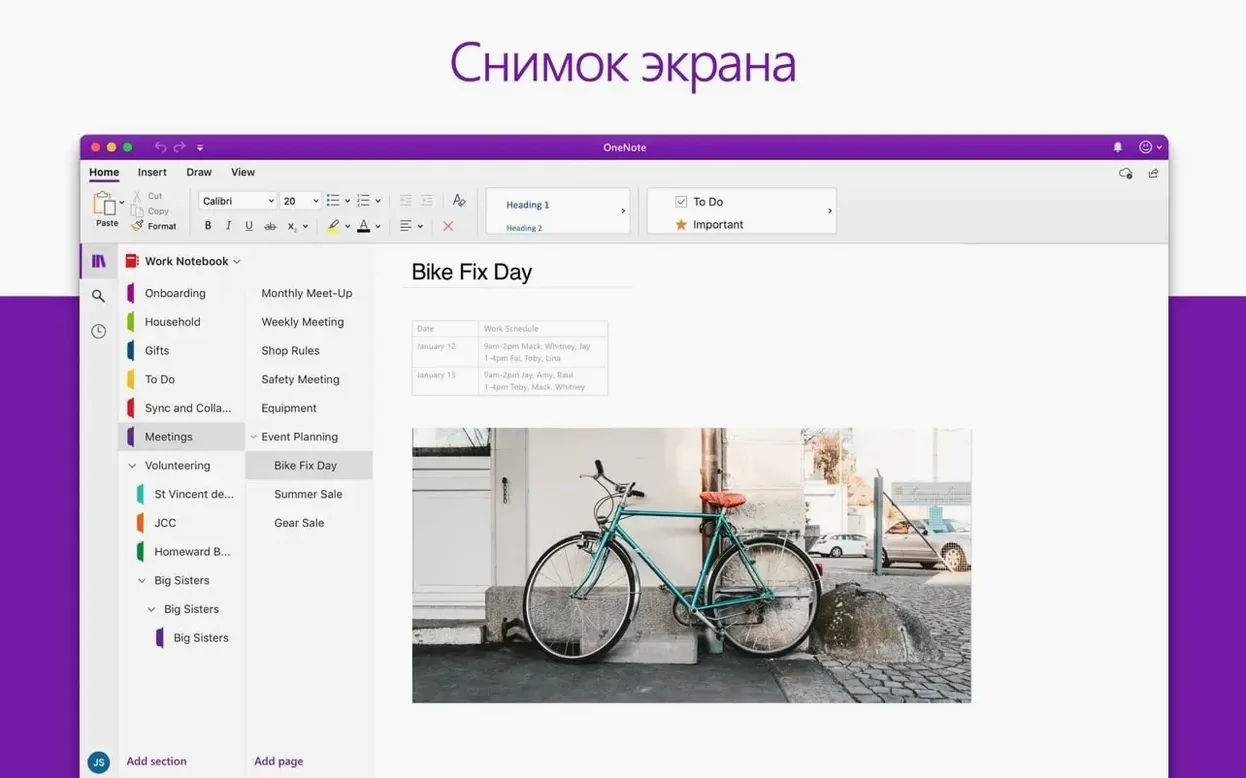
You've pasted the final quarterly figures into a slide and the chart lands flat. You open the Animation pane, apply a motion path, and suddenly the data moves across the screen with purpose. That's the kind of control PowerPoint hands you.
| Quick facts | |
|---|---|
| Version | 16.93 |
| Developer | Microsoft Corporation |
| macOS | 13 or later |
| Architecture | Apple silicon, Intel 64-bit |
PowerPoint for Mac puts a deep toolkit on a single canvas. Layout tools snap shapes and text into alignment. The animation engine covers entrance, emphasis, exit, and motion path effects. You can drop in 3D models, rotate them on the slide, and pair them with icons from the built-in library. For team decks, collaborative features keep multiple editors in sync without version drift. It ships as part of Microsoft Office LTSC Standard for Mac 2024, alongside Word, Excel, Outlook, OneNote, and OneDrive.
First-days setup worth doing
Your first slide deck will go faster if you spend twenty minutes on preferences before you start. Here's the list I tick off on every new Mac that gets PowerPoint.
- Set default shape formatting. Draw a rectangle, style it with your brand fill and outline, right-click, and choose Set as Default Shape. Every new shape now inherits that look — no reformatting marathon later.
- Pin the Selection Pane. Find it under Arrange on the Home tab. It lists every object on the current slide by name. When you have twenty overlapping elements, this is how you grab the right one without hunting.
- Adjust AutoSave behaviour. Head to PowerPoint > Settings > Save. Bump the auto-recovery interval to five minutes. If you work with shared network drives, disable AutoSave for those locations — it can lock files while colleagues wait.
- Link your slide size to the room you present in. Standard 4:3 still lives on older projectors. Check with IT before you build a widescreen 16:9 deck that gets cropped at the lectern.
- Switch off hardware graphics acceleration if you notice flickering during slide transitions or presenter view. It's in PowerPoint > Settings > Advanced. Rare, but it fixes display glitches on external monitors connected to Apple silicon Macs.
Fewer beachballs when you co-author
Microsoft's release notes don't break out single-app features for the 16.93 suite update, so what you feel day to day is more about stability than new buttons. Here's what the shift brings.
- Fewer beachballs during co-authoring. Earlier builds could stall when two people edited the same text box. The 16.93 Office core handles merge conflicts with less friction — changes appear on your slide without the five-second freeze.
- Apple silicon memory usage has tightened. A deck with 120 slides and embedded 4K video used to nudge swap memory hard. Under 16.93, memory pressure during playback stays lower on M-series chips.
- Presenter View keeps its layout. Previously, unplugging an external display mid-presentation could reset your Presenter View notes arrangement. 16.93 remembers the window position across display changes.
- Export-to-video timing holds. Slide timings set in Transitions now translate more faithfully to the MP4 export, especially on slides with layered motion paths.
Snags you'll actually hit and their fixes
Slides stutter during transitions
Motion path animations combined with high-resolution images can choke the renderer. Two moves to try:
- Select any large image on the offending slide, open the Compress Pictures dialog (File > Compress Pictures), and apply the on-screen resolution setting.
- Reduce the number of simultaneous motion paths on one slide. PowerPoint queues them sequentially even when set to With Previous — splitting complex animations across two slides often smoothes playback entirely.
Text spacing breaks when slides move between Mac and Windows
Font substitution is the usual culprit. Mac Office defaults to system fonts that Windows doesn't carry. Before sharing a deck, run Tools > Replace Fonts and switch any macOS-only font (like Helvetica Neue) to a cross-platform one such as Arial or Calibri. If you're grabbing a powerpoint torrent or a power point torrent from a colleague's Windows machine, check font substitution before you present.
PowerPoint won't open a .pptx file from a network drive
macOS Gatekeeper sometimes blocks Office files that carry extended attributes from Windows servers. Hold Control, click the file in Finder, choose Open With > PowerPoint, and confirm the dialogue. If that fails, copy the file to your desktop first. People fetching a powerpoint dmg or a powerpoint mac torrent often see this when the downloaded package was built on a Windows machine and carries NTFS metadata.
Co-authoring shows "Document is locked"
The lock usually belongs to a colleague who closed the file without saving. Wait sixty seconds for the Office cloud session to time out, or ask the file owner to open and close it cleanly. If you're in a hurry, duplicate the file locally, work on the copy, and paste your changes back in later.
Slide numbers vanish on layout pages
Check the slide master. Go to View > Slide Master, select the top master slide, and confirm the slide number placeholder is actually present and not layered behind a full-bleed background shape. Drag it to the front with the Selection Pane if needed. This is a common setup step for users who grab a Microsoft PowerPoint torrent with a custom template that stripped the footer placeholders from the master — just re-add the placeholder from the Slide Master tab and it will work cleanly.
- macOS 13 or later
- Apple silicon or Intel 64-bit processor
Questions the team asks
Yes. Version 16.93 runs natively on both Apple silicon and Intel 64-bit Macs.
It includes motion path effects, entrance and exit animations, and emphasis effects, plus support for 3D model rotation on slides.









Comments 0
Sign in or create an account to add a comment.
No comments yet. They go up after moderation.