
PDF Reader Pro — Mac download
Download (326 MB) Earlier builds
Ticked
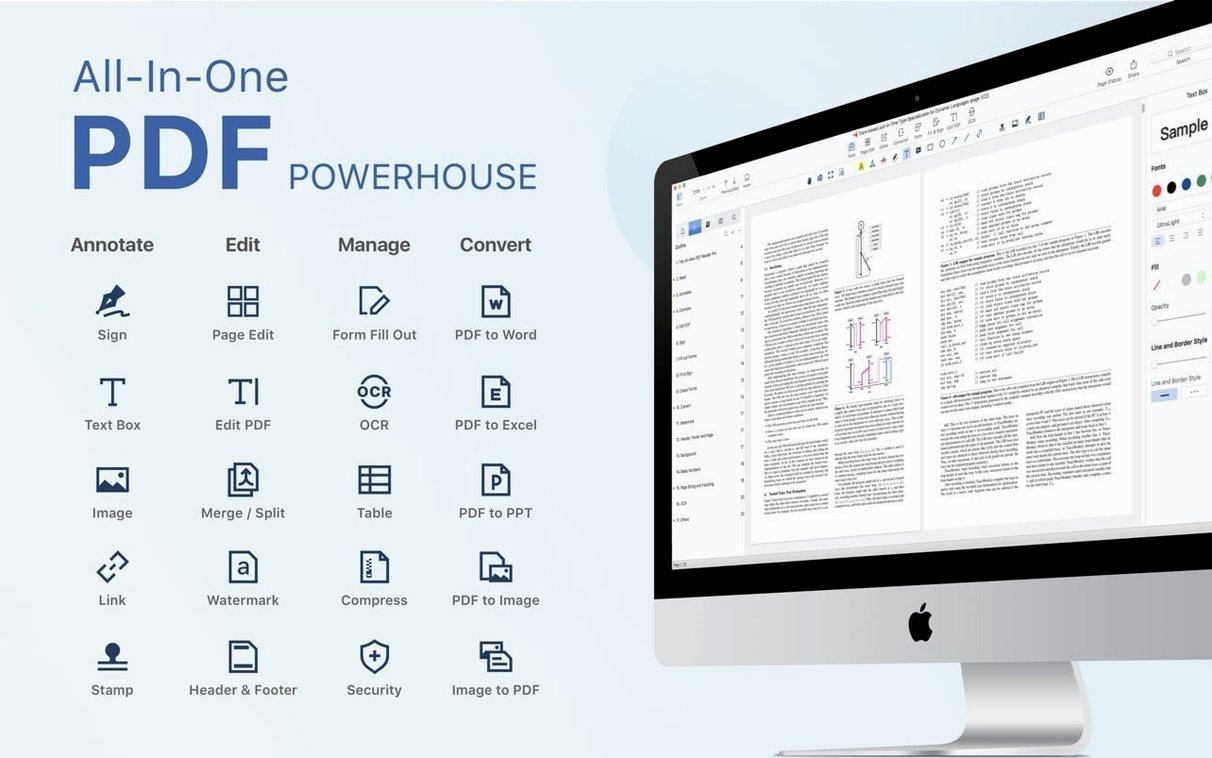
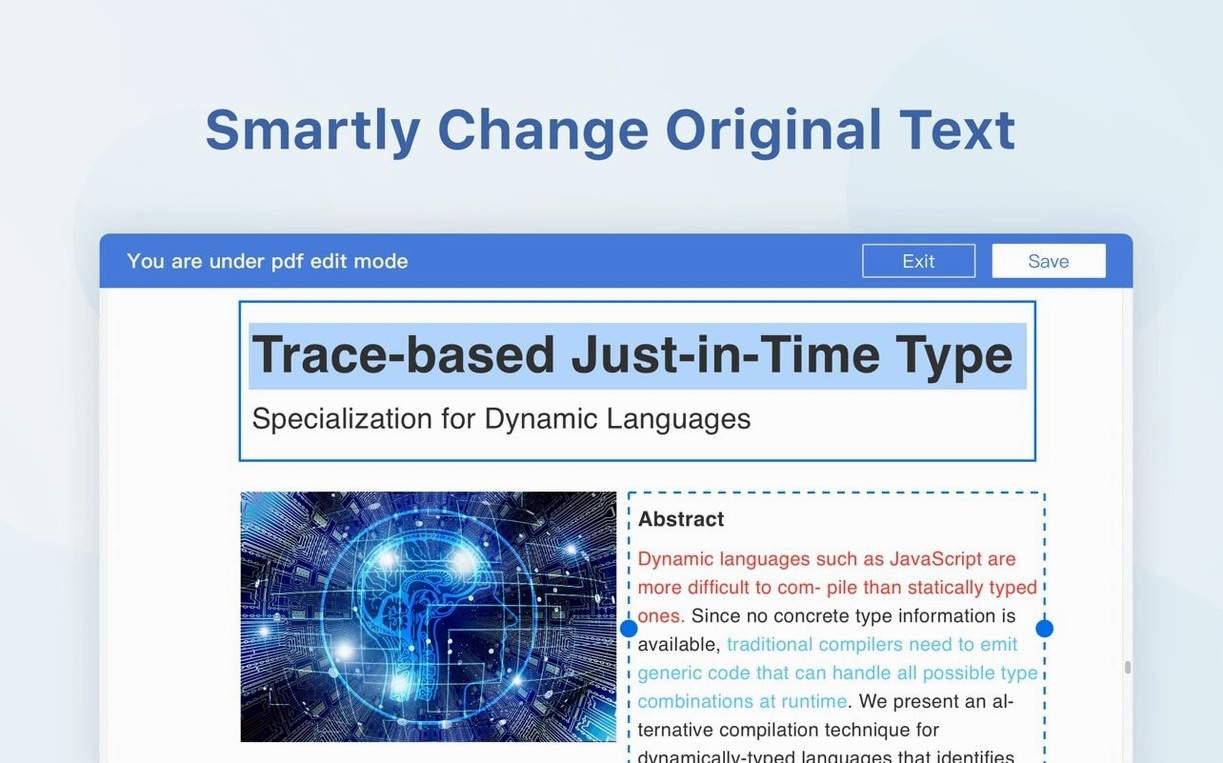
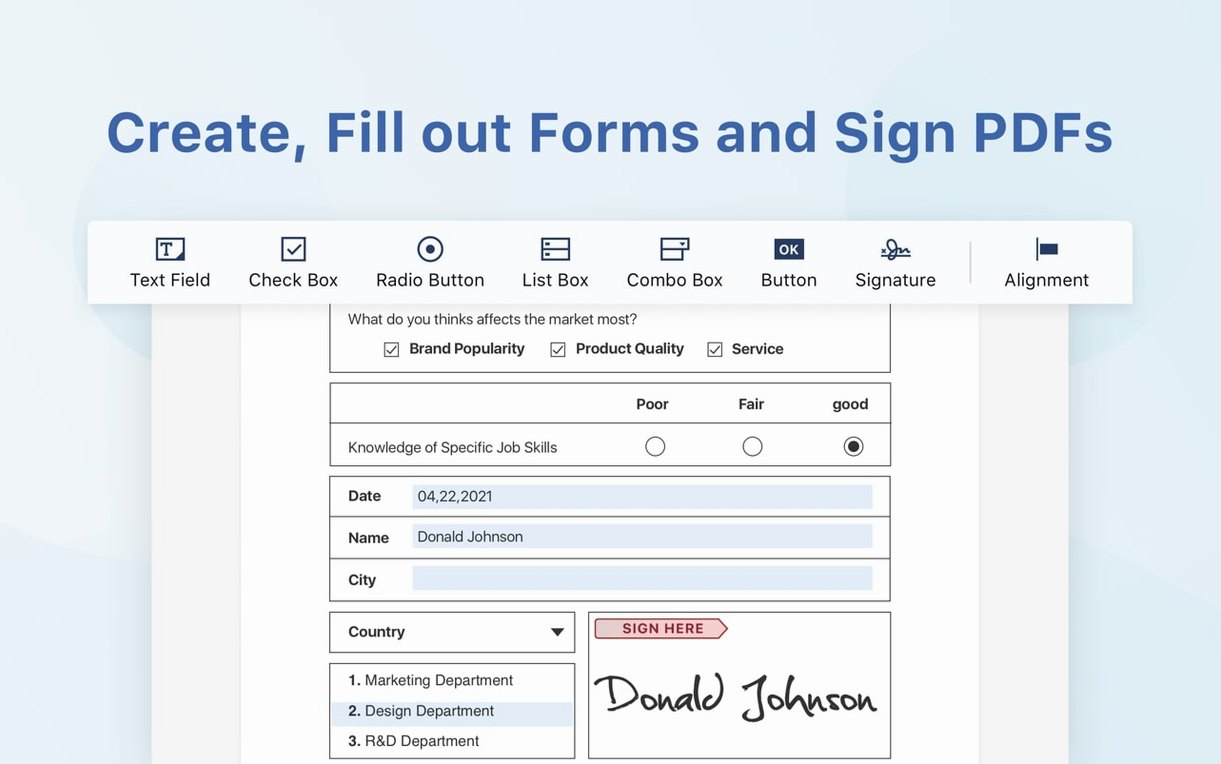
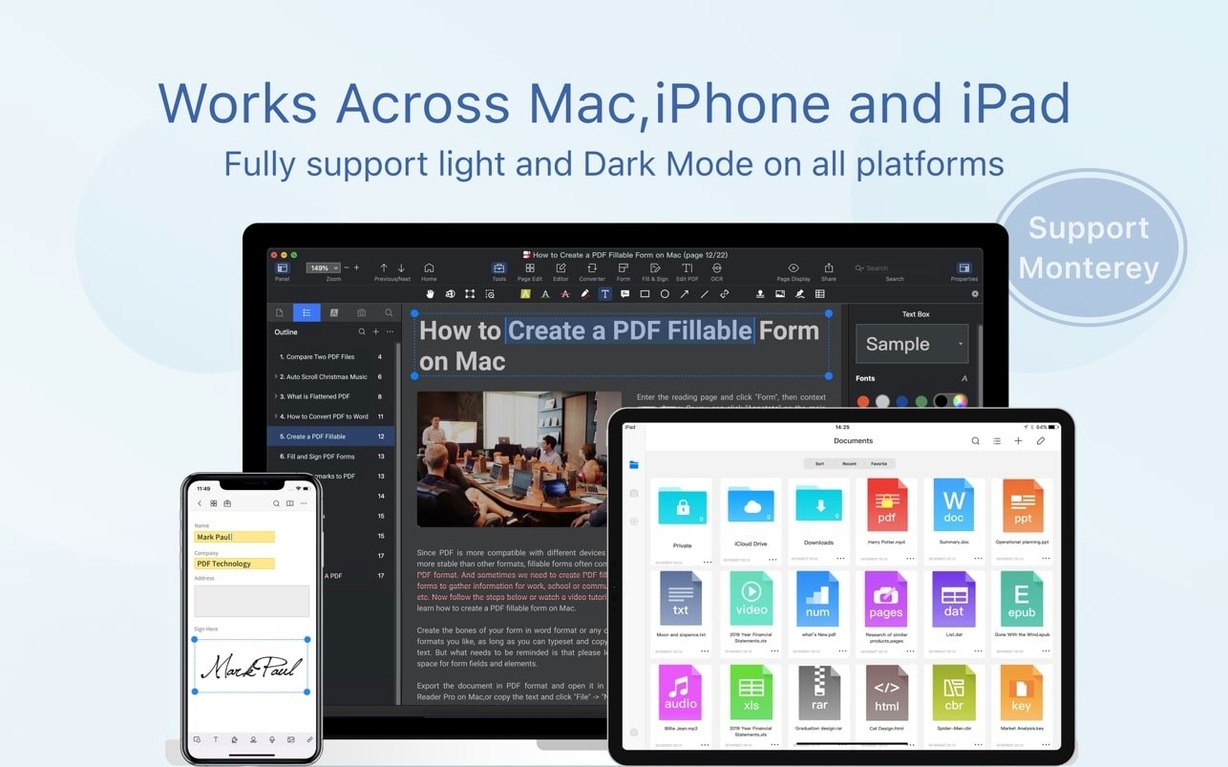
A contract lands in your inbox at 4:50 pm. It needs a signature, two checkboxes filled, and a return copy before five. You open it in PDF Reader Pro and deal with all three jobs in the same window.
Form filling is built in. Click a field, type, tick, done. When a signature is required, the eSign workflow covers it without printing or scanning. For longer documents, bookmarks keep your place and presentation mode turns a PDF into a slide deck.
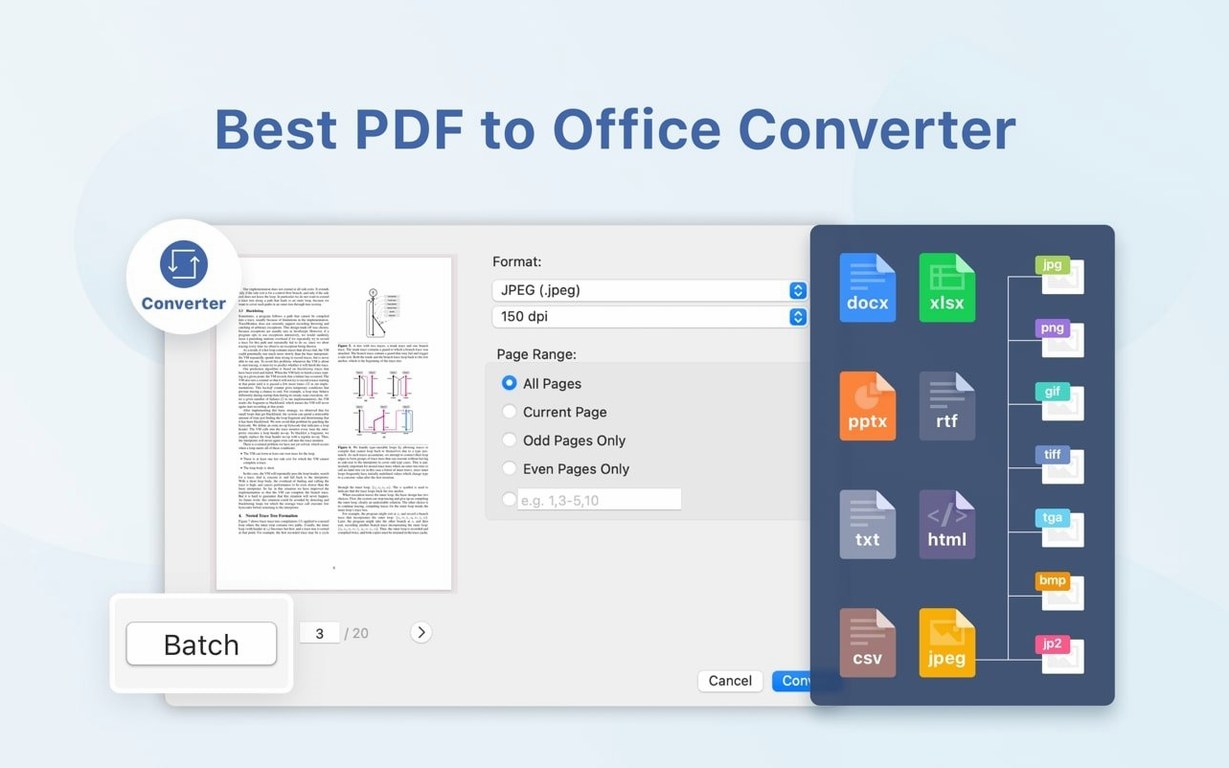
Conversion is the other half of the job. Export content to Word, PowerPoint, Excel, RTF, HTML, plain text, images or CSV. The app runs on macOS 11 and later, on both Apple Silicon and Intel 64-bit Macs.
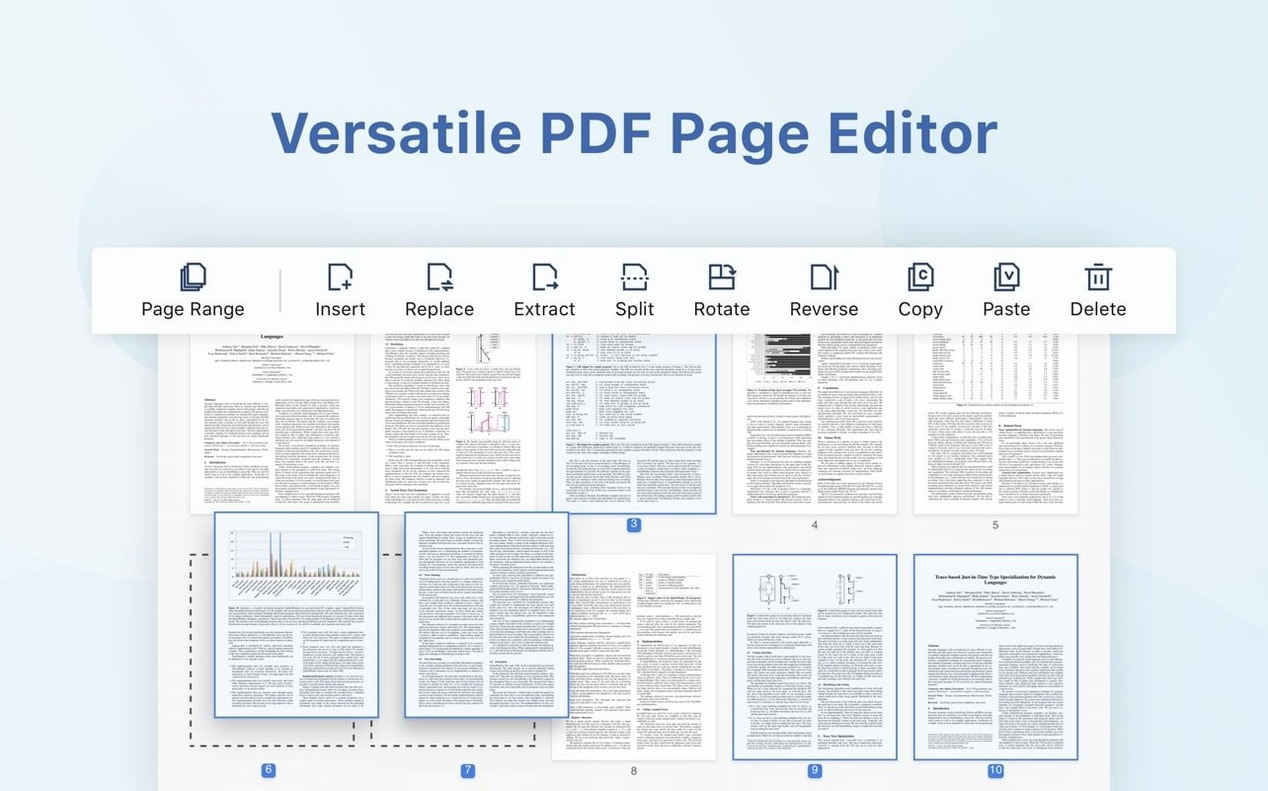
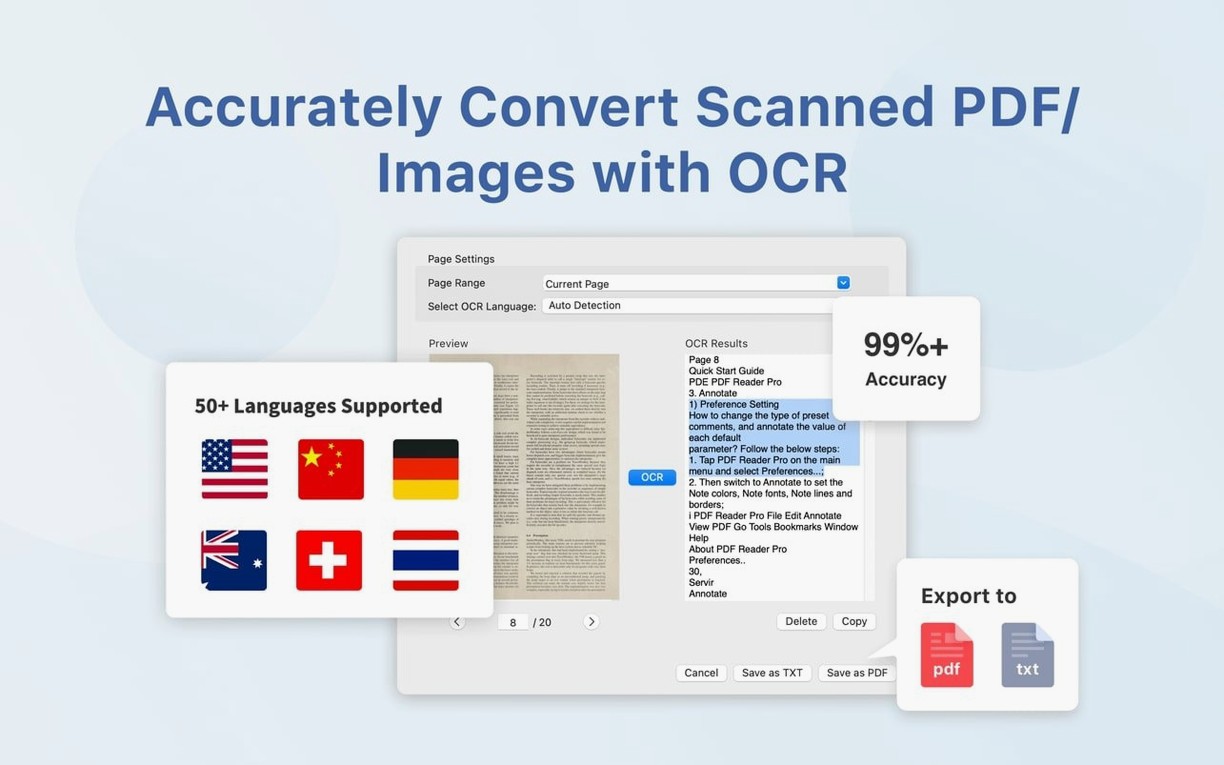
Text-to-speech reads documents aloud. OCR handles scanned pages. If you need to merge files, you can insert pages from another PDF directly into the one you are working on.
A contracts manager's afternoon
A contracts manager receives four supplier agreements by lunch. Each PDF is a scanned document, not a live form. They run OCR on all four, which takes under a minute per file. The recognised text is then searchable, so finding a specific clause is a matter of typing a few words into the search bar. One agreement needs a clause removed. They split the PDF, delete the page and merge the remainder with a clean signature page inserted from another file. All four go back signed via the eSign workflow before the two o'clock meeting. No printing. No scanning. No chasing a scanner that is busy on the third floor.
OCR before search, not after
- Forgetting to run OCR before searching. A scanned PDF is just a picture until OCR processes it. Searching a pre-OCR document returns nothing, and new users often assume the file is corrupted.
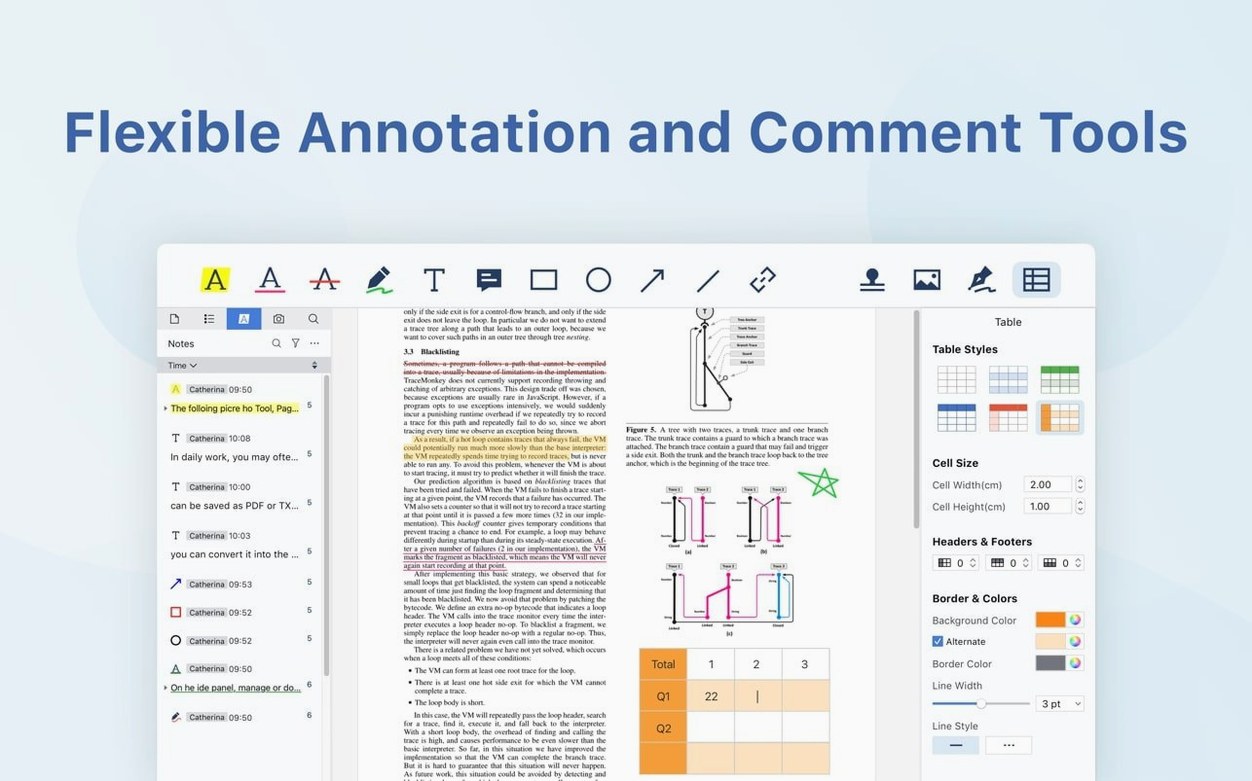
- Editing text in the wrong mode. Annotations sit on top of the page. Editing the actual text content requires a different tool. Beginners draw a text box over a word and wonder why the original text still shows underneath.
- Exporting to Word without checking the result. Conversion is solid, but complex layouts with nested tables can shift. Opening the exported file immediately after conversion catches issues while the original PDF is still open for reference.
- Signing without flattening. A digitally signed PDF with editable form fields still active can be altered after signing. Flatten the document if you need a final, locked version.
Dropbox sync skips manual uploads
- Dropbox sync. Connect a Dropbox account once and open PDFs stored there directly from the file menu. Changes save back without a manual upload step.
- Bookmark shortcuts. Press
Cmd-Dto bookmark the current page while reading. The bookmarks panel stays open on the left, so jumping between sections across a long PDF is a single click. - Presentation mode. Press
Cmd-Shift-Pto switch a PDF into a full-screen slide deck. The toolbar hides, and arrow keys move between pages. Useful for client reviews where you do not want the editing interface visible. - Tabbed document windows. Open several PDFs and they stack as tabs in one window. Dragging a tab out detaches it into its own window. Right-click a tab to merge or split documents without hunting through menus.
- Language switching for OCR. The OCR engine supports multiple recognition languages. Set the correct language before running OCR on a document in German, French or Japanese, and accuracy improves noticeably.
- macOS 11 or later
- Apple Silicon or Intel 64-bit
Questions the team asks
It supports macOS 11 and later, on both ARM and x86 64-bit Macs.
It can export PDF content to Word, PowerPoint, Excel, RTF, HTML, text, images and CSV.
Yes. Version 5.3.0 added eSign workflows, signature fields and online signing.





Comments 0
Sign in or create an account to add a comment.
No comments yet. They go up after moderation.