

QuickBooks Mac Plus — Mac download
Download (169 MB) Earlier builds
Ticked
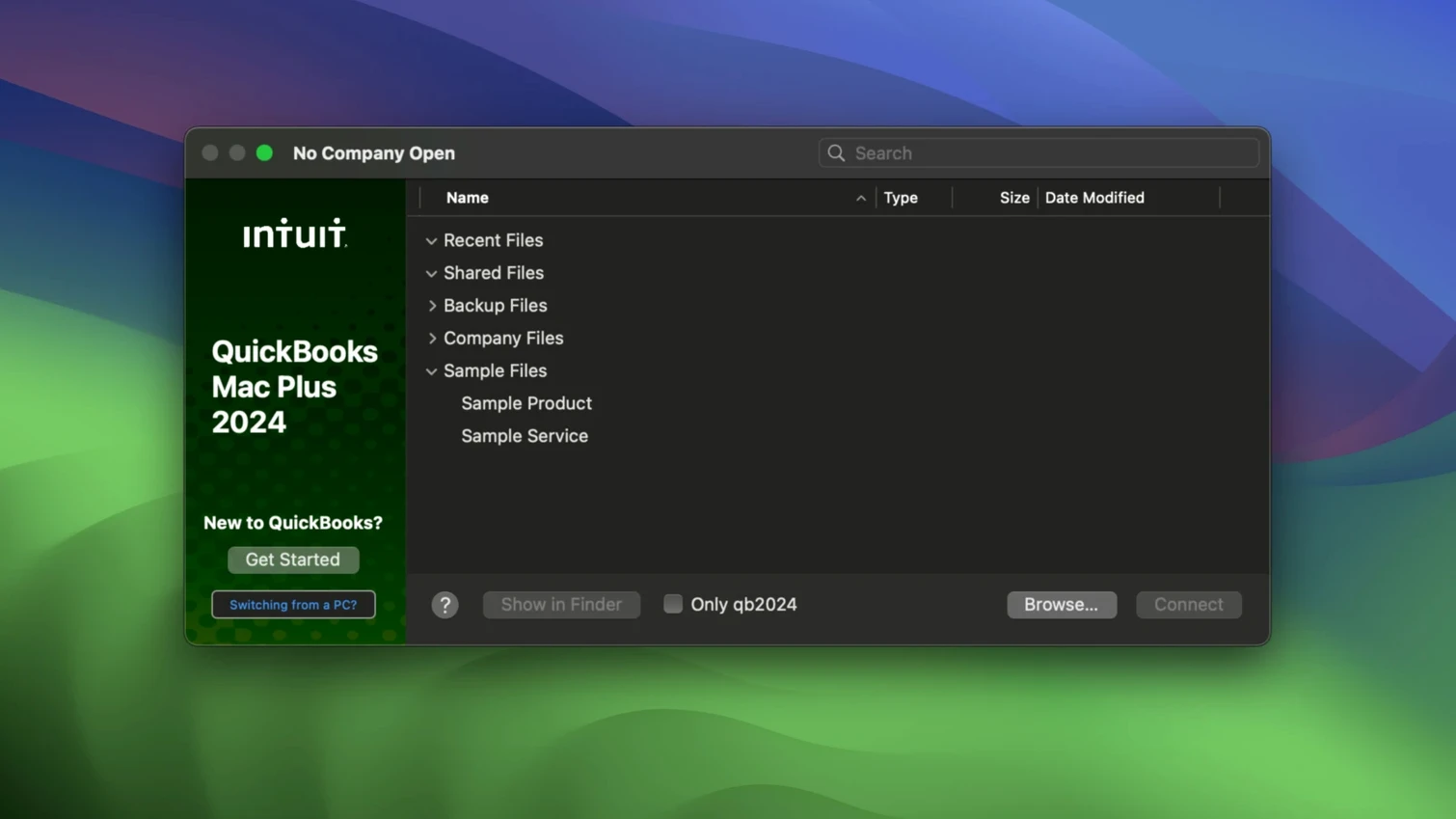
Small business owners who handle their own books on a Mac. That's who QuickBooks Mac Plus is built for. It skips the clutter and gives you a set of tools that match real daily jobs.
The dashboard is the first thing you see. Income, expenses, paid invoices and recent activity sit in one view, so you know where the business stands without running a report. For a longer look ahead, the reports tool can pull together projected income and expenses for the next 90 days.
Inventory tracking handles products and services in one place. Enter what you sell, track it in real time, and the numbers stay current across invoices and purchase orders. Payroll is built in too, so wages and deductions stay inside the same company file instead of a separate system.
Bank account connection brings transactions straight into the app. That means less manual entry, and reconciliation takes fewer clicks. All of it runs natively on Apple Silicon and Intel Macs, with English as the interface language.
Dashboard loads instantly with overdue invoices and 7-day P&L
Monday morning, 9:15. Three things on my list before the team stand-up.
- Open the company file. QuickBooks loads the dashboard instantly — bank balances, overdue invoices, and a mini profit-and-loss snapshot for the last seven days.
- Reconcile weekend transactions. The bank feed already pulled in five payments and two supplier debits. I match each one to its invoice or expense entry with a click. No typing amounts.
- Send three invoices. I pull up last month's recurring invoice template for a retainer client, update the dates, and hit send. The other two go out the same way — one from scratch, one copied from last week.
By 9:35, the books are current. I switch to the reports tab, grab a 90-day projection, and share it with my accountant before the coffee's cold.
What R10 changed in everyday use
Two small things that make a practical difference.
Backup Save As. Before R10, manual backups always landed in the same default folder. Now you get a Save As dialogue — name the backup whatever you want, put it where you want. If you keep weekly snapshots labelled by date, this cuts out a renaming step.
Company-specific backup locations. The app remembers where you last saved a backup for each company file. If you run two businesses from the same Mac, you no longer have to navigate away from the wrong folder every time.
Neither change touches invoices or reports. They just remove friction from the five-minute Friday backup habit.
Letting transactions pile up as "Uncategorised Expense
New users tend to trip over the same few things.
- Treating the bank feed as the source of truth. The feed imports transactions, but you still need to categorise every line. Letting them sit as "Uncategorised Expense" for six weeks creates a mess at tax time.
- Creating duplicate company files. A user opens a file, makes changes, then opens a backup instead of the live copy. Now there are two versions of the same month. Pick one file and stick with it. Use the backup only for disaster recovery.
- Ignoring the Chart of Accounts before invoicing. The default account list works, but adding your own income and expense categories early saves hours of re-tagging later. Do it in week one, not month twelve.
- Skipping the inventory setup wizard. Entering products on the fly during invoicing works, but quantities won't track properly until each item exists in the inventory list with a starting count.
QuickBooks for Mac does not hold your hand. It assumes you know double-entry basics or are willing to learn them. The people who get comfortable fastest are the ones who spend an afternoon setting up accounts, tax rates, and product lists before processing a single transaction.
- Backup Save As added — you can now make a manual backup to a location you pick.
- Company-specific backup locations — each company file remembers its own backup destination.
- macOS 12 Monterey or later
- Apple Silicon or Intel Mac









Comments 0
Sign in or create an account to add a comment.
No comments yet. They go up after moderation.