

SideNotes — Mac download
Download (19 MB) Earlier builds
Ticked
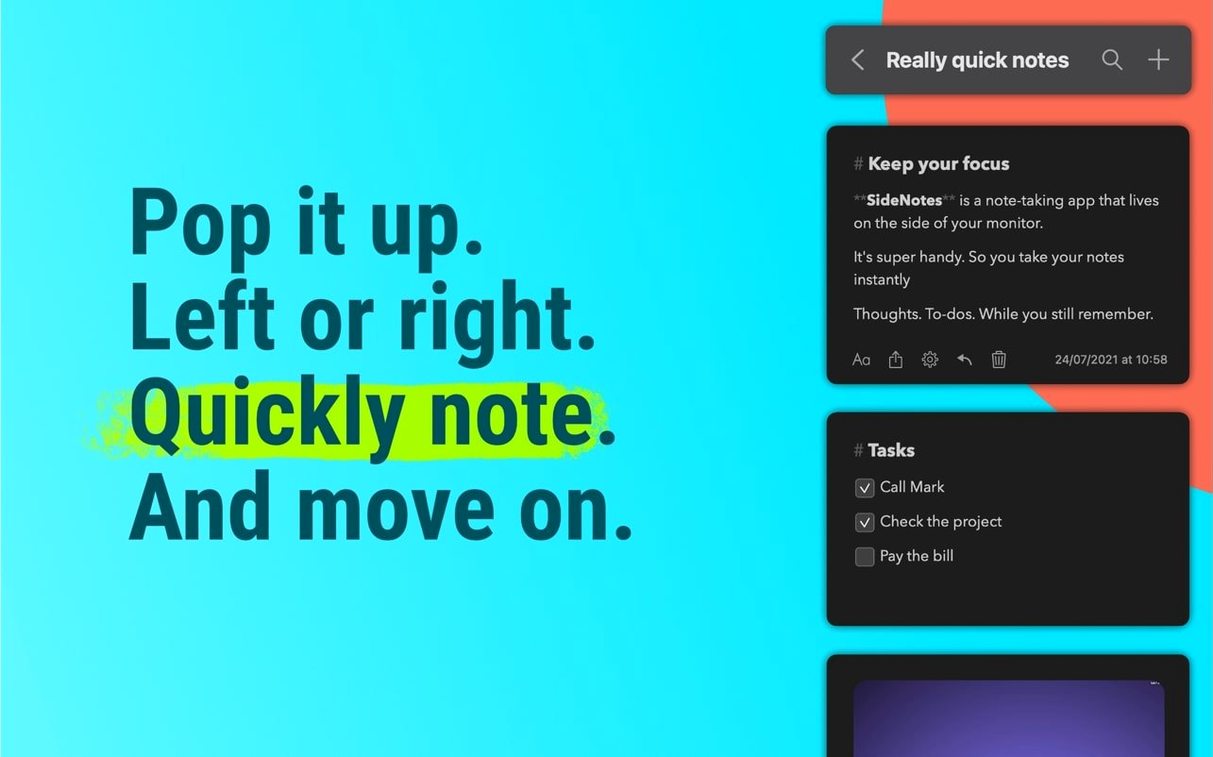
One panel. That's the limit SideNotes works with. It lives at the edge of your display, sliding out when you need it and tucking away when you don't.
What SideNotes does
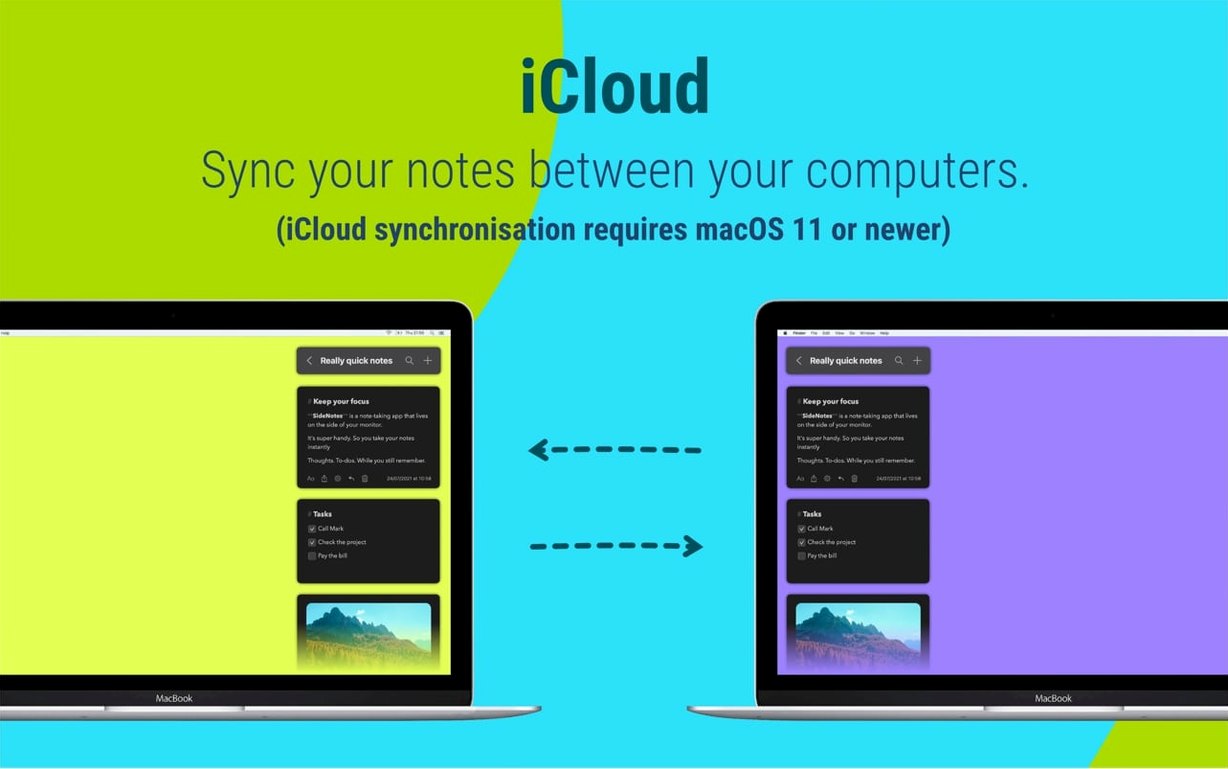
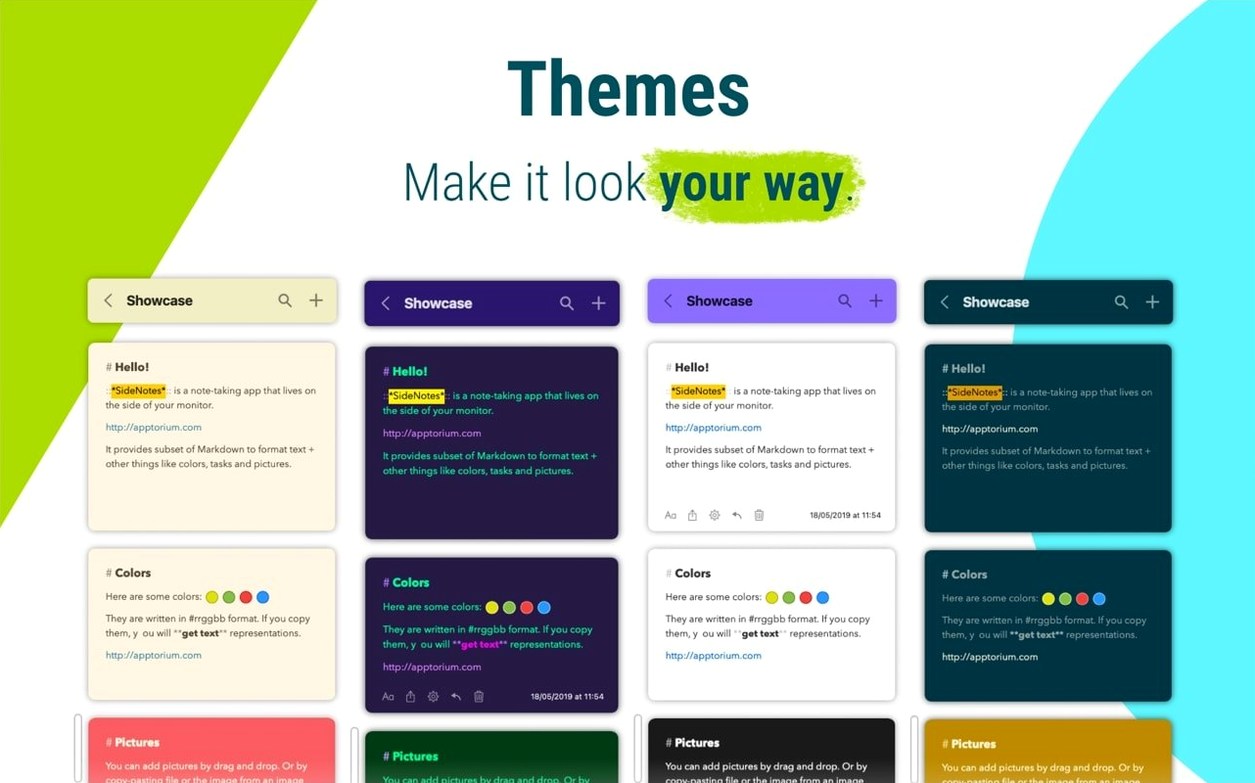
It's a notes app that stays off the main stage. You capture a task, a link or a code snippet from the screen edge. Notes can be colour-coded so you spot things faster. Monospace text is there for code blocks. The panel sits on the right side of the screen. Show it or hide it with a keyboard shortcut. Everything syncs through iCloud, and there's a companion app for iPhone and iPad called SideNotes Mobile. You can share a note through Messages or the Notes app when you need to pass something along.
For glance-and-go notes, not long documents
This is for people who glance, not for people who write long documents. It fits if you keep checklists, collect links during a call or stash quick thoughts without switching windows. Developers get the monospace support. Project managers get the colour labels. It's a scratchpad that stays out of the way until you call it up.
A task-capture workflow
During a call, you need to grab three things fast without leaving the conversation.
- Hit the shortcut to slide the panel out from the right edge.
- Create a new note with a quick title — say, a client name.
- Paste a link shared in chat. Hit
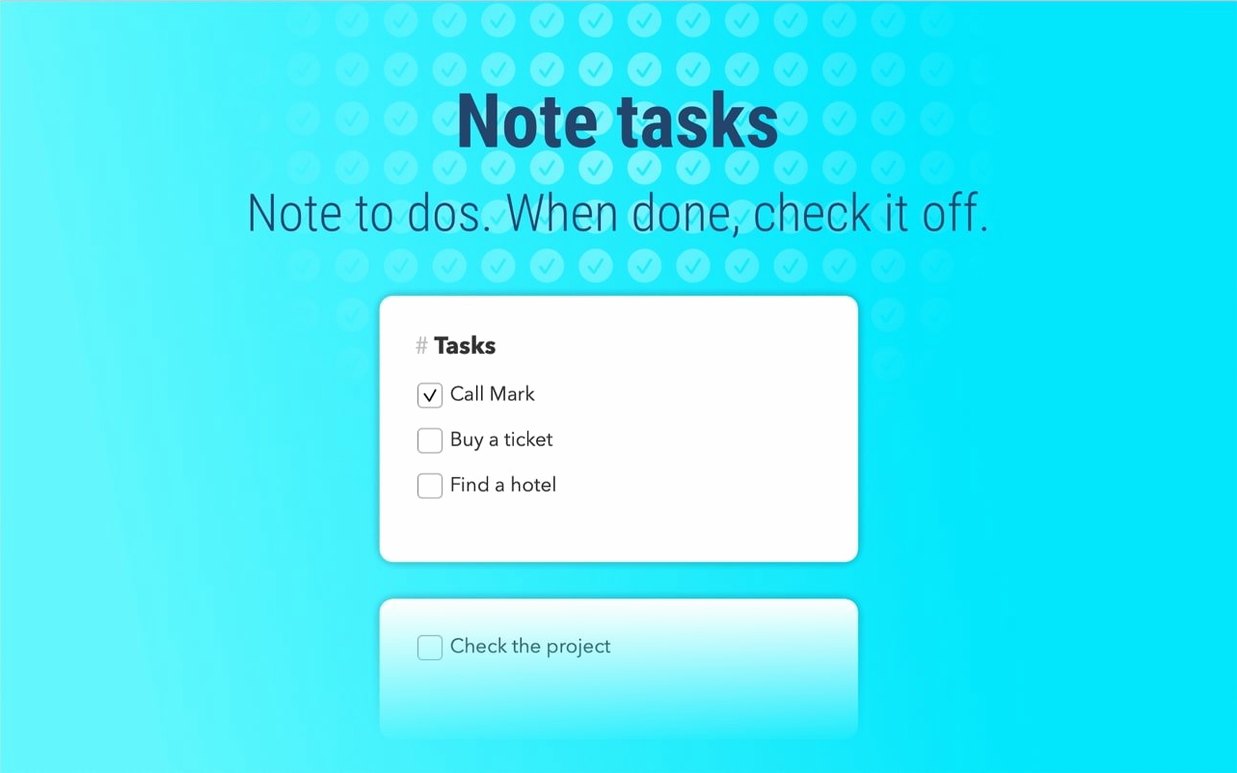
Returntwice. - Add a checkbox list for follow-up items below the link.
- Tag the note red so it stands out among the others.
- Press the shortcut again. The panel vanishes. You never left the call window.
Later, drag that note into a folder called 'Clients'. The colour marker makes it jump out in the list. No searching, no reopening another app.
Drafting full reports in a narrow side panel
- Using it like a notepad replacement. SideNotes works best for fragments. Long-form writing belongs elsewhere. Drafting a full report inside a narrow side panel creates a cramped mess that's hard to review later.
- Ignoring folders for weeks. A flat list of 80 notes defeats the purpose. Set up three or four folders early — 'Ideas', 'Tasks', 'Code' — and move notes as you go. It takes two seconds.
- Forgetting the monospace toggle. Pasting code without switching to monospace leaves it in proportional text. Select the block, apply the style. Readable code saves time when you come back to it.
- Leaving the panel open all day. The panel works because it hides. If it sits open, it becomes another window to manage. Hide it between captures.
- macOS 13 or later
- Apple Silicon or Intel Mac
Questions the team asks
Yes. It keeps notes in iCloud and syncs them across Macs, and the SideNotes Mobile app covers iPhone and iPad.
It supports monospace text, so you can paste and read code blocks without losing formatting.









Comments 0
Sign in or create an account to add a comment.
No comments yet. They go up after moderation.