

Text Scanner — Mac download
Download (23 MB) Earlier builds
Ticked
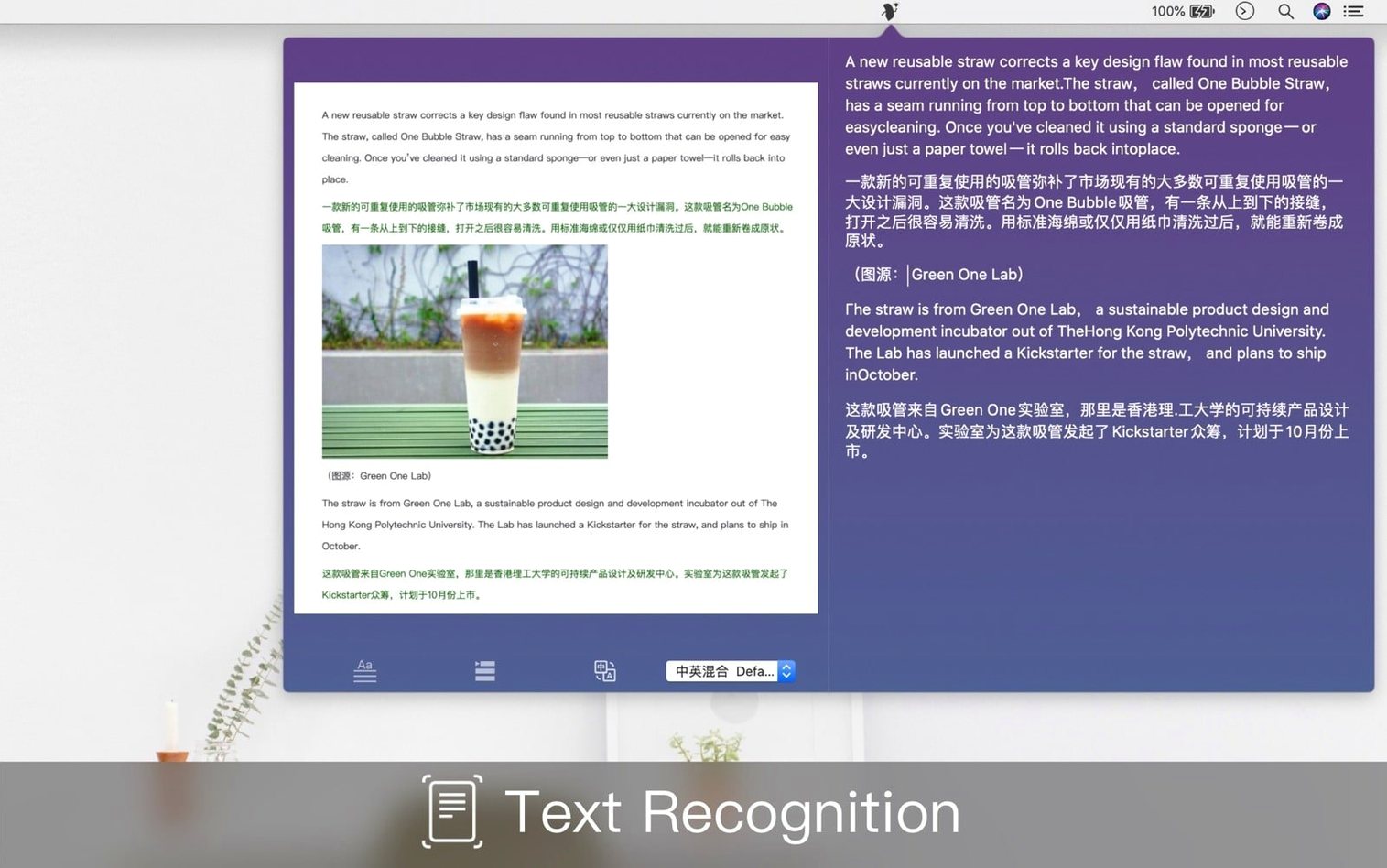
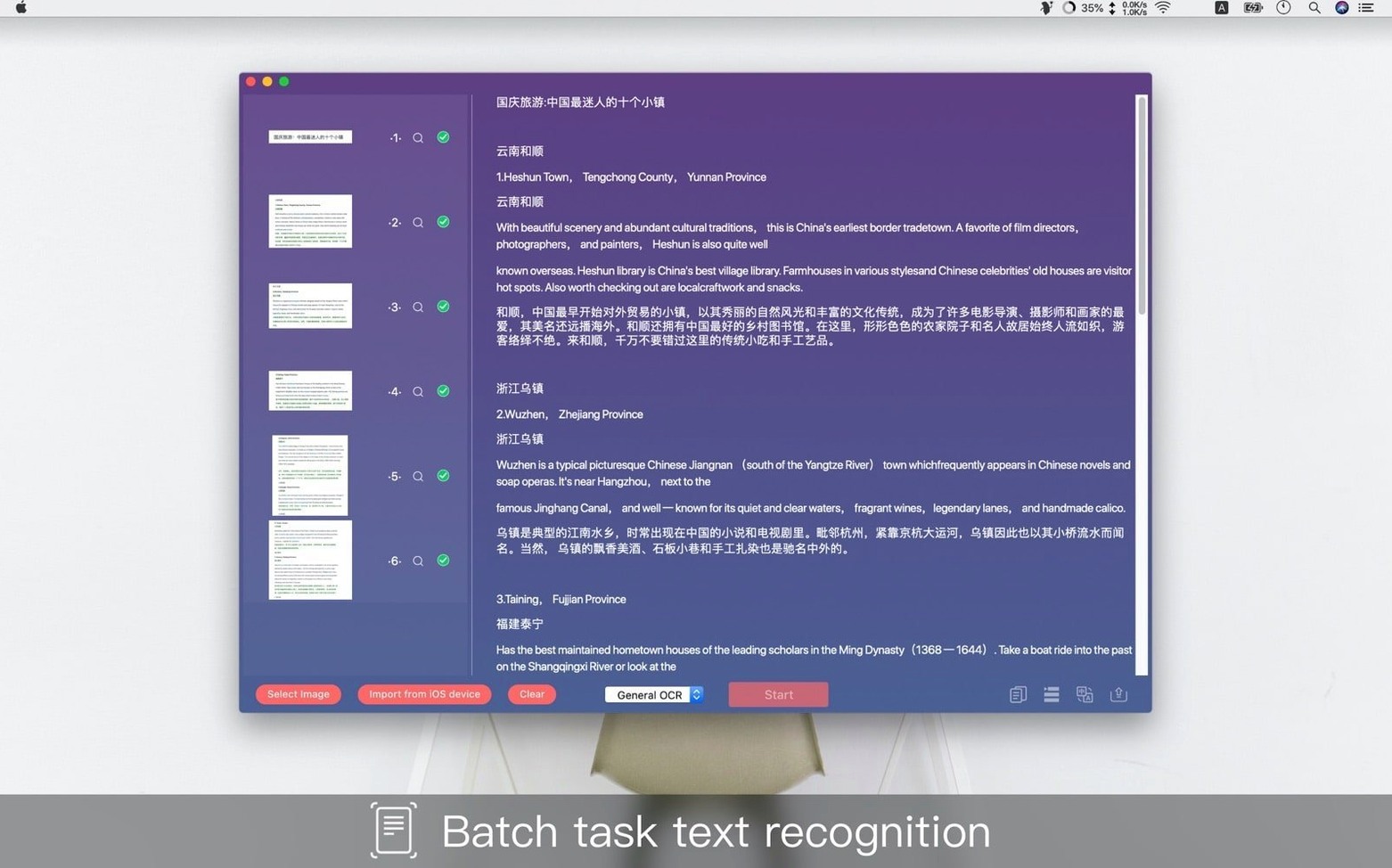
You've just pulled a VAT invoice from a crumpled envelope and need the figures in a spreadsheet before your next call.
OCR — Optical Character Recognition. The engine that pulls editable letters and numbers from a flat image.
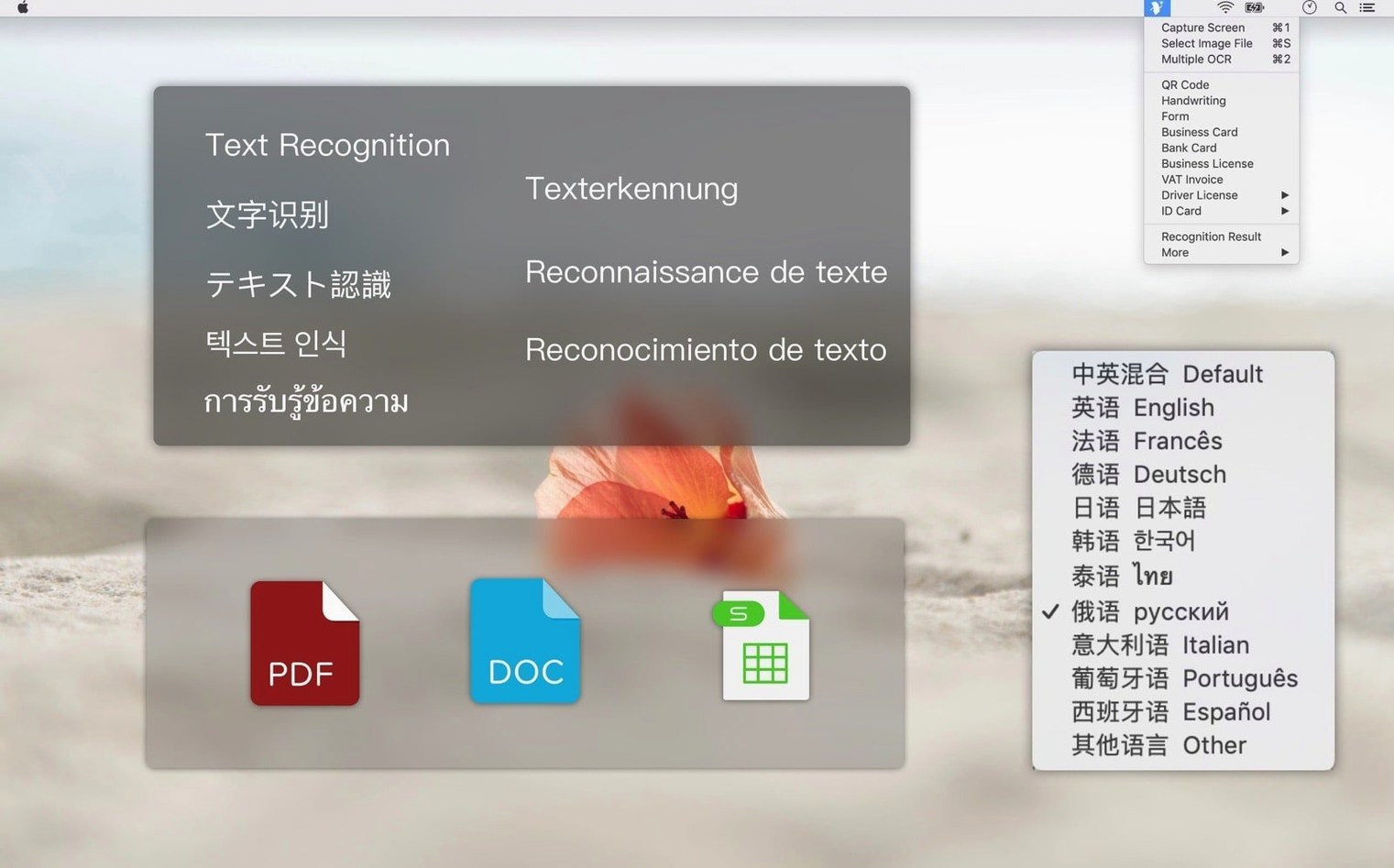
Specialised recognition — Modes tuned for specific layouts. Text Scanner ships with more than ten, covering passports, bank cards, business cards, forms and invoices.
QR code — Point the app at a QR code on a screen or receipt to grab the embedded link or text string without a phone.
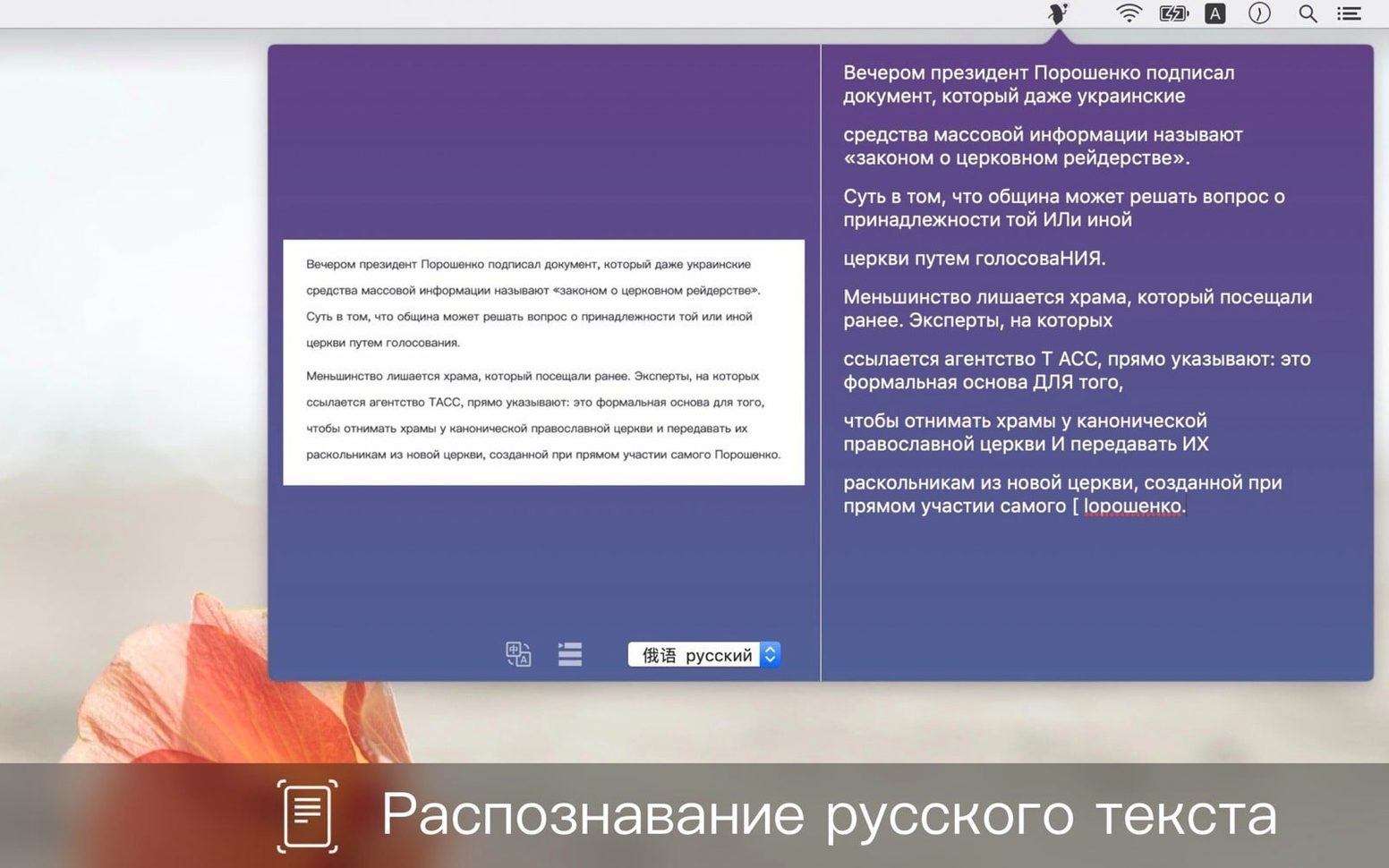
Supported languages — The interface and recognition models handle English, Chinese Traditional and Chinese Simplified. The app runs on macOS 10.12 and later, on both Apple Silicon and Intel.
OCR runs offline — scan a passport on a train with no Wi‑Fi
Does Text Scanner process files offline, or does it need a connection?
The OCR and deep-learning models run locally. You can scan a passport or invoice on a train with no Wi‑Fi and still get results. The app does not queue your images to a cloud service.
What image formats can I drop in?
The app accepts common bitmap formats — JPEG, PNG, TIFF and BMP — plus PDF pages. If you have a screenshot on your clipboard, paste it straight into the window without saving a file first.
Can I scan more than one language at once?
Recognition is language‑specific, so you pick English, Chinese Traditional or Chinese Simplified before a scan. For a bilingual business card, run two passes with different language settings.
Switching between bank card and driver license no longer resets your crop
Version 1.8.1 came through as a maintenance release labelled [MAS] fix. The visible difference is steadier behaviour when you switch quickly between recognition modes — jumping from bank card to driver license no longer resets your last crop selection.
Earlier point releases tightened the handwriting model. Scribbled digits on a delivery form now resolve more reliably than they did when the specialised recognisers first appeared. The QR scanner also stopped reading phantom codes from low‑contrast backgrounds, which used to produce a stray string when you pointed at a blank section of a receipt.
Through these updates the core loop stayed the same: drag an image in, pick a mode, copy the extracted text. The refinements just reduce the small frictions — fewer re‑scans, fewer misreads on glossy cards, and a launch from Launchpad that feels snappier on Apple Silicon Macs.
- macOS 10.12 or later
- Apple Silicon & Intel 64‑bit
Questions the team asks
Start with a bank card, business card or standard form. The app includes dedicated recognition modes for each, so you get clean text straight away.








Comments 0
Sign in or create an account to add a comment.
No comments yet. They go up after moderation.