

Typora — Mac download
Download (15 MB) Earlier builds
Ticked
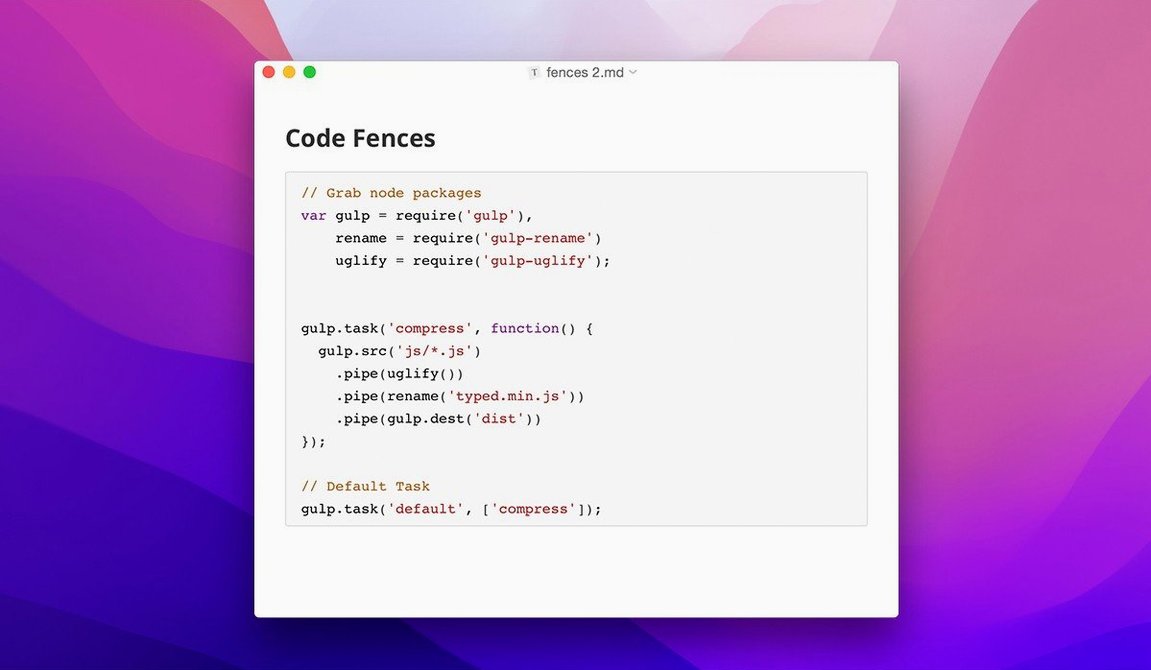
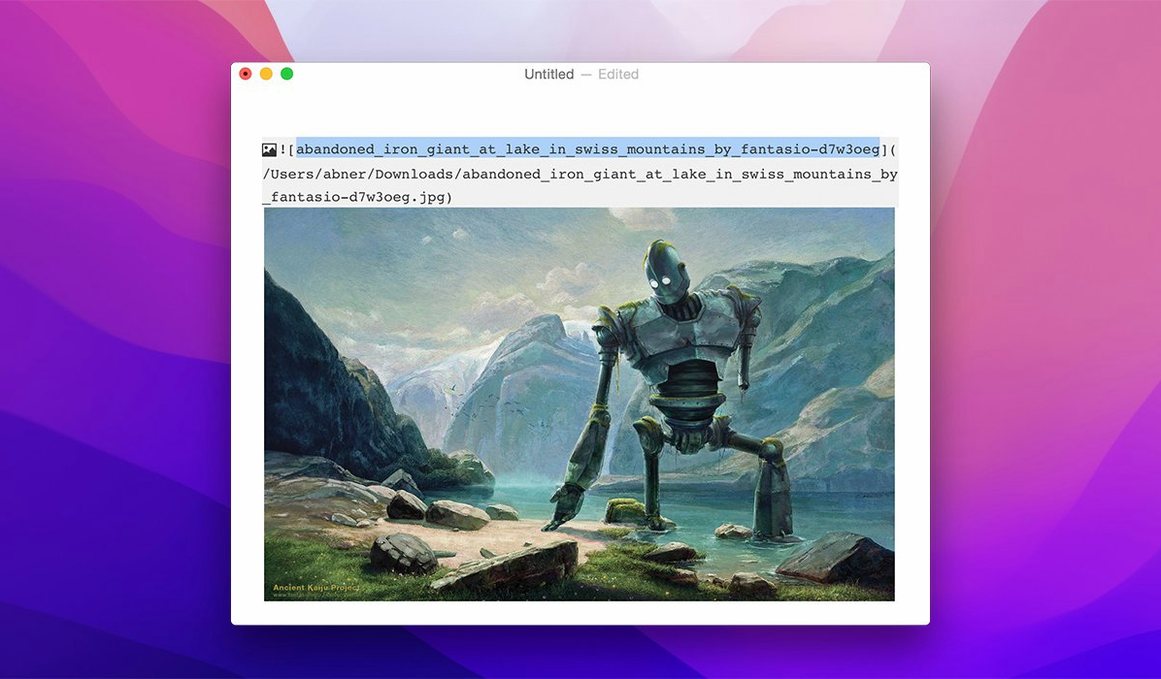
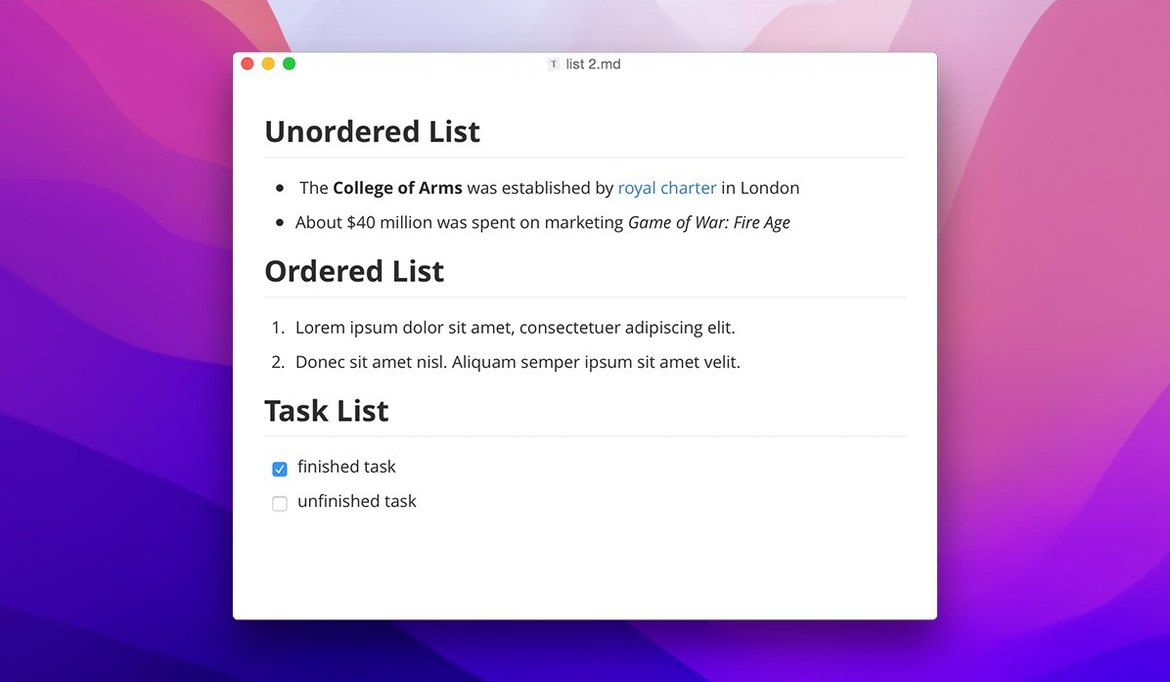
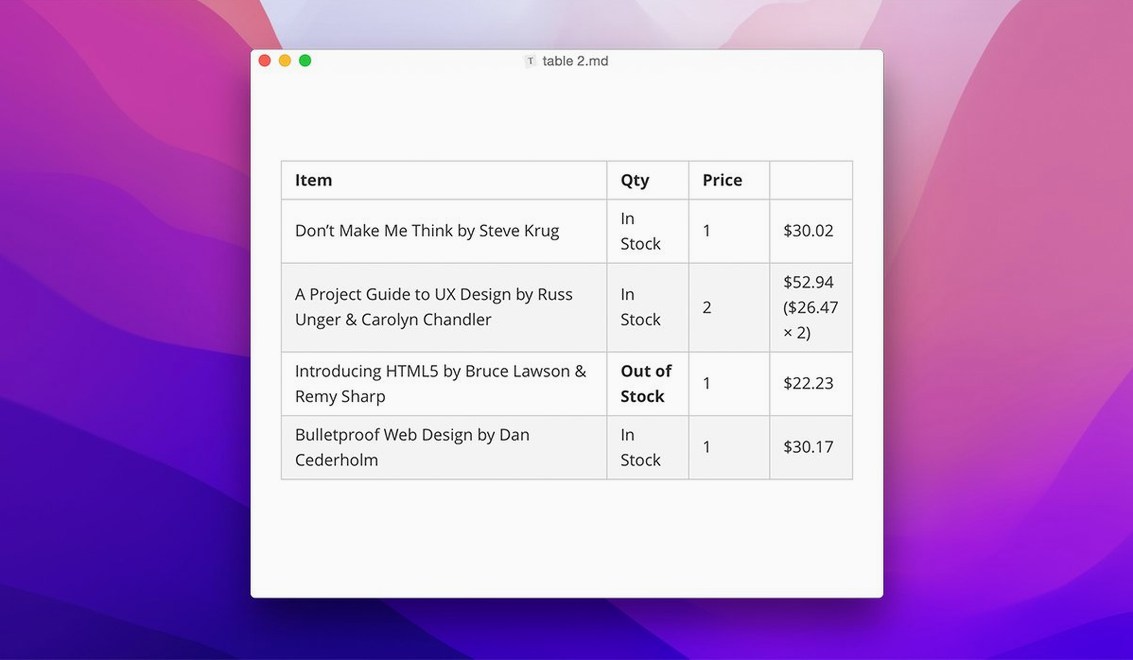
Live preview is the headline feature, but the sidebar change in version 1.14 quietly made it a decent file browser. People sizing up a typora mac download usually circle through the same few questions before they commit. Here is the short list:
- Does it run on my Mac? macOS 10.13.6 and later, on both Intel and Apple Silicon.
- Can I dump the preview pane? Yes. The whole point is inline rendering — headings, bold, images all appear formatted as you type.
- Will my non-Markdown notes show in the sidebar? Since 1.14, yes. You can toggle plain text files into the file list.
- What about export? Pandoc export from source mode was fixed in 1.14.10. Lightweight export is built in.
- Is the interface in my language? It ships in over 30, from Arabic and Hebrew to Simplified Chinese and Hungarian.
- Can I restyle it? Custom CSS themes are supported.
It is a reader and an editor that stays out of the way. No split panes, no toggling — just a working document that happens to be Markdown underneath.
One writer, most mornings
A technical writer starts a release notes draft at 8:40. She opens her project folder from the sidebar, picks today's file, and types. Headings format as she hits Enter. A code fence appears with syntax highlighting the moment she pastes a JSON snippet. At 9:10 she exports a PDF for the product manager. No preview window was opened, no mode was switched. The document always looked finished, even when it was not.
Formatting controls that follow the text area
The floating editor toolbar arrived in 1.14. For everyday writing, it puts formatting controls closer to where you are working, without a fixed ribbon eating vertical space.
- Floating toolbar: formatting options follow the text area instead of sitting at the top.
- Sidebar visibility: toggles for hidden files and non-Markdown files mean a notes folder no longer looks half-empty.
- File tree navigation: arrow keys move through folders without reaching for the mouse.
- Context-menu settings: macOS users get style options in the right-click menu.
- 1.14.10 fixes: content no longer clips in the welcome panel, and pandoc export works from source mode again.
The 1.14.10 fixes are small. They matter most to people who export regularly from source mode or open the welcome panel daily. For everyone else, the 1.14 additions are the visible ones.
Sidebar files vanish and Pandoc falls over in source mode
These come up in support threads and team chats:
- Files missing from the sidebar. Open the sidebar options and enable hidden files or non-Markdown files. New in 1.14, off by default.
- Pandoc export fails from source mode. Update to 1.14.10. That fix is in this build.
- Toolbar in the way. The floating toolbar can be moved or dismissed from its own settings.
- Syntax symbols showing. Switch to the live preview view. Typora hides Markdown symbols inline unless you are in source mode.
Most issues are preference toggles, not bugs. Check the sidebar settings and view mode first.
- macOS 10.13.6 or later
- Apple Silicon or Intel 64-bit









Comments 0
Sign in or create an account to add a comment.
No comments yet. They go up after moderation.