

Wolfram Mathematica — Mac download
Download (3.3 GB) Earlier builds
Ticked
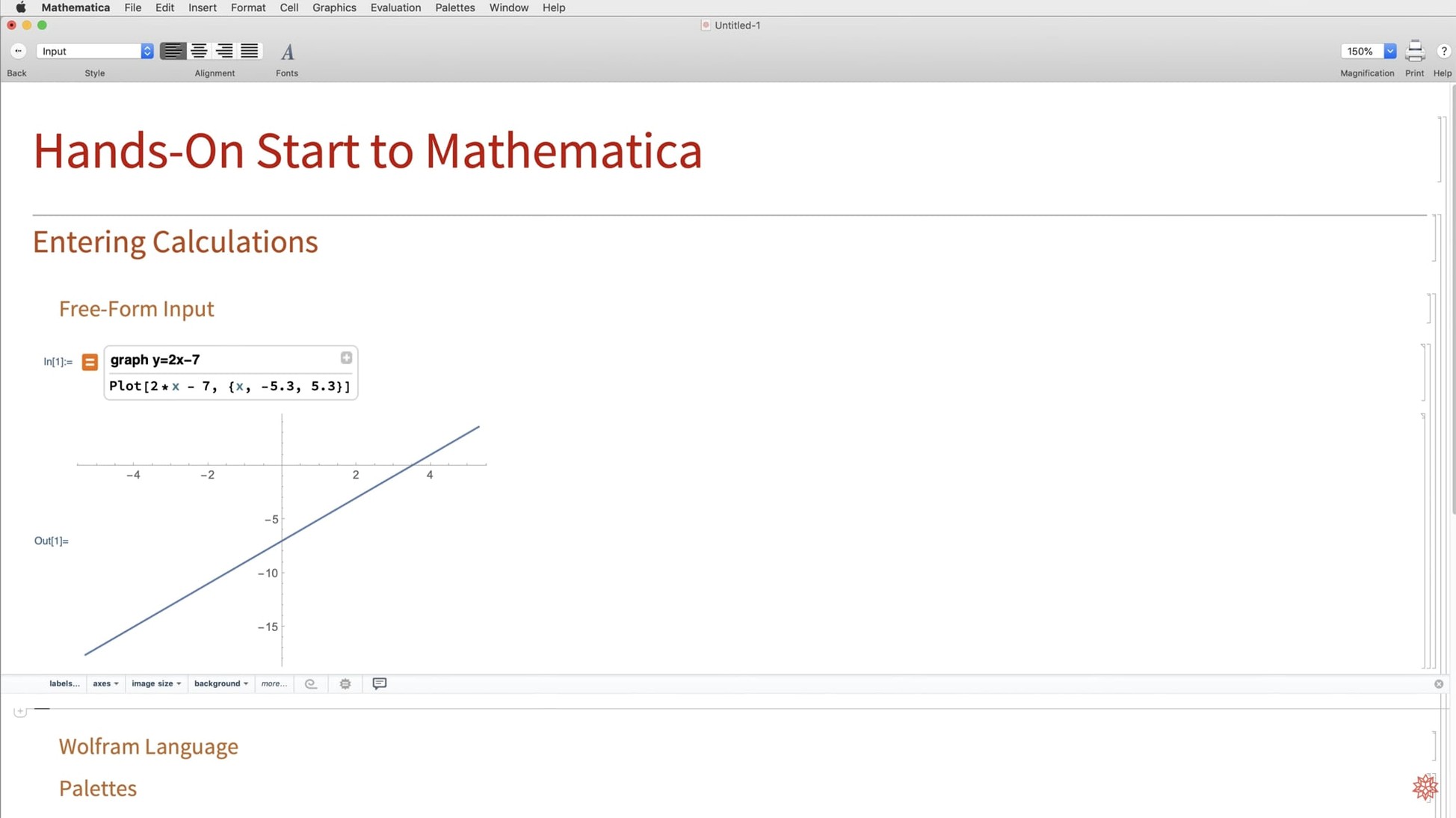
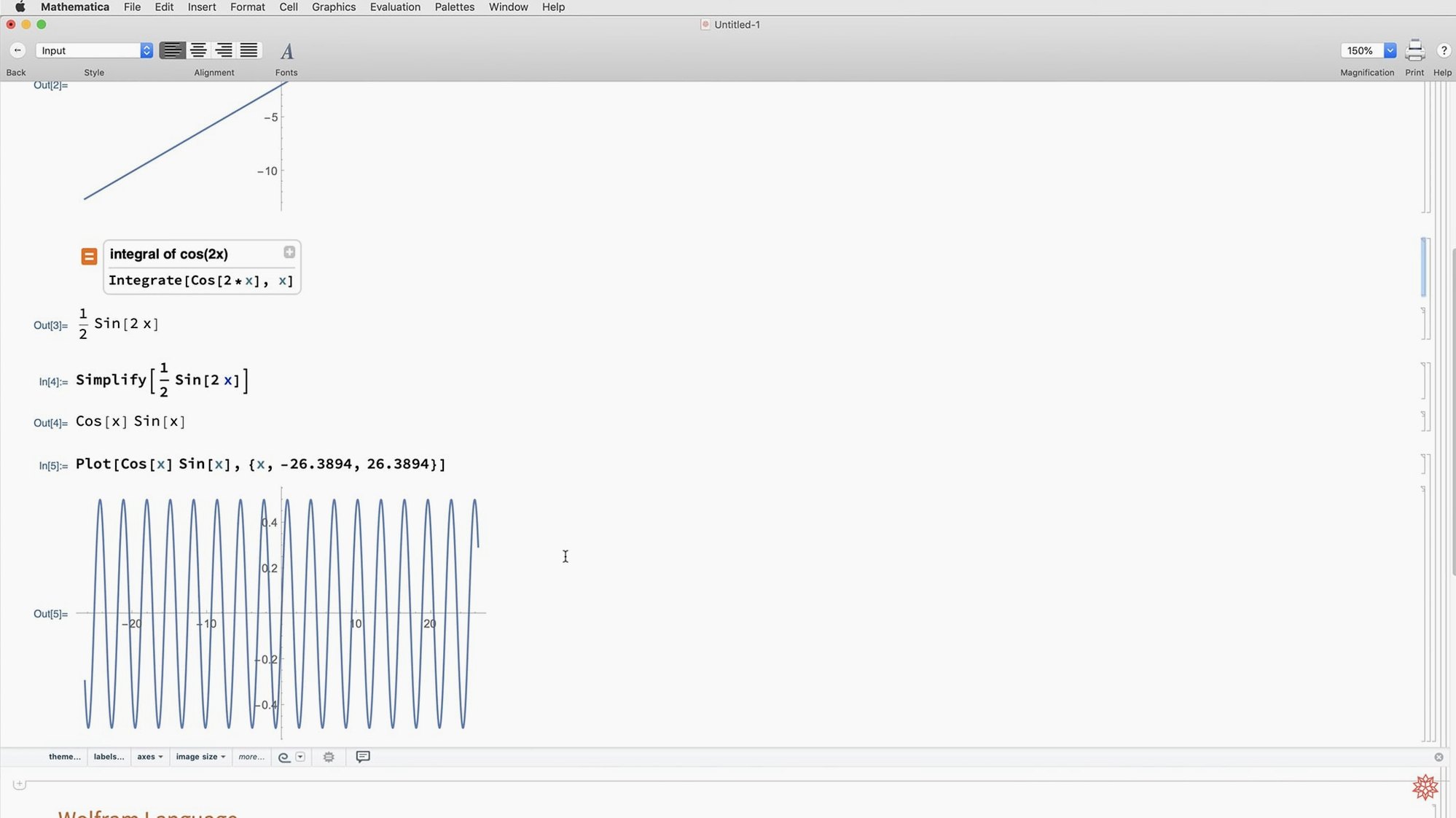
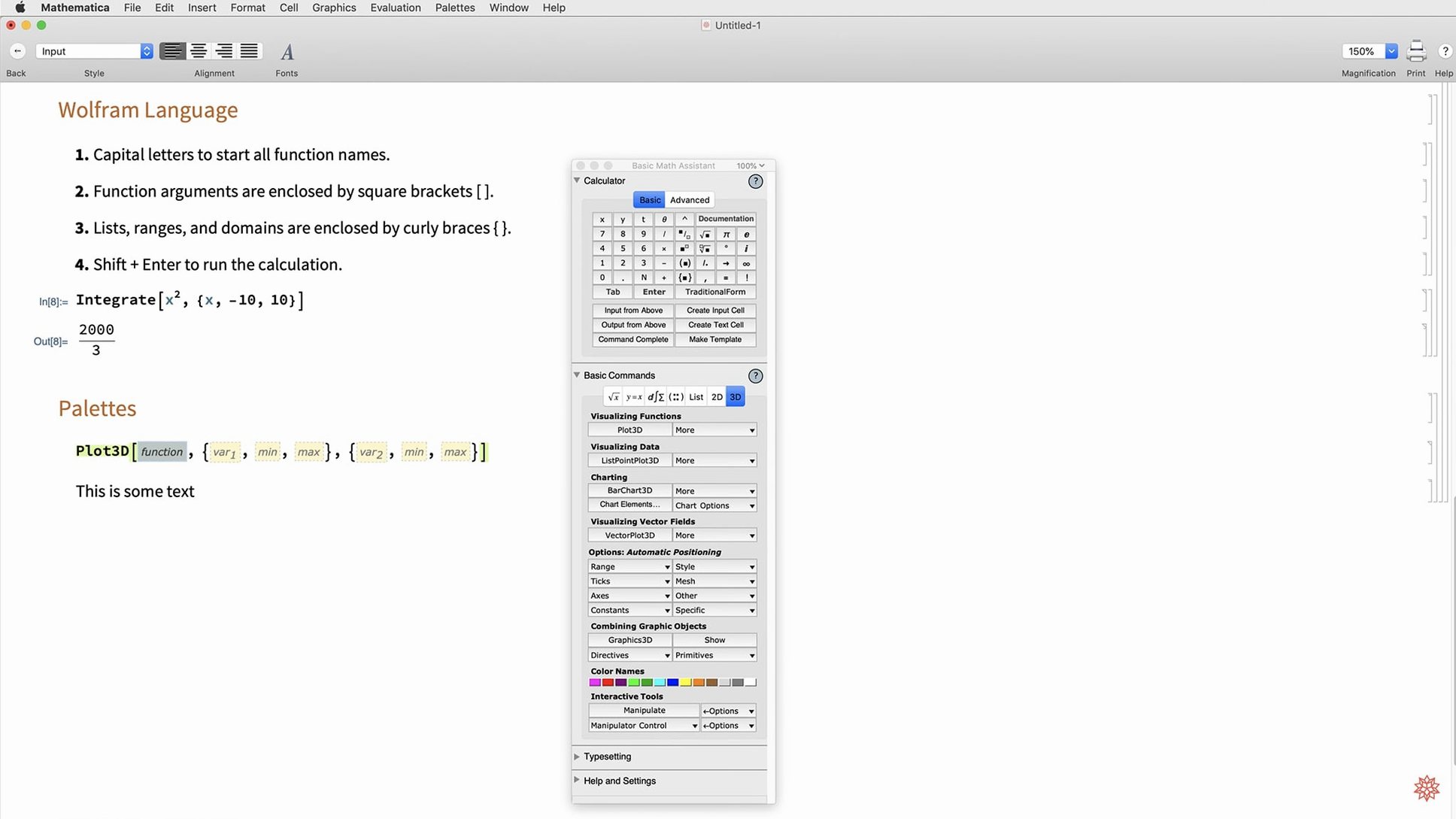
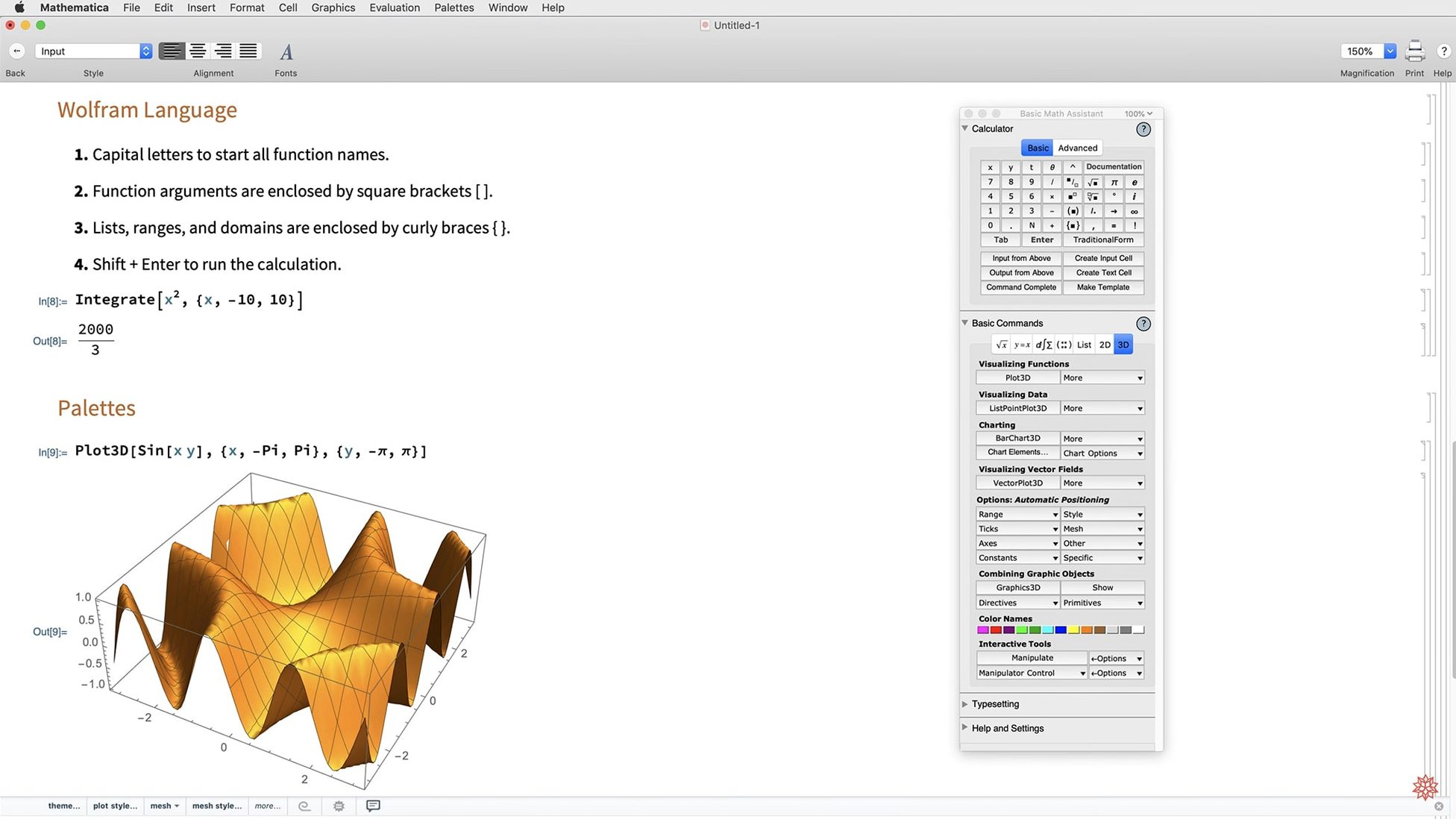
Version 14.3 brings dark mode across the whole interface, with new standard colours tuned for both light and dark environments. On the computation side, it adds Hilbert transforms, Lommel functions, and several new matrix decompositions. Visualisation expands with ListFitPlot, surface plotting updates, vector-based maps, and mesh processing tools.
Symbolic algebra and calculus plus publication-quality plots in one environment
- Symbolic algebra and calculus, from simple equation solving to heavy analytical work
- Numerical computation on large datasets, with native Apple Silicon performance
- Producing publication-quality plots, 3D surfaces, and vector maps in a single environment
- Projects that mix languages — Python and R integration got faster in this release
- Accessing Wolfram Language functions from a web browser, alongside cloud data sources
Steep learning curve for newcomers to the Wolfram Language
- The learning curve is steep if you are new to the Wolfram Language
- Requires macOS 12 or later; older Macs are not supported
- Natural-language input is handy for quick tasks but not a replacement for precise syntax in complex work
Notebooks launch in under three seconds on Apple Silicon
On any Apple Silicon Mac from the M1 onwards, the native ARM build starts notebooks in under three seconds. Symbolic integration and simplification of mid-sized expressions feels instant. Large numerical arrays — millions of elements — push memory bandwidth hard, but Mathematica stays responsive where Python with NumPy would stutter through an interpreter layer. Intel Macs run the x86_64 build without translation overhead, though launch times stretch to five or six seconds on older machines.
The front end handles long sessions without gradual slowdown. I have left notebooks open for days, with dozens of plots rendered and multiple kernels running, and memory pressure stayed flat around 700–900 MB. The 14.3 dark-mode redraws use less CPU than the old light-mode renderer — a small but welcome optimisation if you work on battery. Kernel crashes are rare and, when they do occur, the front end recovers without losing unsaved notebooks.
Integration with external Python and R processes is measurably quicker in this release. Passing a 200,000-row dataset to a Python function and getting results back now completes in roughly half the time it took in 14.2. It is still not a replacement for a dedicated data pipeline, but for exploratory work it removes the friction that used to push people out of the notebook.
Full install lands near 11 GB with documentation included
Does it use a lot of disk space? The application bundle is around 8 GB. Add the documentation and optional Wolfram Language libraries and total footprint lands near 11 GB. The installer lets you skip the documentation if you prefer the online reference.
Can it run offline? Yes. All core computation, documentation, and local data sources work without a network connection. Cloud functions and curated data feeds — weather, financial, geographic — require internet access. Mathematica does not phone home during normal use.
Does the natural-language input actually work for technical work? It is useful for quick plots (plot sin(x) from -pi to pi) and basic unit conversions. For anything involving pattern matching, assumption sets, or performance tuning, you will need Wolfram Language syntax. Think of it as a shortcut, not a replacement.
Is a mathematica torrent or mathematica for mac free download worth the time? The installer file you get from any wolfram mathematica torrent or unofficial mathematica 13 download is often a version behind and may need manual kernel fix setup. 14.3 includes dark mode and faster language bridges that older mathematica 13.3 download sources simply do not have. A clean install of the latest build avoids compatibility headaches with macOS 14 and 15.
Natural-language differential equation returns a general solution instantly
- Open a fresh notebook. The dark-mode chrome is up immediately; no splash-screen lag.
- Type a differential equation in natural language:
solve y'' + y = 0. The Wolfram Alpha parser returns the general solution in under a second. - Switch to precise syntax. Write a function that applies a Lommel function across a parameter sweep, build a
Tableof results, and wrap it inListFitPlot. The visualisation pops into the notebook with automatic curve fitting. - Pull in a CSV from disk with
Import. Run a matrix decomposition from the new set. The operation completes on a 10,000-row array in under a second on an M2 MacBook Air. - Call a Python function via
ExternalEvaluateto run a scikit-learn classifier on the same data. Results come back as a Wolfram Language association, ready for plotting. - Export the final notebook as Markdown — a new format in 14.3 — and commit it to a repository. The Markdown preserves section structure and inline graphics as linked images.
No restarts, no kernel resets, no memory warnings. That is the quiet strength of Mathematica in daily research: the session flows from question to result without the tool interrupting.
Release notes for version 15.0 are on the developer's site. The update brings the latest round of fixes, performance tweaks and core improvements.
- macOS 12 or later
- Apple Silicon or Intel 64-bit
Questions the team asks
Yes. It supports both Apple Silicon and Intel 64-bit Macs natively.
Version 14.3 adds ListFitPlot, updated surface plotting, vector-based maps, and new mesh processing tools.
Yes. Cloud access through a web browser is supported, alongside the desktop application.









Comments 0
Sign in or create an account to add a comment.
No comments yet. They go up after moderation.