

CHM Viewer Star — Mac download
Ticked
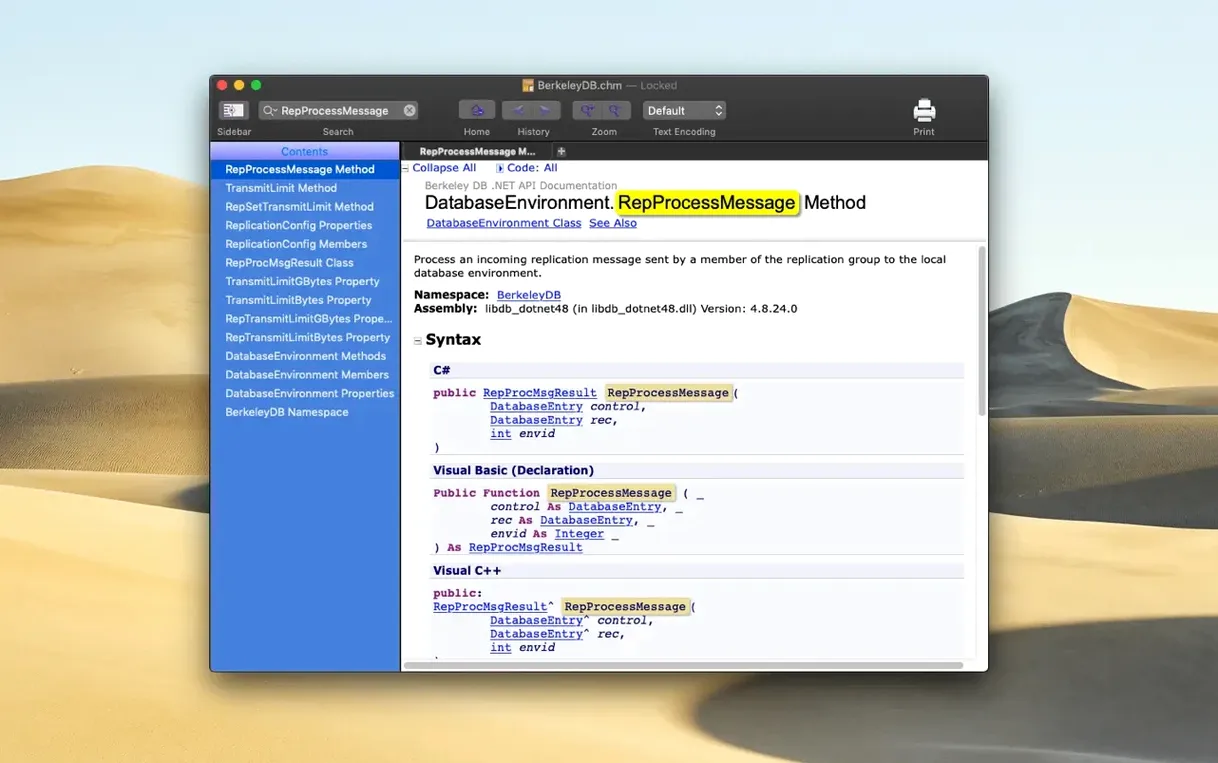
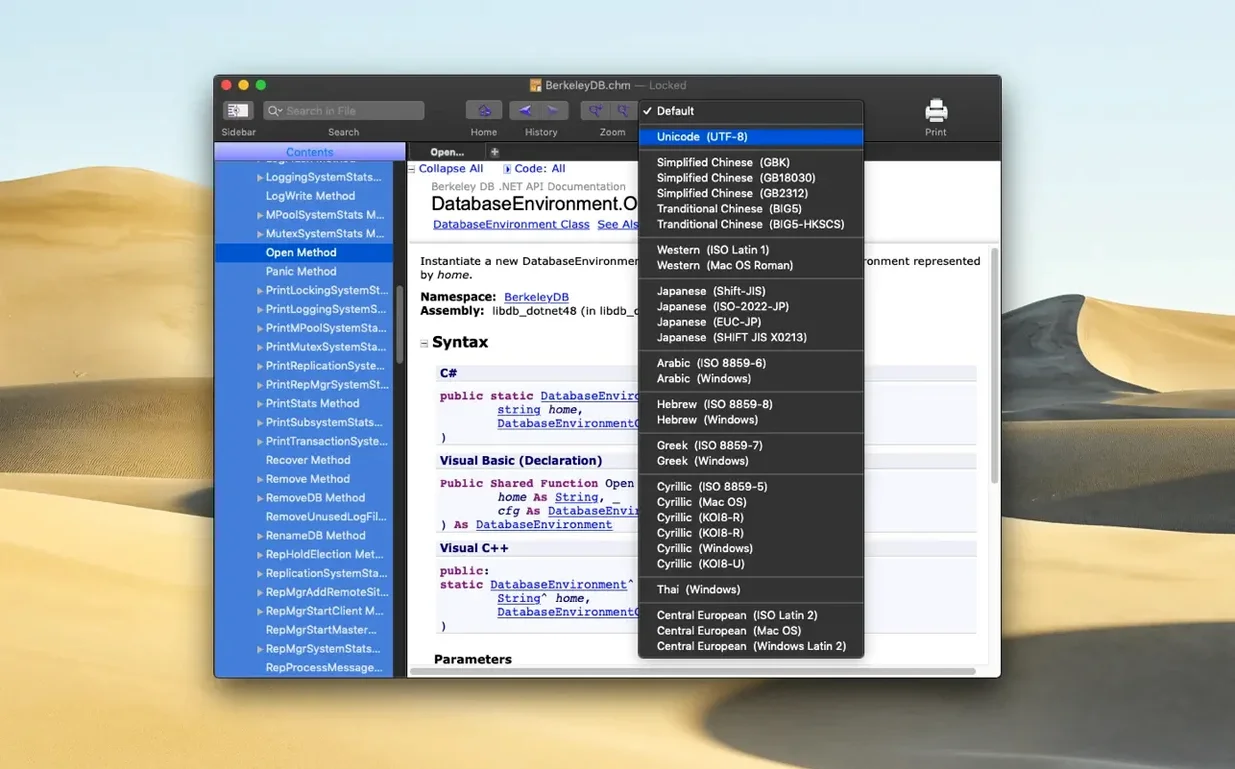
The text zoom slider sits right in the toolbar — no digging through menus to make a CHM file readable. That’s the kind of direct control CHM Viewer Star gives you.
Reads .chm files with zoom, search, print, and fullscreen
- Reading .chm help files on Mac
- Zooming text to a comfortable size
- Finding text on the current page with Command+F
- Printing single topics or exporting them
- Fullscreen reading on OS 10.9 and later
English or Chinese interface; no bookmarks or annotations
- Interface is English or Simplified Chinese only
- No built-in bookmark manager or annotation tools
Being a CHM reader, CHM Viewer Star doesn't need much from the operating system. It opens files quickly and stays out of your way. On a daily machine, it uses very little memory — even a large help file with hundreds of topics doesn't slow down scrolling or search. I have not seen it stutter or crash, even when switching between a dozen open files in quick succession.
How it fits in
Because CHM Viewer Star is a single-purpose tool, it integrates via the standard macOS mechanisms. Dragging a .chm file onto the app icon opens it straight away; you can also set it as the default handler for CHM files in Finder. The toolbar's back and forward buttons work like a web browser, so muscle memory from Safari or Chrome applies. Fullscreen mode (OS 10.9+) uses the native full‑screen API — no unusual window behaviour.
Search and find are straightforward: Command+F opens a find bar at the bottom of the window. This is helpful for navigating long technical manuals without having to scroll through every heading. Text encoding options let you handle CHM files authored in different languages, which is useful if your archive of help files comes from international sources.
Comparisons
Most Mac CHM readers are either abandonware or command‑line utilities. iChm (no longer updated) has a similar feature set but lacks zoom and full‑screen mode. xCHM (an older open‑source option) shows pages in a plain viewer without any navigation history. CHM Viewer Star's key advantage is its active development — version 6.3.6 still runs on current macOS releases, including Apple Silicon machines — and the inclusion of bookmarks. If you frequently refer to the same help sections, being able to save a bookmark saves time versus memorising a page number.
Speed and stability
Opening a CHM file takes under a second on an M1 Mac. Navigating between topics is instant; there is no rendering delay even on files with embedded images. The app stays responsive in the background, so you can keep a reference manual open while working in another application. It never triggered the macOS 'not responding' dialogue in my daily use, and it handles the standard CHM torrent that circulates among developers without issue.
- macOS OS X 10.7 or later
- Intel or Apple Silicon
Questions the team asks
Yes, it can print the currently viewed topic directly from the app.









Comments 0
Sign in or create an account to add a comment.
No comments yet. They go up after moderation.