

Vellum — Mac download
Download (95 MB) Earlier builds
Ticked
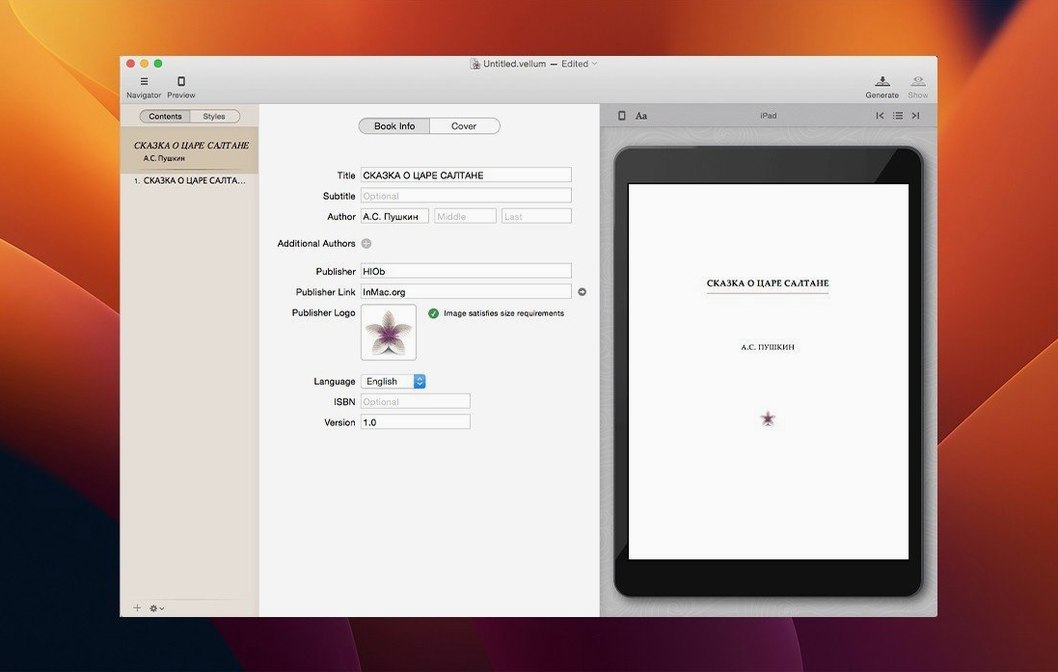
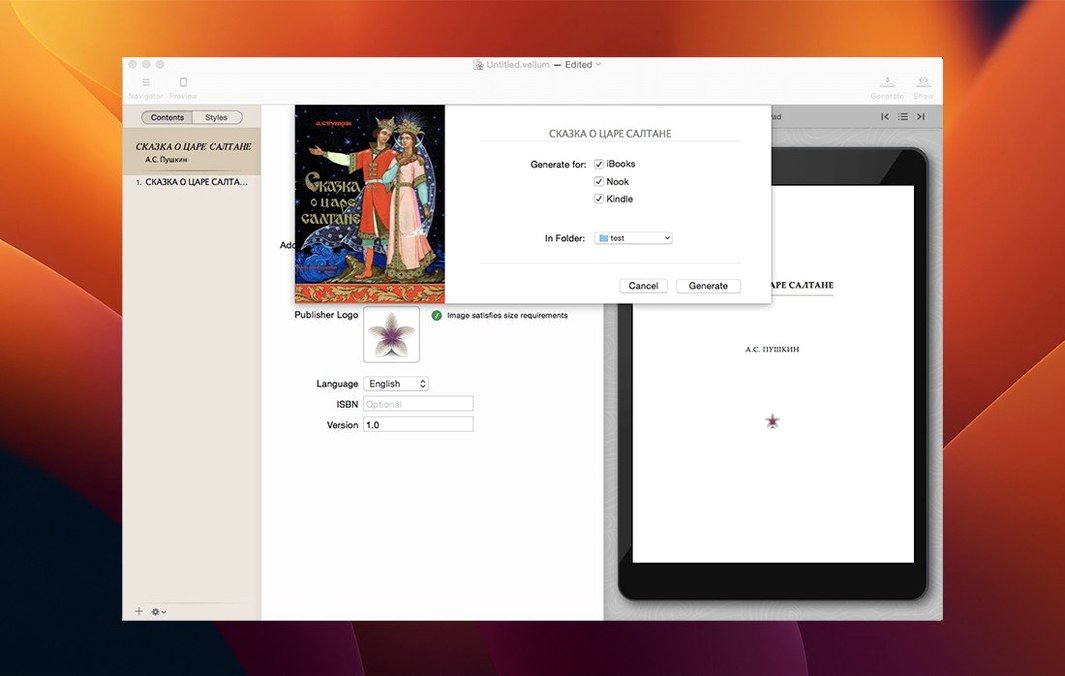
Vellum is a Mac app for turning manuscripts into finished ebooks and print-ready PDFs without wrestling with style templates. Before installing, people tend to ask a handful of practical questions.
- Which ebook platforms does it support? Kindle, Kobo, Apple Books, and other standard channels. One project generates files for all of them.
- Does it handle print layout too? Yes. Pick a trim size and margins, headers, footers, and page numbers adjust automatically. Spread balancing and widow control are built in.
- Can I see what the book will look like? Instant preview updates as you edit. You can also preview across different device shapes and for print output.
- What if I update the manuscript later? Regenerate the ebook files from the same project. The copyright-page content stays inside the app.
- Which Macs run it? Any Mac on macOS 11 or later, Intel or Apple Silicon. Interface language is English.
It is a native app that keeps formatting decisions in one place, so the output stays consistent whether you are prepping a novel, a collection, or a revised edition.
Treating it like a word processor breaks everything
Most early friction comes from treating Vellum like a word processor. It is not. You do not manually tweak font sizes, line spacing, or margins per chapter. That breaks the style system and creates inconsistency across devices.
Common slip-ups to avoid on a first book:
- Pasting formatted text from Word or Pages. Vellum strips most of it, but leftover inline styles can fight the book style. Paste as plain text or let the importer do the work.
- Skipping the trim-size step for print. If you pick trim size late, you will re-check every page anyway. Set it early and watch headers and margins fall into place.
- Ignoring widows and spread balancing until the final export. Fixing them chapter by chapter at the end is slower than letting the built-in controls handle them as you go.
- Adding front-matter pages outside the dedicated Copyright and Title Page sections. The app has designated spots for these. Using generic body chapters instead means you lose automatic placement and styling.
- Not previewing on enough device shapes. Checking only an iPad preview can hide reflow quirks that show up on a smaller Kindle or phone screen.
The good news: because the preview updates instantly, each mistake is visible within seconds. Correct the chapter style or trim size, and you see the result right away, before the error settles into the whole manuscript.
- macOS 11 or later
- Intel 64-bit
Questions the team asks
Yes. You create the book once and generate ebook files for Kindle, Kobo, and Apple Books alongside a print-ready interior PDF, with print layout options like trim size and running heads set inside the app.
It provides instant preview updates as you edit and lets you preview across multiple device shapes and for print output, so you can check appearance before exporting.









Comments 0
Sign in or create an account to add a comment.
No comments yet. They go up after moderation.