

XMind Pro — Mac download
Download (301 MB) Earlier builds
Ticked
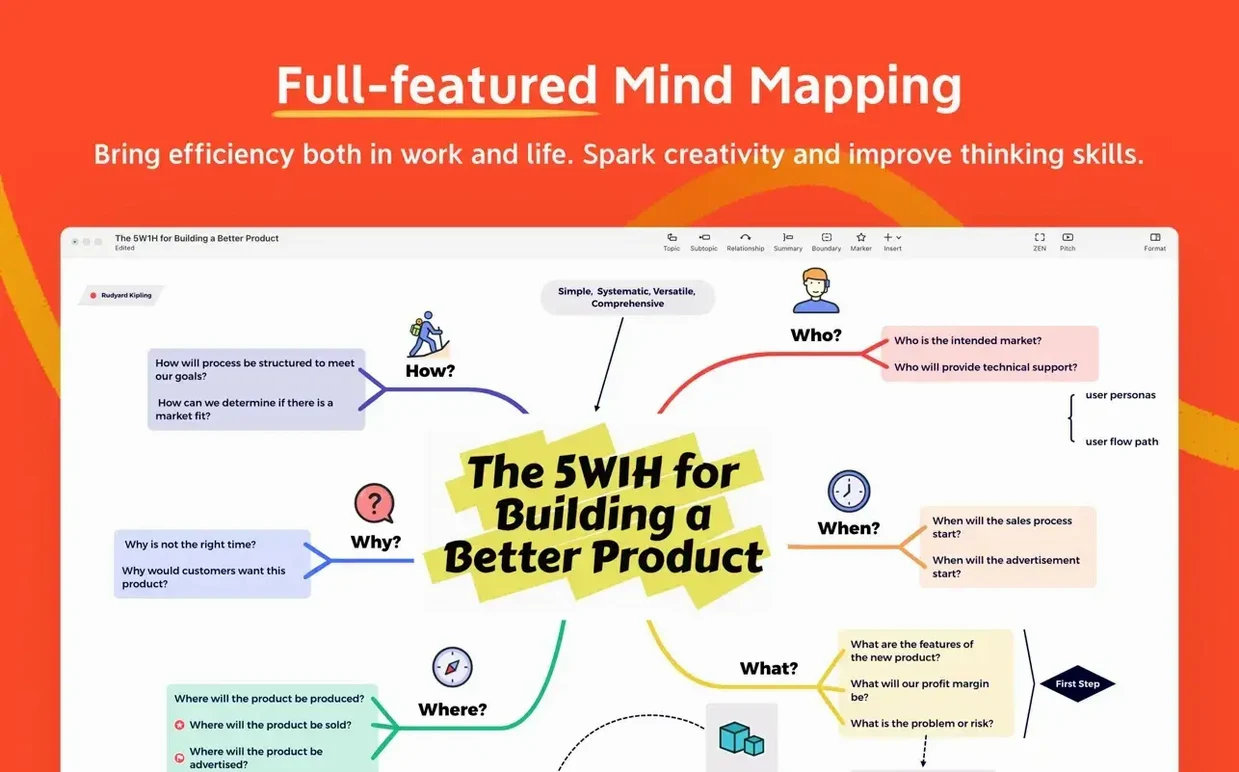

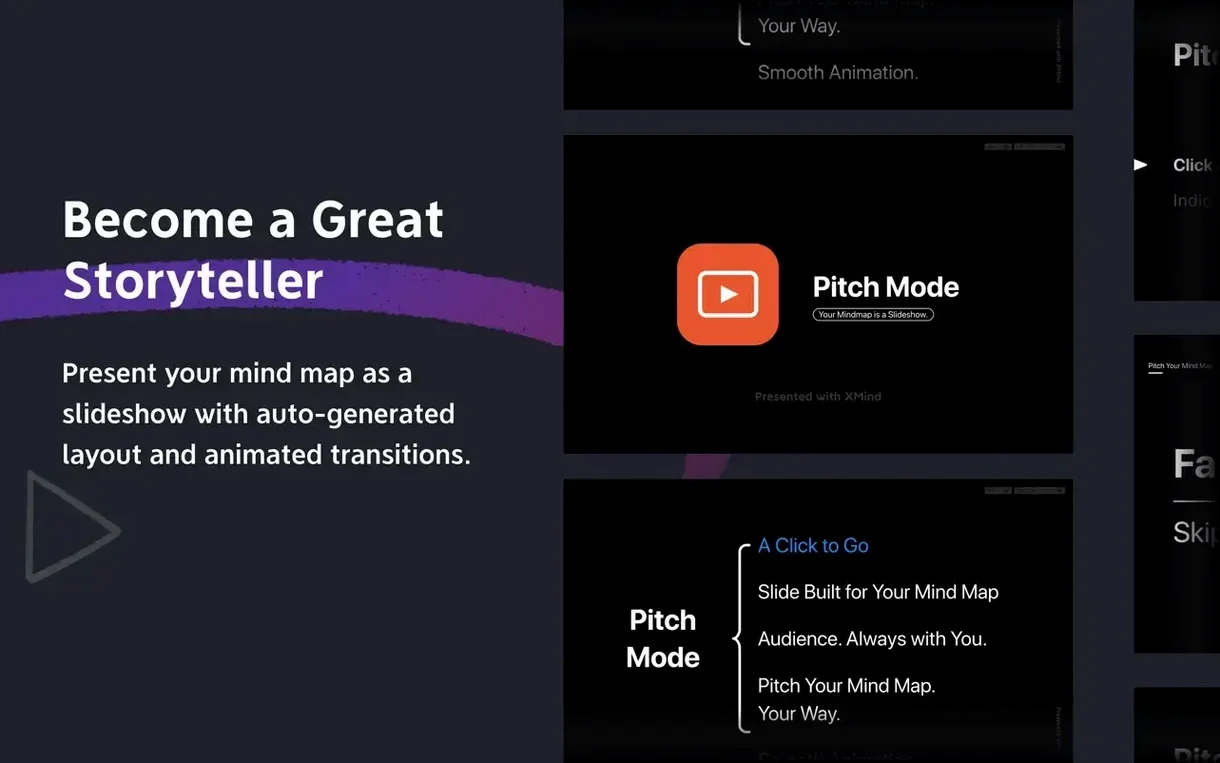
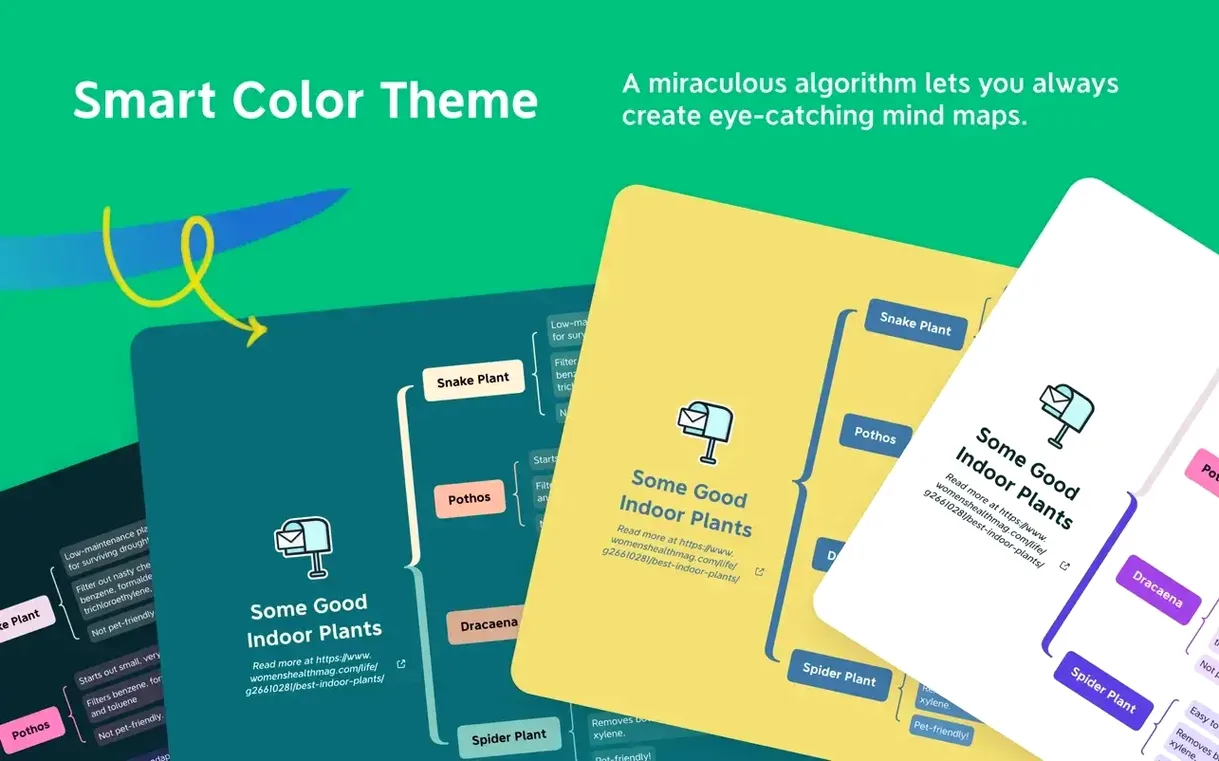
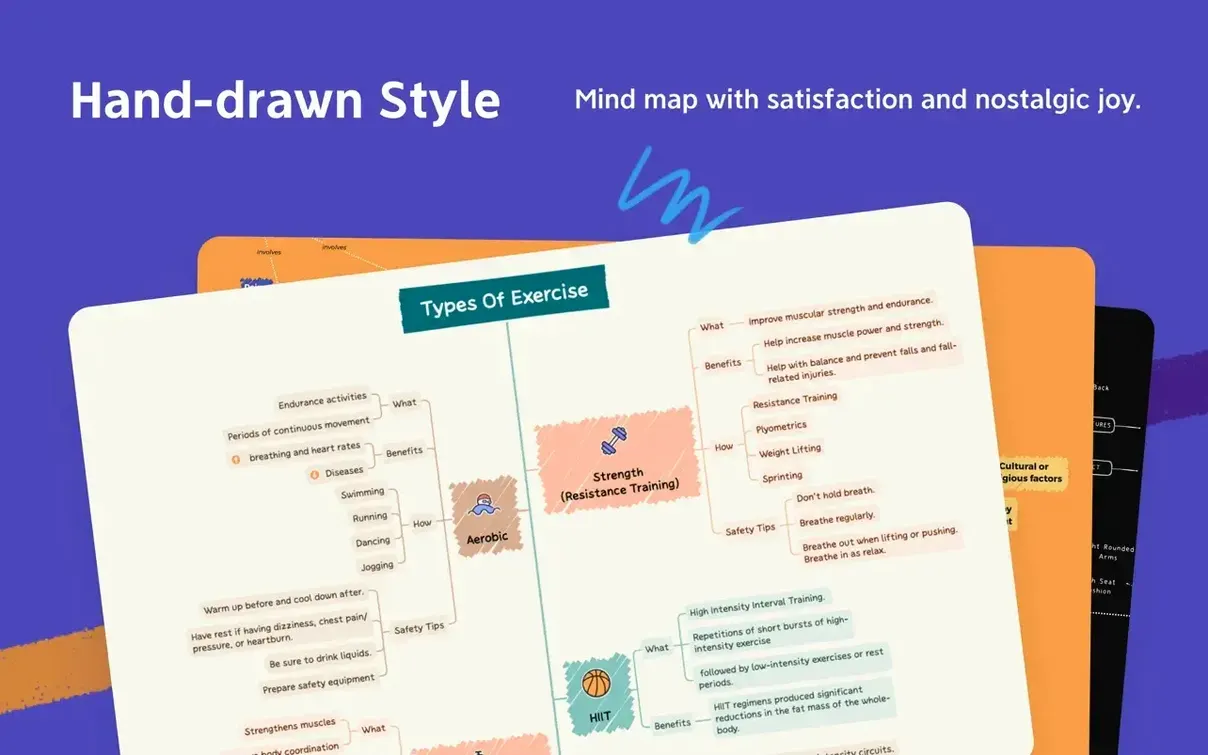

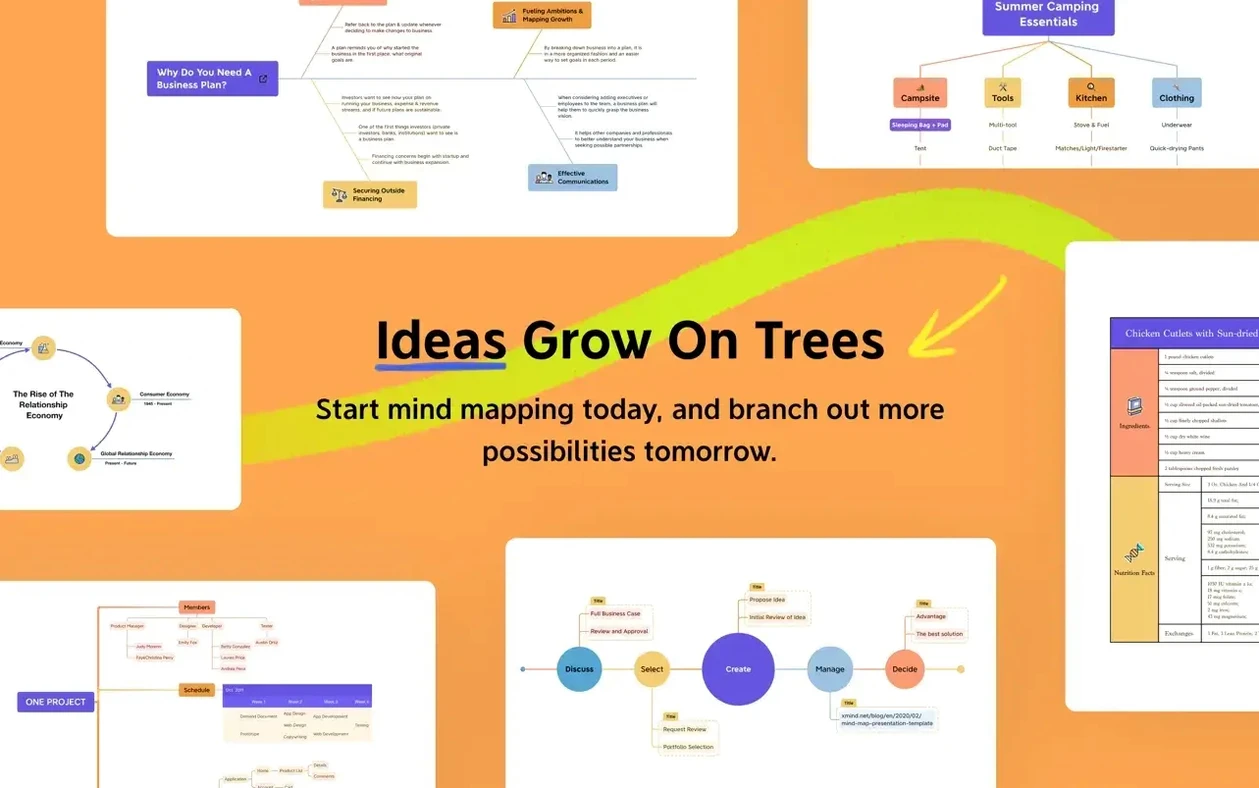
Pitchfork mode is the one I keep pinned. It turns a fuzzy brainstorm into a root-cause diagram without you having to draw a single line. The fishbone builds itself as you type, and that alone makes XMind Pro worth keeping on the checklist.
Version 26.04.01337 runs quiet and fast. No new flags to wave this cycle — the feature set holds steady. You still get mind maps, tree diagrams, logic charts and tables under one roof. FreeMind files open without protest, and collaboration sits there for the moments you need a second pair of eyes on a tangle.
Apple Silicon and Intel Macs both get native builds, with macOS 11 as the floor. The interface switches between thirteen languages without a restart, which keeps a multilingual team from drifting off-task.
Planning a content calendar — a start-to-finish workflow
Here's a repeatable flow I use when a quarter's worth of publishing needs mapping out. It takes about forty minutes and leaves you with a single board you can hand to a writer.
- Dump every idea into a blank mind map. No structure, no judgement. Title the central node "Q3 Content" and hit Tab after each stray thought. You're aiming for twenty to thirty child nodes in five minutes.
- Switch to tree diagram view. The chaos reorganises itself vertically. Drag related ideas under three parent nodes: "Tutorials", "Case studies", "Evergreen updates". Delete anything that doesn't fit — you can yank it back from FreeMind imports if you change your mind.
- Add a deadline column in table view. Each topic gets a proposed publish week. Colour-code by writer: red for Jess, blue for Marcus, grey for outsourced. The table keeps dates from going soft.
- Run a logic chart pass. Map dependencies — the "API walkthrough" needs the "Getting started" piece published first. Draw relationships between nodes with the relationship tool. A quick glance now saves two Slack threads later.
- Export the finished board. FreeMind format goes to the shared drive so the team can pull it into their own tools. A PNG export lands in the project channel for the Friday standup.
Two hundred nodes scroll without the lag
Build 26.04.01337 didn't ship new diagram types, but the quiet refinements add up. The most noticeable shift is how the app handles large boards — maps with two hundred plus nodes scroll without the half-second lag that crept into earlier builds on Intel machines. On Apple Silicon the difference is less dramatic, but the RAM footprint stays flatter during long sessions.
Collaboration sync got tighter. Edits from another user appear within a breath rather than after a pause, which makes paired brainstorming feel closer to a whiteboard session. The FreeMind compatibility layer also saw a small fix: nested boundaries now survive a round-trip export intact, where previously they'd flatten on re-import.
Language switching remains instant, and the interface draws at native resolution on notched MacBook screens — a small thing that stops the menu bar from feeling cramped during all-day workshops. No workflow-breaking changes to absorb, just fewer papercuts in the places that used to snag.
The toolbox hasn't changed, and that's the point. It does what you lined up for it last month, and it does it again today.
- macOS 11 or later
- Apple Silicon or Intel Mac
Questions the team asks
Yes, it is compatible with FreeMind files, so you can carry work across without converting formats.
It supports mind maps, Ishikawa (fishbone) diagrams, tree diagrams, logic charts and tables.
The app includes Russian, English, German, Indonesian, Spanish, Italian, Traditional Chinese, Simplified Chinese, Korean, Portuguese, Thai, French and Japanese.









Comments 0
Sign in or create an account to add a comment.
No comments yet. They go up after moderation.