
Timing — Mac download
Ticked
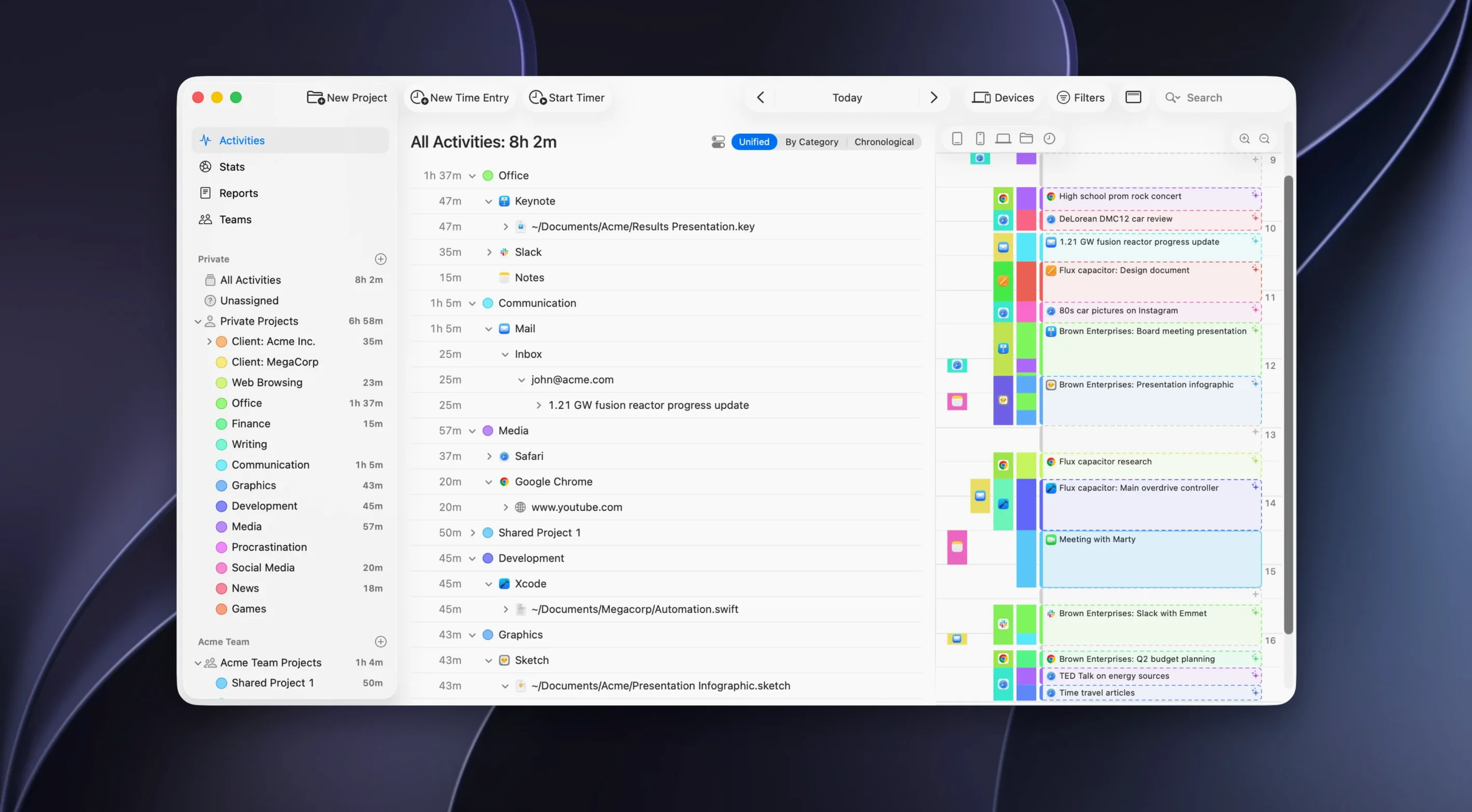
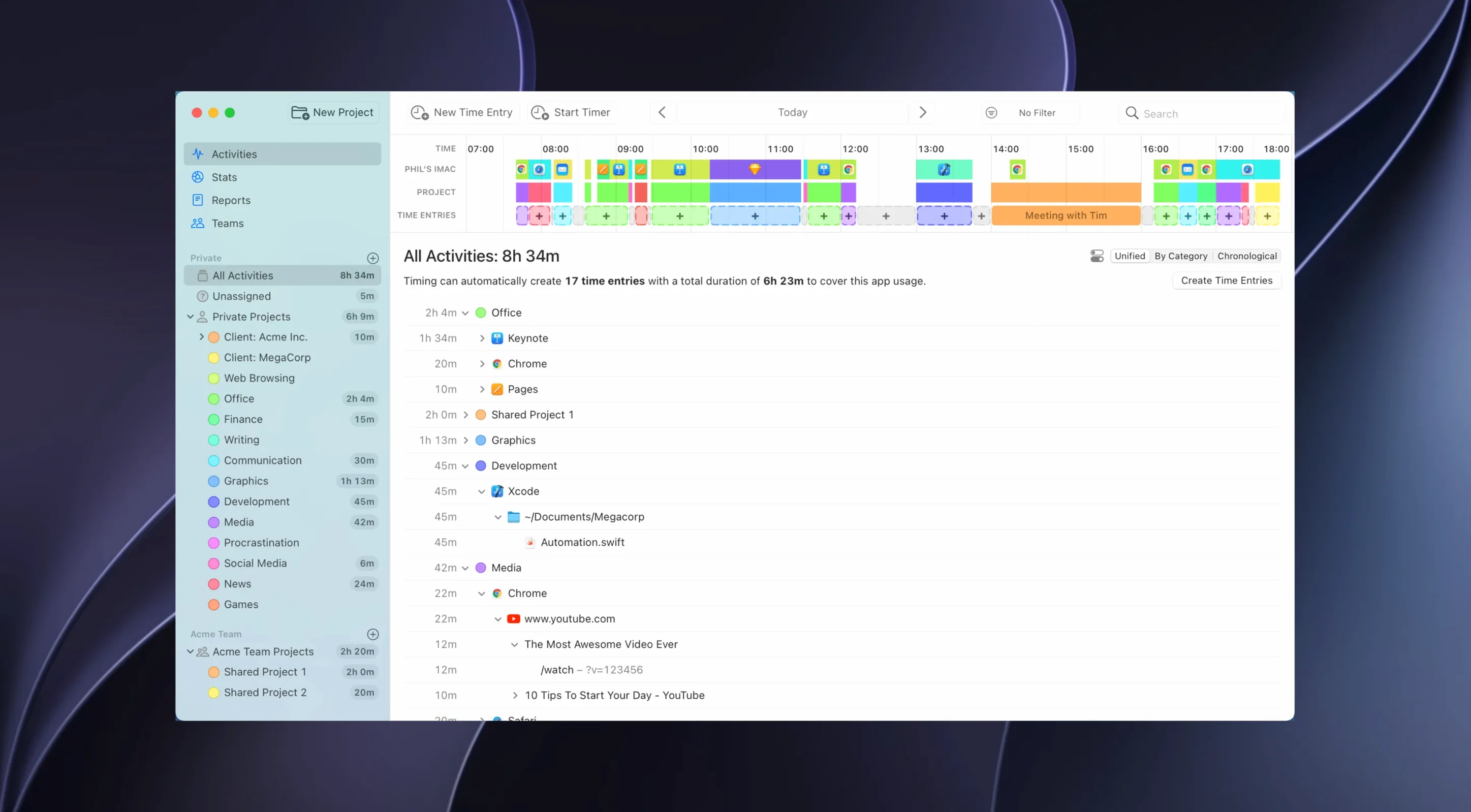
If you already use a calendar or to-do app on your Mac, Timing fits that same workflow: it records your work in the background while you get on with the day. No start buttons, no stop buttons.
macOS 10.15 or later on Intel and Apple Silicon
Requires macOS 10.15 or later. Runs on Intel and Apple Silicon Macs.
What does it track?
It logs time automatically without manual timers. You can exclude selected activities from tracking.
What else do you get?
Freelancers pull month-end billing reports instead of guessing
Freelancers billing by the hour. Every client call, every Sketch file, every research tab lands in a timeline. You pull a report at month-end instead of guessing.
Developers juggling repos and terminals. Timing tracks which project folder or IDE window has focus. No more scribbled notes about what you worked on at 3 p.m.
Teams that need light oversight. Zapier integration and cloud sync mean project leads see activity without micromanaging. Nobody stops to fill a timesheet.
Anyone who hates timers. If you forget to start a timer or resent the mental interruption, the automatic tracking removes the friction entirely.
A billing scenario
A freelance iOS dev splits her week between three clients. Monday morning she sketches wireframes in Figma, reviews pull requests in Xcode, and answers client emails in the new Microsoft Outlook. She never touches Timing.
Friday afternoon she opens the project view, expanded to show sub-projects. Client A's bucket shows 11.2 hours across Figma, Xcode, and Slack. She drags a date range, exports an XLSX report, and attaches it to her invoice. One client query about a meeting? She checks the calendar integration, sees the call was logged automatically, and replies in under a minute.
She also spots an unexpected block: 47 minutes in a browser researching competitive apps. That goes onto the invoice too — time she would have forgotten with a manual timer.
Calendar integration, AI summaries and a web API. The web app starts and stops timers when you are away from the Mac.
- Project view now shows activities from all sub-projects when a project is selected.
- Rule editor displays file paths with a tilde.
- Better tracking for Claude, Codex and Cursor desktop apps.
- URL tracking in the Helium browser.
- Support for the new Microsoft Outlook.
- macOS 10.15 or later
- Intel and Apple Silicon
- Languages: English, German, Spanish, Simplified Chinese, French
Questions the team asks
No. Timing tracks time automatically without manual timers.
Yes, you can exclude selected activities from tracking.
Yes, the web app can be used to start and stop timers on the go.







Comments 0
Sign in or create an account to add a comment.
No comments yet. They go up after moderation.