
MiniMeters — Mac download
Download (103 MB) Earlier builds
Ticked
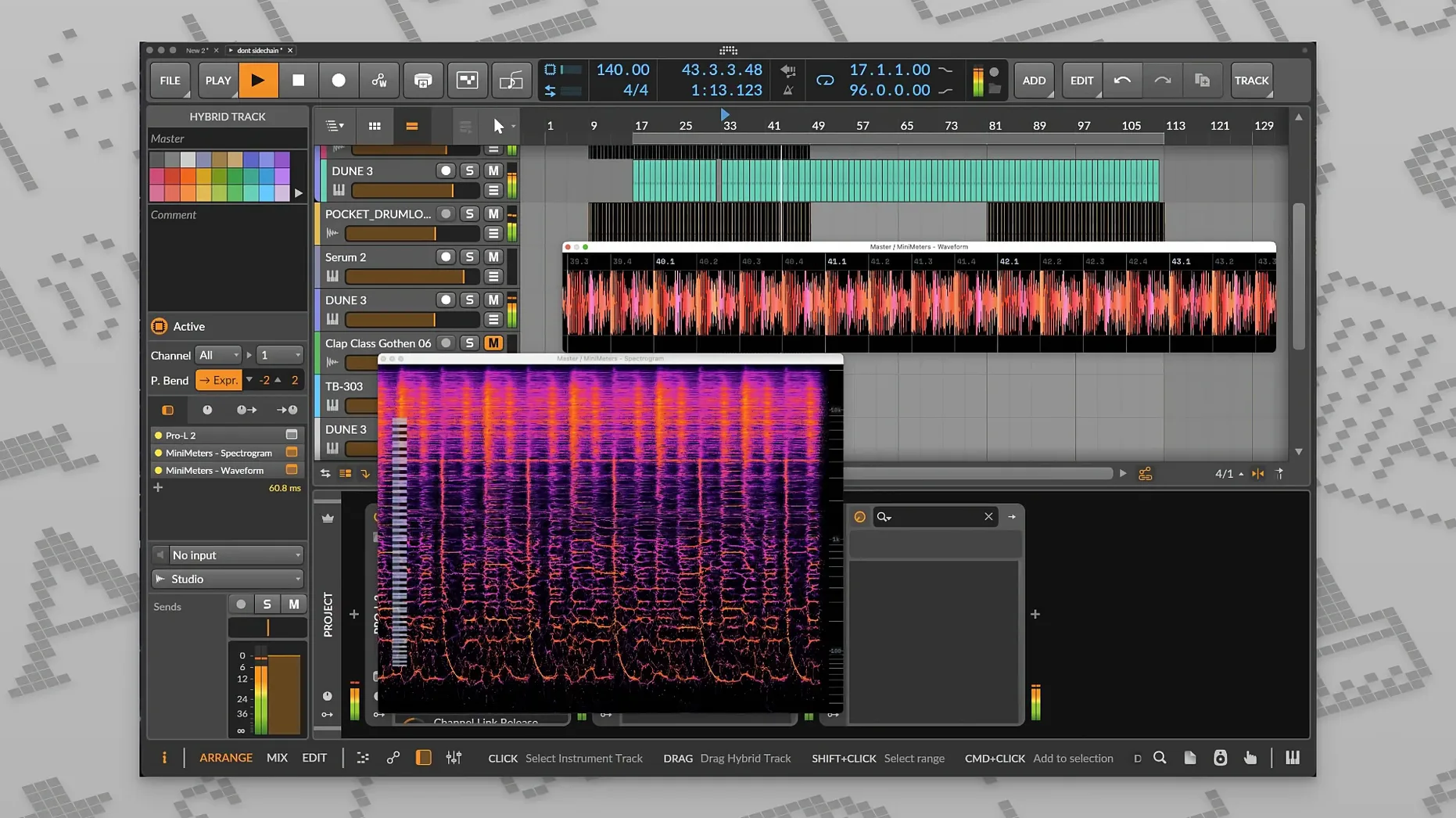
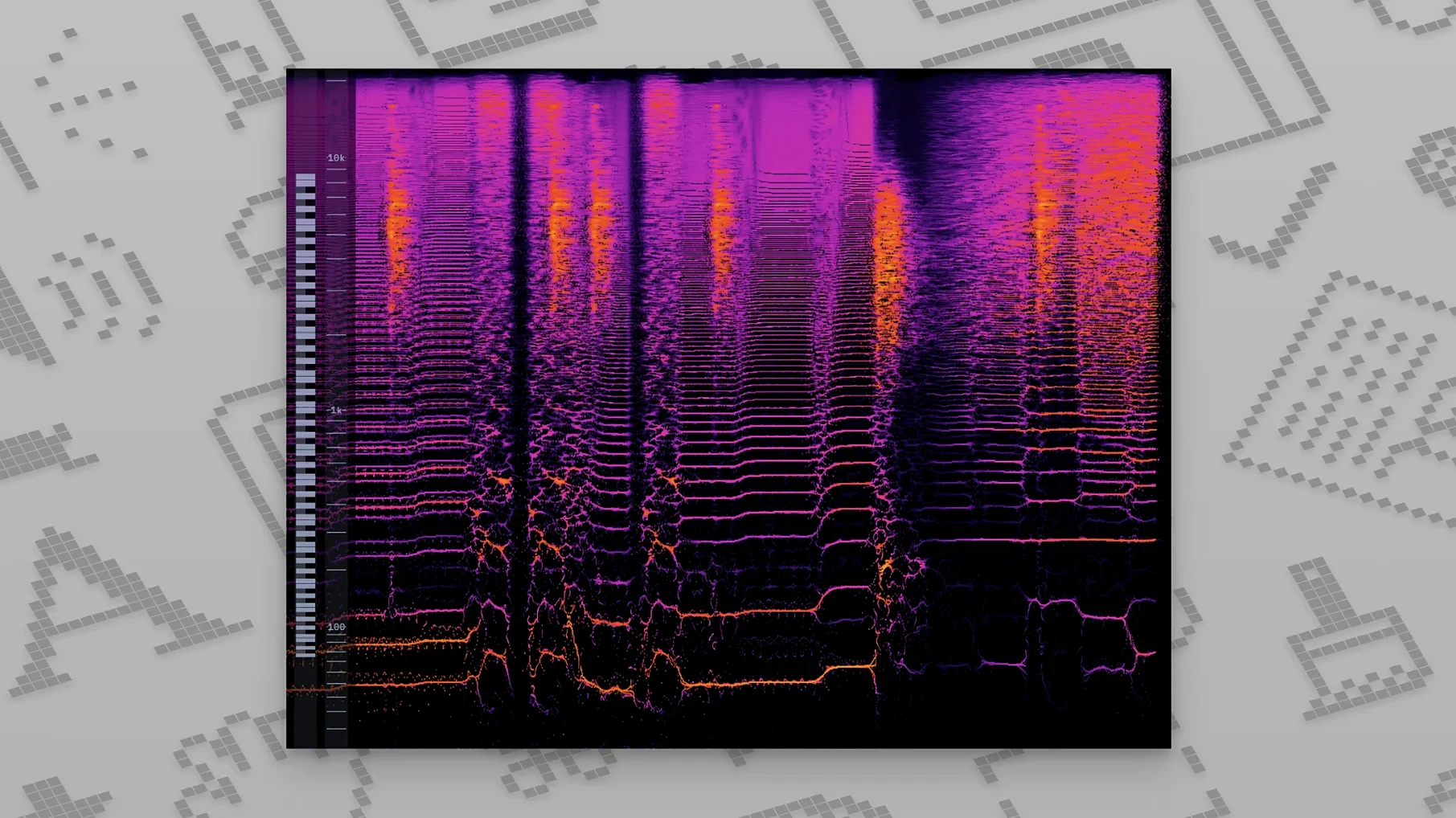
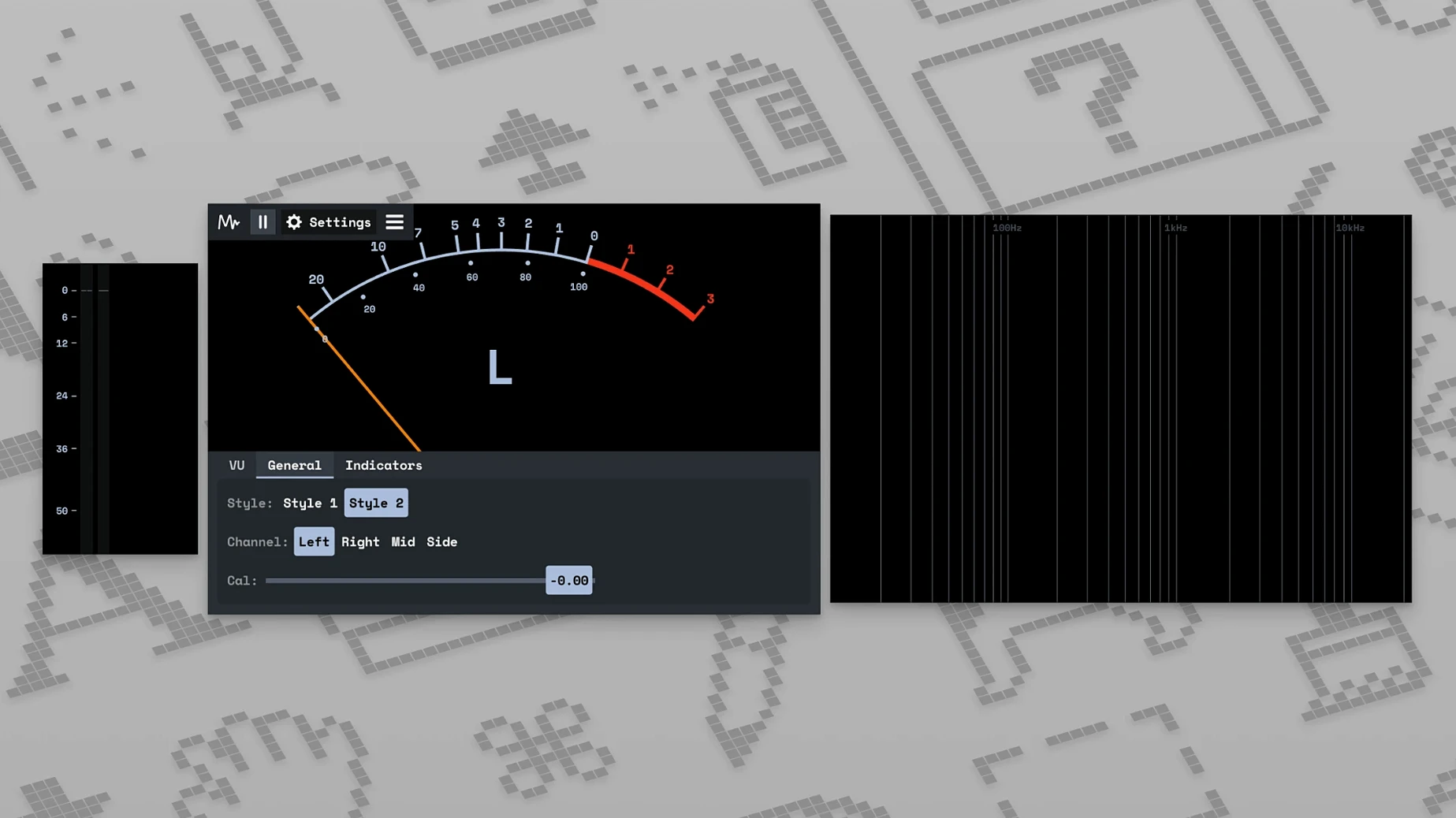
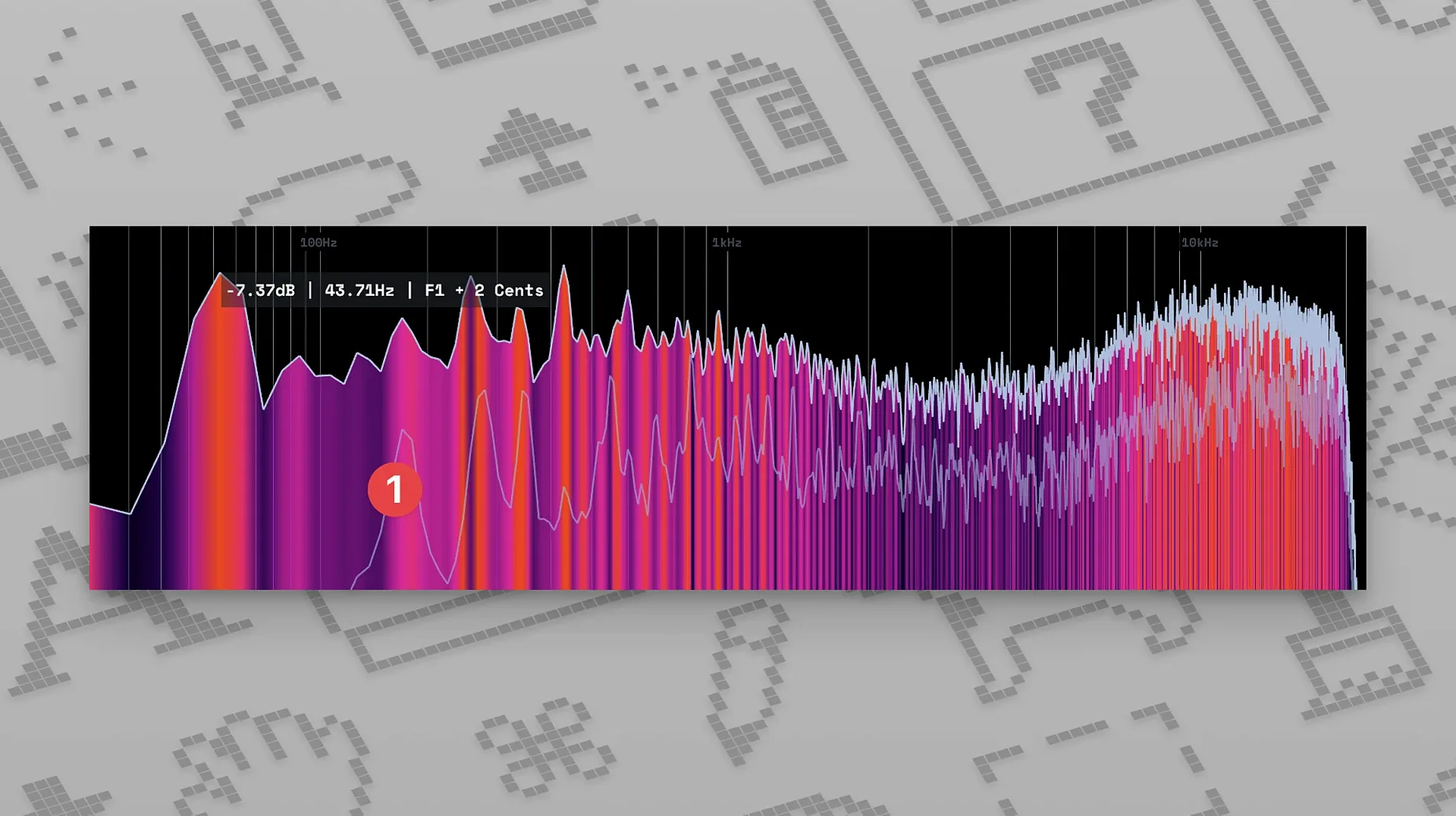
MiniMeters is a compact visual metering tool for macOS that runs as a plug-in or standalone app.
DAW audio over a second screen via MiniMetersServer
It uses a dedicated signal-transfer server, MiniMetersServer, to feed audio from your DAW directly into the meter display. Leave it open on a second screen while you mix.
LUFS, peak, and a spectrum you can recolour
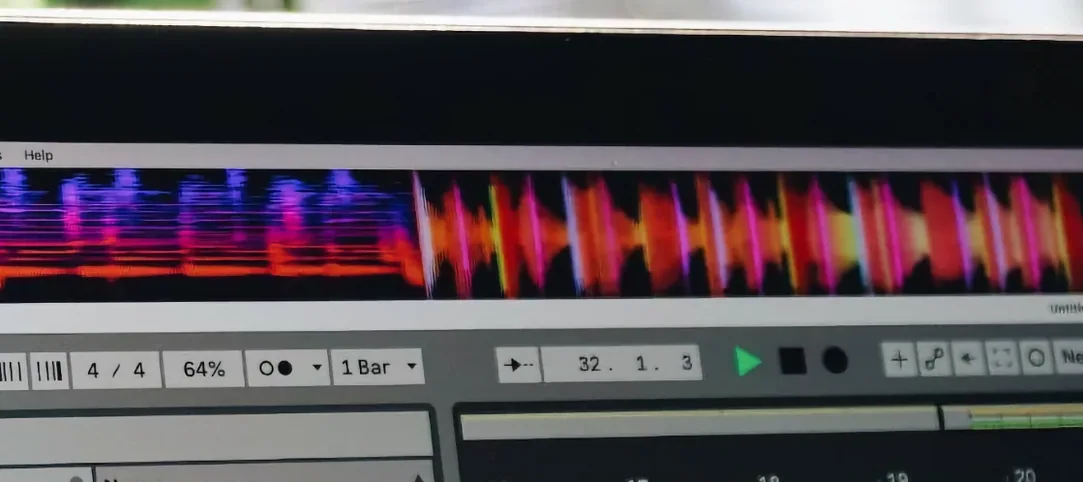
The interface shows overall and peak LUFS for loudness, plus a frequency spectrum display. Colours, tools and layout can be changed to suit your monitoring style.
Check reference tracks from any Mac app
Yes. Launch it as a standalone app to monitor your Mac's system audio in real time — useful for checking reference tracks outside a session.
Mac compatibility and requirements
Keep the meter window pinned above your DAW
Out of the box, MiniMeters picks sensible defaults — but three tweaks make it fit your workflow properly.
- Window always on top. Tick this in the view menu so the meter stays visible above your DAW. No hunting behind other windows mid-session.
- LUFS target and range. The loudness meter defaults to a broadcast-style scale. Set the target to your delivery spec — -14 LUFS Integrated for streaming, -23 for TV work — and narrow the range to ±6 LU. The colour warnings then mean something useful.
- Spectrum slope. The frequency display ships with a flat line for white noise. Switch to a 3 dB/octave pink-noise slope (found in the spectrum module settings). Mixed programme material then reads roughly flat, which makes tonal imbalances jump out faster.
Pre-install hardware and OS considerations
Does MiniMeters introduce latency?
The meter reads from MiniMetersServer, which buffers just enough to deliver a steady visual stream. Audio routing through the server does not touch your DAW's signal path — the metering sidechain is separate. Your monitoring chain stays unaffected. On an M-series Mac the display lag is imperceptible; on older Intel machines you might notice a quarter-second offset on the waveform view. That offset does not affect what you hear.
Separate process that sidesteps Logic’s sandbox
Yes. MiniMetersServer runs as a separate process, outside the DAW's plug-in sandbox. Load the server component, point it at a bus output, and the meter app picks up the stream. No bridging or workaround needed.
Can I use the VST version in other hosts?
The minimeters vst component loads in any host that supports VST3 on macOS — Ableton Live, Reaper, Cubase, Bitwig — but the plug-in itself is just a lightweight sender. The display lives in the standalone app. Think of the plug-in as a tap, not a meter.
No signal? Look for the menu bar server icon first
- Meter shows no signal. Check that MiniMetersServer is actually running — its icon appears in the menu bar. In your DAW, confirm you have routed audio to the correct bus and that the server is set to listen on the same channel pair. Restart the server, then the app, in that order.
- Installer won't open on Apple Silicon. macOS Gatekeeper may block the pkg. Right-click the file and choose Open, or head to System Settings → Privacy & Security and allow it there. The same step applies whether you grabbed the minimeters free download from the developer site or transferred it from another machine.
- LUFS reading drifts from your DAW's own meter. MiniMeters measures after any gain staging in the server feed. Match the send level to unity (0 dB) and disable any host processing on the meter bus. If you have applied bus fader gain, the numbers will diverge — that is expected, not a bug.
- Spectrogram looks blank. The spectrogram view expects a stereo input. If you have sent a mono bus, it shows nothing. Duplicate the mono channel to both sides of the server input or switch to the standard spectrum module instead.
- App quits when the Mac sleeps. This is a known quirk in v1.0.30.358. Keep the Mac awake during long sessions, or add MiniMeters to your login items so it relaunches automatically.
It supports both Intel and Apple Silicon Macs running macOS 10.15 or later.
- Fixed long-standing bugs and small interface issues.
- macOS 10.15 or later
- Intel or Apple Silicon Mac







Comments 0
Sign in or create an account to add a comment.
No comments yet. They go up after moderation.