

Metric Halo Production Bundle — Mac download
Ticked
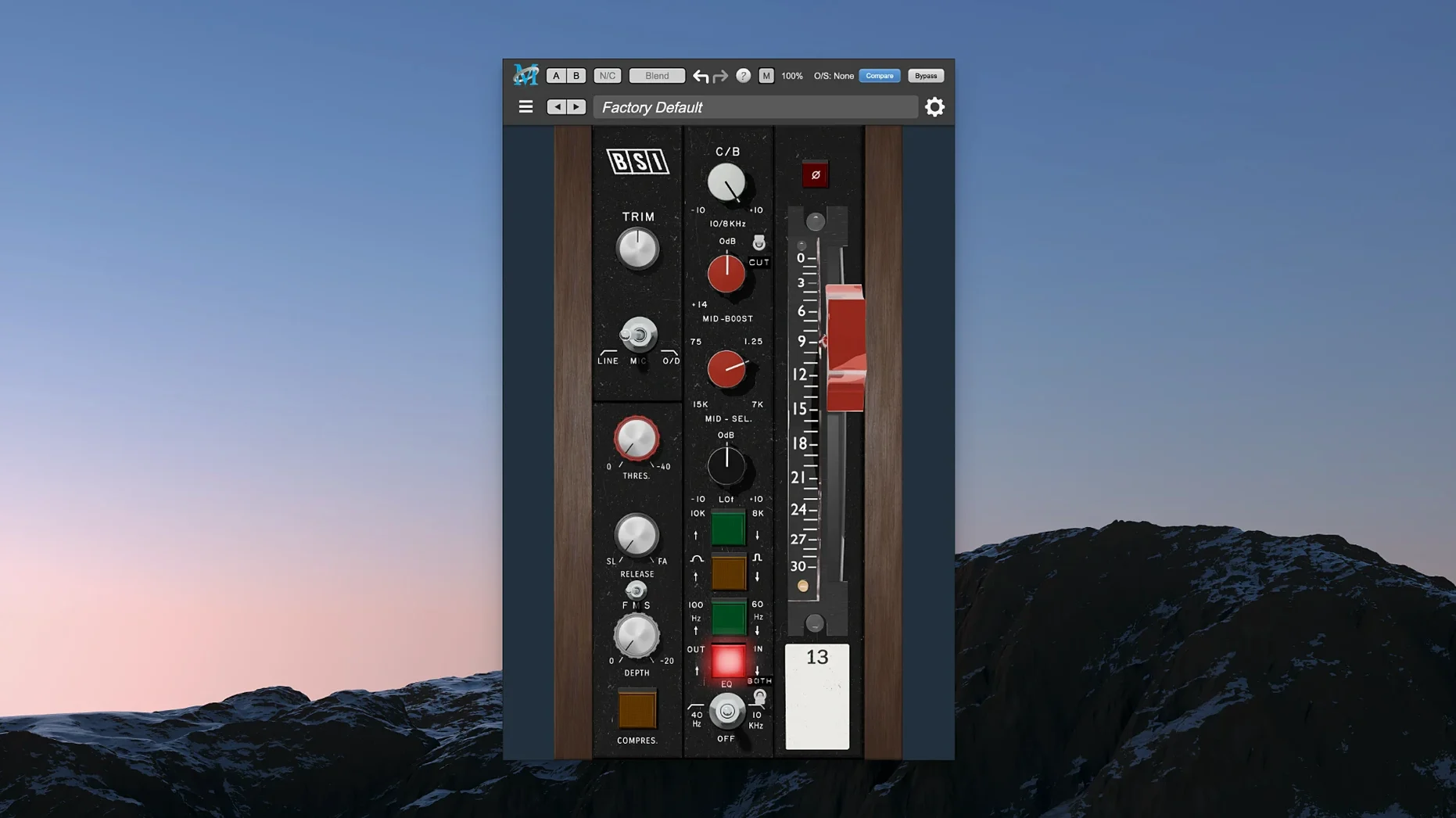
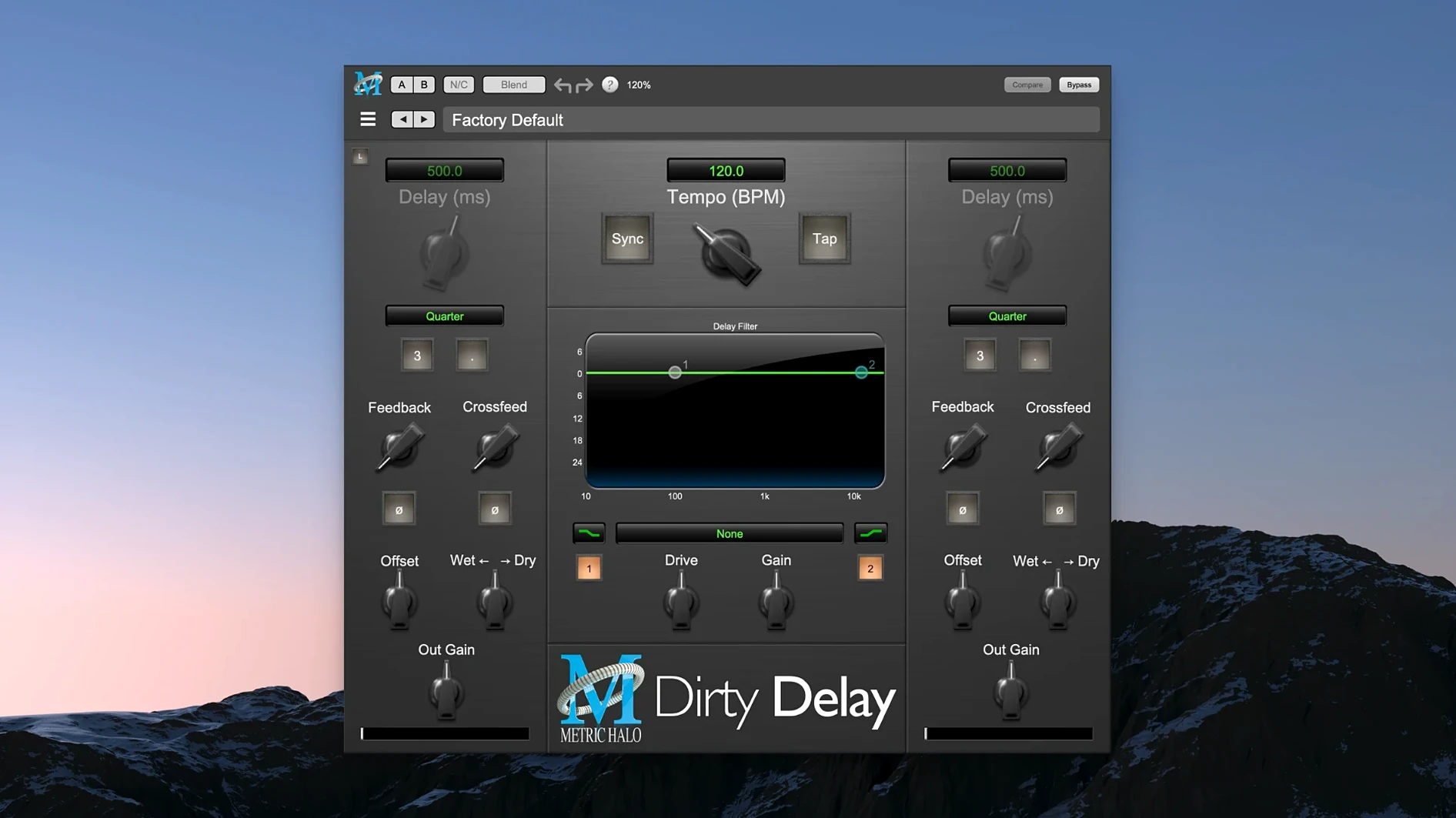
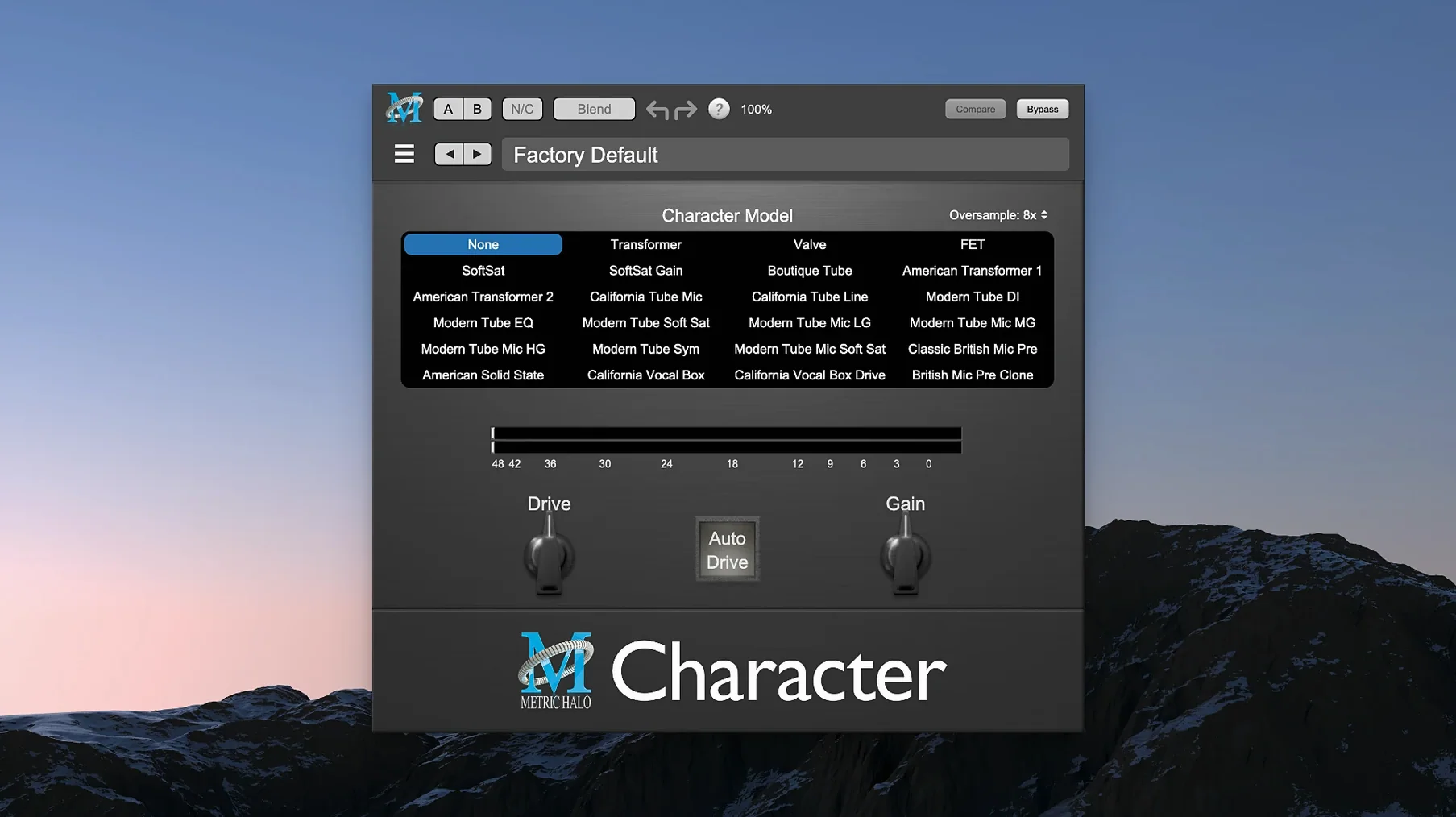
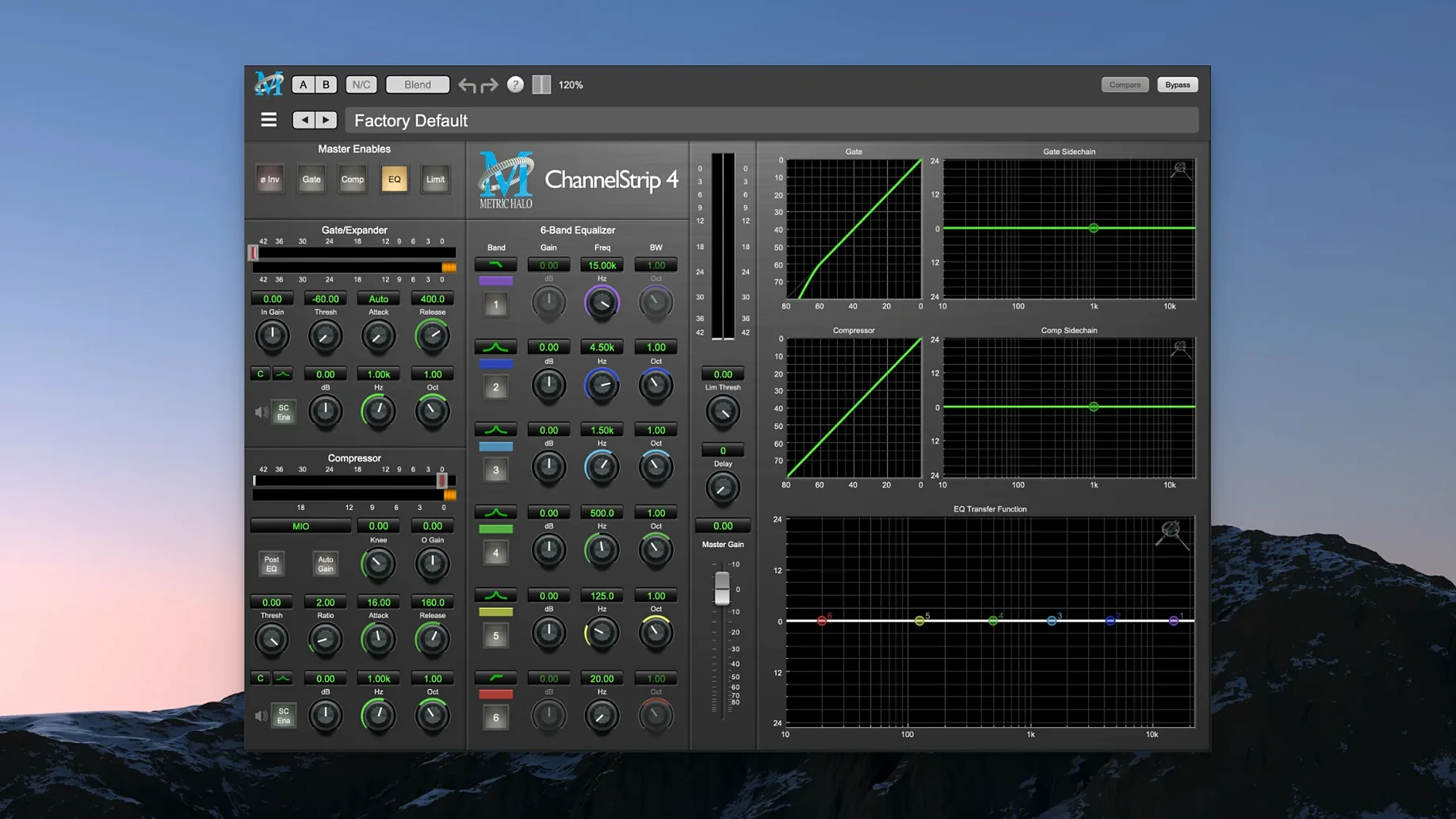
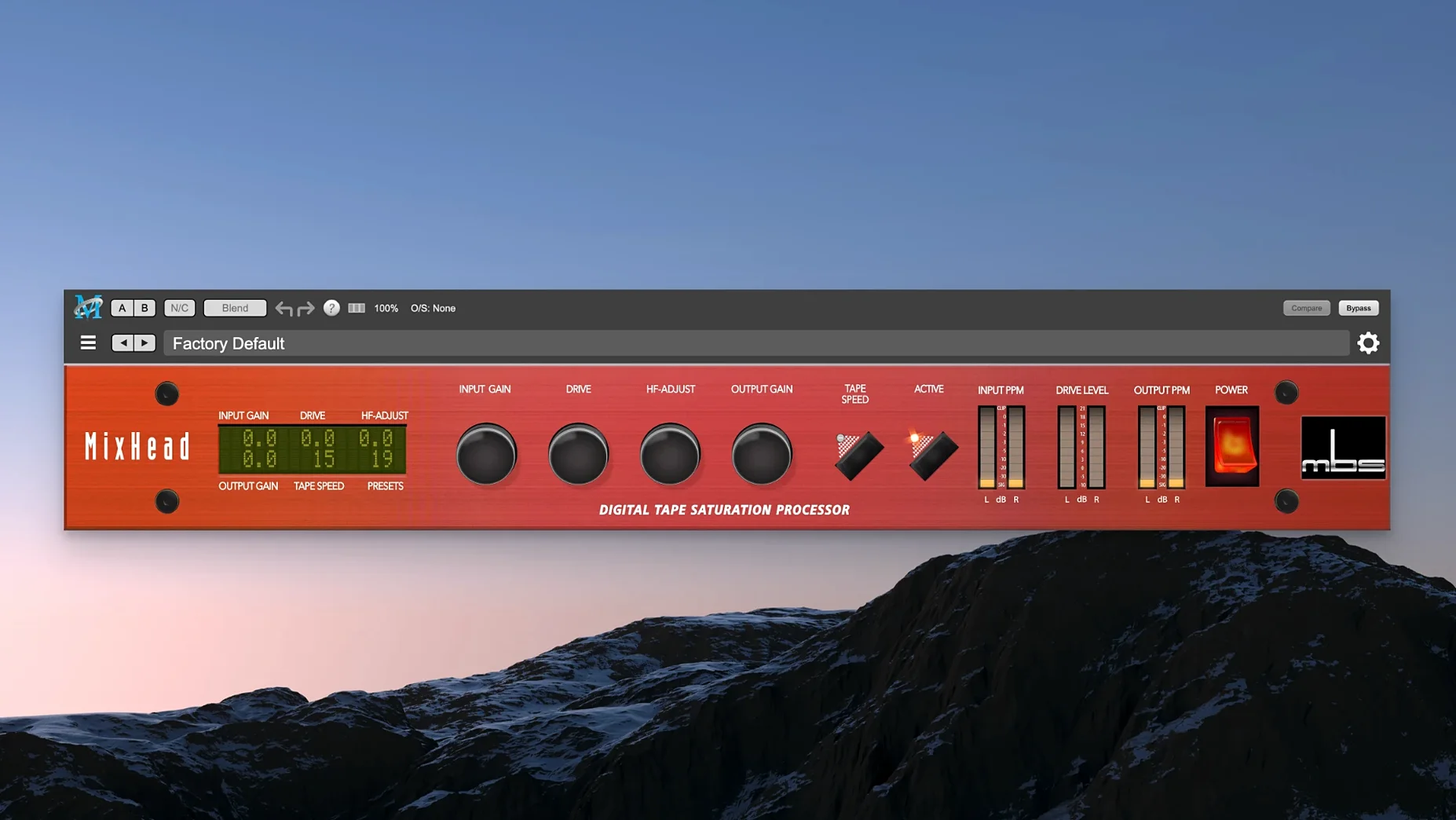
A kick drum lands with a thud you feel more than hear. You pull up Metric Halo Thump, dial in 60 Hz, and the bottom end solidifies without muddying the low-mids. That is the workflow this bundle enables — fixing problems with controls that respond like hardware.
What you reach for first
- ChannelStrip — full channel strip with EQ, compressor/limiter, gate/expander and sidechain routing. The gate closes cleanly; the compressor grabs without pumping.
- MIOStrip — a lighter version of ChannelStrip. Lower CPU hit, same core tone. Use it on tracks that need shaping but not surgery.
- HaloVerb — algorithmic reverb that sits behind the source rather than wrapping around it. Short plates and long halls both read as space, not effect.
- Thump — harmonic synthesis for adding sub frequencies. Synthesises lows from existing material rather than boosting what is not there.
- Precision De-Esser — narrow-band de-essing that catches sibilance without dulling the top end.
ChannelStrip on drums, HaloVerb for the room
ChannelStrip goes on every drum bus. MIOStrip handles utility channels. HaloVerb builds the room. Thump rescues thin kicks and toms. Precision De-Esser tames vocal esses before they hit the bus compressor. The plug-ins share a common gain-staging approach, so moving between them feels like staying on one console. Apple Silicon-native code keeps latency down even with multiple instances across a dense mix.
Worked example: thickening a weak kick drum
- Insert Thump on the kick track as the first processor.
- Set the frequency to 55–65 Hz. Sweep while the kick plays until the body shakes but the attack stays clear.
- Push the Drive control until the sub tone audibly fills the gap — usually 3–6 dB.
- Blend with the Mix knob. Start at 50% and back off until the original transient leads and the synthesised low end supports.
- Follow Thump with ChannelStrip. Pull a tight bell cut around 200–250 Hz if the low-mids get congested.
- Use ChannelStrip's compressor in peak mode, fast attack, 3:1 ratio, to glue the two layers together.
The result is a kick that registers on small speakers without losing punch on a full-range system. The harmonic content Thump generates above the root frequency keeps it audible on phone speakers.
Gain‑staging that travels across plug‑ins
Thump adds phase smear
The synthesised tone can drift slightly against the dry signal at extreme settings. Keep the Mix below 40% for percussive sources. If the low end still feels unfocused, nudge the track back by a few samples — Thump's processing introduces a tiny delay that is not compensated automatically in every DAW.
ChannelStrip gate chatters on bass guitar
The default hysteresis is tight, which is great on drums but overreacts to sustained notes. Increase the Hold time to 40–80 ms and lower the range control so the gate attenuates rather than mutes. The note decay stays natural.
Precision De-Esser misses fast esses
If sibilants slip through, the detector threshold is probably set too conservatively. Pull it down until the gain-reduction meter flickers on every "s" and "t". Then narrow the frequency band to 6–9 kHz — wide-band de-essing in this range often dulls air without catching the problem.
HaloVerb floods the mix
HaloVerb's default send level assumes a pre-fader send. If you are feeding it post-fader, the wet signal compounds quickly. Insert a gain plug-in before HaloVerb on the return and trim by 6 dB, or switch the send to pre-fader and ride the fader independently.
- macOS 11 or later
- Apple Silicon Mac
Questions the team asks
The bundle contains ChannelStrip, MIOStrip, HaloVerb, Thump and Precision De-Esser — a full set of mixing and sound design tools in one suite.






Comments 0
Sign in or create an account to add a comment.
No comments yet. They go up after moderation.