

LANDR Vocal Bundle — Mac download
Ticked
Project-studio producers and mix engineers who track vocals regularly reach for the LANDR Vocal Bundle. It covers the core problem points in a vocal chain without needing to pull four different tools from four different developers.
Where each plugin sits
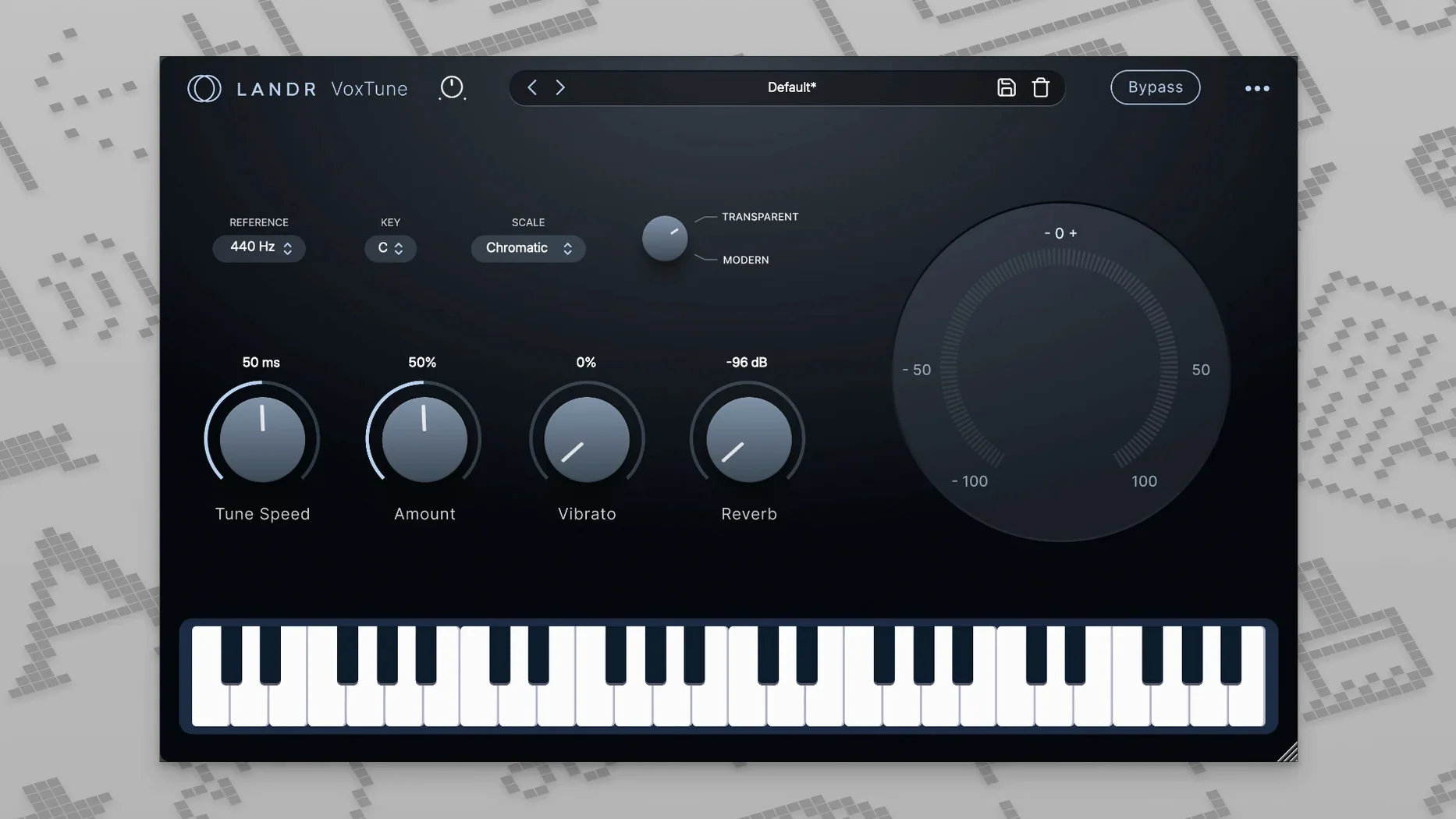
- VoxTune — first insert on the vocal track. Real-time pitch correction with no latency. Dial it back for natural control or push it forward for a tuned pop effect.
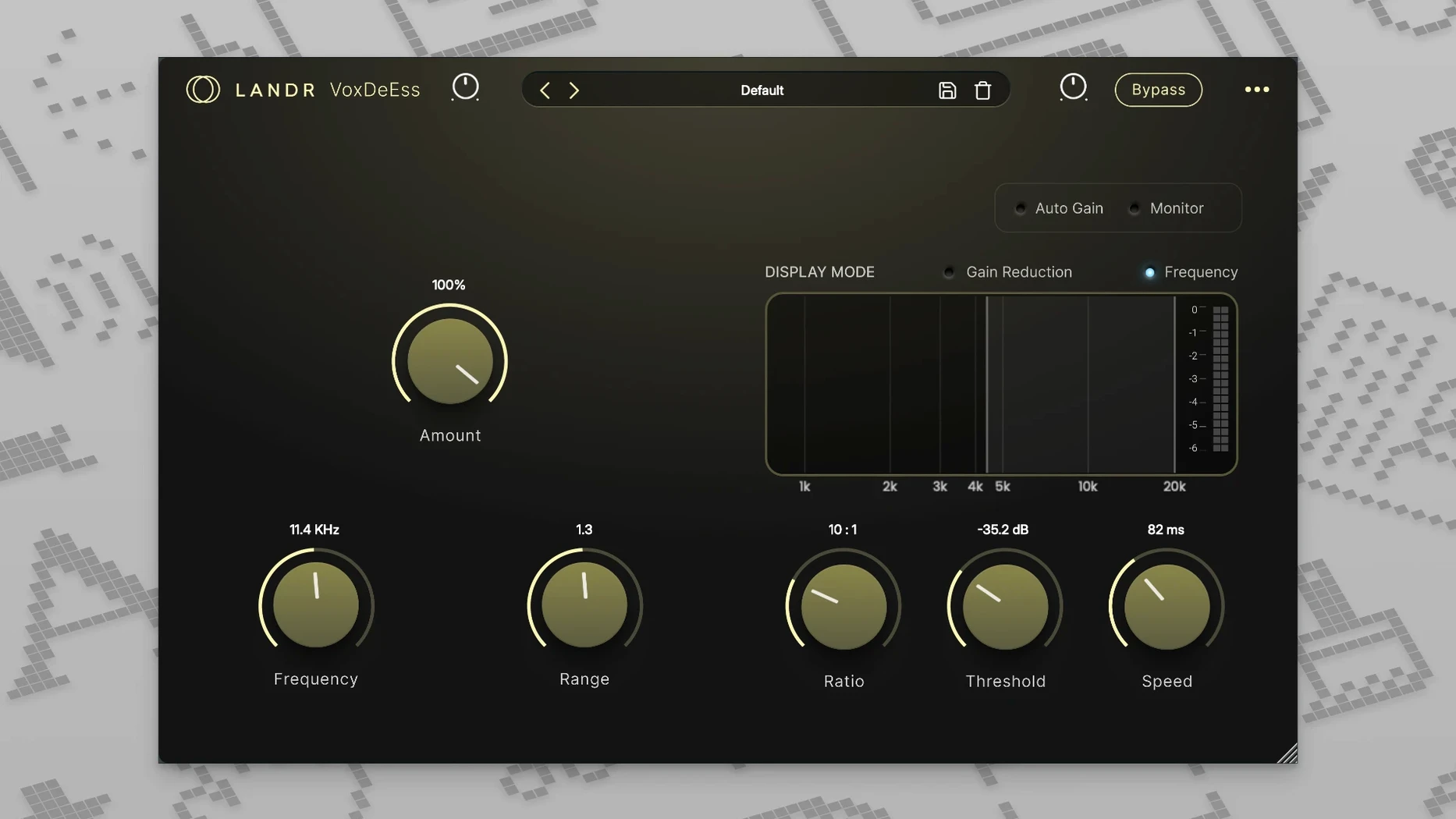
- VoxDeEss — second insert, right after tuning. Catches harsh sibilants before they hit the compressor.
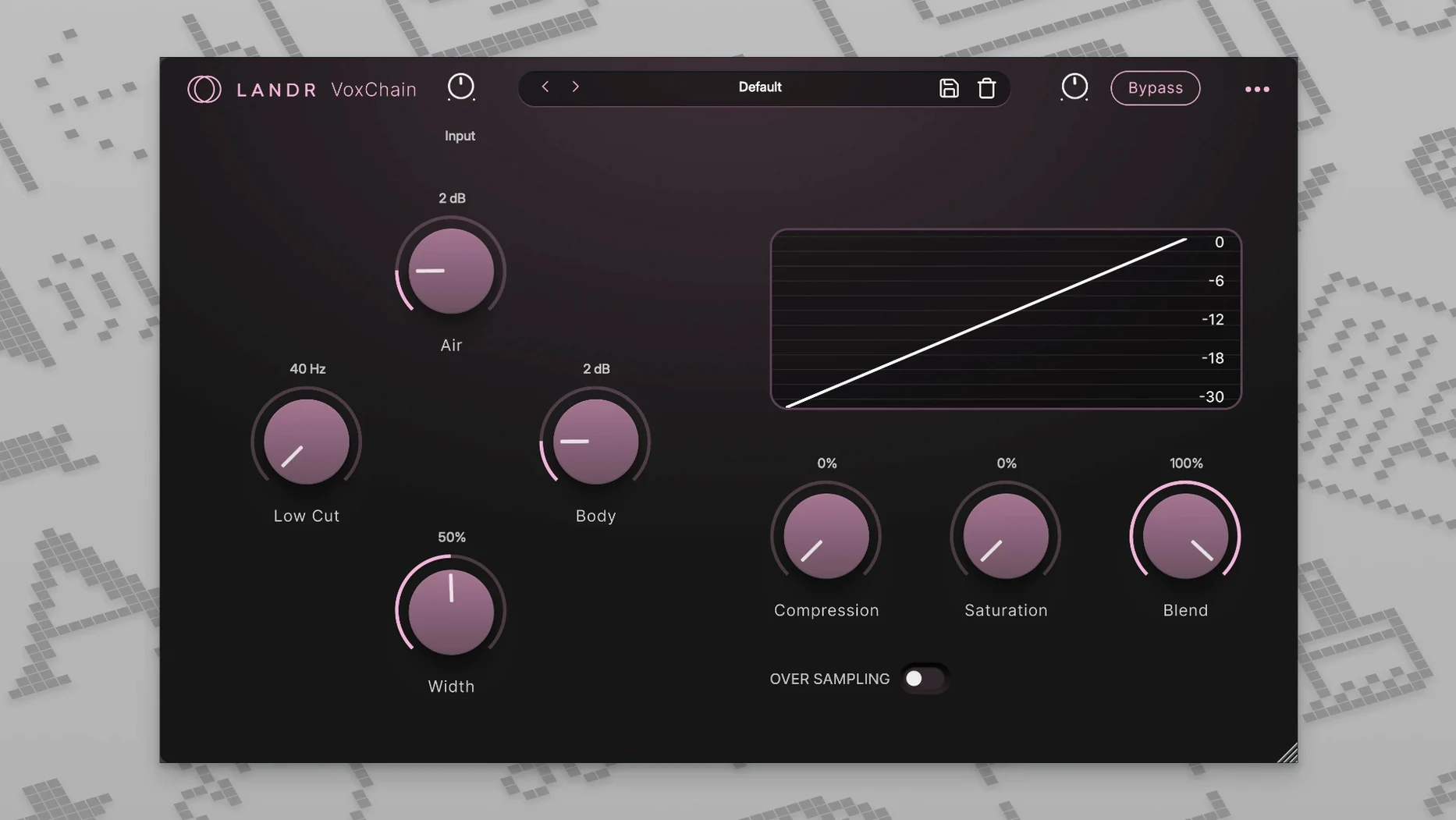
- VoxChain — third insert. EQ, compression and saturation in one channel strip. Shapes the body of the vocal.
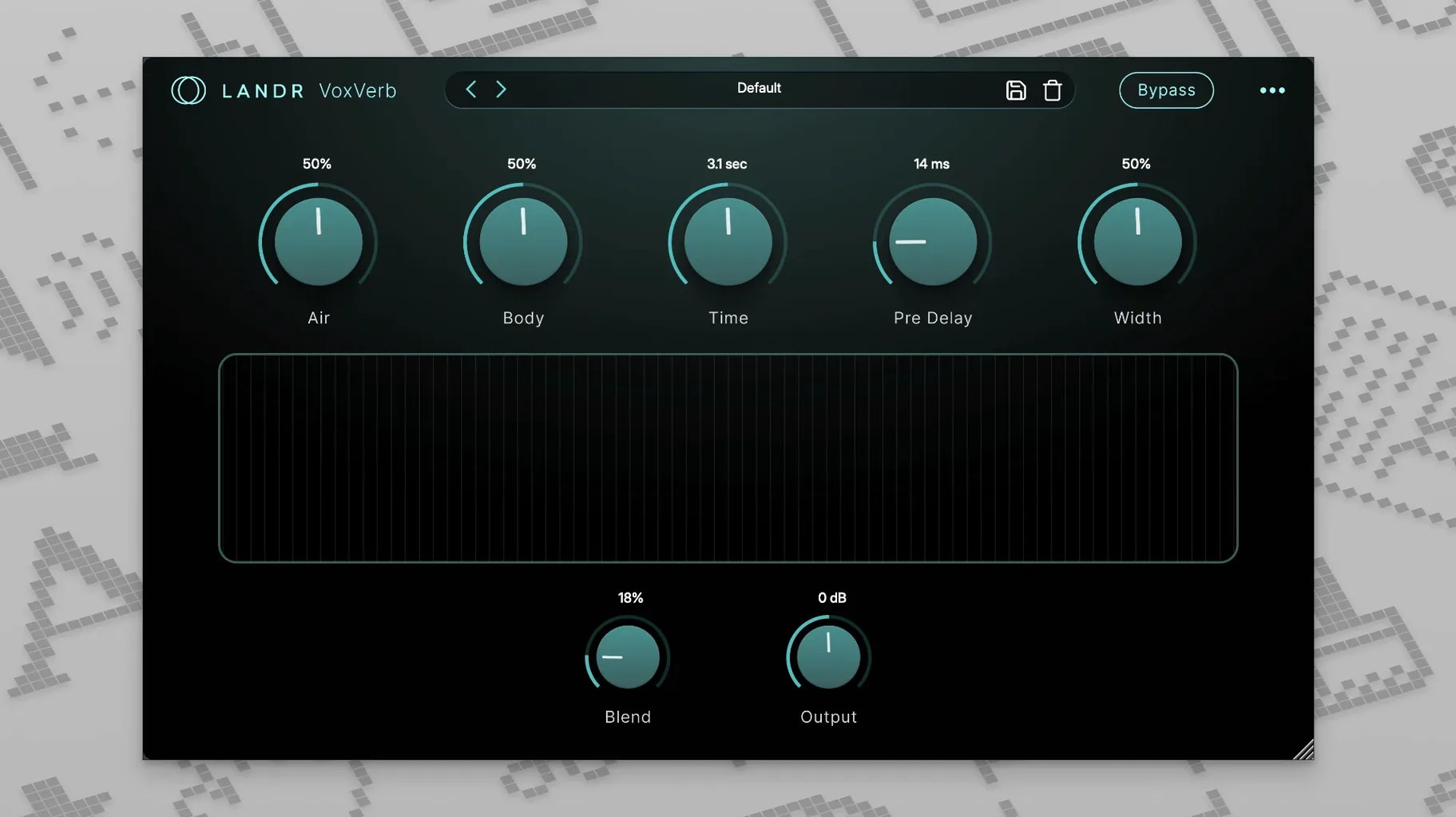
- VoxVerb — on a send, not an insert. Adds depth while keeping the dry signal clear.
VoxChain handles the lead vocal bus
On a lead vocal bus, VoxChain does the heavy lifting for tone and dynamics. VoxTune stays on individual tracks when stacking doubles or harmonies. VoxDeEss works hardest on bright condenser recordings. VoxVerb lives on a dedicated vocal reverb return, fed from all vocal tracks. The bundle is included with LANDR Studio, so it slots into an existing LANDR setup without extra fuss.
Set the key and scale before you sing
- VoxTune — check the key before you sing. The default scale may not match your track. Set the root key and scale first, then adjust correction speed. Slow for natural takes, fast for a tuned lead.
- VoxDeEss — set the threshold last. Start with the frequency around 6–8 kHz for female vocals, 4–6 kHz for male. Bring the threshold down only until the harsh edges disappear.
- VoxChain — bypass the saturation early on. Get EQ and compression right with a clean signal. Add saturation afterwards, in small amounts.
- VoxVerb — pull the low cut up. Vocals get muddy fast. A low cut around 200–300 Hz keeps the reverb tail out of the way of the dry vocal.
Slow correction speed to fix wobble
Pitch correction sounds wobbly. This usually means the correction speed is too fast for the take. Slow it down. Also check that the scale matches the song key — a wrong key makes VoxTune fight the vocal.
De-esser makes the vocal sound lispy. Back the threshold off a touch, or move the frequency up. Small moves only. A de-esser that works too hard sounds worse than no de-esser.
VoxVerb washes out the lead. Check the send level first. Then check the low cut and the dry/wet balance. The vocal should stay clear even with the reverb return muted.
Plugins not showing in the DAW after install. Rescan the plugin folder. If your DAW runs under Rosetta, switch to the native Apple Silicon build — the bundle supports both.
Real-world scenario: a content creator
A YouTuber who records voiceovers at a desk with a condenser mic runs into a familiar problem. Sibilants cut through the mix, the room adds a boxy low-mid tone, and the voice drifts flat on long takes.
The fix is a three-plugin chain. VoxTune first, set slow, just to hold pitch on longer sentences. VoxDeEss next, catching the sharp “s” and “sh” sounds before they hit the compressor. Then VoxChain, with a low-mid cut around 300 Hz and gentle compression to even out the read. VoxVerb stays on a send with a short room preset, barely audible.
The result is a cleaner voiceover with less editing later. No riding the fader per sentence, no fixing every sibilant by hand.
- macOS 12 or later
- Intel and Apple Silicon Macs
Questions the team asks
No, VoxTune works in real time with no latency, so it is suitable for tracking as well as mixing.
VoxChain combines EQ, compression and saturation into a single plugin for vocal channel shaping.







Comments 0
Sign in or create an account to add a comment.
No comments yet. They go up after moderation.