
KORG Collection — Mac download
Ticked
Version 1.0.3 lands with four new additions — TRINITY, PS-3300, SGX-2, and Filter Ark. If you have just downloaded the suite, the choice can be paralysing. Start with these.
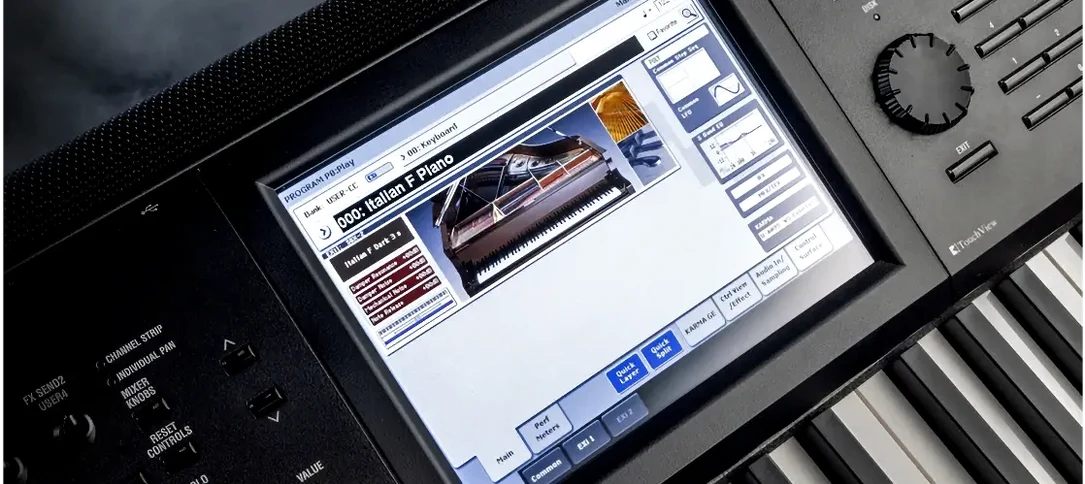
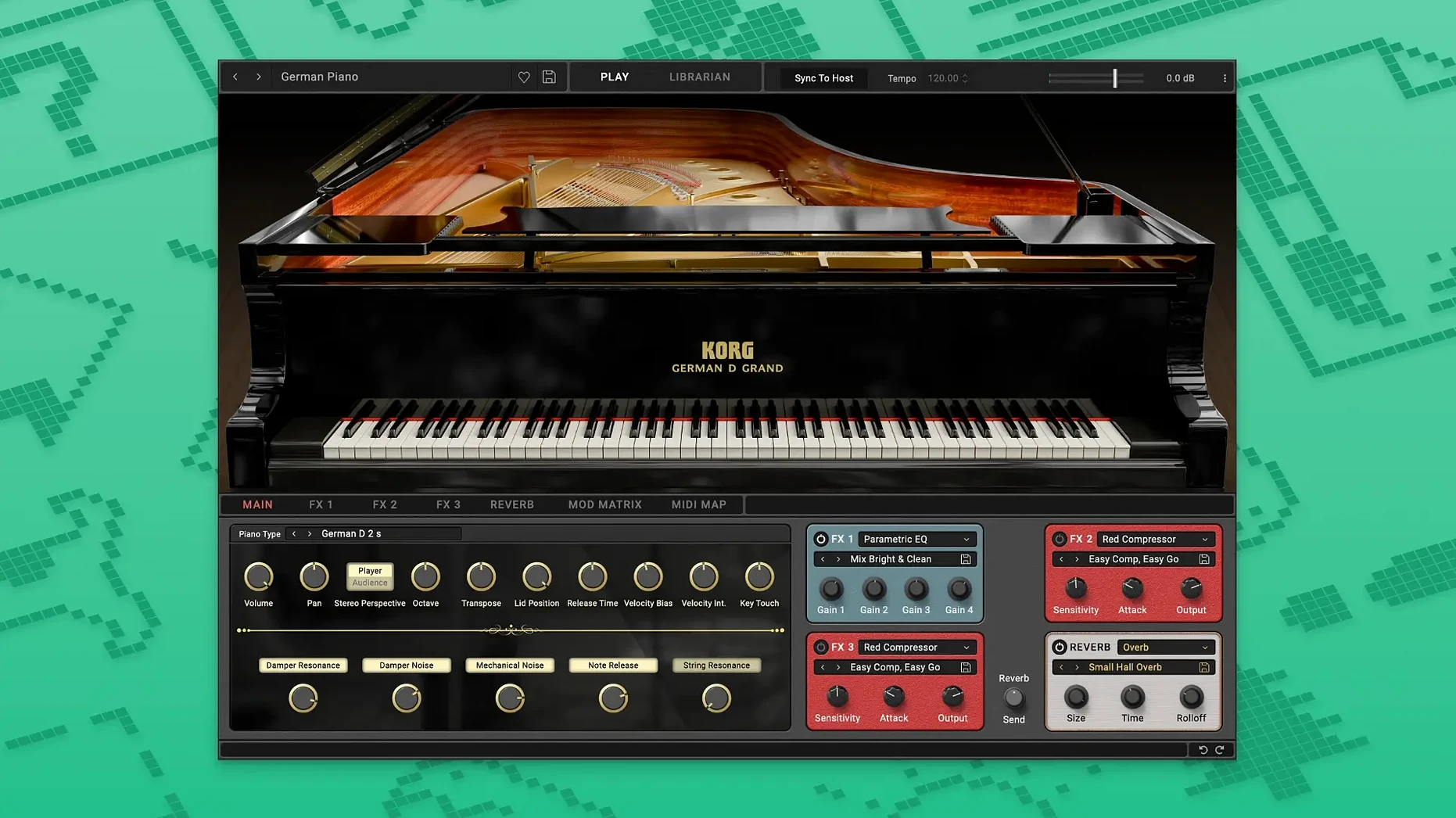
- Load the SGX-2 Grand Piano. Open the lid, drop the brightness a touch, and add a small room reverb. Instant soundtrack-ready tone.
- Explore TRINITY’s combi mode. Layer a soft pad under a bell attack. Adjust keyboard response to taste — light touch for jazz, heavier for pop.
- Run a drum loop through Filter Ark. Map the cutoff to a knob and sweep it manually. The movement it adds is immediate.
- Dial in PS-3300 for low-end warmth. Use a single oscillator, detune slightly, and play in the bottom two octaves. Classical and cinematic bass, sorted.
- Stack two instances. Try M1 piano on one channel and a TRINITY string pad on another. Set softness differently on each for width.
Plug-in formats and standalone use on a Mac
KORG Collection works as AU, VST3, and AAX plug-ins. That covers Logic Pro, GarageBand, Ableton Live, Cubase, and Pro Tools without extra bridging software. The instruments also run standalone — useful for practice, patch browsing, or a quick idea without opening a DAW.
On macOS, the instruments respond to native MIDI routing. Connect a controller via USB, open Audio MIDI Setup to confirm it appears, and the plug-in picks it up. No driver hunt. For Apple Silicon Macs, the suite loads natively. No Rosetta translation layer needed.
Apps it pairs with
- Logic Pro. Save channel strips with KORG instruments plus Logic’s compressor and ChromaVerb. Recall them from the Library for new projects.
- Ableton Live. Map TRINITY’s cutoff to a Macro knob, then automate it in a clip. Filter Ark works the same way.
- MainStage. Build a concert patch with SGX-2 on one channel strip and PS-3300 on another. Split the keyboard so each hand controls a different engine.
- Loopback or BlackHole. Route standalone KORG audio into OBS or a screen recorder. No need to host inside a DAW for a demo video.
macOS features worth using
The suite works with standard Mac shortcuts (Command-Z for undo inside a plug-in window, Command-S to save a preset). Spotlight indexes the standalone apps. Search “SGX-2” and launch it directly.
For multi-output setups, create an Aggregate Device in Audio MIDI Setup. Assign the standalone apps to different outputs for performance or teaching. The plug-ins also respect macOS Accessibility zoom and VoiceOver labels on basic controls, though patch list navigation needs mouse input.
First days: practical checklist
- Check your plug-in format. AU works in Logic and GarageBand. VST3 suits Ableton and Cubase. If your DAW sees duplicates, remove the formats you do not need from the Components and VST3 folders.
- Run a standalone instrument first. Pick SGX-2. Test velocity response, pedalling, and buffer size. A 128-sample buffer gives low latency for playing; switch to 512 if the CPU spikes.
- Save a default preset. Adjust brightness, softness, and reverb on SGX-2 to a neutral starting point. Save it as “Default – My Setup”. Every new instance loads ready to go.
- Test pedal behaviour. SGX-2 supports half-pedalling if your controller sends continuous sustain (CC64 with values 0–127). Check the manual for your keyboard’s pedal calibration.
- Map a hardware knob. In your DAW, assign a MIDI controller knob to TRINITY’s filter cutoff or PS-3300’s detune. Muscle memory builds fast when one knob always does the same thing.
- Organise the sound library. The suite includes hundreds of presets. Spend 20 minutes tagging favourites with star ratings in your DAW’s patch browser, not the plug-in’s menu.
- Try a sparse arrangement. Limit yourself to two KORG instruments, kick, snare, and a vocal. Mix with only pan and volume. You will hear the sound engines more clearly.
Depth of KORG’s own history versus Arturia’s breadth
KORG Collection vs Arturia V Collection. Arturia models a wide range of vintage synths from different manufacturers — Roland, Oberheim, Sequential. KORG focuses solely on its own hardware history. Arturia’s instruments feel broader but thinner in identity. KORG’s sound is more specific. If you want one Moog, one ARP, one Prophet, Arturia wins. If you want deep KORG sound design with engines like TRINITY and PS-3300, KORG Collection is the tighter box.
KORG Collection vs UVI Vintage Vault. UVI offers sample-based recreations across many brands, with a consistent browser and effects engine. KORG uses modelled synthesis for most instruments, plus sampling where it makes sense (SGX-2). The difference is tactile. KORG’s modelled filters and oscillators respond to parameter changes in real time without sample-switching artefacts. UVI’s strength is breadth and library organisation. KORG’s strength is behaviour under your fingers.
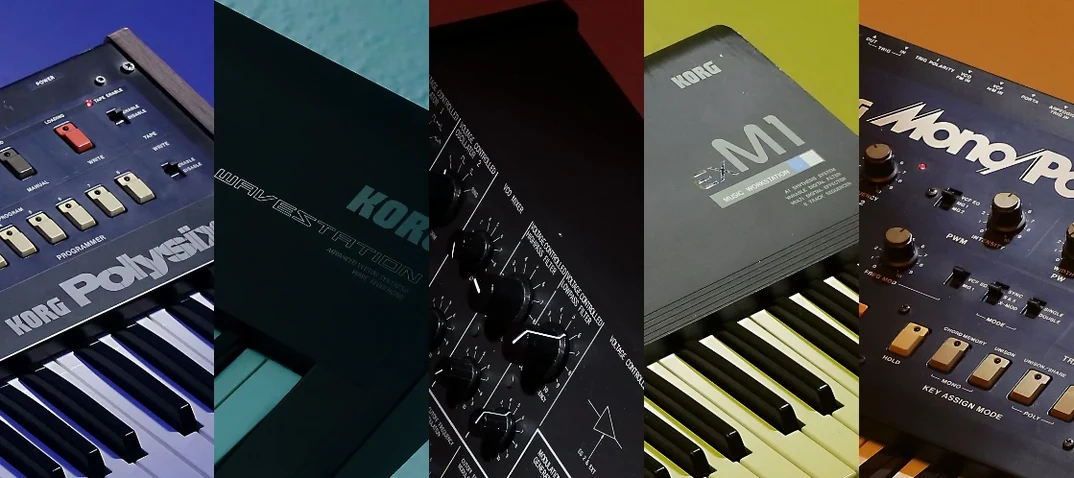
KORG Collection vs individual KORG plug-ins. Some KORG instruments are sold separately — the M1, the Wavestation. The full collection adds TRINITY, PS-3300, SGX-2, and Filter Ark. If you only need one classic synth, a single download might suffice. The suite earns its place when you layer engines, or when a project needs piano one day and a semi-modular bass the next. Many producers looking for a korg collection m1 download eventually realise the full suite opens more doors for layering and patch design.
Four new sound engines, five fast starting points. Open your DAW, add a track, and work through the list.
- macOS 10.13 or later
- Intel and Apple Silicon Macs
Questions the team asks
The suite is described as suitable for classical, jazz, pop, and soundtrack production.



Comments 0
Sign in or create an account to add a comment.
No comments yet. They go up after moderation.