
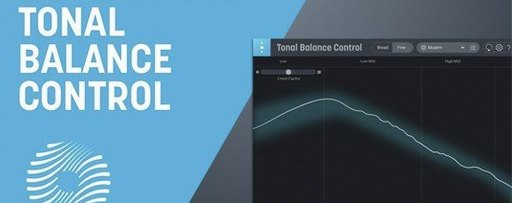
iZotope Tonal Balance Control — Mac download
Download (264 MB) Earlier builds
Ticked
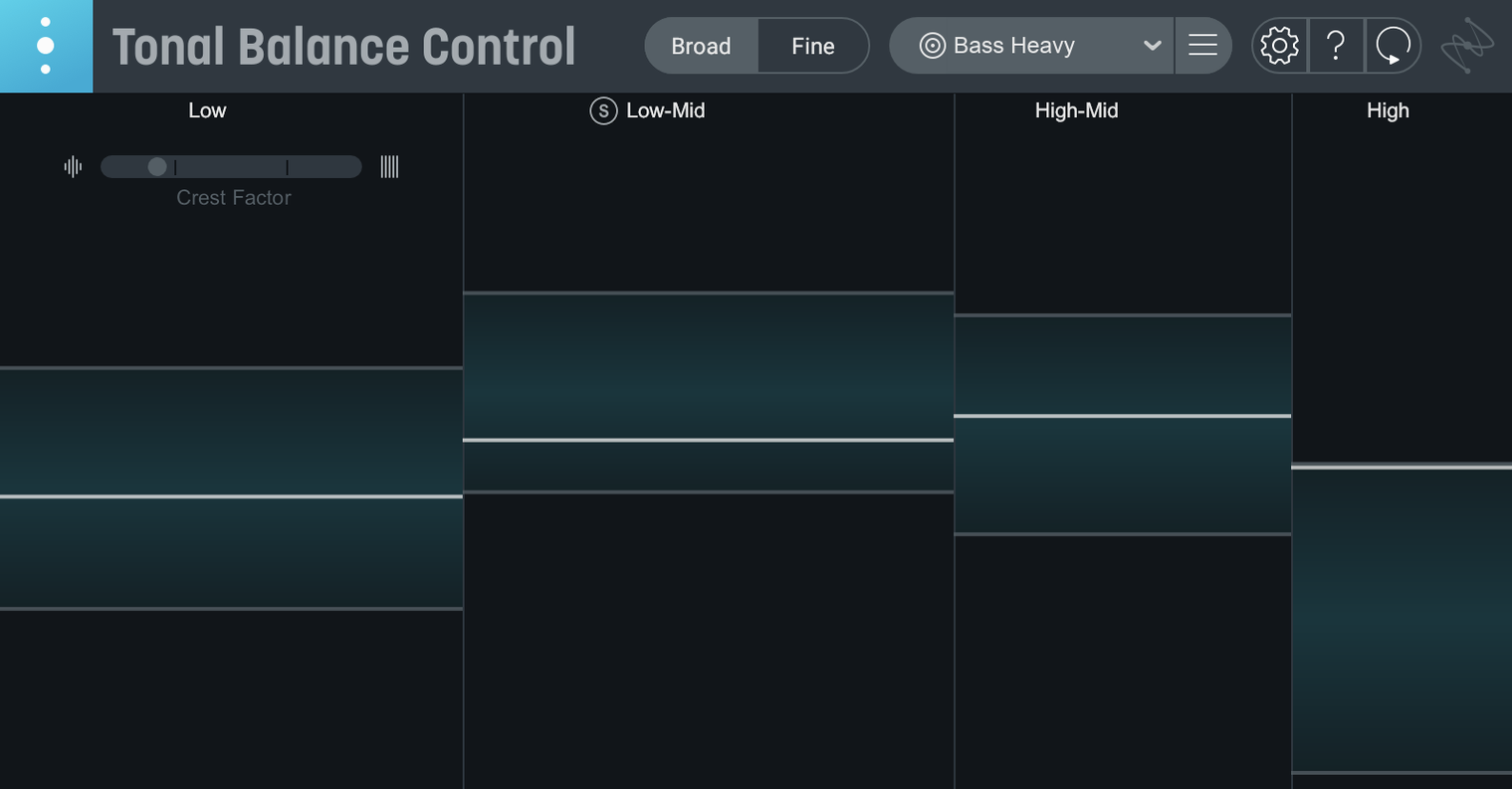
Tonal Balance Control runs on any Mac with macOS Sonoma 14.7, macOS Sequoia 15.4, or macOS Tahoe 26.1. Both Intel and Apple Silicon machines are supported.
Check against a genre curve
Pick one of the 12 target curves — rock, pop, hip-hop, and others — and the plugin shows you exactly where your mix sits against the reference. You can also load your own audio file as a custom curve.
Adjust with the built-in EQ
Version 3 adds a hybrid EQ right inside the interface. Spot a dip in the high-mids? Correct it without leaving the window.
Scan the extra meters
Beyond tonal balance, the new meters let you check vocal presence, dynamics spread, and stereo width. Access any compatible iZotope plug-in from inside the interface for deeper fixes. Relay comes included as a companion utility.
Three Mac tools that overlap with Tonal Balance Control
Three tools cover similar ground on a Mac. Here is how they differ.
iZotope Tonal Balance Control vs. ADPTR Metric AB
- Tonal Balance Control focuses on broad spectral balance against genre curves. It listens across the whole mix and flags what is out of line.
- Metric AB is a full A/B referencing workhorse. It compares your track to up to 16 reference songs with loudness matching, spectral overlay, and dynamics graphs.
- Metric AB does not include a built-in EQ. Tonal Balance Control does — and it can reach into Ozone or Neutron equalizers from the same window.
- If you want deep reference track analysis, Metric AB wins. If you want a fast tonal health check with corrective tools, Tonal Balance Control is the pick.
iZotope Tonal Balance Control vs. Voxengo SPAN Plus
- SPAN Plus is a spectrum analyser with real-time metering and routing. It shows raw frequency content but does not compare against genre targets automatically.
- Tonal Balance Control gives you instant readouts against known curves. No manual calibration needed.
- SPAN Plus is a technician's tool — flexible, deep, and entirely manual. Tonal Balance Control is a project manager's tool — set the target, scan the result, act.
iZotope Tonal Balance Control vs. Mastering The Mix REFERENCE
- REFERENCE analyses your track against a reference and suggests moves via a virtual assistant. It includes loudness and dynamics feedback.
- Tonal Balance Control keeps the analysis visual and leaves the decisions to you. The hybrid EQ and extra meters in version 3 make corrections faster without switching plug-ins.
- Choose REFERENCE if you want guided suggestions. Choose Tonal Balance Control if you want a real-time meter that stays open on your second screen while you mix.
Pre-flight checks before installing
Check balance on any system audio, no DAW needed
Yes. Version 3.0.0 adds a standalone desktop app alongside the usual AU, VST, and AAX plug-in formats. You can check tonal balance on any audio playing through your Mac without loading a DAW.
Which iZotope plug-ins does it control?
Ozone and Neutron equalizers open directly from inside Tonal Balance Control. If you own either, the interface becomes a command centre — see the imbalance and correct it in the same window. Relay is included and handles gain, pan, and stereo imaging on tracks that do not run Ozone or Neutron.
Build a custom curve from a client’s rough mix
Yes. Drag an audio file onto the window and it builds a custom target curve. This is useful when a client sends a rough mix as a tonal reference or when you want to match the balance of a specific track on an album.
What if I already used Tonal Balance Control 2?
Version 3 imports settings from Tonal Balance Control 2 sessions. Open your old project and the plugin recalls your custom curves and meter layout.
Standalone app and vocal balance meter arrive
- Standalone app. You can now check tonal balance outside a DAW. Useful for quick checks on a reference track or a bounced mix.
- Vocal balance meter. A dedicated readout shows how the vocal sits against the rest of the mix across the frequency spectrum.
- Dynamics meter. Separate from tonal balance, this meter flags if a mix is too compressed or too sparse for the chosen genre.
- Stereo width meter. Shows energy distribution across the stereo field, helping catch narrow mixes or over-wide low end.
- Built-in hybrid EQ. Cuts and boosts happen inside Tonal Balance Control without loading a separate equalizer. The EQ communicates with Ozone and Neutron if you have them installed.
- Initial major release of Tonal Balance Control 3
- Standalone desktop app added
- Extra meters for vocal balance, dynamics, and stereo width
- Built-in hybrid EQ
- macOS Sonoma 14.7, macOS Sequoia 15.4, or macOS Tahoe 26.1
- Intel or Apple Silicon Mac
- Relay companion utility included
Questions the team asks
Yes. Tonal Balance Control 3 supports quick import from Tonal Balance Control 2.




Comments 0
Sign in or create an account to add a comment.
No comments yet. They go up after moderation.