
iZotope RX — Mac download
Download (3.6 GB) Earlier builds
Ticked
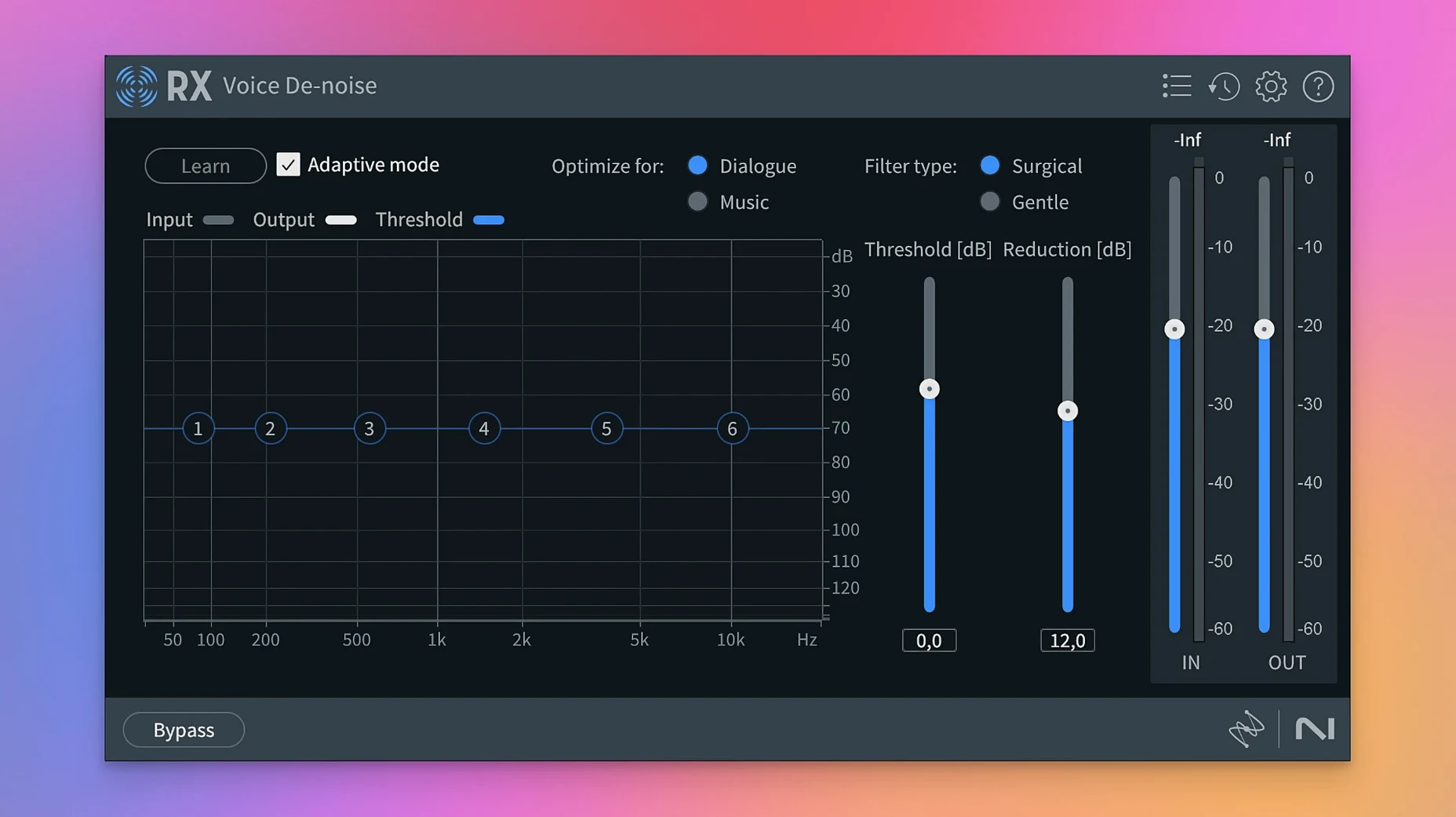
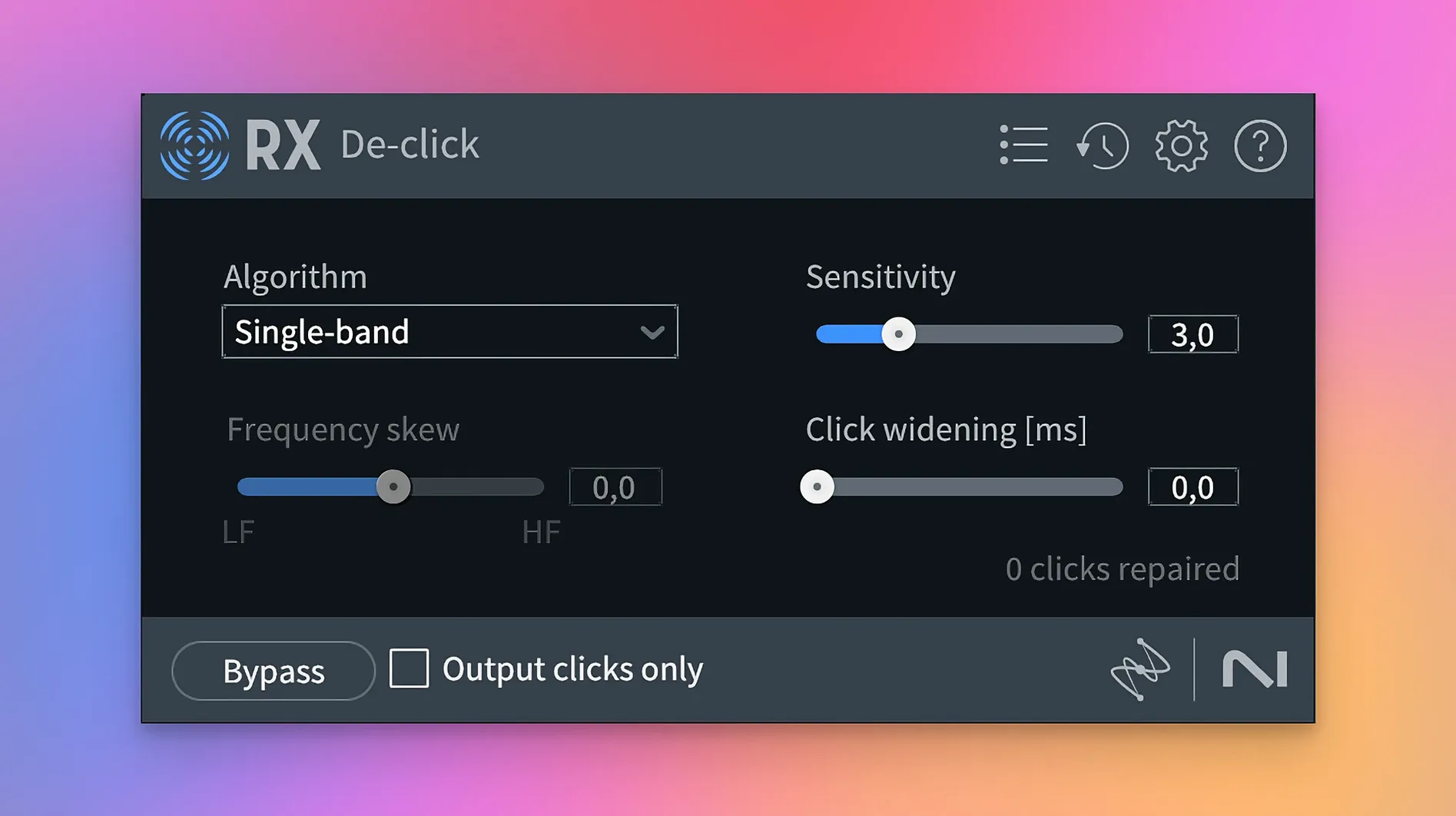
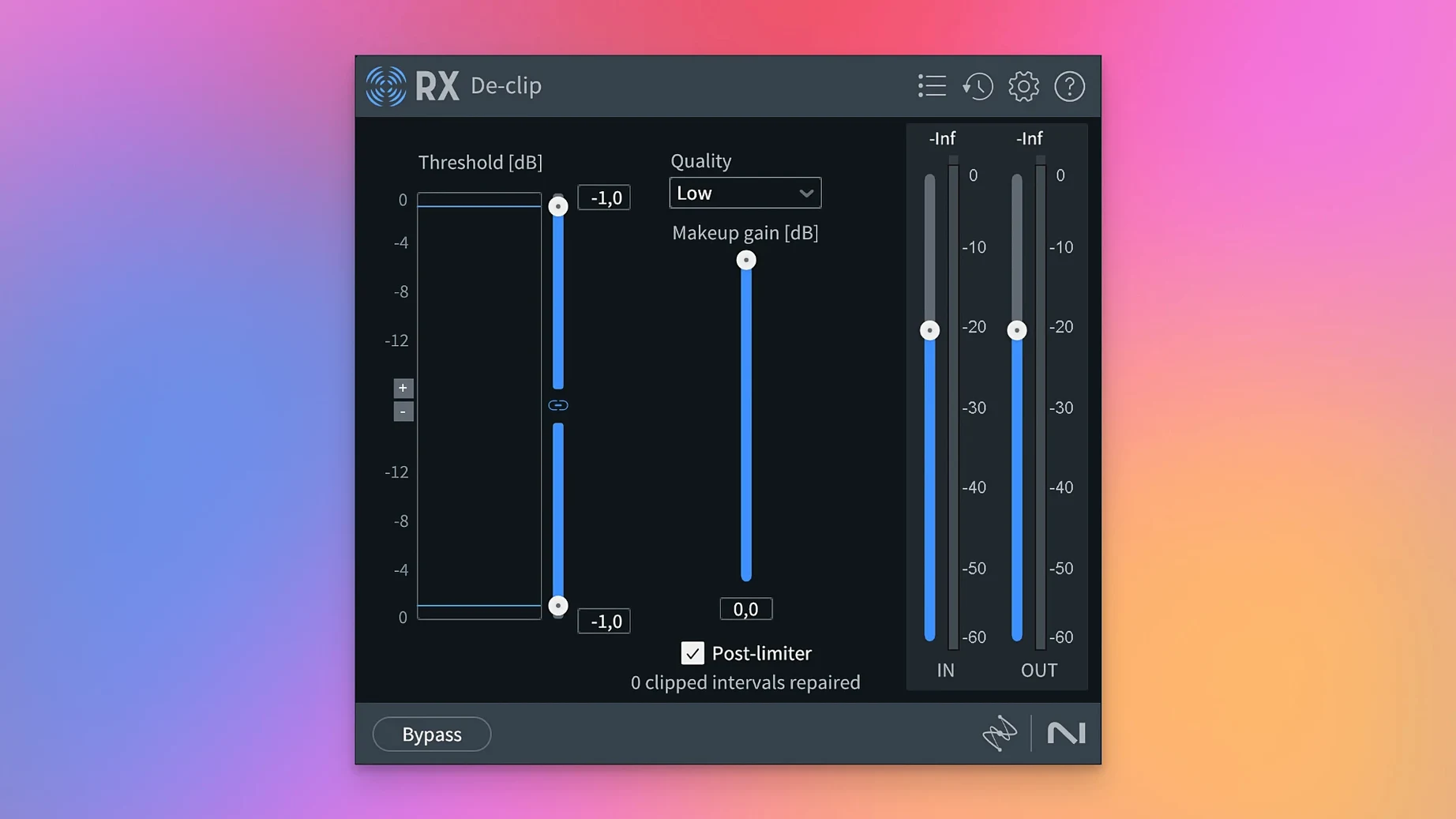
Recorded audio rarely arrives clean. Hums, clicks and unwanted room noise bury the take. iZotope RX is a restoration suite built to pull that signal back out, whether you are working on a film dialogue edit, a podcast, or a damaged music recording.
Requires macOS 14.7 Sonoma or later
Confirm your system meets the minimum before you download. RX 12 requires macOS 14.7 Sonoma or later. It runs natively on both Intel and Apple Silicon Macs.
Fix common audio damage
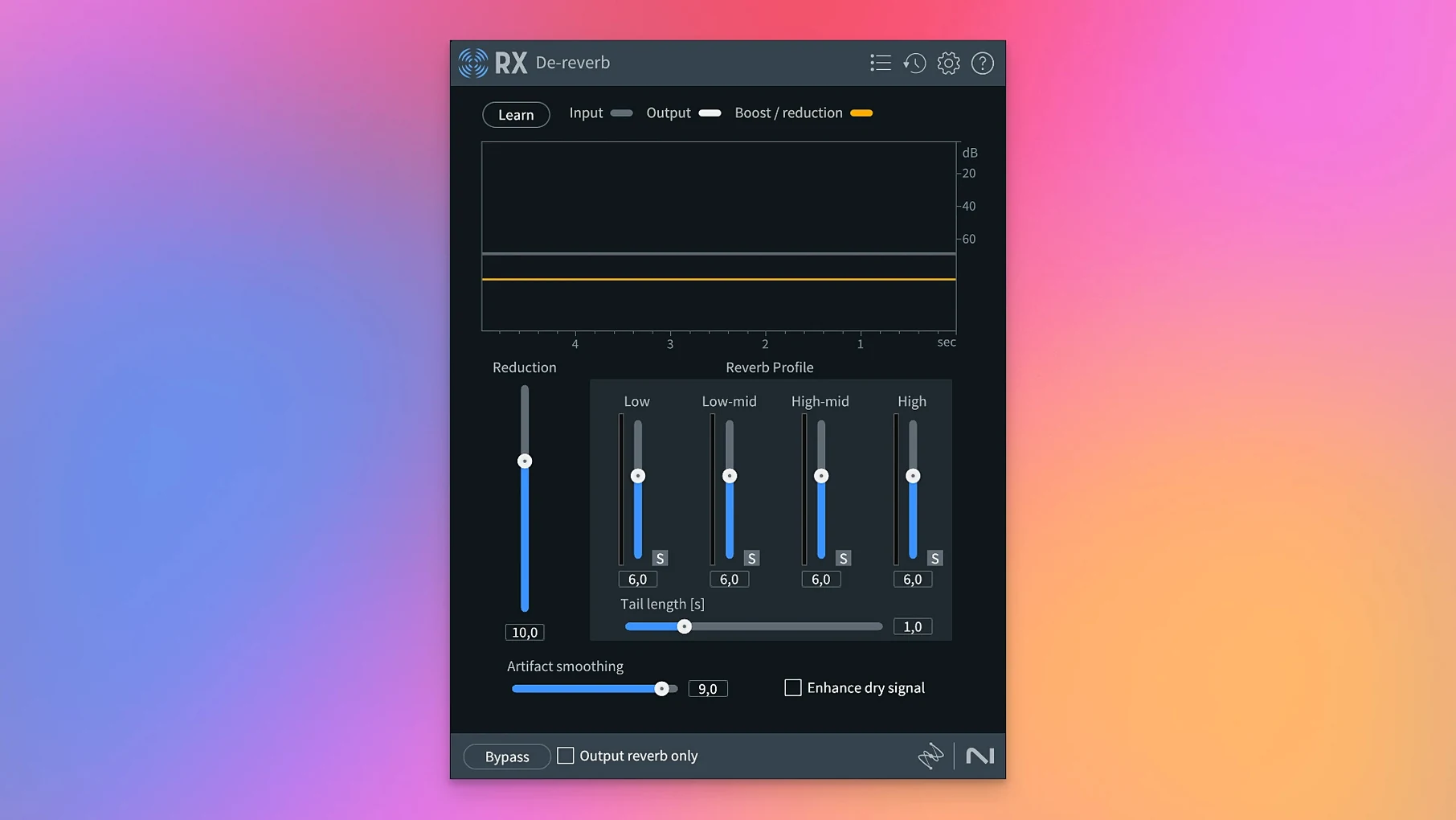
Apply targeted modules for everyday repair. De-click, De-clip, De-crackle and De-hum remove electrical and mechanical noise. Dialogue Isolate lifts speech from background ambience, and Voice De-noise cleans voice recordings with one control.
Separate and rebalance a mix
Reach inside a finished stereo file. Music Rebalance lets you adjust the level of vocals, bass, percussion and other instruments independently. The new Scene Rebalance module does the same job for dialogue, music and effects in video post-production.
Scene Rebalance splits a stem into dialogue, music and effects
Three additions shift the daily workflow. Scene Rebalance splits a mixed programme stem into dialogue, music and effects. You pull faders for each element after the fact, which saves a trip back to the picture editor when a music cue fights the voice.
Trim Silence targets long-form material. Set a threshold and the module strips pauses from a two-hour interview or an audiobook session, leaving a tighter timeline without cutting words short.
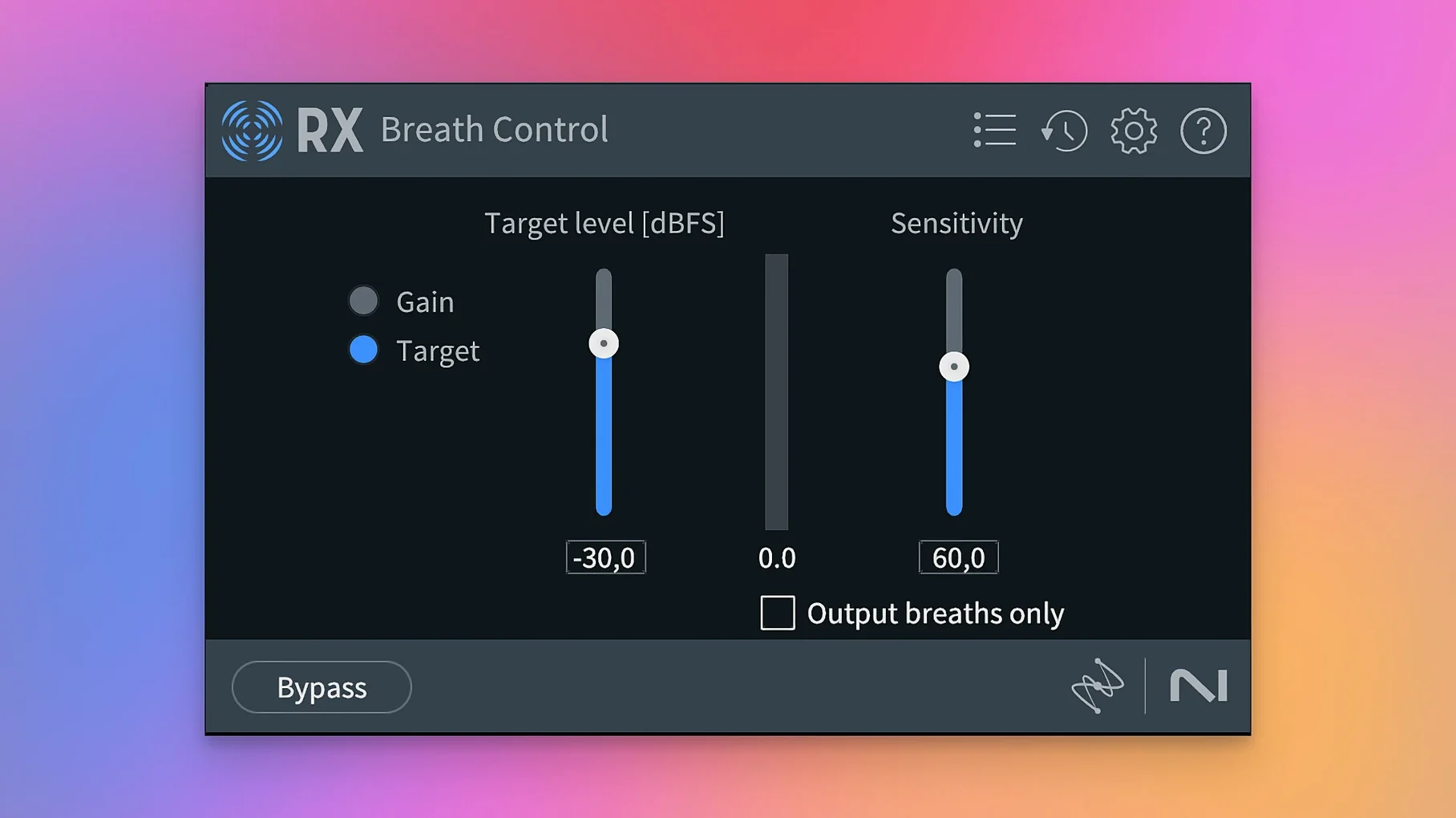
Stems View changes how you inspect a repair. Instead of processing the full mix and guessing what the De-click touched, you solo individual stems inside the RX application and apply the toolkit to just one layer. De-bleed and Breath Control were rebuilt for this view, so reducing headphone spill or softening sharp inhales happens on the isolated stem, not the composite file.
How RX fits with other apps and macOS
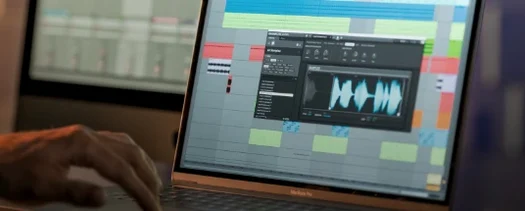
RX works two ways. Launch it as a standalone editor for deep spectral work, or load the plugins inside a DAW. AU, VST3 and AAX formats cover Logic Pro, Reaper, Ableton Live and Pro Tools. ARA support means RX modules appear directly in the DAW clip editor. Select a region in Logic, open Spectral Editor, and paint repairs without round-tripping audio.
On macOS, RX talks to the system audio routing through the DAW or the standalone application. Drag a file from Finder onto the RX icon and it opens ready for analysis. The suite respects Core Audio devices, so any interface macOS sees becomes the monitoring path. No extra driver configuration needed.
For post-production workflows, RX connects to Media Composer or Premiere Pro via AAX Audiosuite. Send a clip to RX, clean it, and the processed file slots back on the timeline. Dialogue editors often keep the standalone application open alongside their NLE, using RX as the external sample editor.
A dialogue repair workflow from start to finish
Task: clean a location interview clip where an air conditioner hums, chair squeaks punctuate the speech, and the talent occasionally pops the microphone.
- Open the file in the RX standalone application. Run Repair Assistant first. It analyses the audio and suggests a module chain. Accept the starting point.
- Apply De-hum. Set the base frequency to match the air conditioner (50 Hz or 60 Hz depending on region) and remove up to seven harmonics. Preview with the output hum only toggle to confirm you are cutting the right band.
- Switch to Spectral De-noise. Find a section with only room tone. Click Learn, then dial the reduction curve back until the noise floor drops without chirping the voice.
- Run De-click on the dialogue track. Use the low-latency algorithm for real-time feel. Spot a chair squeak that De-click missed? Open the spectrogram, marquee-select the squeak, and use Attenuate to pull just that frequency.
- Address the plosives. Breath Control with the new rebuild catches sharp inhales. Set the target to Breath and reduce gain gently — 3 to 6 dB — so the edit sounds natural, not processed.
- Send the cleaned file back to your DAW. If the music bed still masks the voice, insert Scene Rebalance on the stereo bus. Lower the Music fader by 4 dB and the dialogue sits forward without remixing.
Render a two-second fix without processing the whole file
- Instant Process — select a region, hit Cmd-Shift-P, and RX renders only that selection through the active module. No full-file render for a two-second fix.
- Module Chain presets — save a stack of modules with their settings. A podcast chain might be De-hum, Voice De-noise, De-ess. Recall it with one click per episode.
- Spectrogram display options — switch between colour maps with the keyboard. The high-contrast greyscale map makes quiet artefacts visible when a colour gradient hides them.
- Compare settings — the History list stores every processing step. Click back through versions to hear before and after without undoing work.
- ARA in Logic — clip-based editing skips the round-trip. Right-click a region, choose an RX module, and edit inside the ARA window. The processed audio stays in the arrange page.
- Frequency selection by click — hold Shift and click the spectrogram to select a frequency band. Drag up or down to widen it. Faster than typing numbers when chasing a whistle or a ring.
Updated to 12.1.0. Release notes sit with the developer.
- macOS 14.7 or later
- Apple Silicon or Intel 64-bit Mac
Questions the team asks
Yes. You can run RX as a dedicated audio editor or use its modules as plug-ins inside your DAW.







Comments 0
Sign in or create an account to add a comment.
No comments yet. They go up after moderation.