

iZotope Neutron — Mac download
Download (928 MB) Earlier builds
Ticked
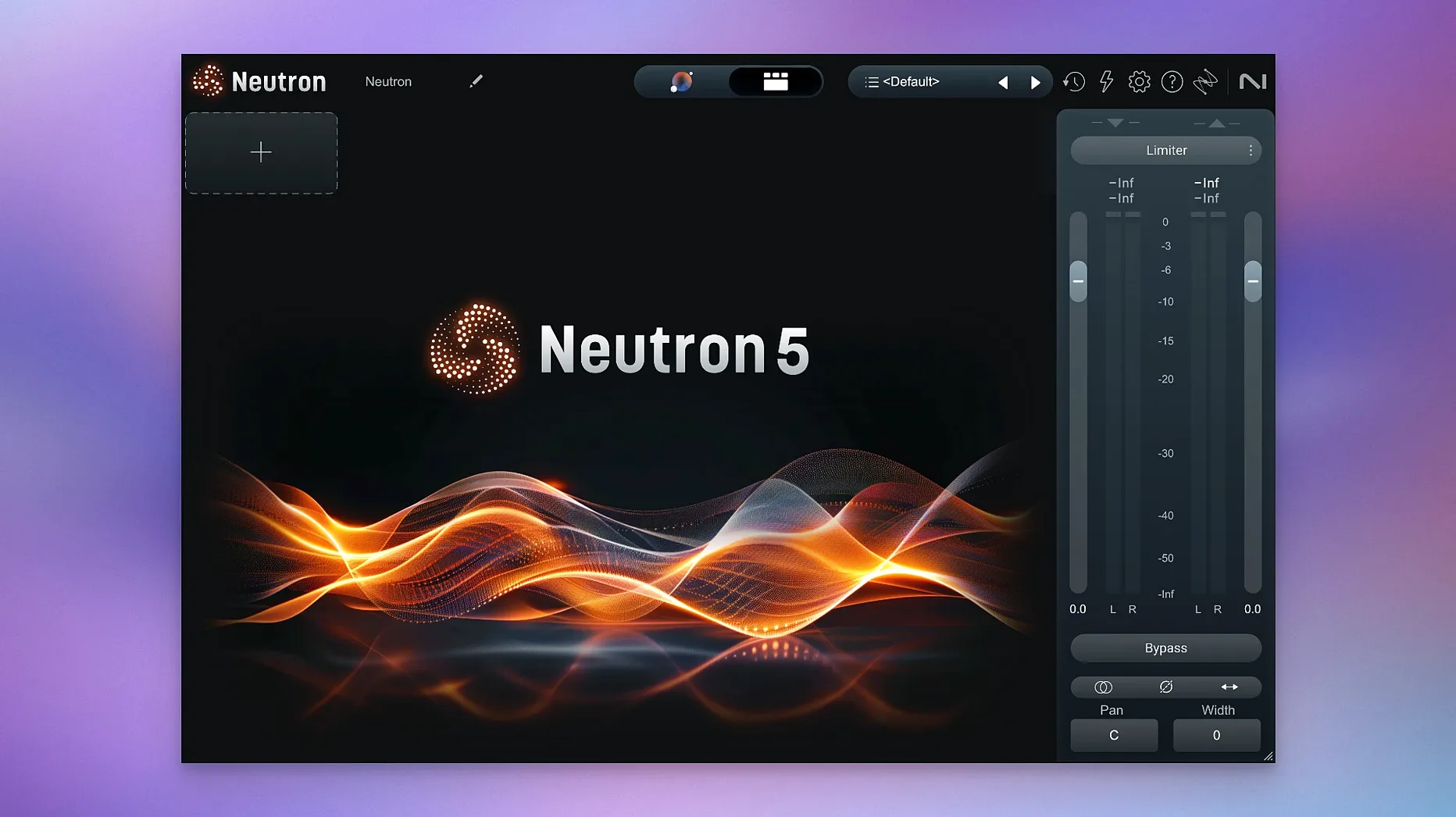
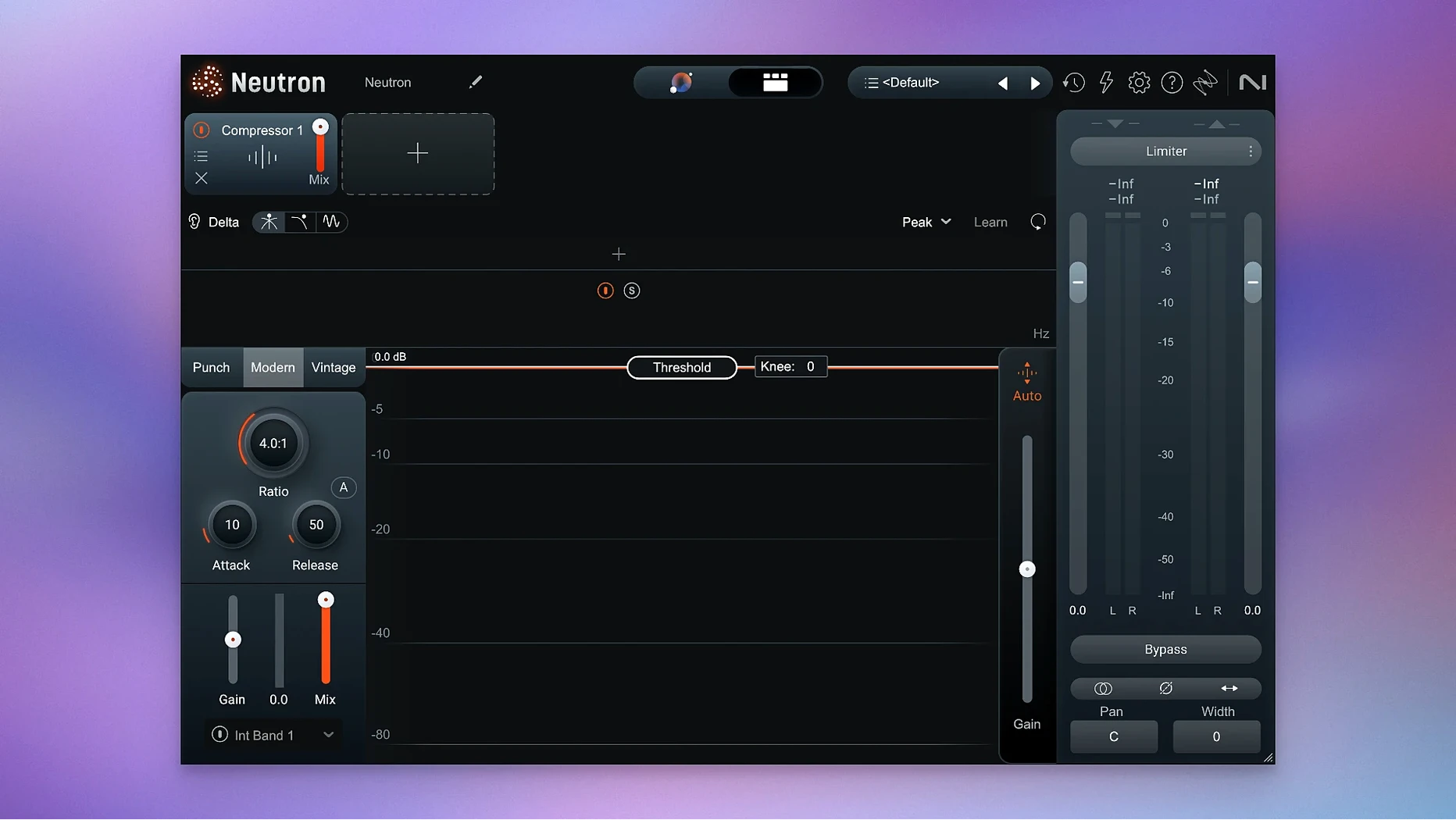
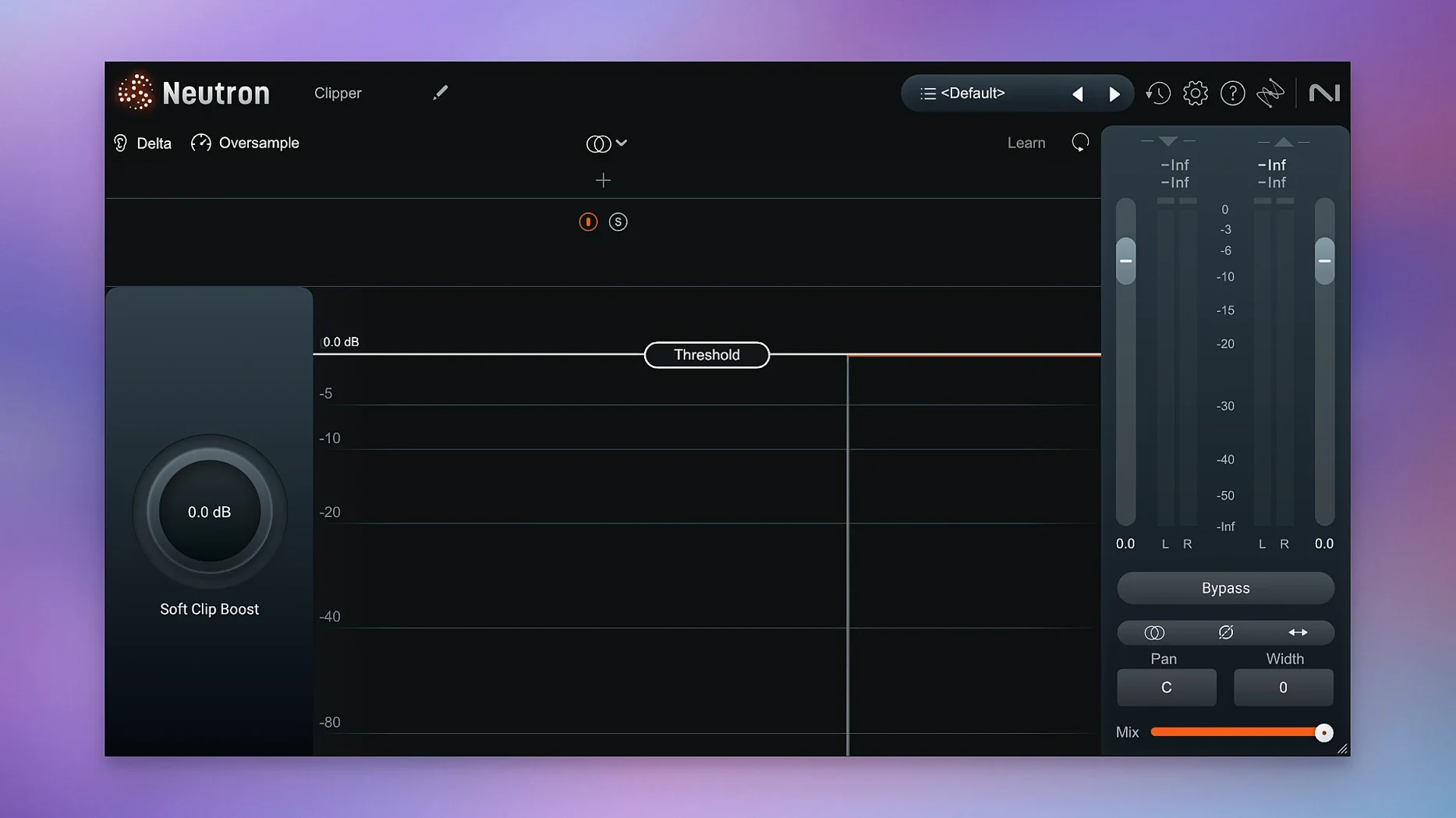
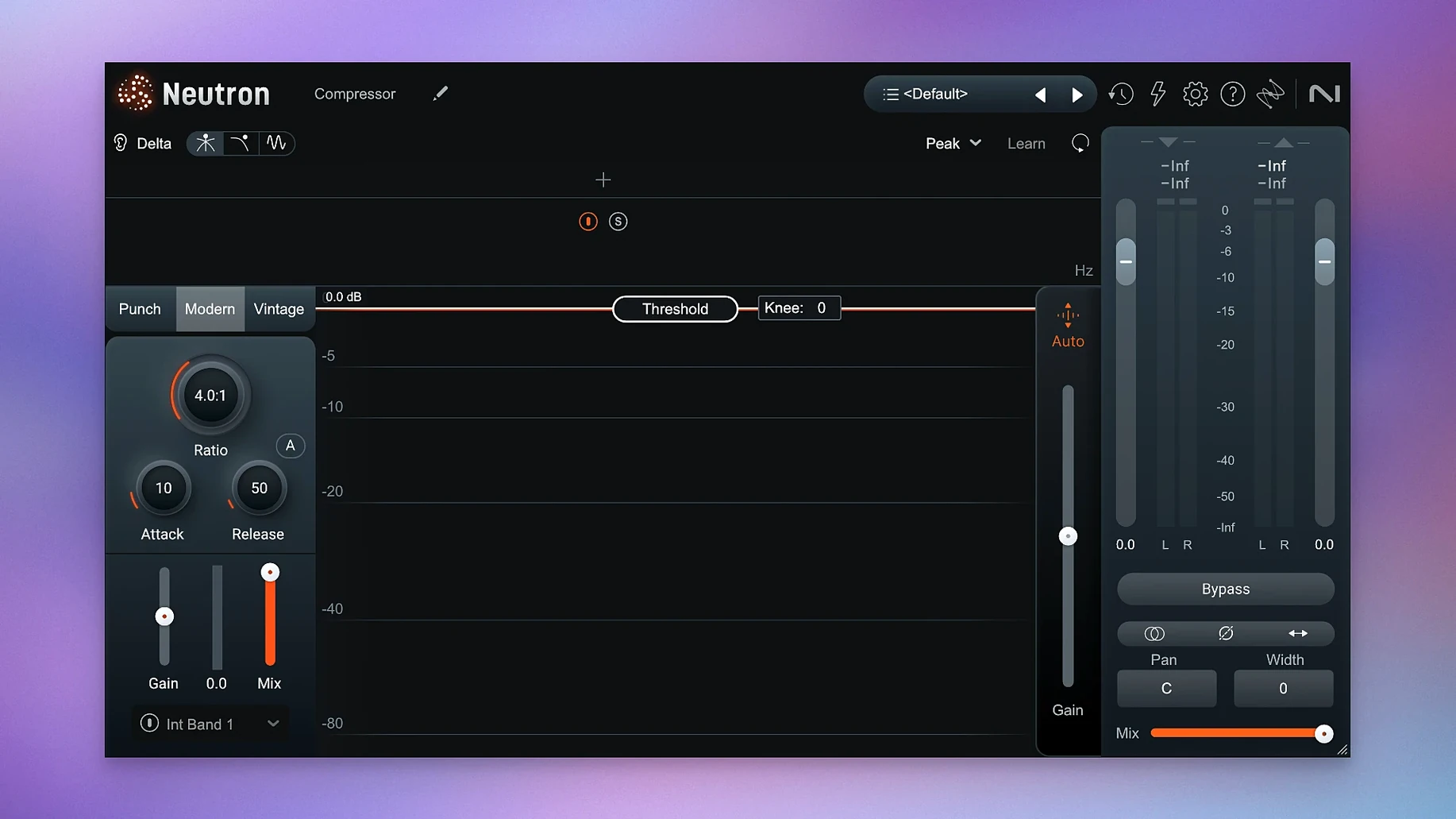
Version 5.2.0 is a maintenance update with two concrete changes. It fixes iLok authorization that wasn't working in surround instances. It also changed the supported macOS versions.
Runs on Apple Silicon and Intel Macs from macOS 13.4
Yes, if you're on macOS 13.4 or later. Neutron supports both Apple Silicon and Intel 64-bit Macs.
What is iZotope Neutron?
It's an audio mixing suite that packages eight plugins together. An AI-assisted Assistant View helps set starting points for your tracks.
What do I get in the suite?
Turn off auto-apply so Assistant View doesn’t commit before you listen
Open the mothership plugin on a vocal track. A few defaults slow things down.
- Assistant View auto-apply — turn it off. The Assistant creates a starting point, but you want to hear the suggestion before it commits. The toggle sits top-right in Assistant View.
- Delta buttons — learn where they are in each module. They let you solo the difference signal, so you hear exactly what the processor adds or removes. Essential for EQ and compression decisions.
- Metering refresh rate — the default looks smooth but lags slightly. Switch to the faster ballistics option in the settings panel if you're working on percussive material where transients matter.
- Masking module placement — the module loads at the end of the chain by default. For bass and kick interactions, move it earlier, right after the EQ, so you catch frequency clashes before dynamics processing exaggerates them.
The AI gives you gain staging, EQ, and compression, not a final mix
Does the AI Mix Assistant replace my ears? No. It listens to your track, compares it against a profile or a reference you provide, and sets gain staging, EQ curves, and compression thresholds. It gives you a starting point. You tweak everything from there. Think of it as an assistant who roughs in the faders while you make coffee.
Will it slow down my session? That depends on how many instances you run. A single instance on an Apple Silicon Mac is light. Ten instances with the Masking module active across all of them will hit the CPU. The component modules let you load only what you need — strip it back to EQ and compression if you're mixing a large session.
Do I need to understand compression already? It helps. The Assistant can set the threshold and ratio, but knowing why it chose those values stops you from blindly trusting a computer. The visual feedback in the compressor module is clear enough that you can learn as you go.
What's the difference between Trash Mode and a regular distortion plugin? Trash Mode lives inside the Exciter module and blends in parallel. It's tuned for mix context — you can add grit to a bass without losing the fundamental. A standalone distortion plugin often requires more routing to achieve the same blend.
Can I use it for post-production, or is it music-only? Dialogue, sound design, and podcast tracks benefit from the same tools. The gate, the EQ, and the unmasking feature all apply. You won't find broadcast-specific presets, but the Assistant works on any audio it hears.
Let the Assistant listen with a vocal profile to unmask a muddy vocal
Here's a start-to-finish path for a vocal that fights with the mix.
- Load Neutron on the vocal channel. Open the mothership plugin and switch to Assistant View. Choose a vocal profile from the list. Let the Assistant listen to the loudest section of the performance — at least eight bars.
- Review the suggestion. Look at the EQ curve the Assistant drew. It likely cut low-mids and boosted presence. Solo the Delta on the EQ module to hear what it removed. If the cut sounds too aggressive, narrow the Q or reduce the gain.
- Check masking against the keys or guitar. Load a second instance of Neutron on the instrument bus. Open the Masking module on both. Set the vocal as the primary source in one and the instrument bus as the competing source in the other. The display shows exactly where frequencies overlap. Apply a dynamic cut on the instrument side, linked to the vocal signal, so the ducking happens only when the singer is active.
- Shape the transient. Open the Transient Shaper module. Push the attack slider slightly right to give consonants more bite. Pull sustain back if the room tone feels too present. Listen in context — soloed transients lie.
- Add compression. The Assistant already set a moderate ratio. Dial the threshold down until you see 3–4 dB of gain reduction on the loudest phrases. Use the mix knob to blend the compressed signal back — around 70% wet often keeps the vocal natural while evening out the performance.
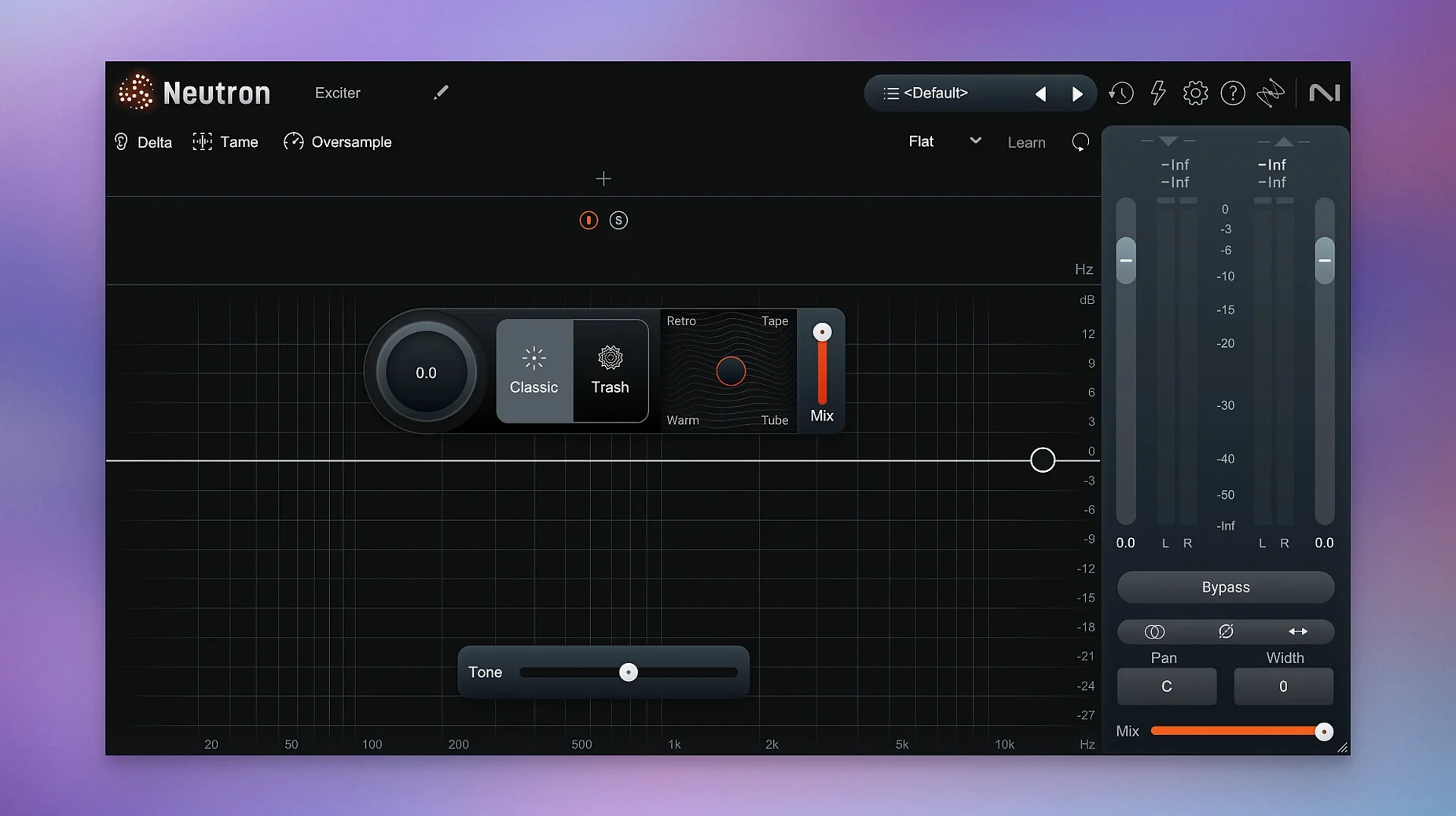
- Final saturation. Open the Exciter module and engage Trash Mode. Blend in a small amount of the Tape style, just until the vocal gains warmth on small speakers. Toggle the module bypass to confirm it's helping, not hurting.
- Match output level. Use the output gain fader to match the processed level with the bypassed level. The meters in the mothership make this fast. Your fader position now means something again.
This chain takes about four minutes once you know the modules. The Assistant cuts the guesswork on the first EQ shape. The rest is your judgement.
You get modules for EQ, compression, transient shaping, exciter, gate, and more. Trash Mode covers distortion and the updated interface includes clearer metering.
- Fixed iLok authorization not functioning in surround instances of Neutron 5.
- Changed supported macOS versions.
- macOS 13.4 or later
- Apple Silicon or Intel 64-bit processor




Comments 0
Sign in or create an account to add a comment.
No comments yet. They go up after moderation.