

Kalifornia Dynamic KD Alkane — Mac download
Ticked
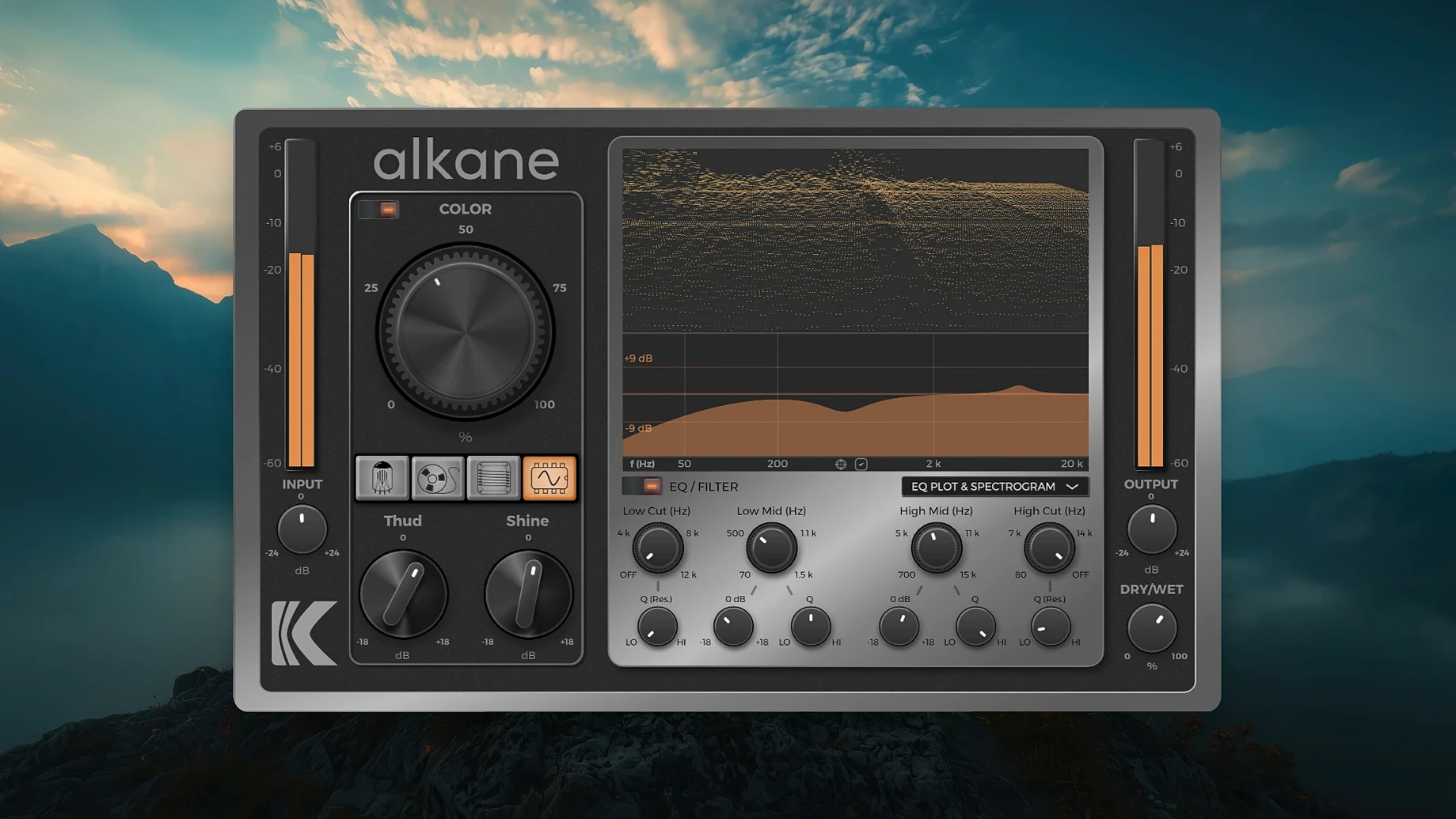
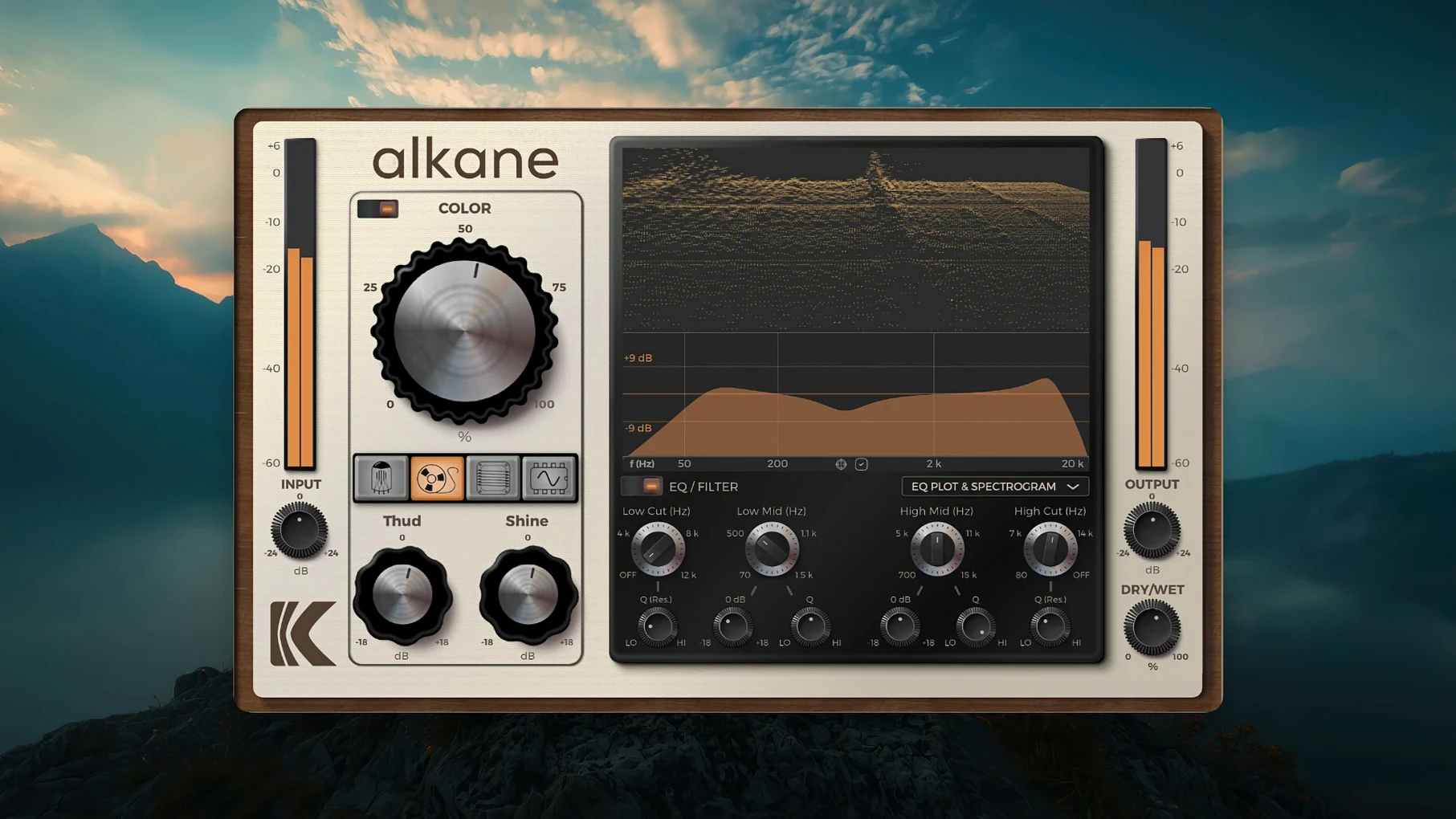
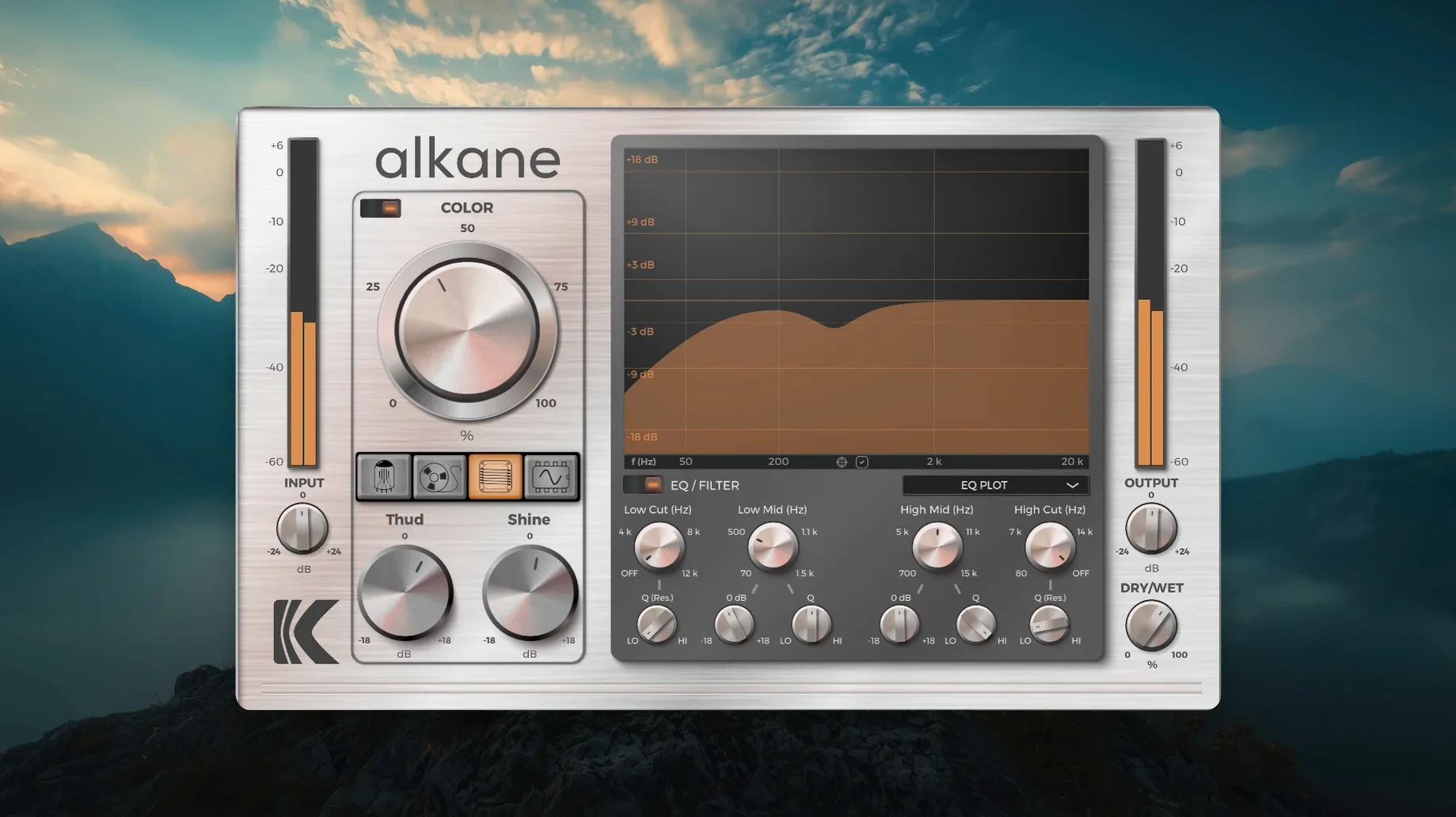
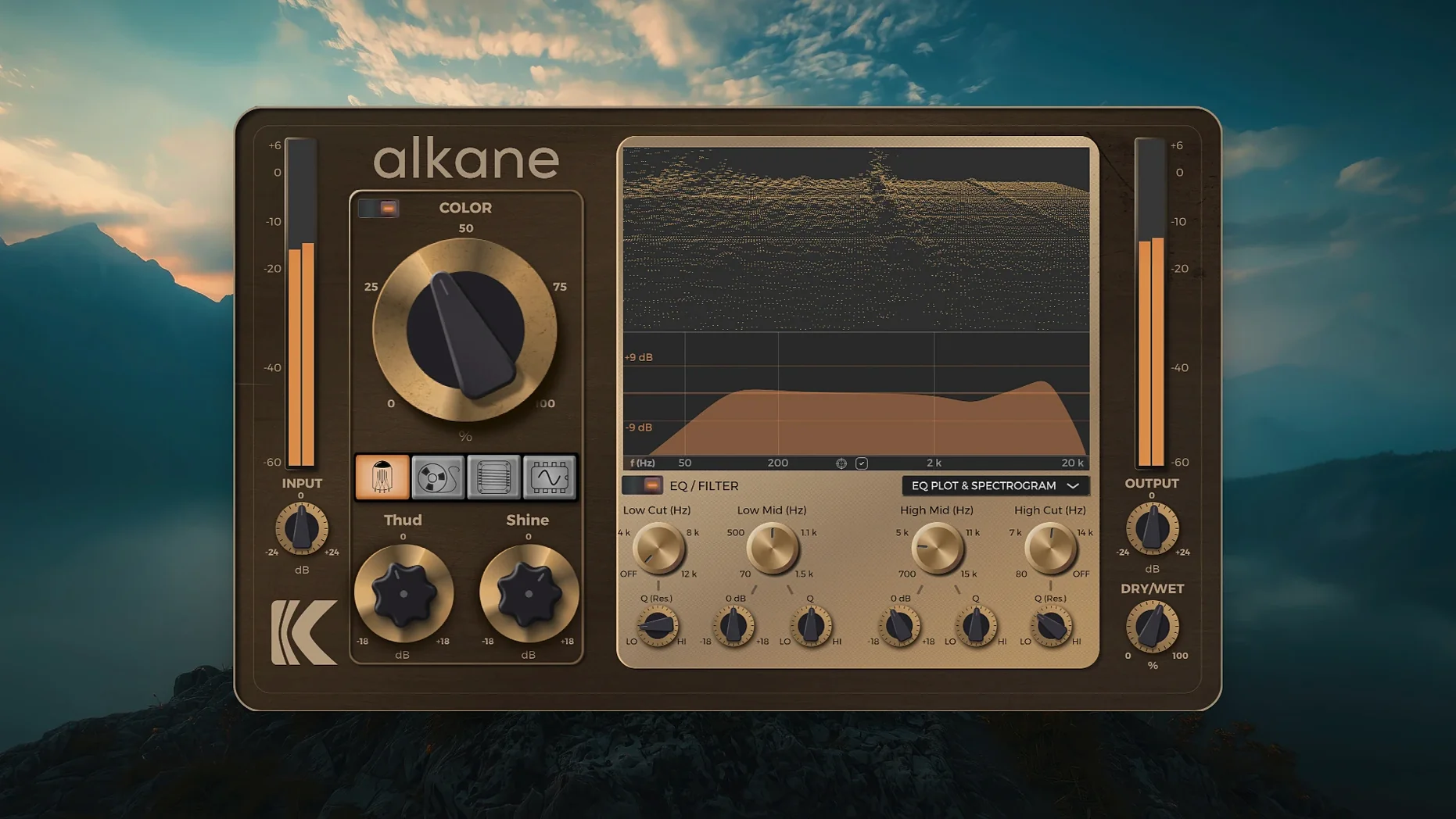
Colour on individual tracks
Drop Alkane on a drum bus or bass line. Dial in Tube for low-end weight or Tape for gentle glue. The high-pass and low-pass filters keep the bottom and top tidy before the harmonics hit.
Mix bus treatment
The Transformer circuit adds bite without shaving off transients. Blend it in parallel using the mix control. Check the 3D spectrogram to see where the energy shifts before you commit.
Synth and sound design
Synth mode pushes things further. Run a pad or keyboard through it, then nudge the two-band parametric EQ to carve out space. 8x oversampling keeps aliasing out of the picture on extreme settings.
Alkane in a real session
The plug-in sits well across a few common workflows. Drop it after a clean EQ but before compression on a vocal chain — the harmonics land before dynamics get clamped. On a drum bus, place it before your reverb send. That way the saturation hits the transients, not the tail. Alkane also plays nicely with macOS system-wide audio routing via BlackHole or Loopback if you want to process audio outside the DAW, though that setup is niche.
- Sidechain-friendly. Alkane follows the DAW sidechain path. Duck the harmonics under a kick with no extra routing.
- Automation-ready. All four circuit switches and the Colour knob can be automated. Ramp from Tube to Synth across a breakdown.
- Multi-instance work. Run separate instances on kick, snare and overheads. Each gets its own circuit model without cross-talk.
- Visual feedback. The 3D spectrogram updates in real time. Useful when stacking multiple instances on a bus — you spot buildup before your ears fatigue.
Five saturation models versus a parametric EQ
Versus Soundtoys Decapitator. Decapitator offers five analogue-style saturation models with a tone control and mix knob. Alkane swaps tone for a full two-band parametric EQ plus filters. Decapitator leans into console-style grit. Alkane covers that ground with Transformer mode but also gives you Tape warmth and a Synth circuit that Decapitator does not attempt. The 3D spectrogram on Alkane is a differentiator — Decapitator has no visualiser. Both handle drum and vocal duties well, but Alkane pulls ahead for sound design where the Synth circuit and visual feedback matter more.
Versus FabFilter Saturn 2. Saturn 2 is a multiband saturation and distortion workhorse with modulation and deep routing. Alkane stays single-band and simpler. Saturn wins on surgical control; Alkane wins on speed. You dial in a circuit, tweak Colour, adjust two EQ bands and move on. Saturn rewards detailed programming; Alkane rewards quick decisions. If you reach for an alkane vst free download to replace heavy multiband chains, know the trade-off is depth for immediacy.
Versus Klanghelm SDRR 2. SDRR 2 covers Tube, Tape, Fuzz and more at a similar breadth. It includes a desirably gritty character mode and RMS-level matching. Alkane counters with 8x oversampling and that detailed spectrogram. SDRR 2 trades on vintage console flavour; Alkane keeps things cleaner unless you push Colour hard. Both handle the replace k'd mac scenario well — lightweight, stable, no bloat.
Turn on 8x oversampling immediately
- Turn on 8x oversampling. It ships off by default. Switch it on immediately if your session allows the CPU hit. Aliasing on Synth mode is audible without it.
- Set the high-pass filter before the circuit. The default filter routing can be toggled. Place HPF pre-saturation on bass-heavy material. It stops low-end mud from triggering the harmonics.
- Lock the visualiser range. The spectrogram auto-scales by default. Right-click the display and set a fixed dB range. Otherwise small changes look dramatic and mislead you.
- Assign a MIDI controller to the Colour knob. It responds to CC mapping. Record real-time Colour sweeps into arrangement — more organic than drawing automation points.
- Save a default preset with the Tape circuit. Tape is the safest starting point for most material. Set it as your user default so new instances open ready to work.
- macOS 11 or later
- Apple Silicon Mac
Questions the team asks
It has four: Tube, Tape, Transformer and Synth, each adding a different style of non-linear harmonics.



Comments 0
Sign in or create an account to add a comment.
No comments yet. They go up after moderation.