
djay Pro — Mac download
Download (322 MB) Earlier builds
Ticked
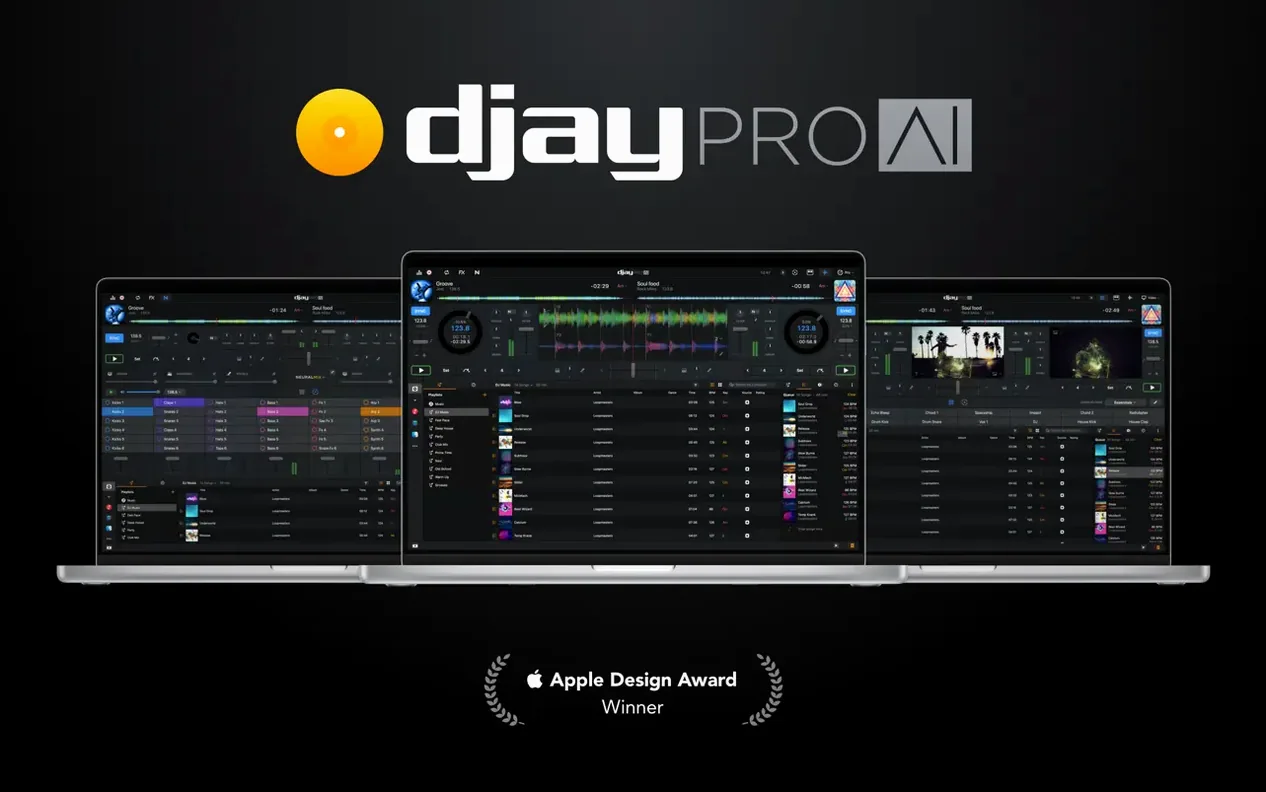
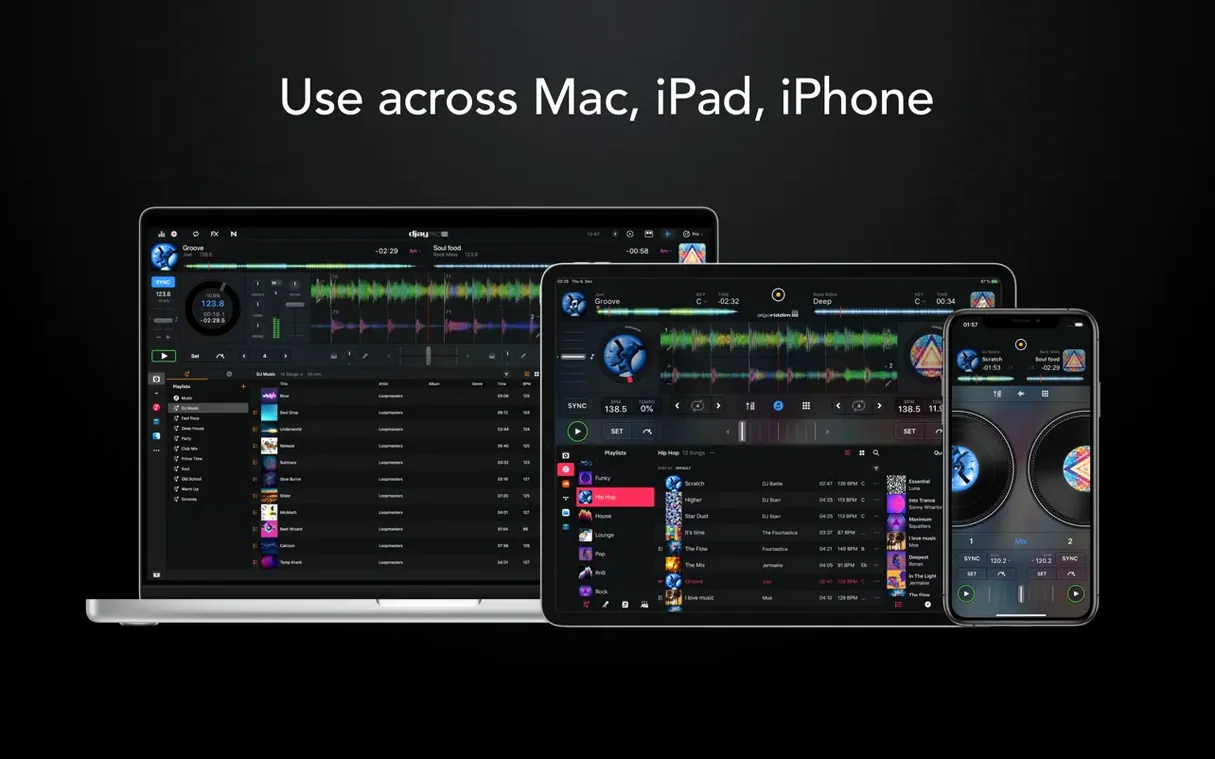
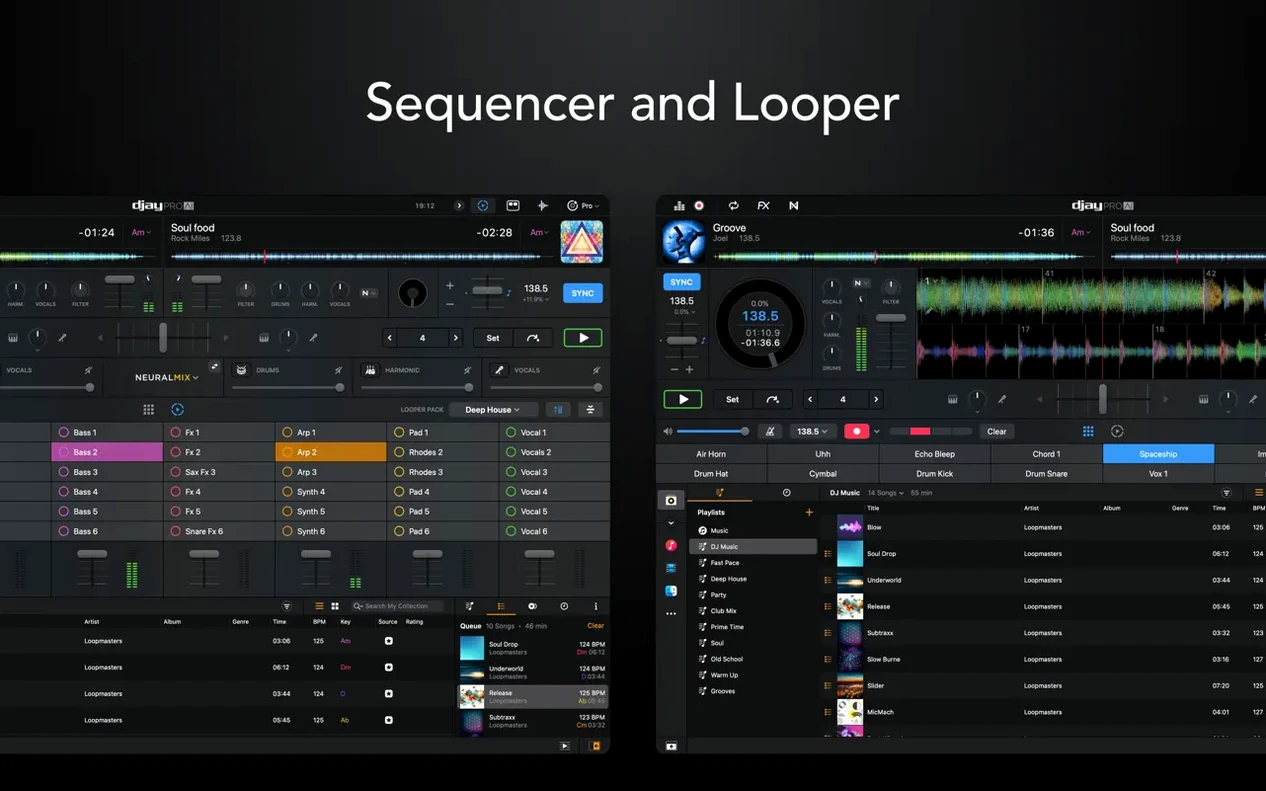
djay Pro runs on any Mac with macOS 10.15 (Catalina) or newer, on both Apple Silicon and Intel processors. It is the full desktop version of Algoriddim's mixing platform, built for DJs who need four-deck control, stem separation and tight hardware integration in one app.
- Four-deck mixing with high-definition waveforms and over 40 built-in audio effects.
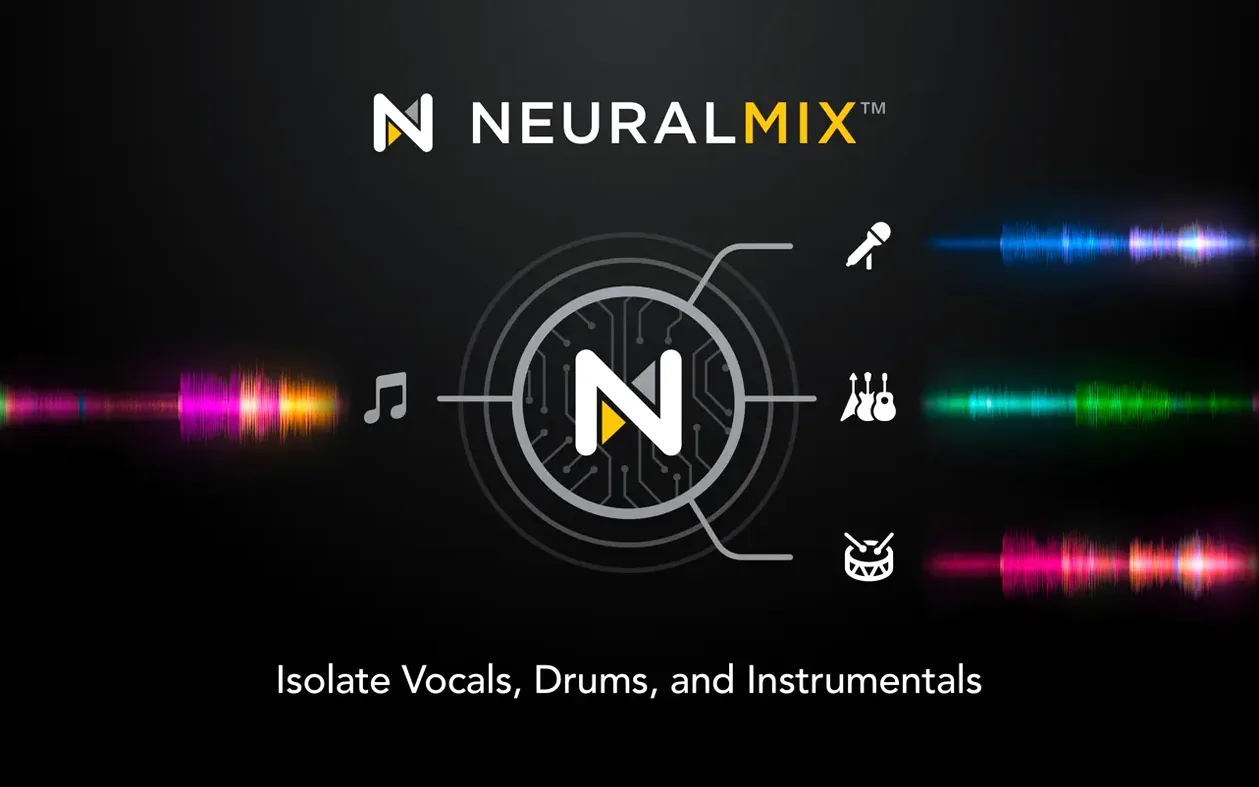
- Neural Mix stem separation lets you isolate drums, instruments and vocals on the fly.
- Built-in sequencer for programming beats and rhythms over playing tracks.
- Works with Ableton Link for synced multi-device performances.
- Hardware integration covers controllers, CDJs and motorized platters with display support.
- Interface localised in English, German, Spanish, Italian, French and Japanese.
Version 5.6.9 improves cue point behaviour on motorized controllers during scratching and platter spindown. New MIDI actions let you change beat jump duration from a controller, and RANE System One integration now includes native display support. Media library playlist presentation on CDJs is also tidier.
Beat grids drift without this prep step
New users often jump into the four-deck view without setting beat grids first. Tracks with sloppy grids drift, especially during fast cuts. Always check and adjust the grid on a fresh import before you start layering.
Another common slip: loading Neural Mix stems and forgetting to monitor CPU. On older Intel machines, four-deck stem separation can spike usage. Start with two decks and one stem group active, then scale up as you learn what your Mac handles.
Beginners also overlook the looper's depth. They set one loop and stop. The tool supports up to 48 loops per track. Try stacking a short vocal chop, a drum fill and a bass rumble across three loop slots. It changes how a transition feels.
Lastly, ignoring MIDI mapping early on. Even a small controller benefits from assigning beat jump duration to a knob or button. The 5.6.9 MIDI actions make this straightforward, but you need to open the mapping pane and commit the assignment.
Workflow: building a three-layer live remix
This walkthrough uses a single track, the sequencer and Neural Mix to construct a remix on the fly.
- Load a track on Deck A. Confirm the beat grid aligns with the kicks. Tap the metronome for a quick check.
- Open the Neural Mix panel and isolate the drum stem. Route only drums to the master output for now.
- On Deck B, load the same track again. Isolate the vocal stem and set a four-bar loop on the chorus.
- Open the sequencer. Pick a kick, snare and closed hi-hat from the built-in library. Program a simple eight-beat pattern that complements the original drum groove.
- Fade Deck A's drums down to 30 percent while bringing the sequencer pattern up. The rhythmic core shifts from recorded drums to programmed drums without a gap.
- Trigger Deck B's vocal loop. Apply a high-pass filter and a touch of delay from the effects rack. Let the vocal sit over the sequencer.
- Use the looper to grab a two-beat instrumental stab from Deck A's instrumental stem. Assign it to a second loop slot and trigger it every eight bars for punctuation.
- Bring Deck A's full mix back in by re-engaging all stems, then cut the sequencer on the downbeat.
The whole process takes under two minutes once the grid is set. It works well with controller hardware, especially decks that expose the Neural Mix controls on dedicated pads.
Compatibility and system requirements
Does djay Pro work on a MacBook without a controller?
Yes. The full interface runs on a MacBook screen with keyboard shortcuts, trackpad waveform control and on-screen faders. A controller adds tactile precision, but you can mix four decks, manage stems and trigger effects entirely with the built-in tools. Many users start controller-free before adding hardware.
Will my existing Rekordbox or Serato library import?
djay Pro reads iTunes and Finder playlists directly. For Rekordbox or Serato libraries, you can point the media browser at the folders where your tracks live. Cue points and analysed grids from other apps will not transfer automatically, so expect to set grids and hot cues fresh inside djay Pro.
Is Neural Mix pre-analysed or real-time?
Separation happens in real time on your Mac. No pre-processing of files is required. That means you can drop any track onto a deck and isolate vocals, drums, bass or instruments within seconds. The trade-off is higher CPU use during stem-heavy sets.
Does djay Pro support Motorized platters properly?
Version 5.6.9 includes specific fixes for motorized controllers. Cue point jumping during scratching works more predictably, and platter spindown behaviour no longer causes unexpected playback stops. If you rely on vinyl-style control, this build is tuned for it.
Version 5.6.10 [MAS] has landed. The full list of changes sits on Algoriddim’s site.
- macOS 10.15 or later
- Apple Silicon or Intel 64-bit
Questions the team asks
Yes. Version 5.6.9 specifically improves cue point jumping on motorized controllers while scratching and during platter spindown.






Comments 0
Sign in or create an account to add a comment.
No comments yet. They go up after moderation.