
Luminar AI — Mac download
Download (1.8 GB) Earlier builds
Ticked
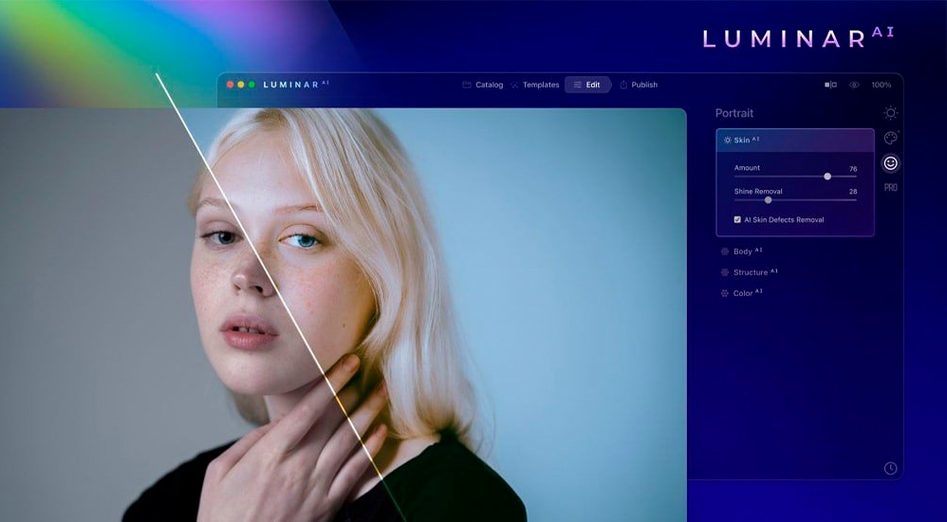
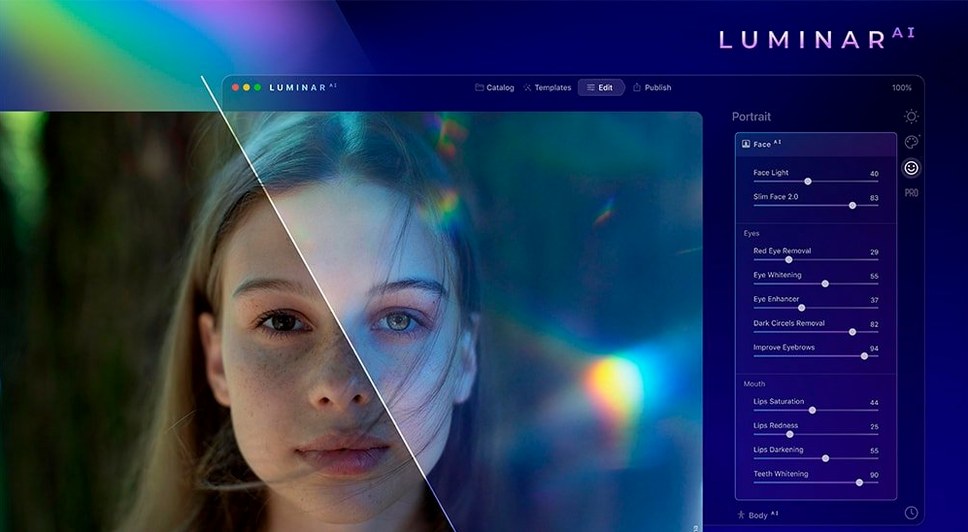
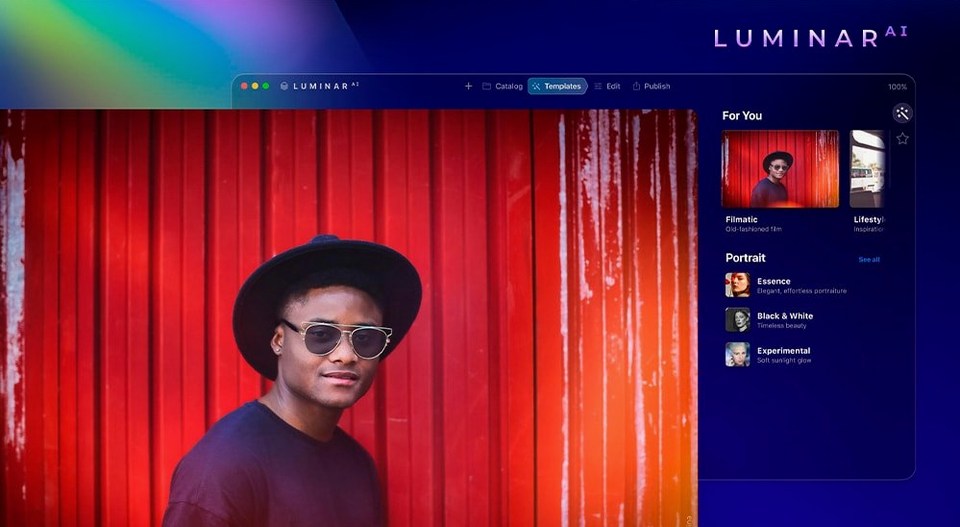

If you already use a standard image cataloguer or a pixel editor, Luminar AI slots in as the tool you open when you need a specific look fast. It doesn't replace your raw processor; it handles the creative heavy lifting with individual AI tools.
Replace a grey sky
Sky AI scans the horizon and swaps a flat sky for a dramatic one, adjusting the rest of the scene's colour to match. A job that takes layers and masks elsewhere is a single step here.
Clean up a portrait
Face AI and Skin AI work together on blemishes, dark circles and facial light without blurring skin texture. You keep the pores and hair detail while removing the distractions.
Direct the viewer's eye
Composition AI crops to a rule of thirds or golden ratio automatically. Add Bokeh AI behind your subject and the depth of field pulls focus exactly where you want it.
Sky detection now handles tree gaps with fewer halos
Version 1.5.5 didn't add new tools. It tightened what was there. Sky AI got better at detecting tree branches against bright backgrounds — fewer halos where leaves meet the replacement sky. Face AI stopped over-smoothing jawlines on side-lit portraits, a complaint from earlier builds that made some users drop the slider to zero.
The installer changed too. Earlier versions required a manual Gatekeeper override via Terminal; 1.5.5 (13797) ships the app already marked as Open Gatekeeper friendly. Mount the disk image, drag to Applications, done.
Accent AI at full strength crushes shadow detail
- Leaving Accent AI at 100. It's a one-slider fix for lighting and colour, but full strength often crushes shadow detail. Start at 30 and nudge up.
- Stacking Atmosphere AI and Sky AI on the same image. Fog plus a sunset replacement rarely looks natural. Pick one atmosphere tool per edit.
- Ignoring the mask brush. Every AI tool includes a paint-in mask. Beginners apply Skin AI to the whole face and wonder why eyes look glassy — paint it only where you need it.
- Skipping the plugin install. If you want Luminar AI inside Lightroom or Photoshop, you need to enable it in preferences. The standalone app doesn't automatically link.
Searching for a luminar ai mac download often leads people to older builds. Make sure you're on 1.5.5. Earlier versions had a known memory leak when switching between five or more templates in one session.
Ctrl-click any slider resets it to default instantly
- Ctrl + click any slider to reset it to default. Faster than hunting for the tiny reset arrow.
- Double-click a template to apply it without the preview fade animation. Saves a half-second on every test.
- Hold Z and click anywhere on the image for a temporary 100% zoom. Release to go back to fit-screen view — no toolbar needed.
- Rename your custom templates in the Templates panel by right-clicking. The default name is always "Custom" and that gets messy after ten variations.
- Body AI works on group shots. Select each person individually with the face picker rather than applying it globally. The tool gets confused with overlapping silhouettes otherwise.
If you found this page via a luminar mac torrent search, check the build number after mounting. The TNT release of 1.5.5 includes all 11 interface languages and runs natively on both Intel and Apple Silicon without Rosetta.
- macOS 10.13.6 or later
- Intel 64-bit or Apple Silicon Mac
Questions the team asks
Yes. You can use it as a standalone application or as a plugin for macOS hosts that support external editors.
Yes. The software supports both Apple Silicon (ARM) and 64-bit x86 architectures.
It removes spots and shine while preserving natural skin details like pores, texture and fine hair.








Comments 0
Sign in or create an account to add a comment.
No comments yet. They go up after moderation.