

MacGPT — Mac download
Download (9 MB) Earlier builds
Ticked
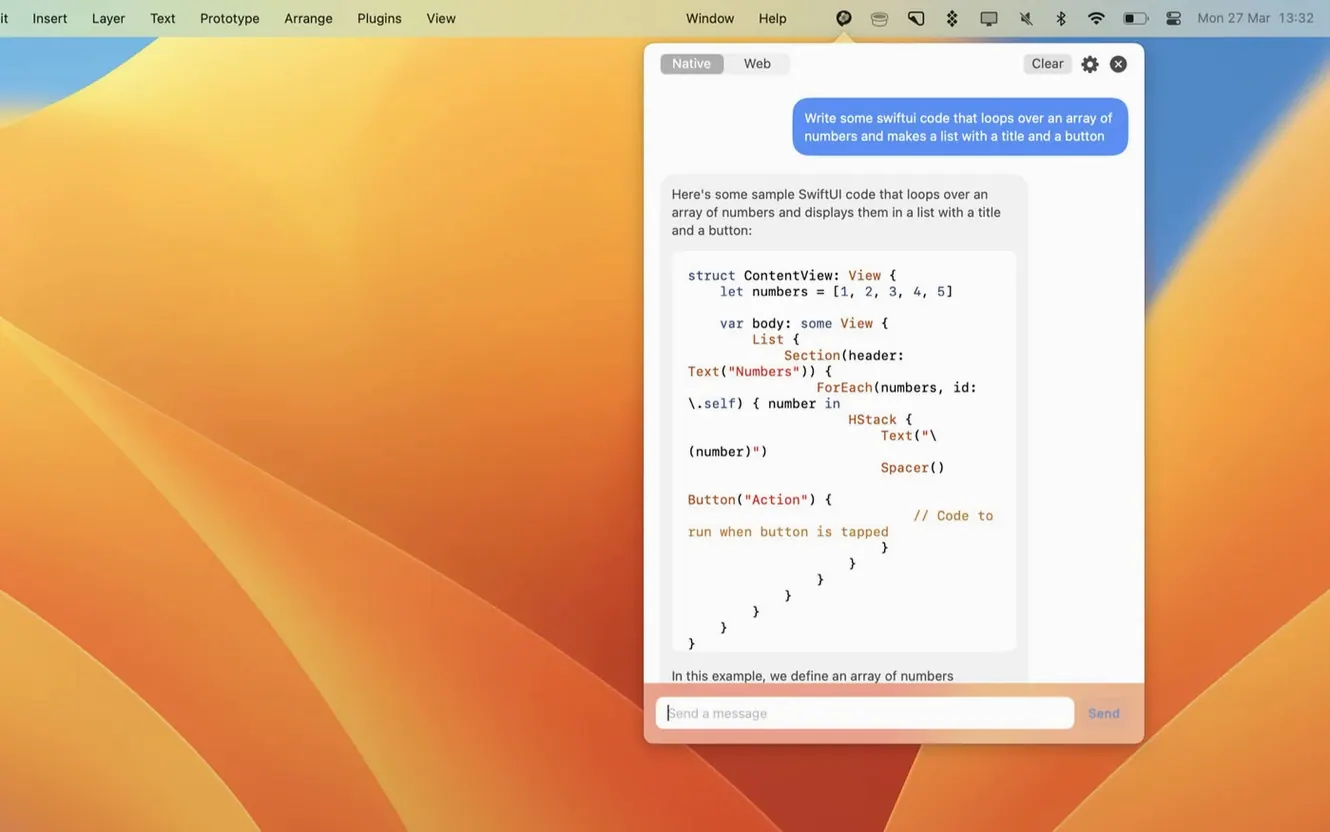
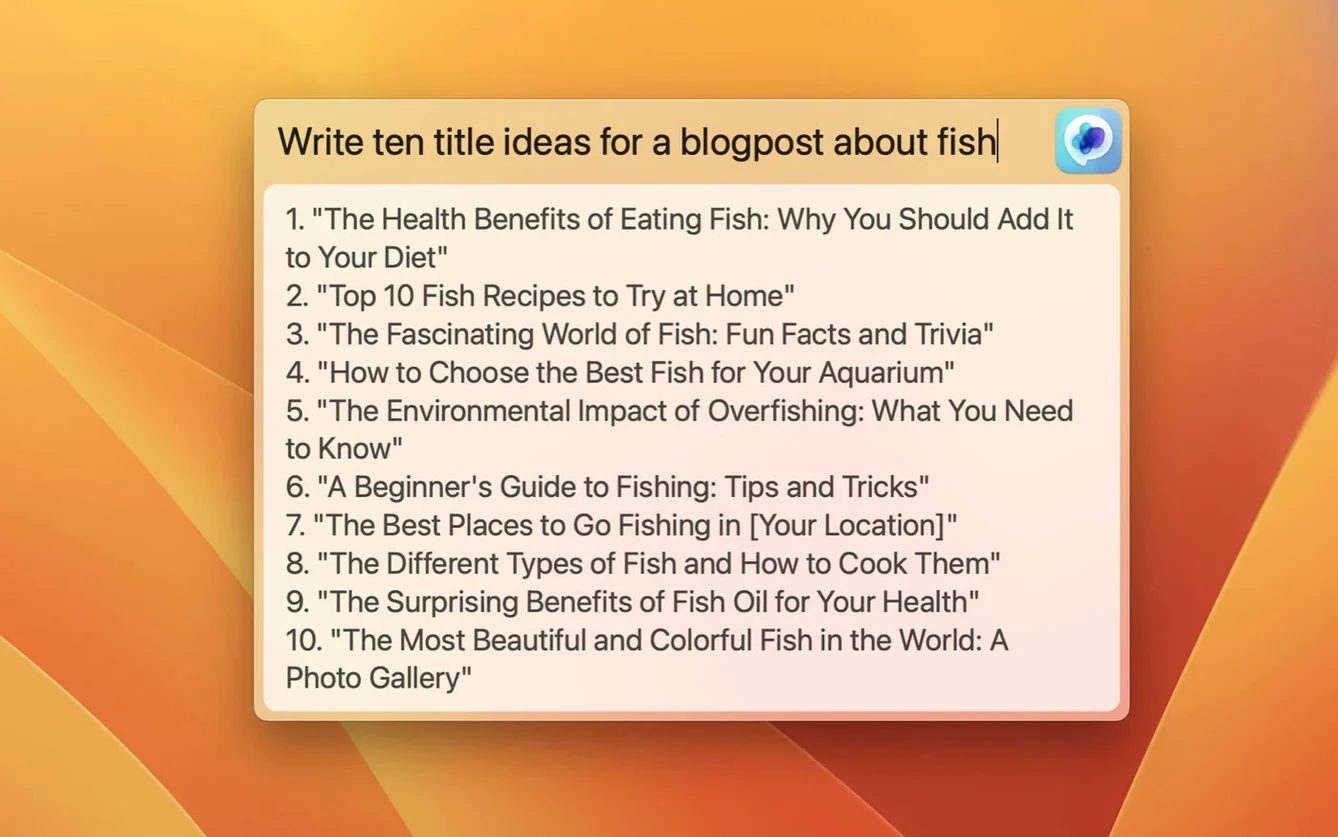
If you use ChatGPT in a browser tab, MacGPT puts the same service right in your menu bar. It is a native macOS app by Jordi Bruin that opens with a single click — no pinned tabs needed.
The app needs macOS 12 Monterey or later. It runs on both Intel and Apple Silicon Macs. You sign in with OpenAI account credentials or plug in your own API key for direct access. Without a proper key, the error messages are clear about what is missing, so you are not left guessing.
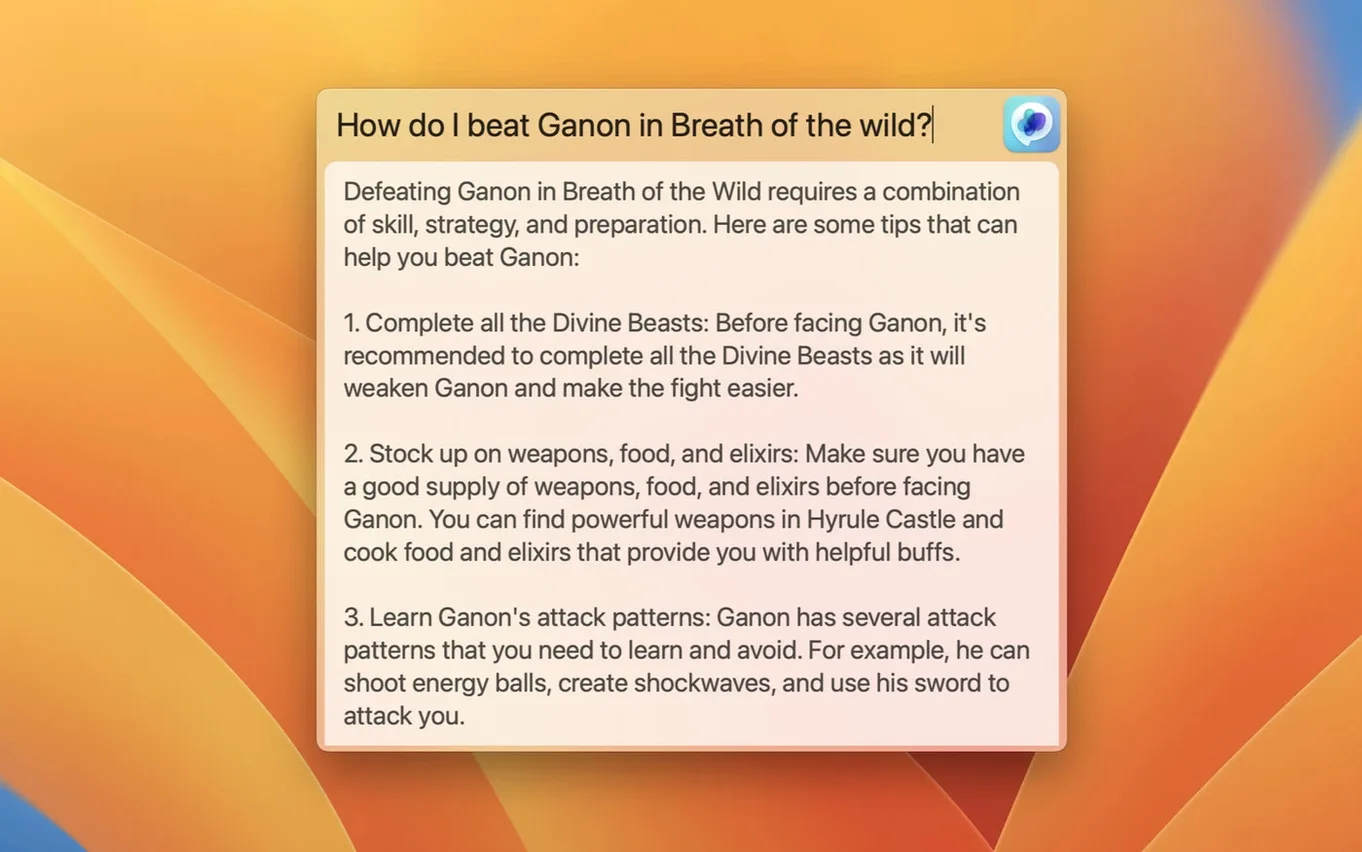
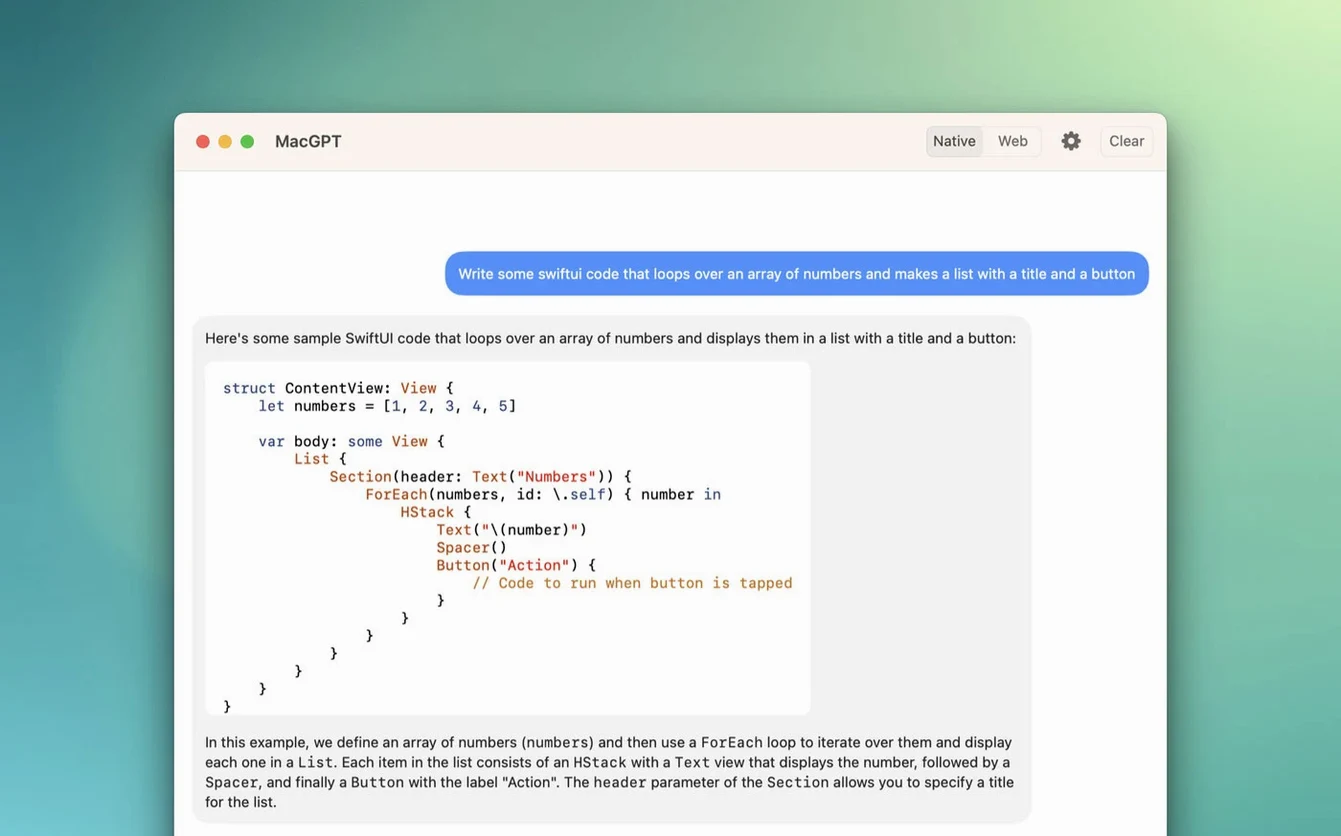
A Global feature brings up a centred text field for quick input from anywhere. Web mode gives you the standard ChatGPT interface when you want it. Version 3.21 adds support for gpt-4o.
Keyboard shortcut you’ll wish you set sooner
- Skipping the keyboard shortcut. The menu bar icon works, but assigning a shortcut from settings saves a trip with the mouse every time. Do it once, use it all day.
- Setting up the API key without checking model access. A valid key is not the same as a key with access to gpt-4o. If responses stall or errors appear, check what the key allows.
- Expecting the Inline feature to work in every text field. Inline is useful, but not all apps cooperate with it. Test it in a few places before relying on it for a deadline.
- Leaving web mode signed out. Web mode loads the ChatGPT web interface, but it still needs your OpenAI credentials for a session. Sign in once, then the menu bar becomes the front door.
- Ignoring the error messages. MacGPT shows clearer errors when the API key is missing or misconfigured. Read what it says before changing settings at random.
Half an hour with the Global field
Here is a typical half hour with MacGPT.
- You start a draft in a text editor and hit your assigned shortcut. The Global field appears in the centre of the screen.
- You type a prompt about restructuring three paragraphs. The answer comes back, and you paste the result into the document.
- You switch to a browser window to check a fact. Instead of opening a new tab, you click the menu bar icon and run the query in web mode.
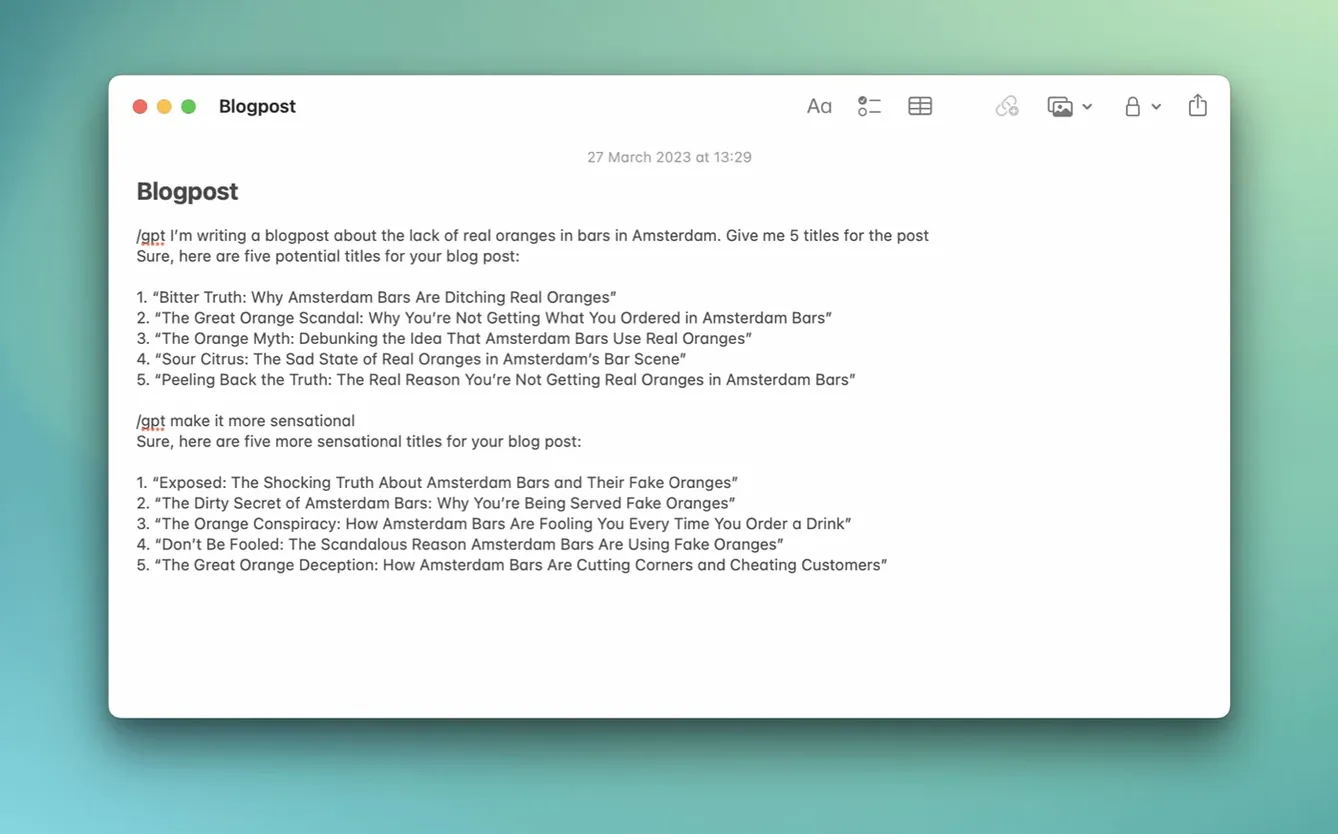
- A colleague asks for a short summary of meeting notes. You select the notes, trigger Inline, and ask ChatGPT to condense them. The reply lands inside the same text field.
- Before finishing, you notice a slow response. You check settings and see the API key needs attention. MacGPT tells you exactly what is wrong, so the fix takes less than a minute.
That is the rhythm of it: short inputs, quick reads, back to work. No separate window to manage unless you want one.
Writers who live in keyboard shortcuts
Writers and editors. Inline works well for rephrasing sentences inside a draft. The Global field handles research questions without leaving the page.
People who live in keyboard shortcuts. Once a shortcut is assigned, MacGPT feels like part of macOS rather than a separate service. The menu bar stays out of the way until called.
Developers and API users. The custom OpenAI API key option means direct interaction with ChatGPT. Clear errors help with setup, and version 3.21 covers gpt-4o for those with access.
Anyone who keeps too many browser tabs open. If ChatGPT normally sits in one of those tabs, moving it to the menu bar frees up space and cuts down on tab hunting.
MacGPT keeps a familiar tool within reach. The requirements are straightforward, and setup fits the way you already work with ChatGPT.
- Added support for gpt-4o.
- macOS 12 Monterey or later
- Intel and Apple Silicon supported
- OpenAI account credentials or API key
Questions the team asks
Yes, version 3.21 adds support for gpt-4o alongside the existing ChatGPT service.
Yes, you can enter a custom API key for direct interaction instead of using account credentials.








Comments 0
Sign in or create an account to add a comment.
No comments yet. They go up after moderation.