
MacWhisper — Mac download
Download (75 MB) Earlier builds
Ticked
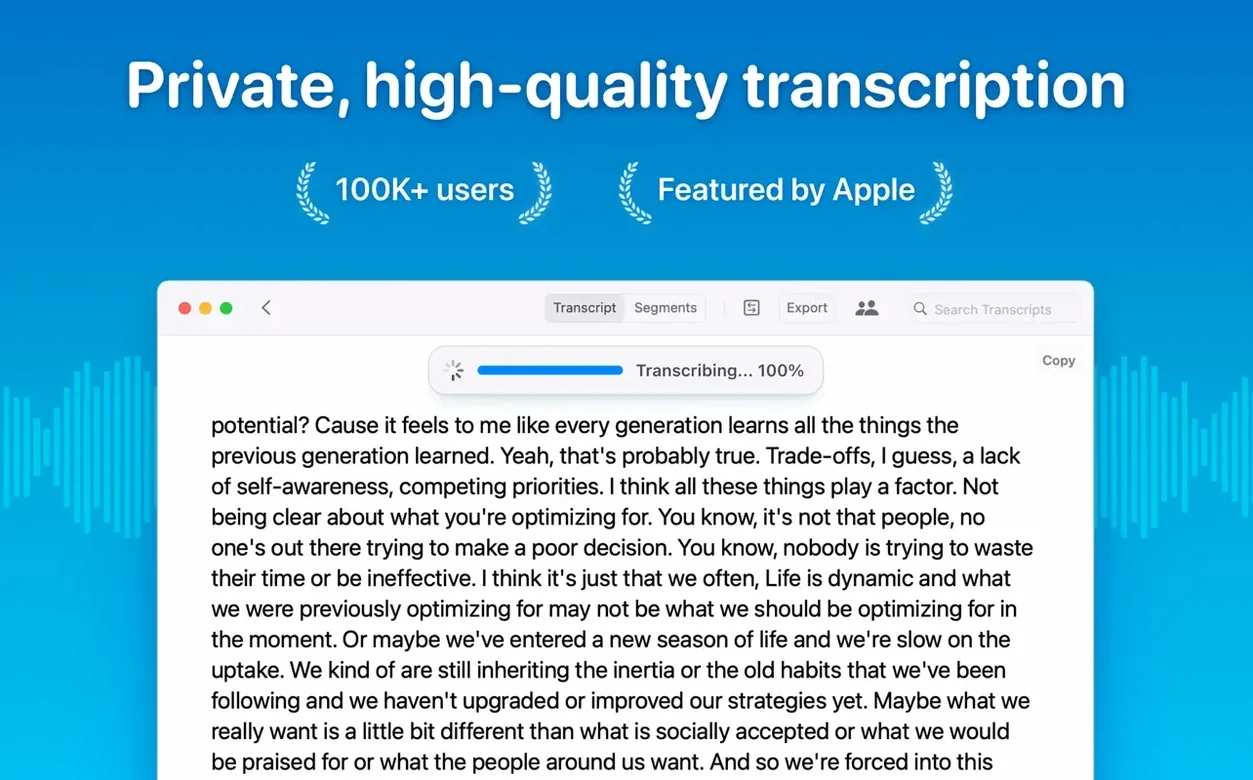
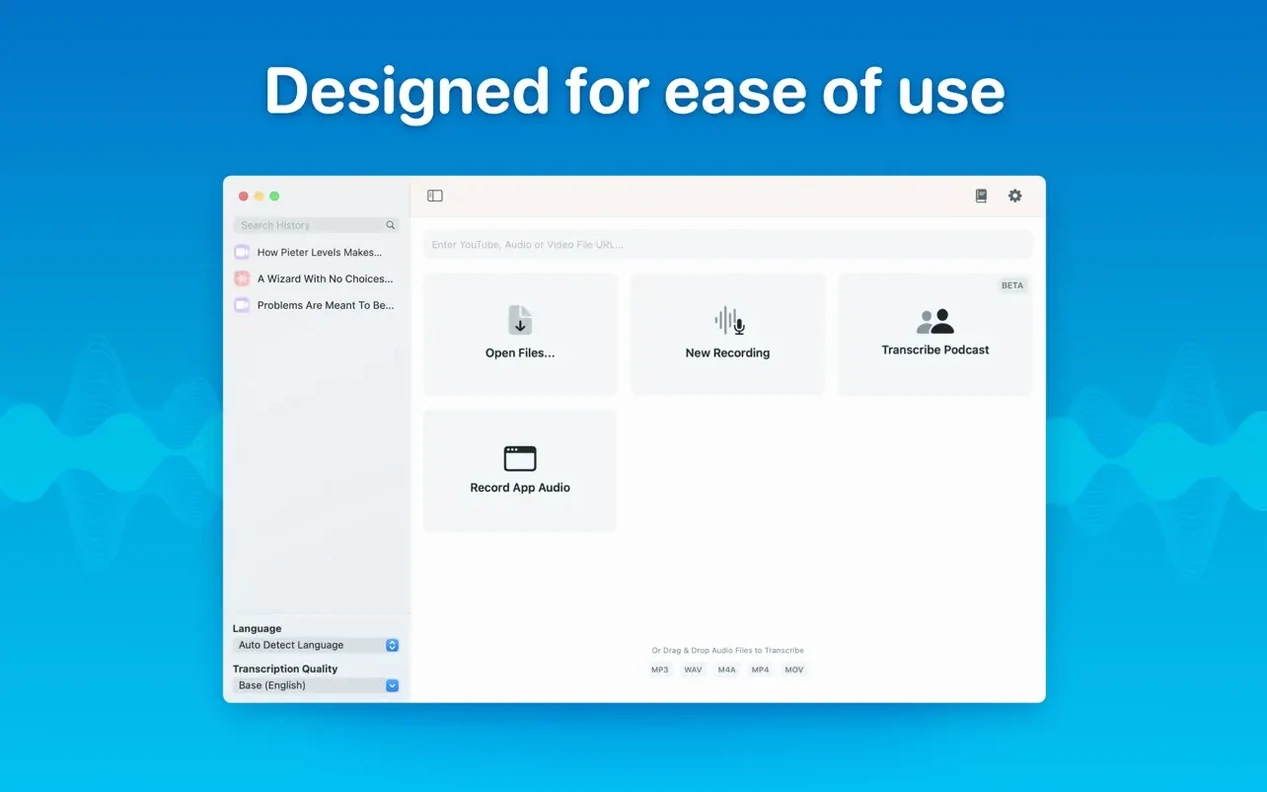
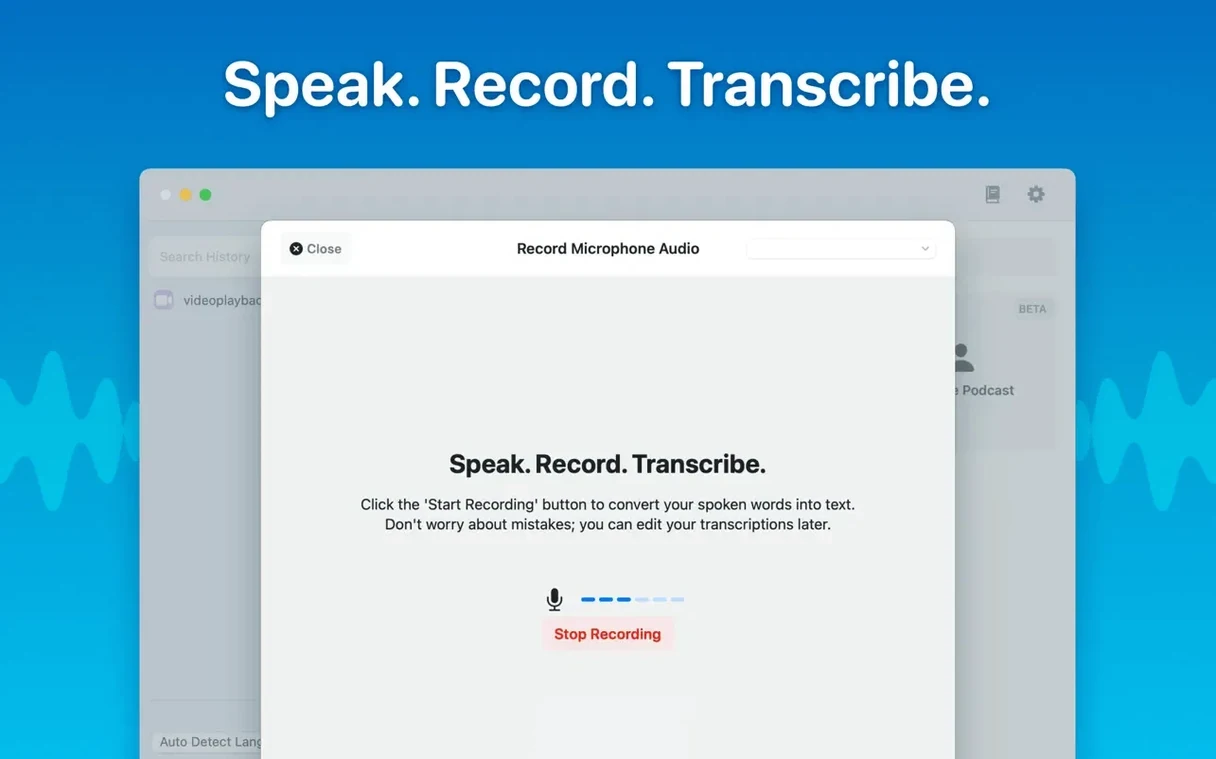
MacWhisper turns audio into text right on your Mac, running the Whisper model locally.
Drag an MP3 in and pick a model
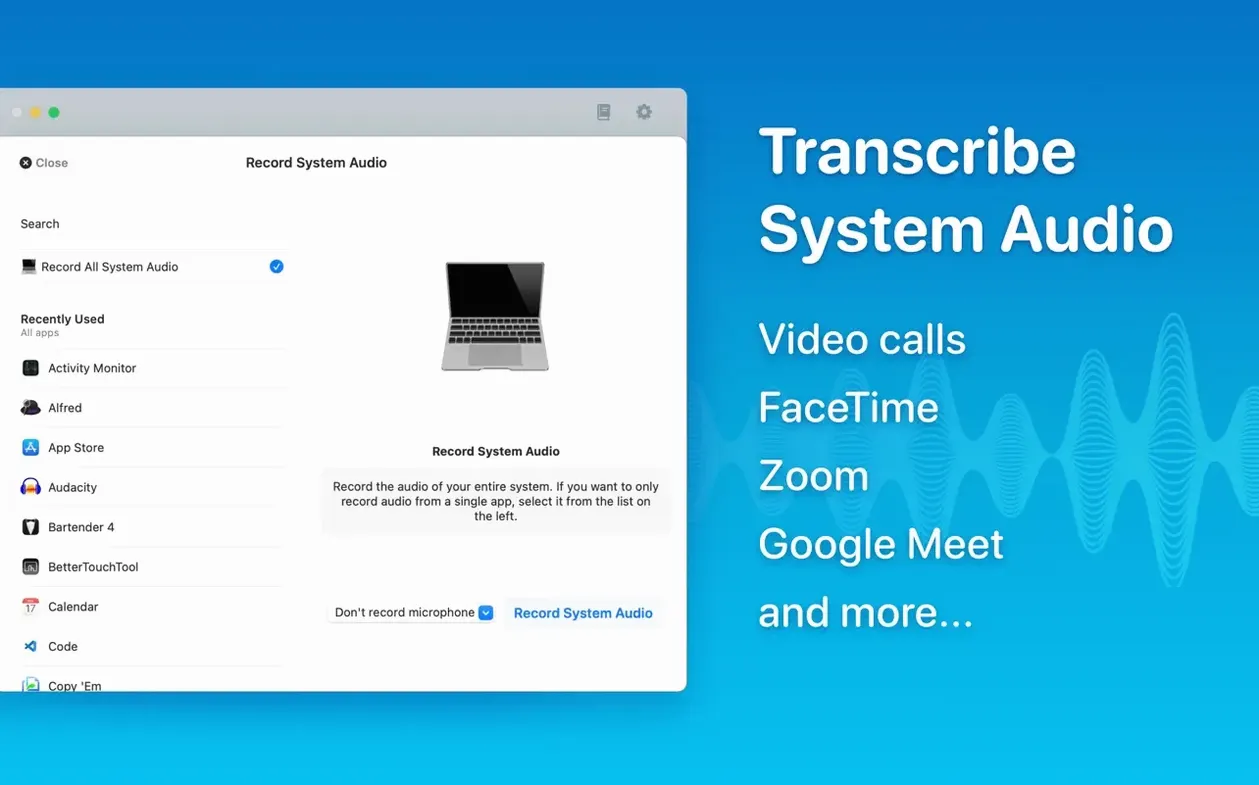
- Grab the audio. Drag an MP3 from Finder, record a meeting, or capture system audio. It sits next to QuickTime and Voice Memos as another capture point.
- Choose a model. Pick Tiny, Small, Base, Medium, Large-V2, or Large-V3. Smaller models run faster on Intel Macs; larger ones give tighter accuracy on Apple Silicon.
- Transcribe. The text lands in an editor where you can delete segments, correct names, and tidy timestamps before it ever touches another app.
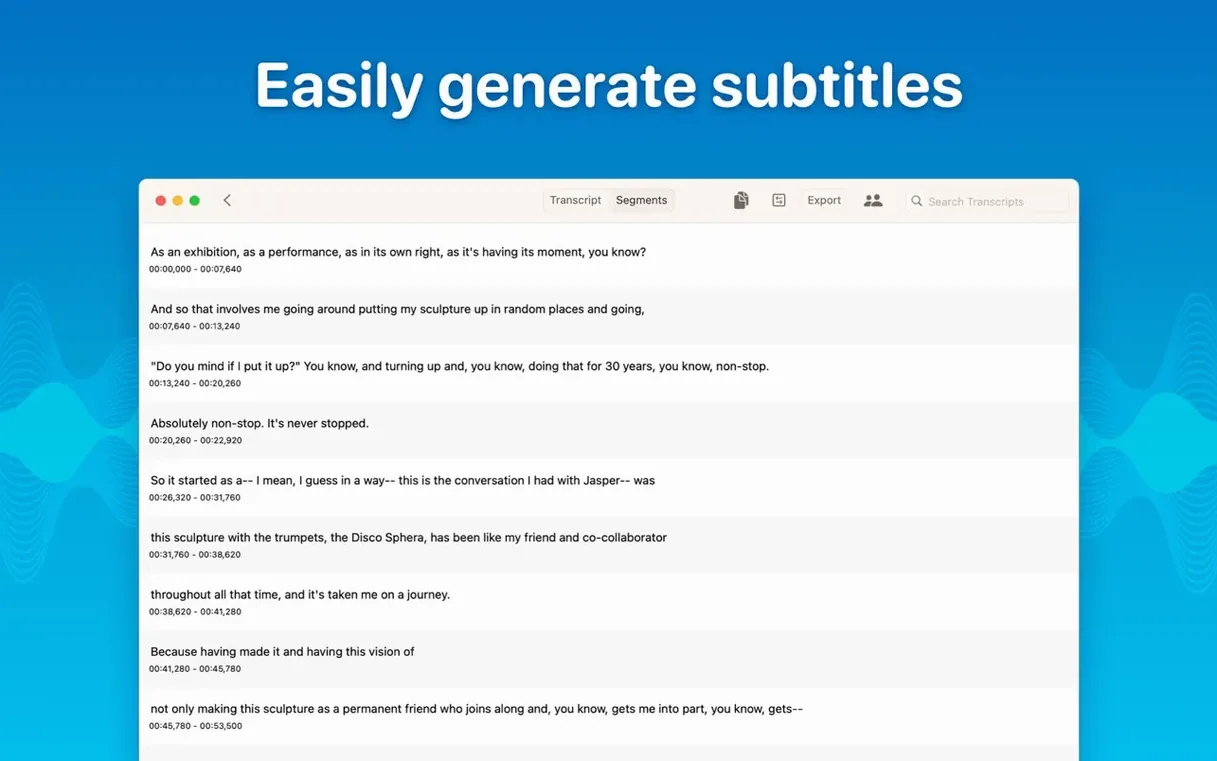
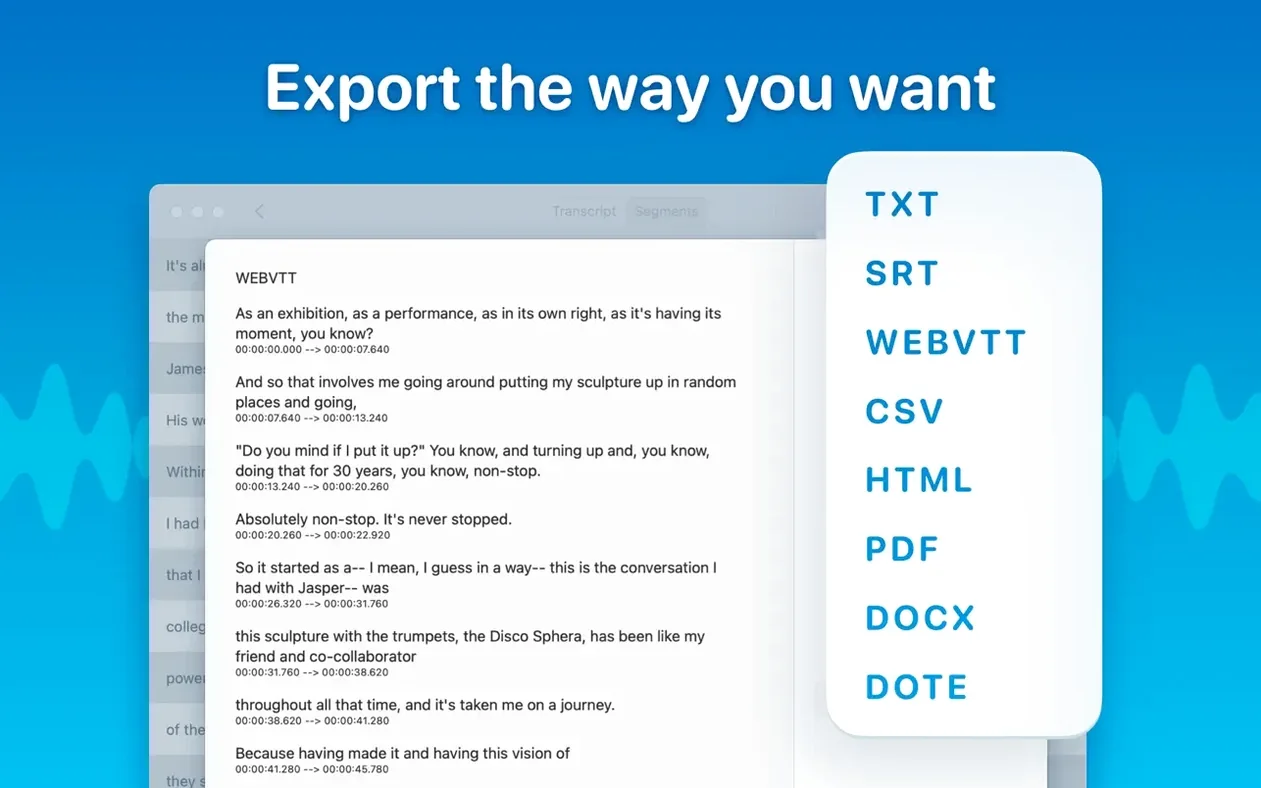
- Export where you need it. Copy selected sections out, or send SRT and VTT subtitles straight to a video editor. Batch export multiple files and formats in one go.
The reading mode turns transcripts into a teleprompter-style view. New folder support keeps project transcripts grouped, and the real-time meeting transcript feeds text as people speak. It fits between your audio capture and your word processor or NLE — handling the heavy lifting in between.
Performance feel in daily use
On Apple Silicon, the Medium model processes a 30-minute meeting in roughly 90 seconds. Large-V3 takes longer — about four minutes for the same file — but catches technical terms that smaller models miss. Intel Macs handle Tiny and Base without breaking a sweat. Large models on Intel push the fans hard and feel sluggish.
RAM use stays predictable. Tiny through Small sit under 1 GB. Large-V3 peaks around 6 GB during transcription then drops back. No background processes linger after the job finishes. The app sits idle at under 100 MB when you are just reading or editing.
Stability has been solid through the 15.x releases. Crashes are rare — the 15.2.1 fix for the Live Captions language menu on macOS 15 was the only notable hiccup in recent builds. Batch transcribing eight hour-long files overnight finished cleanly on an M1 MacBook Air without a single failure.
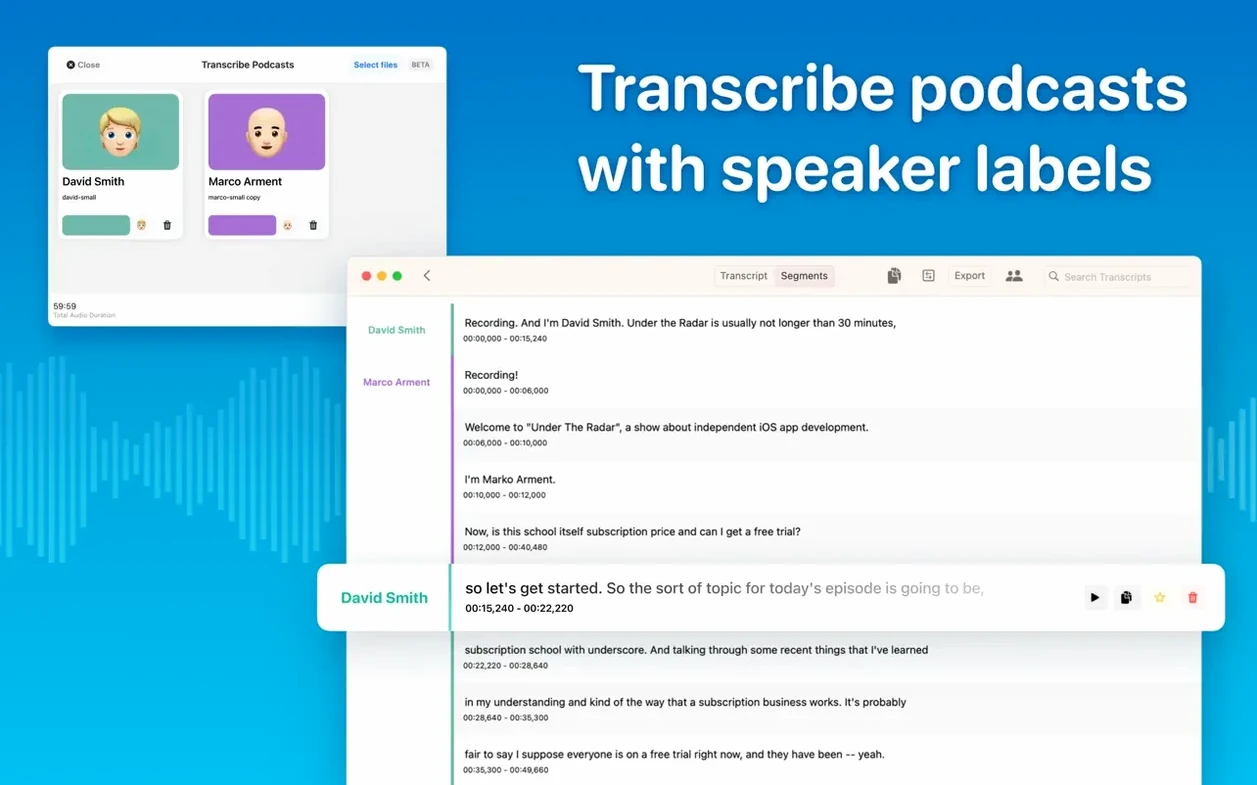
Transcripts with speaker labels that export to Word
Researchers and students recording lectures or interviews. Speaker separation in the podcast transcription mode turns a two-hour seminar into labelled dialogue. Export to Word keeps the formatting your supervisor expects.
Podcast editors who need SRT and VTT subtitles fast. Drag the episode MP3 in, pick Large-V2 for accuracy, and export subtitles in under five minutes. The batch exporter handles a full season backlog while you work on something else.
Journalists working with sensitive sources. Transcripts stay on device — no cloud, no uploads, no privacy hand-wringing. The segment editor lets you correct a name once and it propagates through the whole file.
Accessibility-focused users get system audio transcription. Turn any video call, webinar or YouTube session into searchable text without routing audio through external services.
Casual users who need one short clip transcribed every few weeks may find the model downloads overkill. The Large models pull several gigabytes on first run. Someone hunting a macwhisper torrent for the Pro features can get smooth performance by confirming their machine meets the model requirements — a 2017 MacBook Air, for instance, will handle Large-V3 better with sufficient free RAM and patience during processing.
Start with Medium, not Large-V3
- Grabbing the biggest model first. Large-V3 is overkill for clear dictation. Start with Medium. Switch up only when accuracy disappoints.
- Forgetting to select a language. Auto-detection works, but setting the language manually cuts transcription time by roughly 30 percent on longer files.
- Ignoring the segment editor. New users often export raw text full of speaker misattributions. Spend two minutes tidying segments — it saves ten in your word processor.
- Not checking available disk space before downloading models. Large-V3 needs about 3 GB free. A macwhisper pro crack search often leads to setups where this step is overlooked, so to avoid a silent failure mid-transcription simply verify you have enough room on the drive before launching the install.
- Expecting real-time transcripts to match polished subtitles. The meeting transcript feed is fast but raw. Treat it as a live notepad, not a final deliverable.
- macOS 14 or later
- Apple Silicon or Intel 64-bit
Questions the team asks
It supports Tiny, Small, Base, Medium, Large-V2, and Large-V3 models.
You can export transcripts as SRT and VTT subtitle files, or copy selected text straight to the clipboard.
Yes, version 15.2 added real-time meeting transcripts alongside improved speaker recognition.





Comments 0
Sign in or create an account to add a comment.
No comments yet. They go up after moderation.