

Antivirus Zap - Virus Scanner — Mac download
Download (49 MB) Earlier builds
Ticked
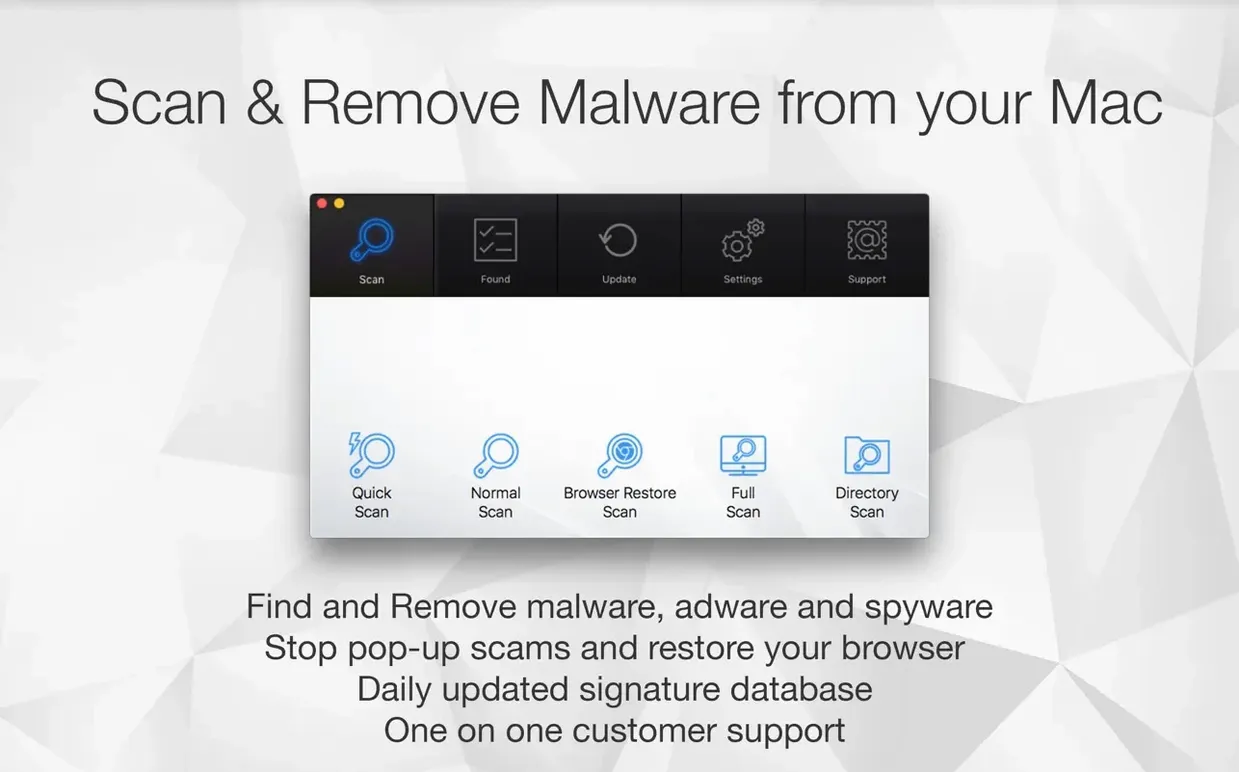
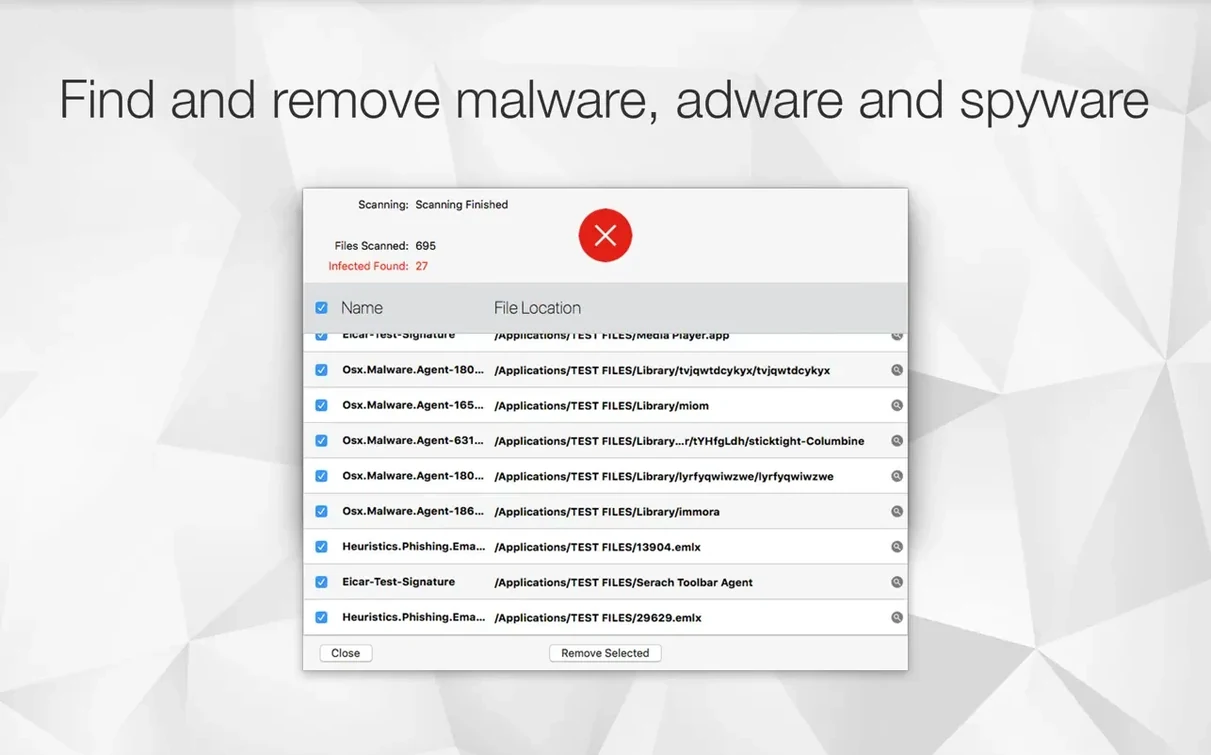
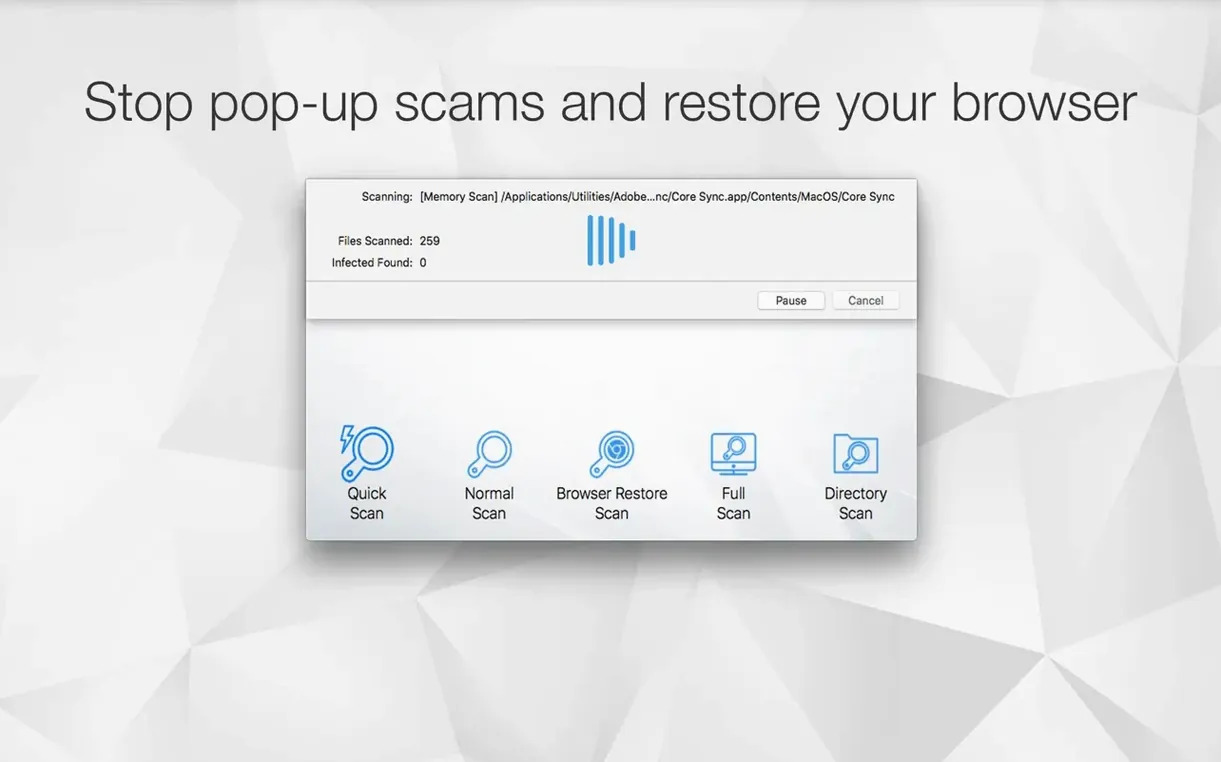
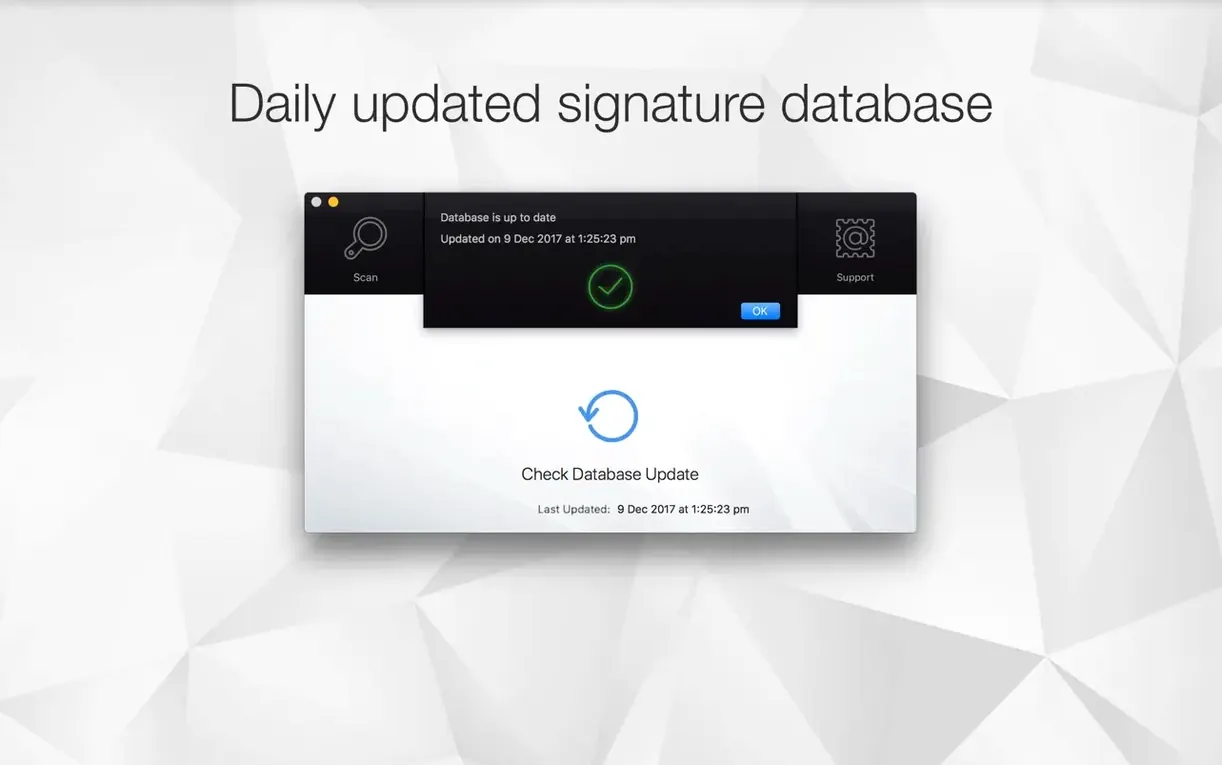
Left unchecked, adware and browser hijackers slow down your Mac and clutter your day. A manual scan catches what routine checks miss.
How do I run a deep scan?
Open the app and choose a scan type. A full scan checks common threat locations; a custom scan lets you target a specific folder or drive.
Can I clean up browser threats?
Yes. Run the Browser Restore Scan to remove unwanted extensions, adware scripts, and hijacked homepage settings in one pass.
Scheduled repeat scans and drive‑triggered shortcuts
Set a scan to repeat once or multiple times per day. Pair it with an Apple Shortcut to trigger a scan when you connect a specific drive.
A cleanup workflow: removing browser adware
Adware that hijacks search results follows a pattern. Here is a fixed routine that clears it.
- Select Browser Restore Scan from the main window.
- Let it list every extension, cookie set, and cache block flagged as unwanted.
- Review the list. Keep password manager extensions; remove the rest.
- Click Clean. The app closes each browser, strips the items, and restarts the browser with a clean profile.
- Run a Quick Scan next. This catches any leftover launch agents the adware dropped.
- Schedule a daily quick scan for the following week. If the adware came from a bundled installer, a repeat scan confirms it has not reappeared.
For stubborn cases, drag the suspect installer file onto the app window before the browser step. The file scan often picks up adware signatures that a quick scan would trace later.
No content provided for comparison
Antivirus Zap versus CleanMyMac X
CleanMyMac X bundles malware scanning inside a broader system cleaner. Its scan targets the same adware families but does not separate browser items into their own dedicated pass. Antivirus Zap keeps the browser scan isolated, which makes triage faster when only a hijacked homepage is the symptom. CleanMyMac adds file shredding and maintenance scripts; Antivirus Zap stays narrower.
Antivirus Zap versus KnockKnock
KnockKnock lists every persistently installed item on a Mac — launch agents, kernel extensions, login items. It shows raw data without an automated removal step. Antivirus Zap combines that detection approach with one-click removal and a scheduler. KnockKnock suits someone who wants to inspect every item manually; Antivirus Zap suits someone who wants the inspection plus the fix in the same window.
Antivirus Zap versus Intego VirusBarrier
VirusBarrier scans for Mac and Windows malware with real-time protection. It is the heavier option. Antivirus Zap does not run a background shield; it relies on on-demand scans and scheduled passes. For a machine already showing adware symptoms, the on-demand model often finishes faster because no resident scanner competes for disk time. Anyone searching for an antivirus mac torrent that skips real-time overhead will find Antivirus Zap a closer fit than a suite like VirusBarrier.
Launch in under two seconds to run a Browser Restore Scan
You notice new tabs opening on their own. Safari feels sluggish. You do not have a resident scanner running, so you launch Antivirus Zap from Launchpad.
The main window opens in under two seconds. You click Browser Restore Scan. It takes twenty seconds to audit three browsers. The list shows two extensions you did not install and a cookie set tied to a known adware tracker. You select all three and click Clean. Browsers close and reopen. The unwanted tabs are gone.
You run a Quick Scan next. It checks the LaunchAgents folder, the user Library, and a few common persistence points. One item flags as a potentially unwanted program. You drag it to the trash directly from the scan results. The whole session — detection, browser cleanup, file removal — takes under four minutes.
Before closing the app, you set a daily scan for 08:15. Tomorrow morning the app will run silently and show a notification only if it finds something. You also add an Apple Shortcut: plugging in the external backup drive triggers a custom scan of that volume. No remembering required.
Later, a colleague mentions a dodgy download they found while looking for an antivirus zap mac search. You tell them the scan sequence. They text back an hour later: browsers clean, one launch agent removed, daily schedule set.
- Redesigned interface — cleaner and easier to scan.
- Performance improvements across scan and background tasks.
- Bug fixes and stability updates.
- macOS 12 or later
- Apple Silicon and Intel 64-bit






Comments 0
Sign in or create an account to add a comment.
No comments yet. They go up after moderation.