

ApolloOne — Mac download
Download (35 MB) Earlier builds
Ticked
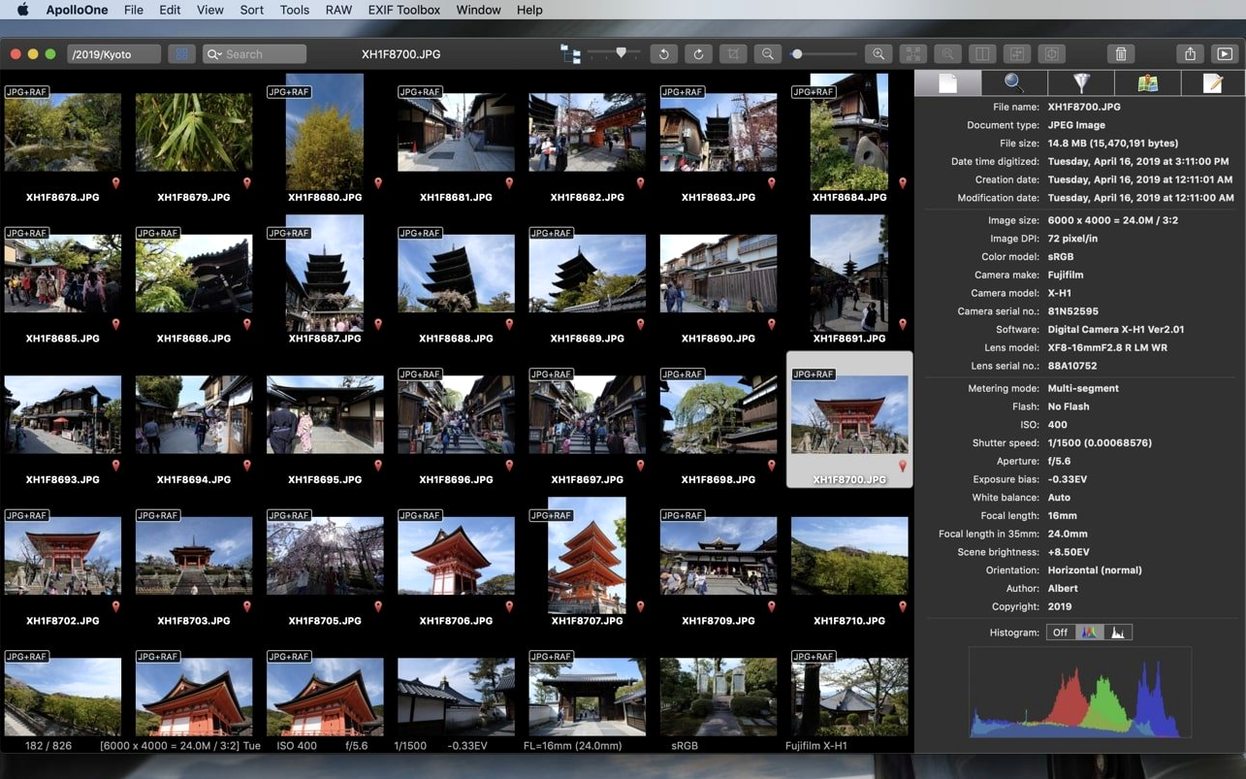
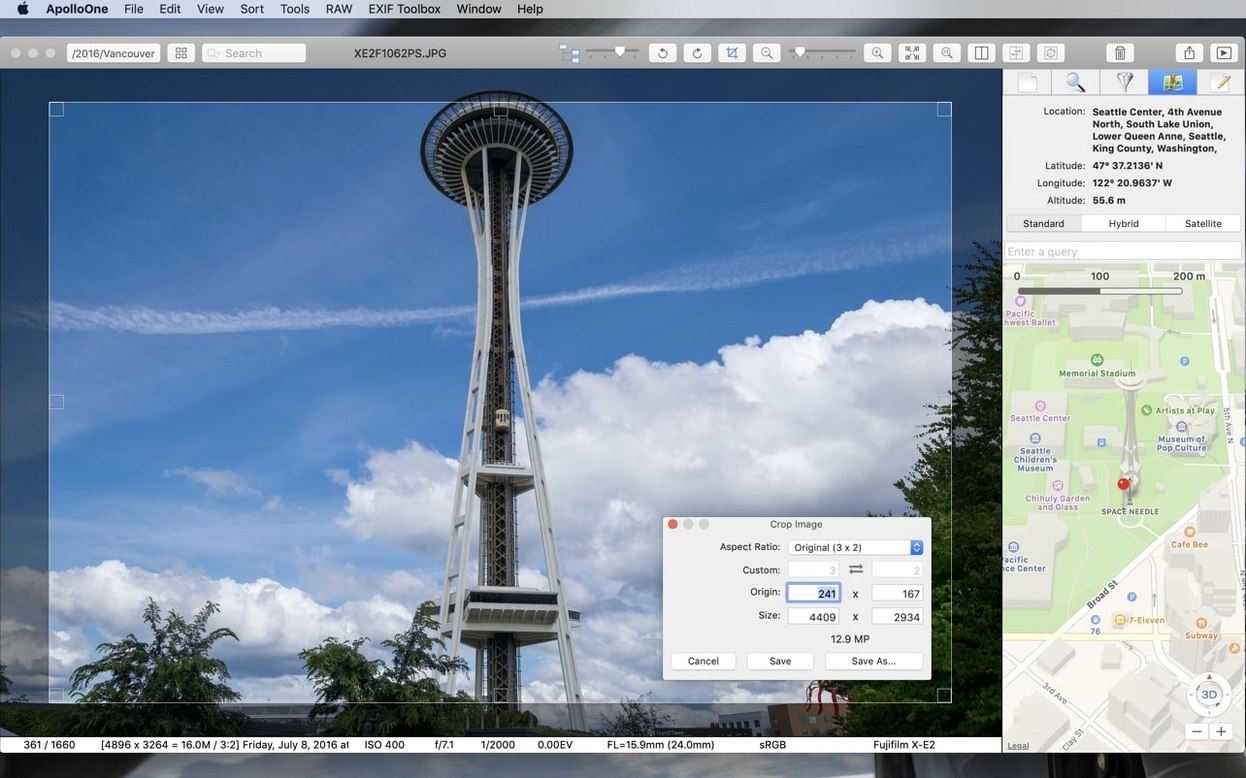
ApolloOne runs on any Mac with macOS 10.14 or later, on both Apple Silicon and 64-bit Intel processors.
Check where the lens actually locked focus
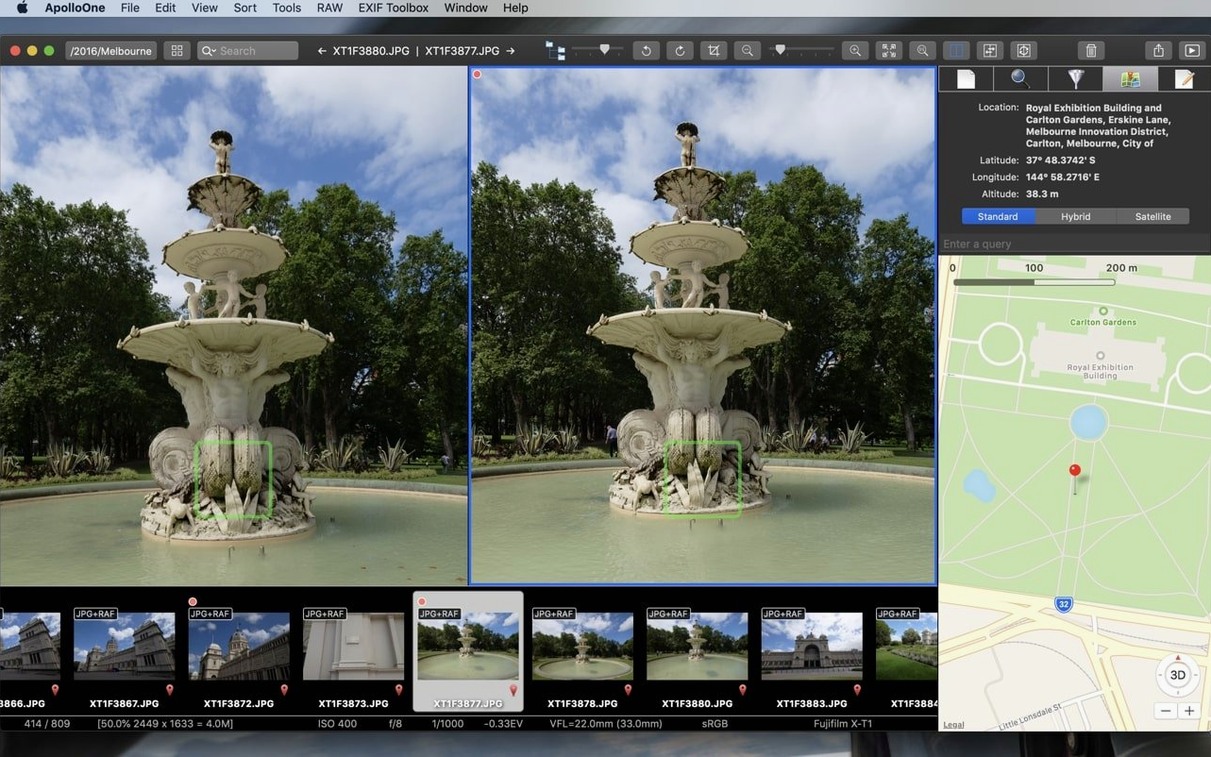
- Checking autofocus accuracy. ApolloOne can display camera autofocus points, so you can review exactly where the lens locked on.
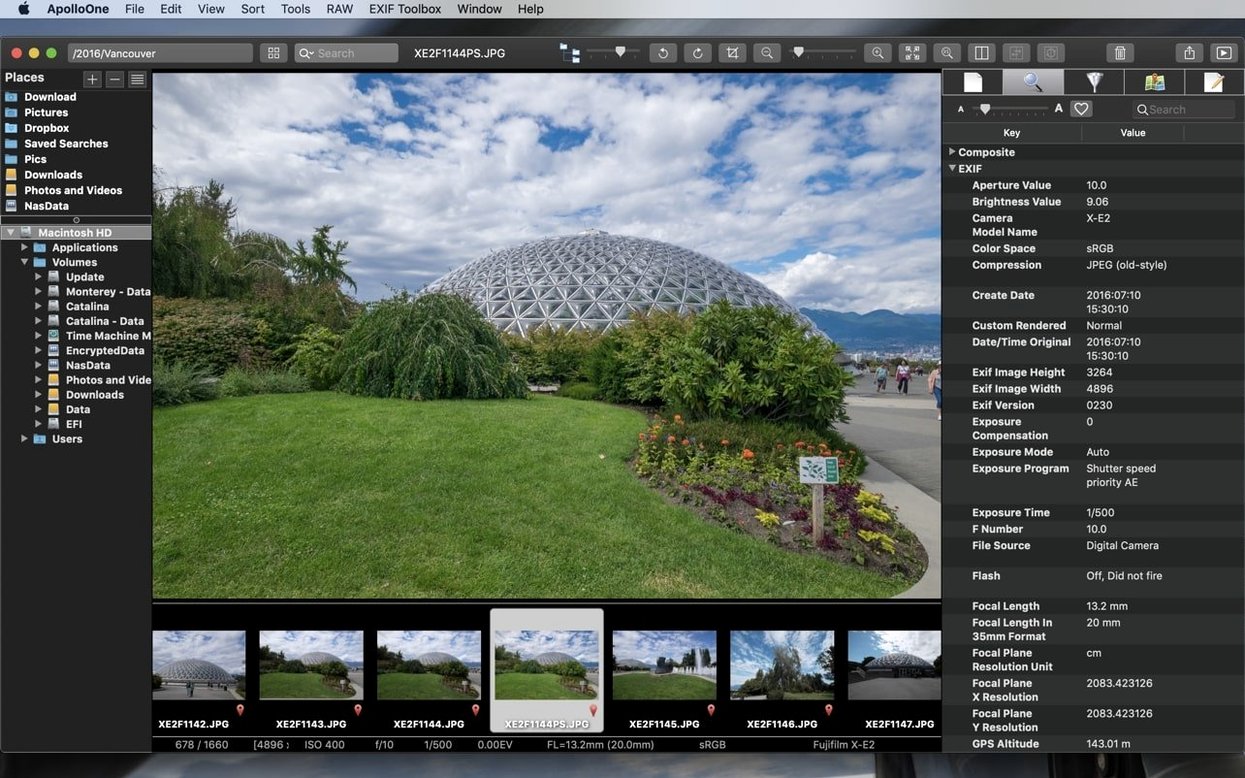
- Metadata wrangling. Built-in metadata management gives you direct access to EXIF, IPTC and other tags without a separate tool.
- Fast culling and filtering. Search and filtering tools help seasoned amateurs sort through large shoots quickly.
- Sitting alongside your editor. It works as a dedicated viewer and organiser, complementing a raw processor or pixel editor already on your Mac.
A viewer and DAM, not a pixel editor
- It is a viewer and DAM, not an editor. ApolloOne manages and displays images; it does not replace a full photo editor.
- Some functionality may sit behind additional purchases.
Middle-click jumps to full screen instantly
- Middle-click to toggle full screen. A quick press on the middle mouse button jumps into full-screen view and back. The gesture is not labelled anywhere in the interface but it is the fastest way to inspect a single frame.
- Drag a folder onto the dock icon. Instead of navigating inside the app, just pull any folder from Finder directly onto the ApolloOne icon. It opens that location as a new browser tab immediately.
- Hold Option while rating. Assigning a star rating with the Option key held down advances to the next image automatically — a small speed boost during culling passes.
- Copy converted HEIC to clipboard. Right-click an HEIC file and use Copy as JPEG to send a converted version straight to the clipboard, ready for pasting into a message or document without exporting first.
- Spotlight-style filter bar. The filter field accepts partial filenames, date ranges and rating thresholds in shorthand. Typing
3..5shows only images rated three through five stars; no menu diving needed.
Switch to Display P3 so previews don't clip
- Switch the default colour profile to Display P3. Under Preferences > Colour Management, the factory preset may clip wider-gamut previews. Switching to your monitor's native profile gives you what the file actually contains.
- Turn on Show AF points by default. The autofocus overlay is off out of the box. Head to Preferences > View and enable it globally; you can still hide it per-image when not needed.
- Set memory card import to Copy and verify. The default import mode copies files without a checksum pass. The verify option takes slightly longer but catches corruption before you wipe the card.
- Disable thumbnail animation. The animated zoom when hovering thumbnails looks polished but feels laggy on large folders. Preferences > Browser > Animate thumbnails — uncheck it for a snappier browsing experience.
- Remap the rating keys. The standard 1–5 keys work fine, but if you use a compact keyboard or want single-hand shortcuts, the Keyboard pane lets you reassign to any key combination you prefer.
- macOS 10.14 or later
- Apple Silicon or 64-bit Intel processor








Comments 0
Sign in or create an account to add a comment.
No comments yet. They go up after moderation.