

Bandizip — Mac download
Download (36 MB) Earlier builds
Ticked
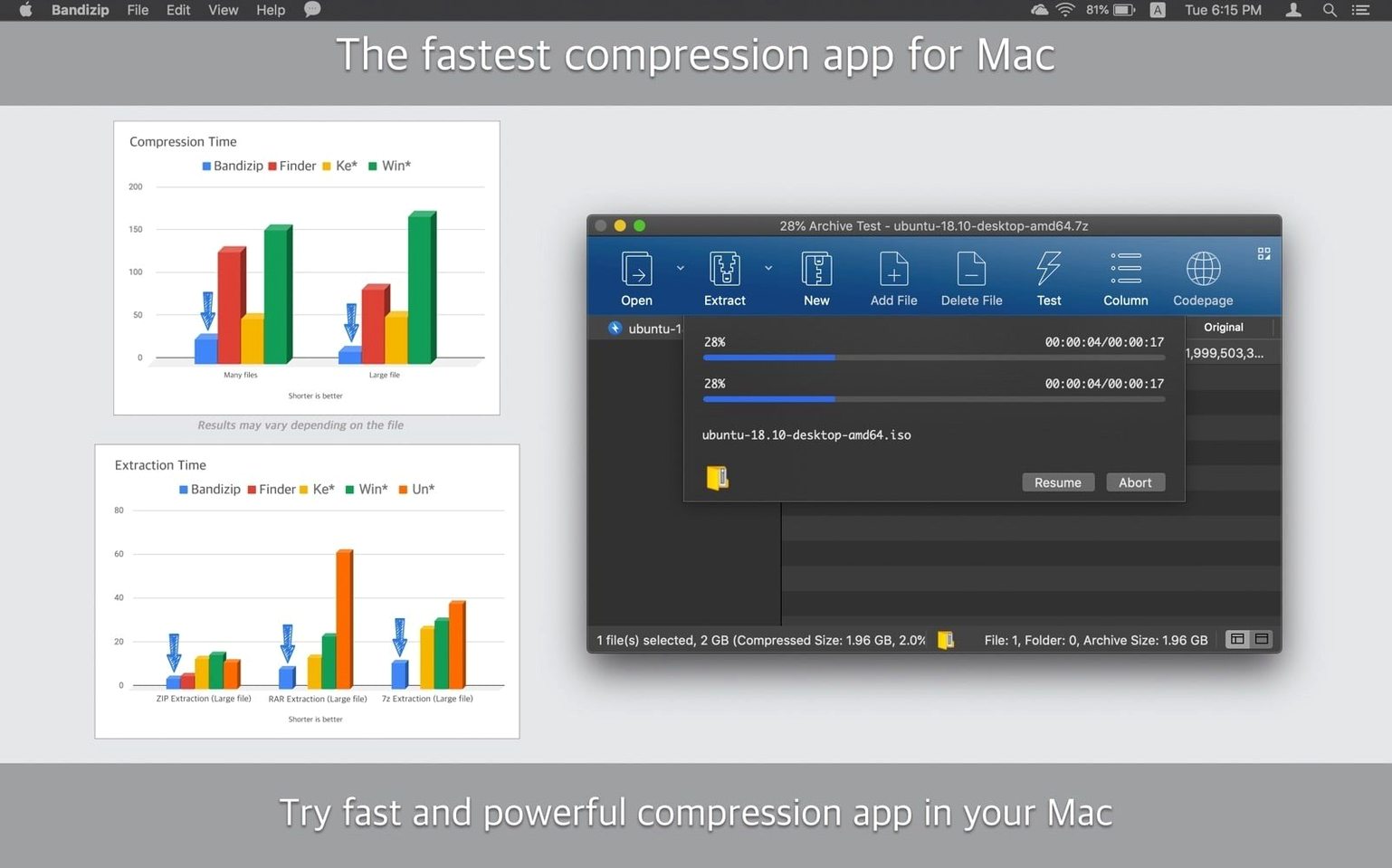
Opening archives from colleagues or the web often leads to a mess of helper apps, mismatched encodings, and folders you can't preview before extracting. Bandizip for Mac stops that clutter by giving you a single, fast tool that handles the job properly from the Finder.
Browse without extracting
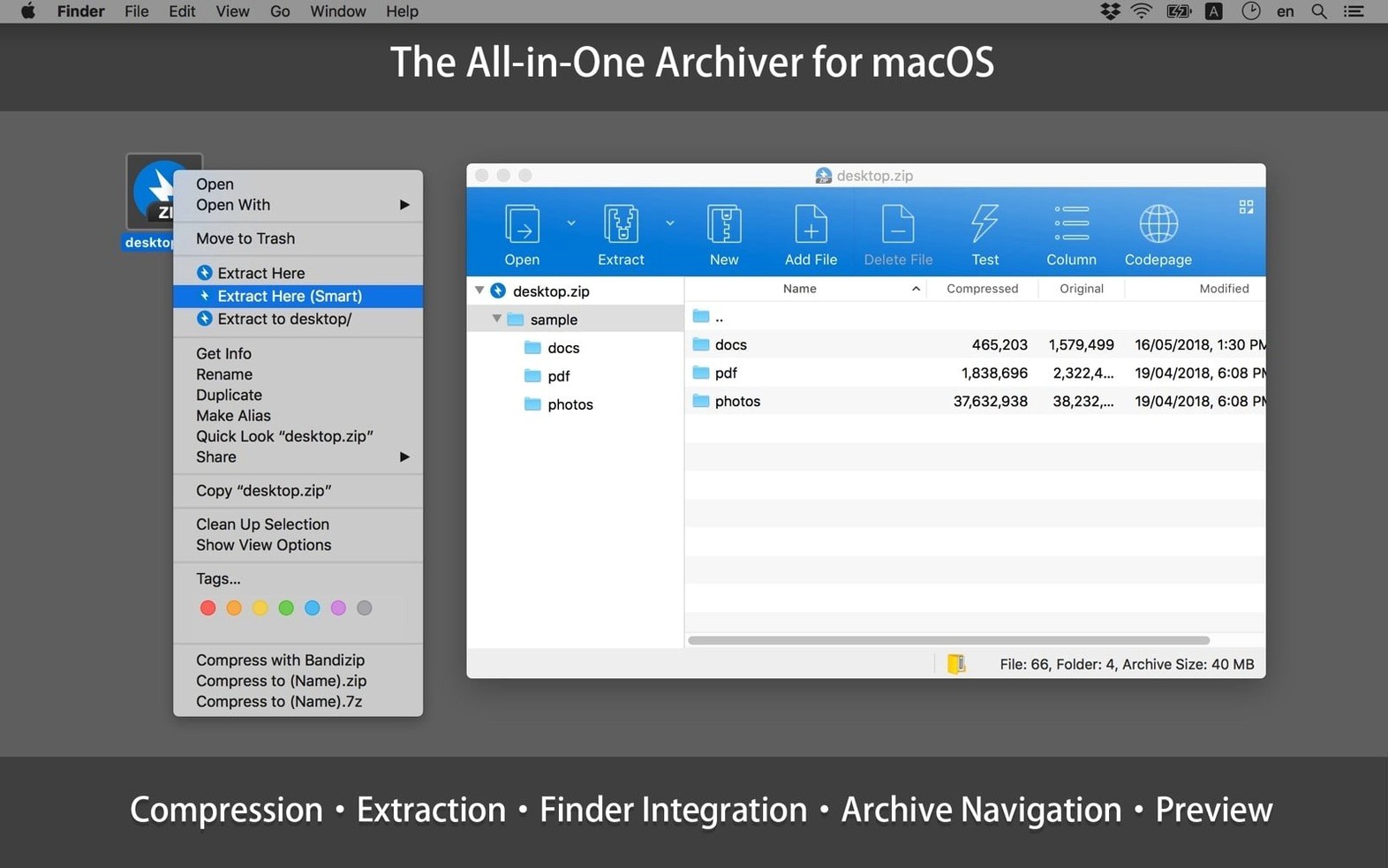
Double-click any archive to see its contents immediately. You can drag individual files out without unpacking the whole thing — a real time-saver on large project deliveries.
Pack into multi-volume slices
Create multi-volume ZIP and 7z archives when you need to fit a large folder into email-sized chunks or external drives with FAT32 limits.
Verify file integrity
Run an integrity check on any archive to confirm nothing corrupted during download or transfer. The test scans the file structure and reports errors before you commit to extracting.
Fixing garbled file names in ZIP archives
Most hiccups come down to encoding or permissions. Here's what to check.
- Garbled file names in ZIP archives. This usually means the sender used a legacy Windows code page. Go to Preferences > Advanced and switch the fallback encoding to the language the archive was created in. Restart the archive view and names should read correctly.
- “Cannot open archive” on a RAR file. Bandizip handles RAR and RAR5 extraction out of the box. If it refuses, the file is likely split across multiple volumes and you're missing a part. Make sure all
.part1.rar,.part2.rarsegments sit in the same folder before opening the first one. - Password prompt loops on a known password. Some archives mix encrypted and unencrypted entries. Type the password once, tick Apply to all files in the prompt, and the loop stops.
- Finder integration missing after an update. Occasionally macOS resets service permissions. Open System Settings > Privacy & Security > Extensions > Finder and re-enable Bandizip. The context menu items return immediately.
What Mac users get before installing
Does Bandizip for Mac handle RAR files without extra plugins?
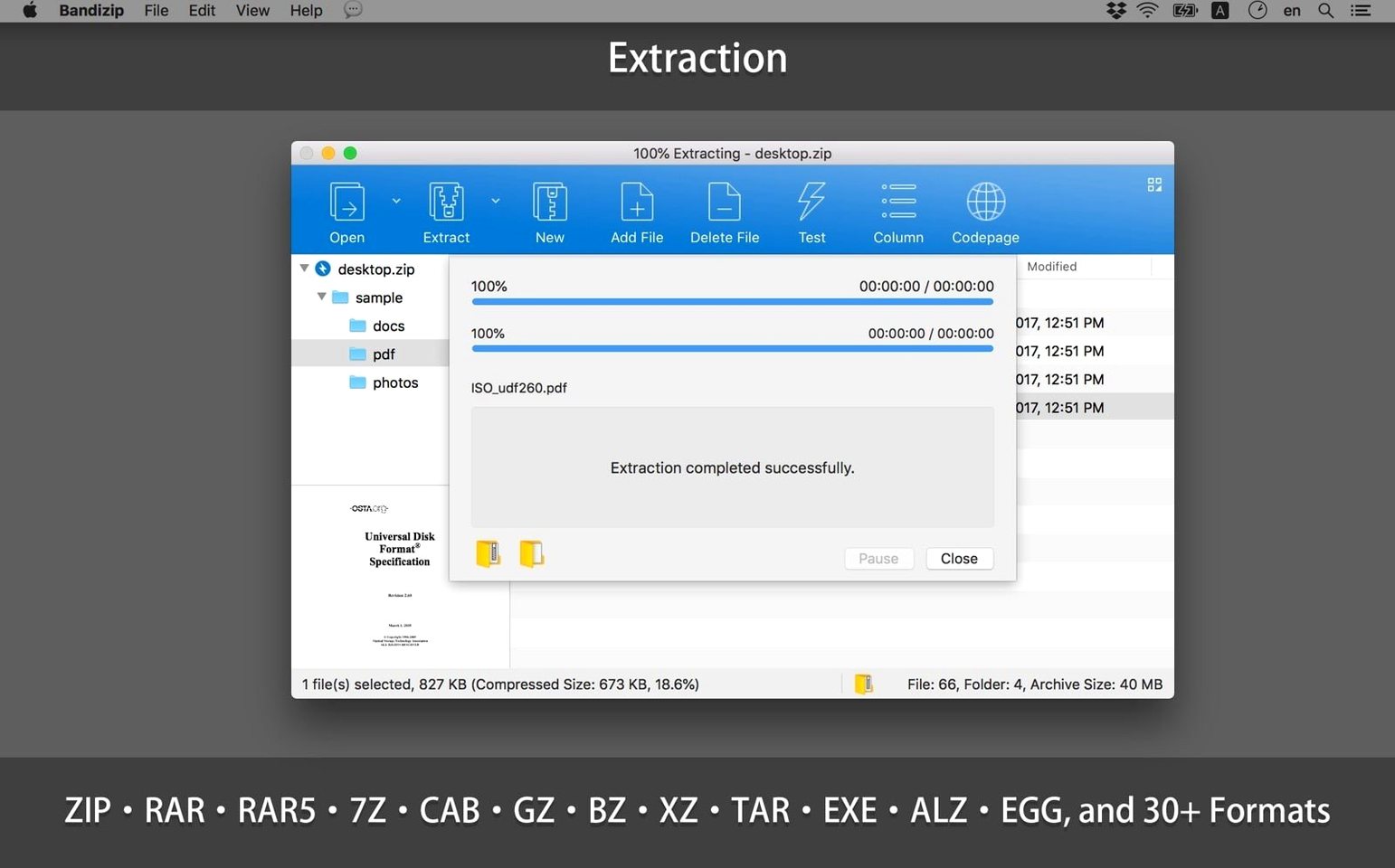
Yes. RAR and RAR5 extraction works straight after install — no separate unrar tool needed. Compression to RAR is not supported, which is a format restriction, not a missing feature.
No cut-down edition: the full app is free
Some users search for bandizip mac free hoping for a cut-down edition. The build available for macOS is the full application; all extraction, compression, and editing features are present with no tiered limitations on formats.
Will Bandizip macOS builds work on Apple Silicon?
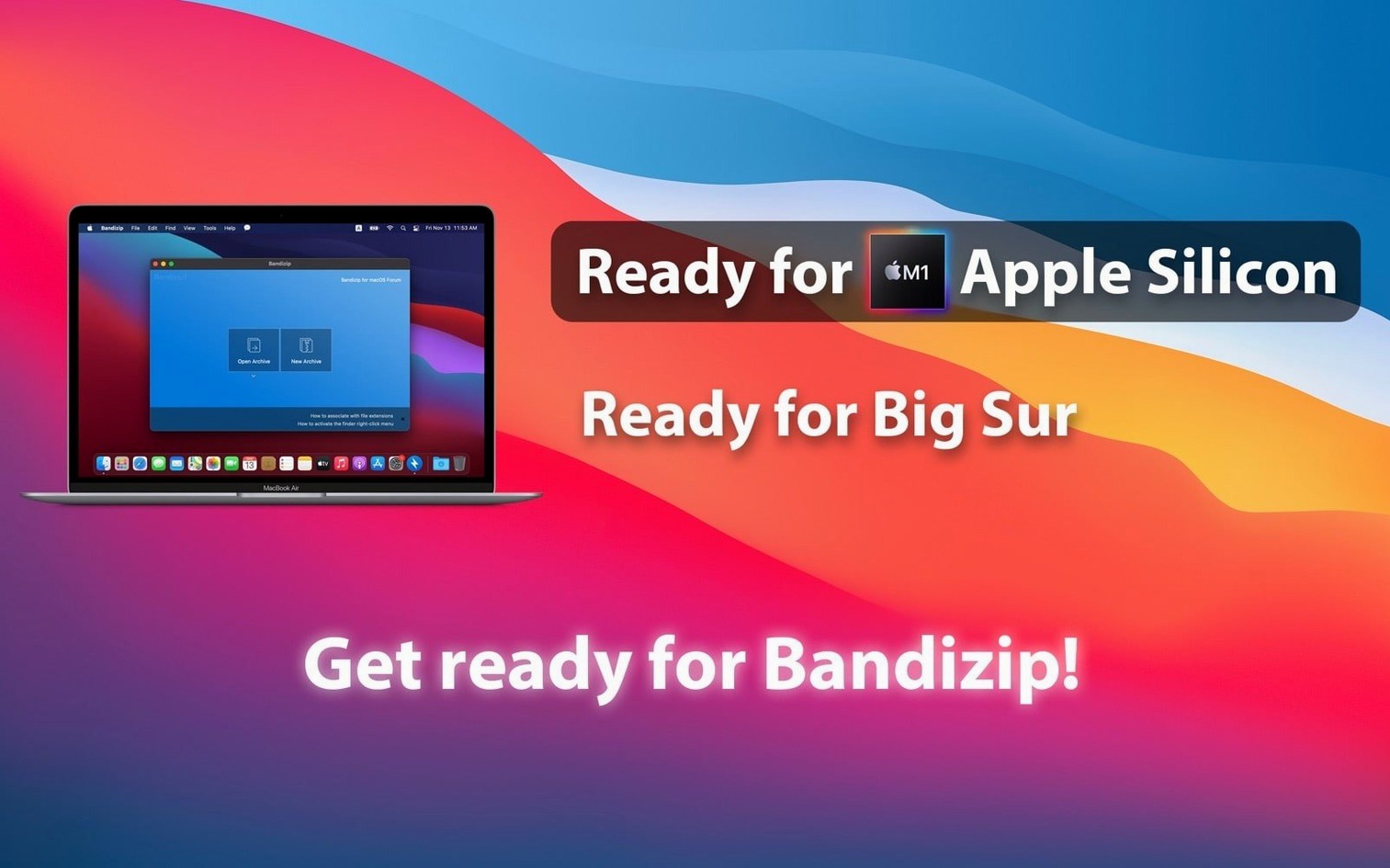
It runs natively on both ARM and Intel Macs, so M1 through M4 machines get full speed without Rosetta translation.
What's different about the encryption?
Bandizip uses AES256 for ZIP archives, which is stronger than the older ZipCrypto method many archivers default to. The password prompt clearly indicates when an archive uses AES versus legacy encryption.
- Fixed multiple security-related vulnerabilities.
- Improved method for updating file sizes when selecting a folder.
- Adjusted the order of the compression format list when creating an archive.
- Minor UI improvements and stability enhancements.
- macOS 10.13 or later
- Apple Silicon and Intel 64-bit
Questions the team asks
Yes, it runs natively on both ARM (Apple Silicon) and 64-bit Intel Macs.
Yes, it supports extracting and creating password-protected archives, including multi-volume sets.
It requires macOS 10.13 High Sierra or later.









Comments 0
Sign in or create an account to add a comment.
No comments yet. They go up after moderation.