

BAO Mask Avenger — Mac download
Ticked
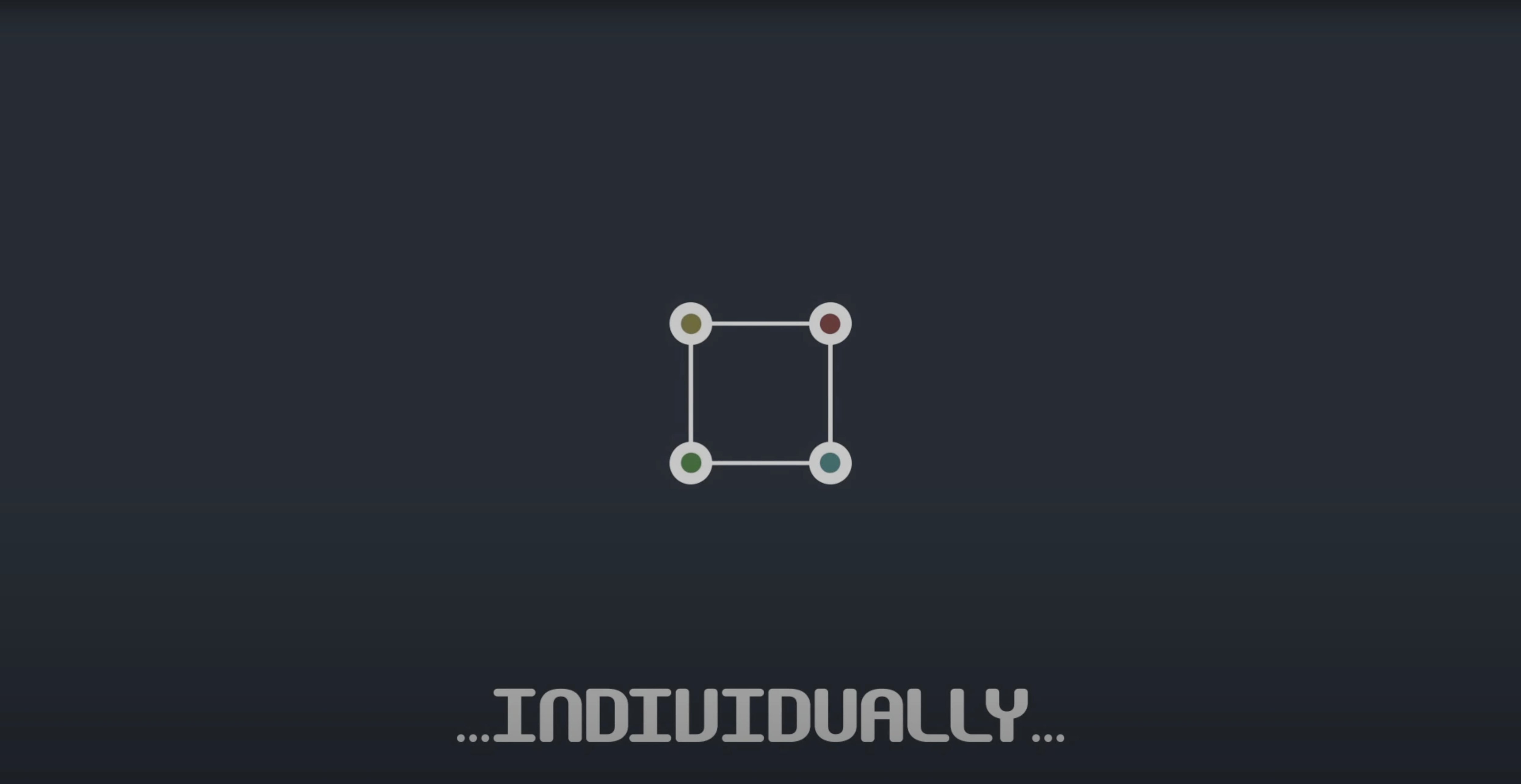
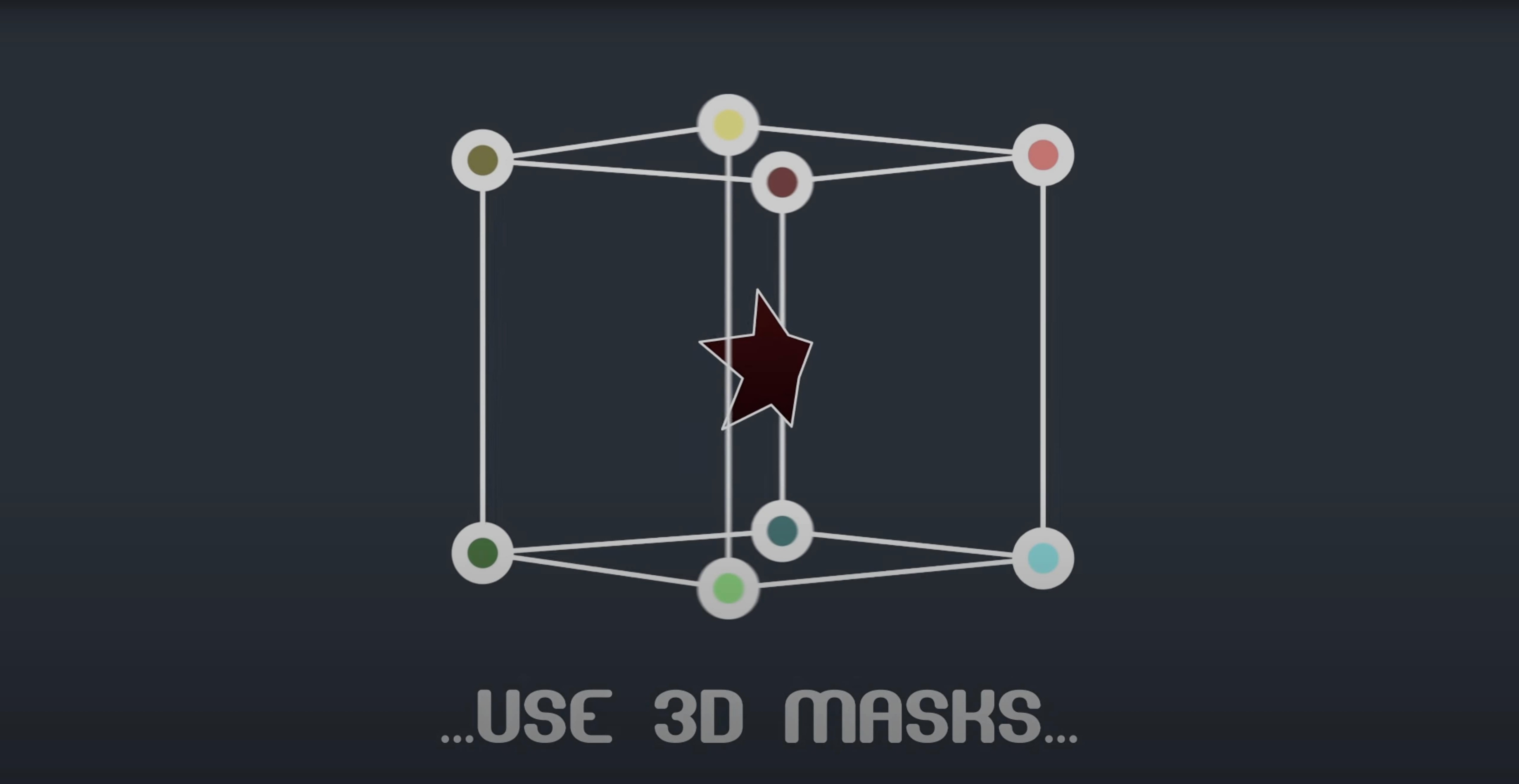
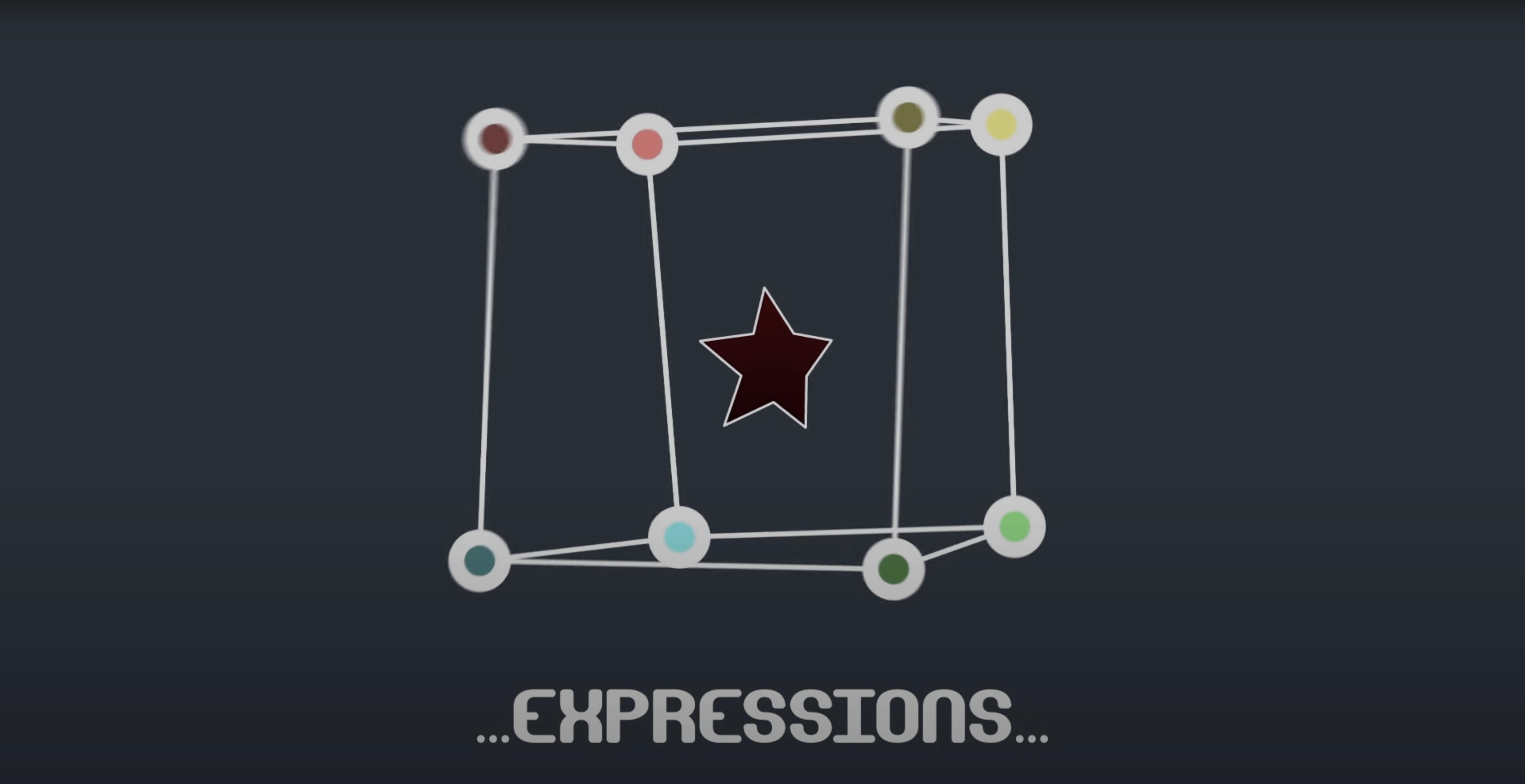
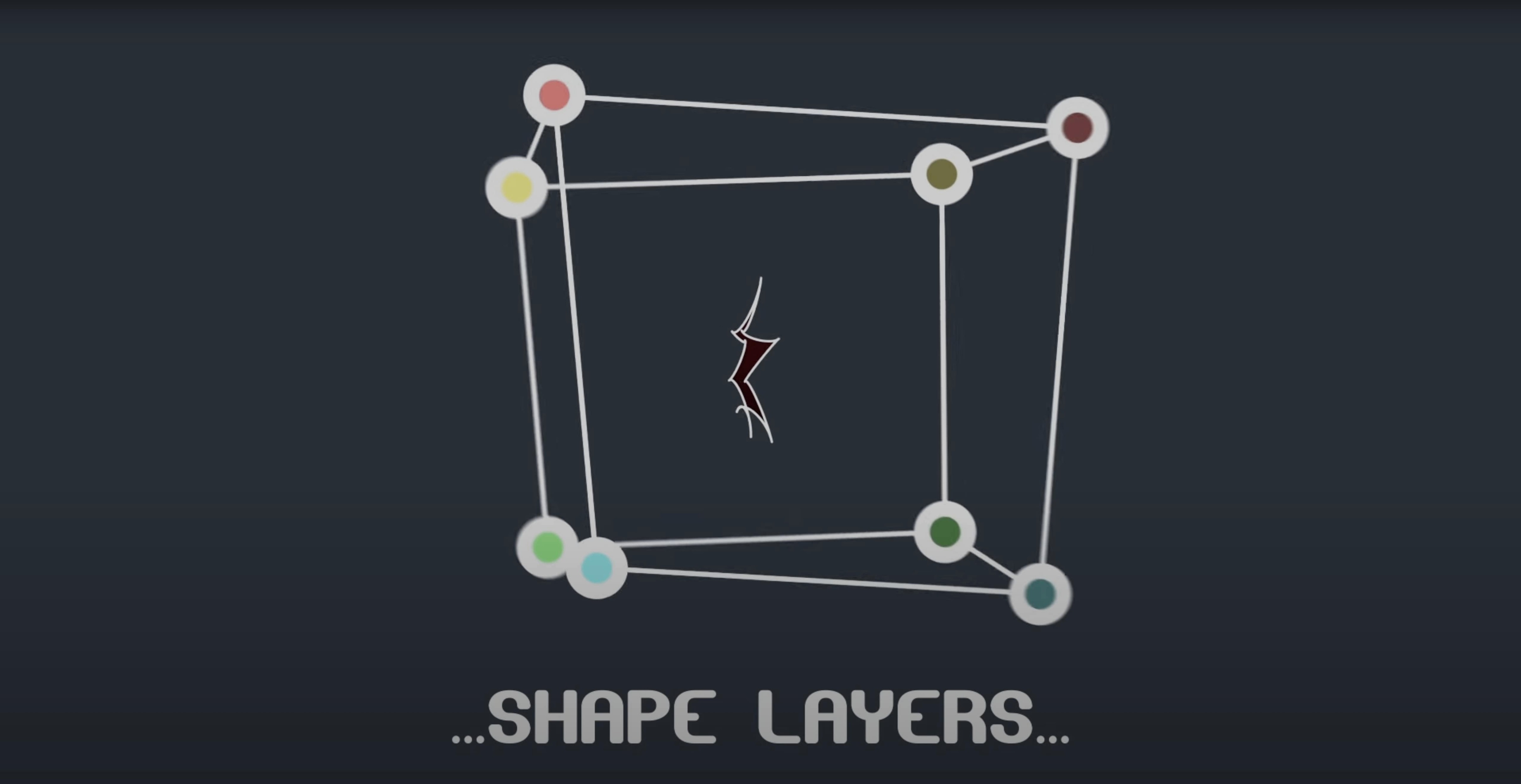
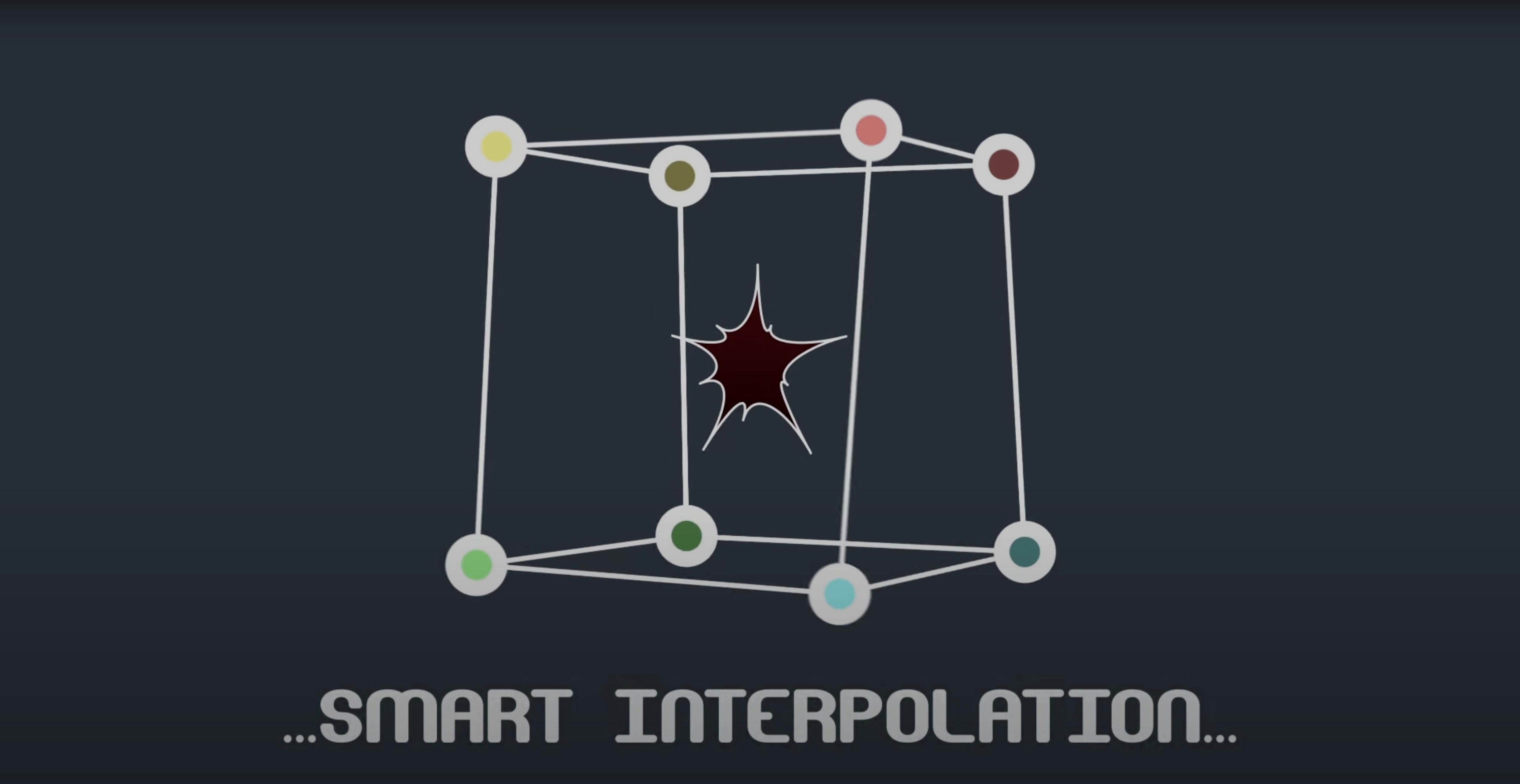
Mask Avenger gives you per-vertex control over masks inside After Effects. Pick-whip any vertex to a tracker null, adjust tangents independently, and drive shape animations without leaving the standard mask workflow.
Hosts and compatibility
The plugin loads natively into After Effects — no bridging, no standalone application. It supports every version from CS6 through to the 2024 release. Both Intel and Apple Silicon Macs are covered. The current build (2.7.5) fixed an M1-specific issue, so Apple Silicon users should grab the latest update. Masks created with the plugin can also be applied to shape layers.
How the vertex control works
Standard AE masks move as a unit. Mask Avenger breaks that open. You control vertices and tangents separately, link points to tracker data with a pick-whip expression, and choose an interpolation mode — centre-of-gravity or a key anchor point you set yourself. A freeze mode bakes everything down so collaborators without the plugin see the same result. If you previously relied on Mask Renderer, this handles the same job in one place.
Workflow: linking a mask to motion-tracked points
Say you have a moving car and you want a mask to follow the door panel precisely. Start by tracking four points around the door in AE's tracker. Create four null layers from those track points — one per corner. Then draw your mask on the adjustment or footage layer and open Mask Avenger.
- Open the plugin panel and enable full tangent control.
- Twirl down the vertex list. You see each point labelled with an index.
- Pick-whip vertex 1 to null 1's position, vertex 2 to null 2, and so on.
- Switch the interpolation mode to centre-of-gravity if the door flexes; use a manual key anchor for rigid panels.
- Scrub the timeline. The mask corners stick to the nulls, and tangents hold the curve shape between them.
For sharing, hit freeze before you hand off the project. The mask becomes a standard AE path. No expression links remain, but the motion is baked in.
Six masks stay live, ten-plus masks scrub half a second behind
Mask jumps when switching interpolation modes
This happens if the key anchor wasn't set before changing modes. Go back one step, place the anchor on a vertex that stays relatively static, then reapply the mode. Points will interpolate around that reference instead of drifting.
Tangent handles disappear after linking
Check that full tangent control is toggled on. If the plugin is in vertices-only mode, tangents snap to automatic and you lose manual handles. The toggle is in the panel header — easy to miss.
Freeze produces a flickering edge
That usually means an expression on the mask itself (not the vertices) is still live. Bake or remove any mask-level expressions before you freeze. Also confirm the freeze is done on the final frame range — partial freezes can leave un-keyed segments.
Shape layers won't accept the mask
Drag the mask onto the shape layer's contents, not the layer itself. If AE refuses, duplicate the mask onto a solid, apply Mask Avenger there, freeze it, then copy the path into the shape layer.
Slight timeline lag kicks in past ten tracked masks
On a 2021 M1 MacBook Pro with 16 GB RAM, Mask Avenger adds no measurable render lag for up to six tracked masks. Beyond ten masks, the expression stack shows a slight timeline scrubbing delay — roughly half a second on complex comps — but final renders stay consistent. The native ARM build keeps memory use low; the plugin itself rarely climbs above 120 MB in Activity Monitor.
Stability has been solid through AE 2023 and 2024. The M1 fix in version 2.7.5 resolved occasional crashes when toggling freeze mode on Apple Silicon, and no repeat issues have surfaced since. Working with vps avenger 2 vst free download mac isn't relevant here — this is purely an After Effects workflow tool — but users searching for avenger vst torrent often land on this page by mistake. The real use case is mask animation, and on that front the plugin runs without drama.
- Fixed an M1 compatibility issue on Mac
- Intel or Apple Silicon
- After Effects CS6, CC, CC 2014, CC 2015, CC 2015.3, CC 2017, CC 2018, CC 2019, 2020, 2021, 2022, 2023, 2024
Questions the team asks
Yes. Freeze mode bakes the mask animation so the project renders correctly on any After Effects setup.
Yes. Version 2.7.5 fixed the M1 compatibility issue and supports both Intel and Apple Silicon natively.





Comments 0
Sign in or create an account to add a comment.
No comments yet. They go up after moderation.