

Beauty Box Photo — Mac download
Download (107 MB) Earlier builds
Ticked
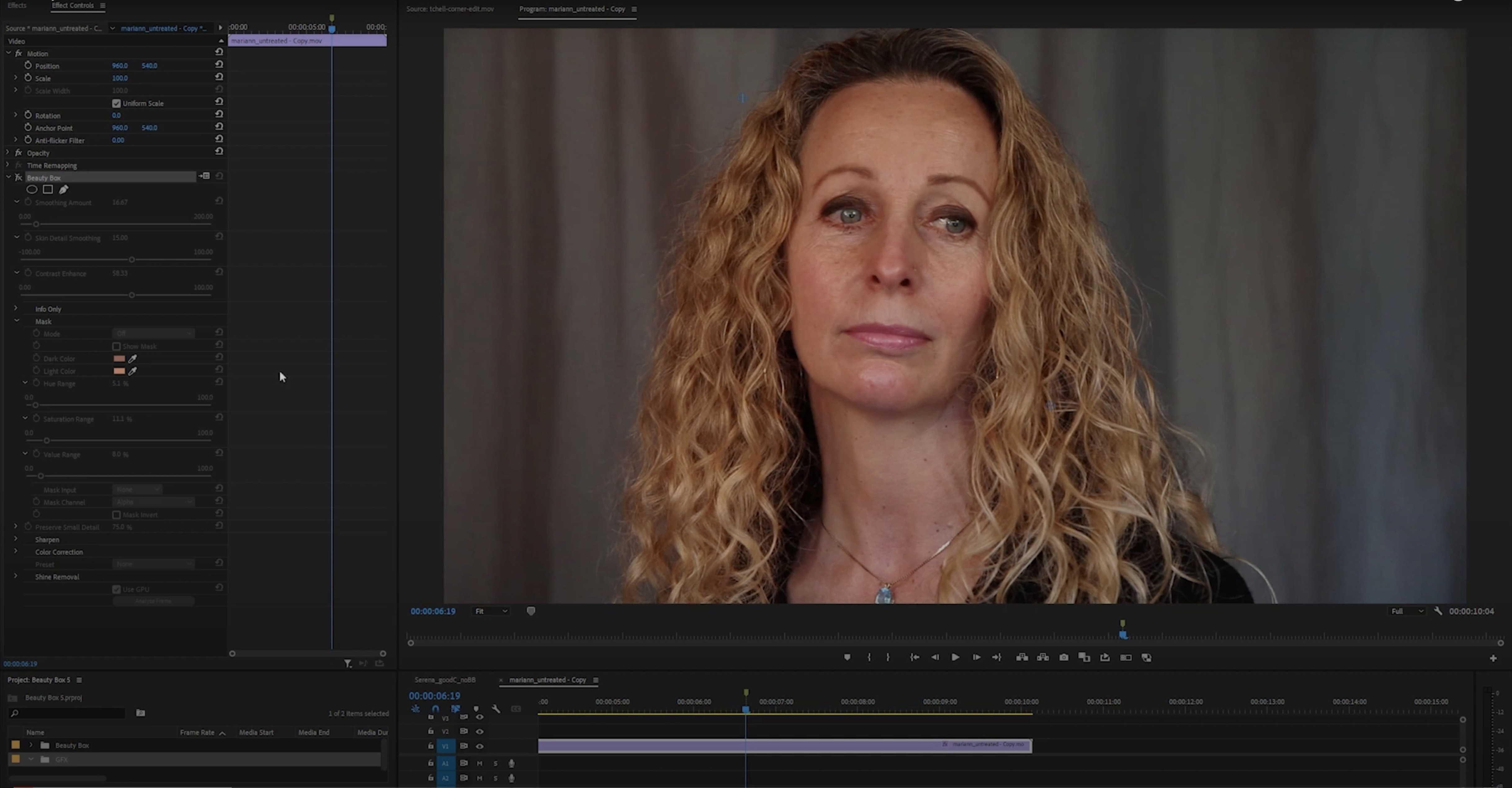
A portrait lands in your Photoshop timeline. You open Beauty Box Photo, run a pass on the face, and move on to the next frame.
Skin track
Beauty Box detects skin color on its own. It removes blemishes and wrinkles while keeping facial details sharp.
Bus work
Use it on a dedicated retouch bus when several shots need the same smoothing. Real-time rendering with CUDA and OpenGL keeps the bus moving.
Portraits, headshots, and wedding close-ups this plug-in handles best
Dragging smoothing to max turns faces into plastic
- One slider for everything. Beginners drag Smoothing to max and call it done. The face turns to plastic. Back off the Smoothing slider and let the Mask view show you what the plug-in actually selected.
- Skipping the mask view. If you never toggle the Mask checkbox, you are guessing. The mask shows skin tone detection in white. Check it on every new subject, especially with mixed lighting.
- Leaving Preserve Details at zero. Eyelashes, brow hairs, lip texture all soften with the skin. Raise Preserve Details until those edges snap back.
- Applying it to the background layer. Always work on a duplicate or a Smart Object. You will want to dial back opacity later, and a flattened layer gives you no way out.
- Same settings for every skin tone. Beauty Box auto-detects skin color, but a pale subject under cool light and a darker subject under warm light need different Smoothing and Skin Range values. Make a preset per lighting setup, not per shoot.
Skin detection now maps a wider range of complexions
Version 6 brought a rewritten skin detection engine. The plug-in now maps skin tones across a wider range, so darker complexions and unevenly lit faces need fewer manual corrections. The Mask view updates faster on Apple Silicon machines because the detection runs natively on ARM.
CUDA and OpenGL acceleration stayed, but the real-time preview path was cleaned up. On Intel Macs with a supported GPU, dragging a slider now redraws almost instantly where earlier builds would stutter on high-resolution stills.
Everyday use shifted in one small but sharp way: the Preserve Details algorithm holds fine hair and pores better than the version 5 builds. Retouchers who used to mask back eyelashes by hand now let the slider do the work.
Retouch4me and Evoto tackle blemishes this plug-in skips
Beauty Box Photo vs Portraiture
Imagenomic Portraiture runs as a plug-in and a standalone app. It gives you more fine-tuning panels and a larger preset library out of the box. Beauty Box keeps a simpler control set — Smoothing, Preserve Details, Skin Range, and a mask toggle. For a photographer who needs one pass and a quick mask check, Beauty Box feels faster. For a high-end retoucher building multi-layer skin maps, Portraiture offers more knobs.
Beauty Box Photo vs Retouch4me Skin
Retouch4me Skin works as a standalone or a Photoshop plug-in and leans on AI-trained models to place skin smoothing only where it sees texture variance. Beauty Box uses colour-based detection with edge preservation. On a clean, evenly lit headshot, both deliver. On a backlit portrait with mixed colour casts, Retouch4me sometimes picks the skin zones more cleanly without manual mask tweaks. Beauty Box gives you a direct mask view and faster manual correction when the auto-detect misses.
Beauty Box Photo vs Frequency Separation actions
A free frequency separation action can smooth skin, but it takes more steps. You split the image into colour and texture layers, paint on the texture layer, and blend. Beauty Box replaces that sequence with a single filter pass. For a volume headshot job, the plug-in saves minutes per frame. For a single fine-art portrait where you want brush-level control, frequency separation still wins.
Headshots, beauty frames, interview setups. One pass per subject, then back to colour and light.
- macOS: not specified
- Architecture: Apple Silicon and Intel
- Interface languages: English
Questions the team asks
Yes. It detects skin color and removes blemishes and wrinkles while keeping facial details sharp.









Comments 0
Sign in or create an account to add a comment.
No comments yet. They go up after moderation.