

Binary Ninja — Mac download
Download (584 MB) Earlier builds
Ticked
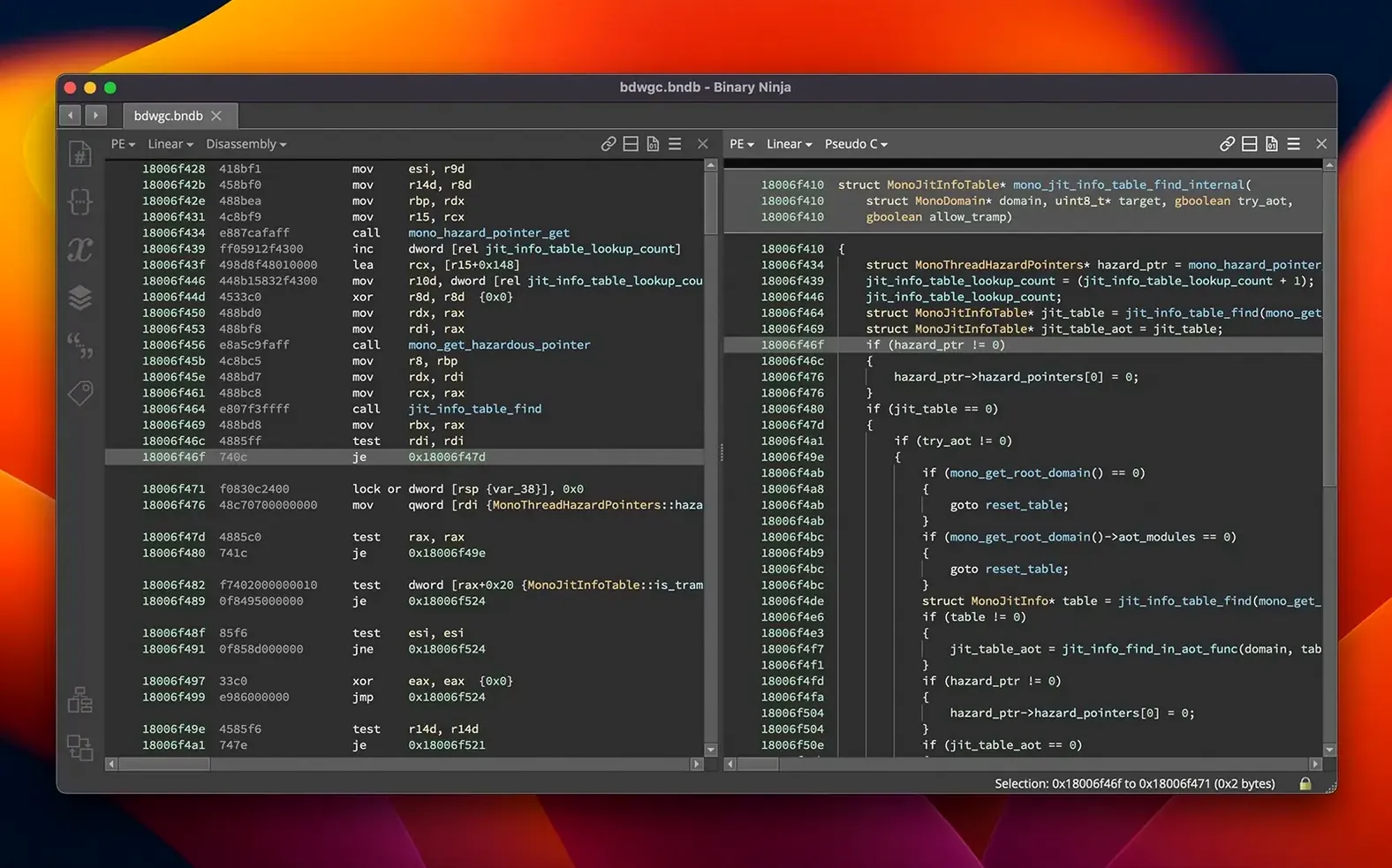
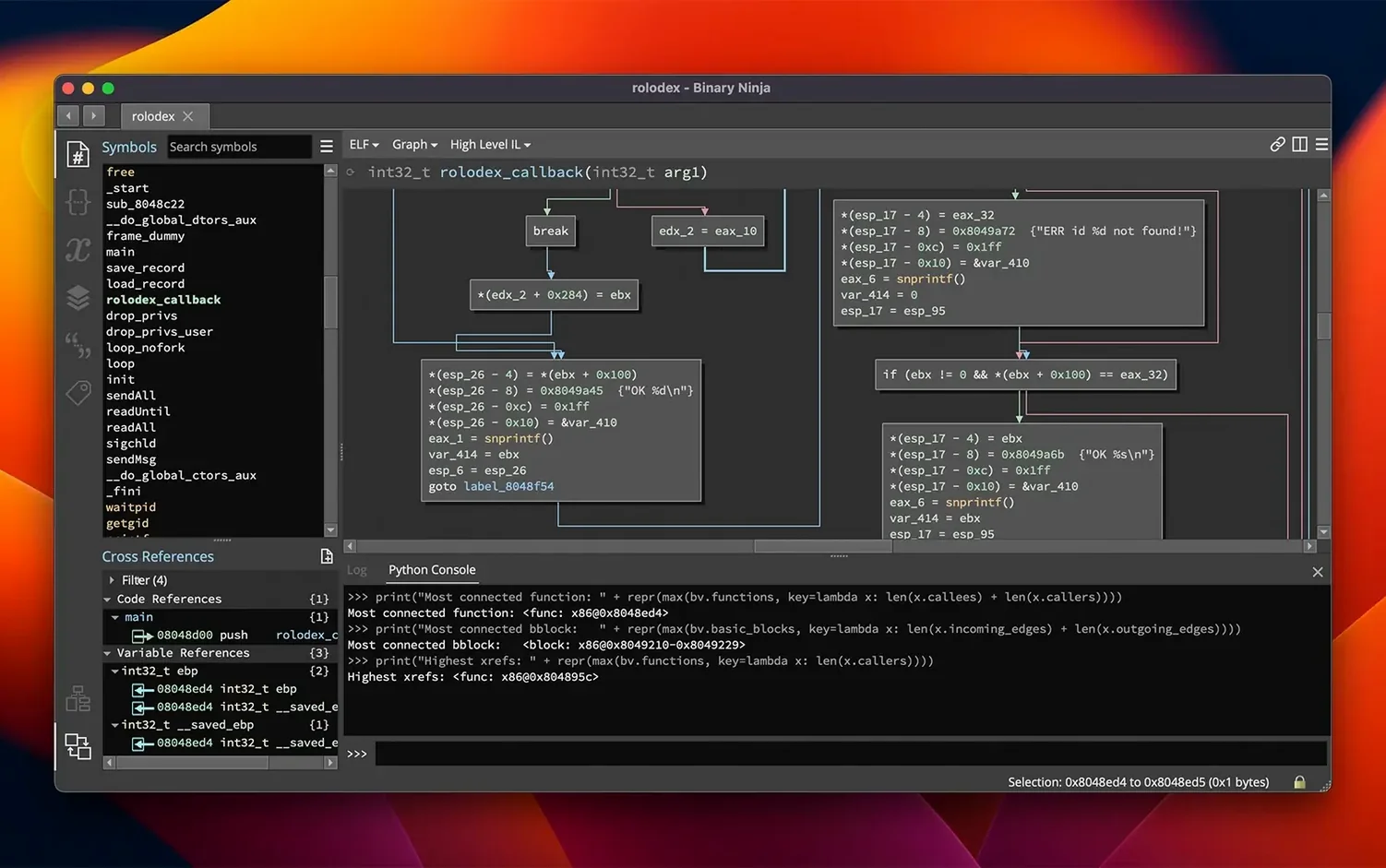
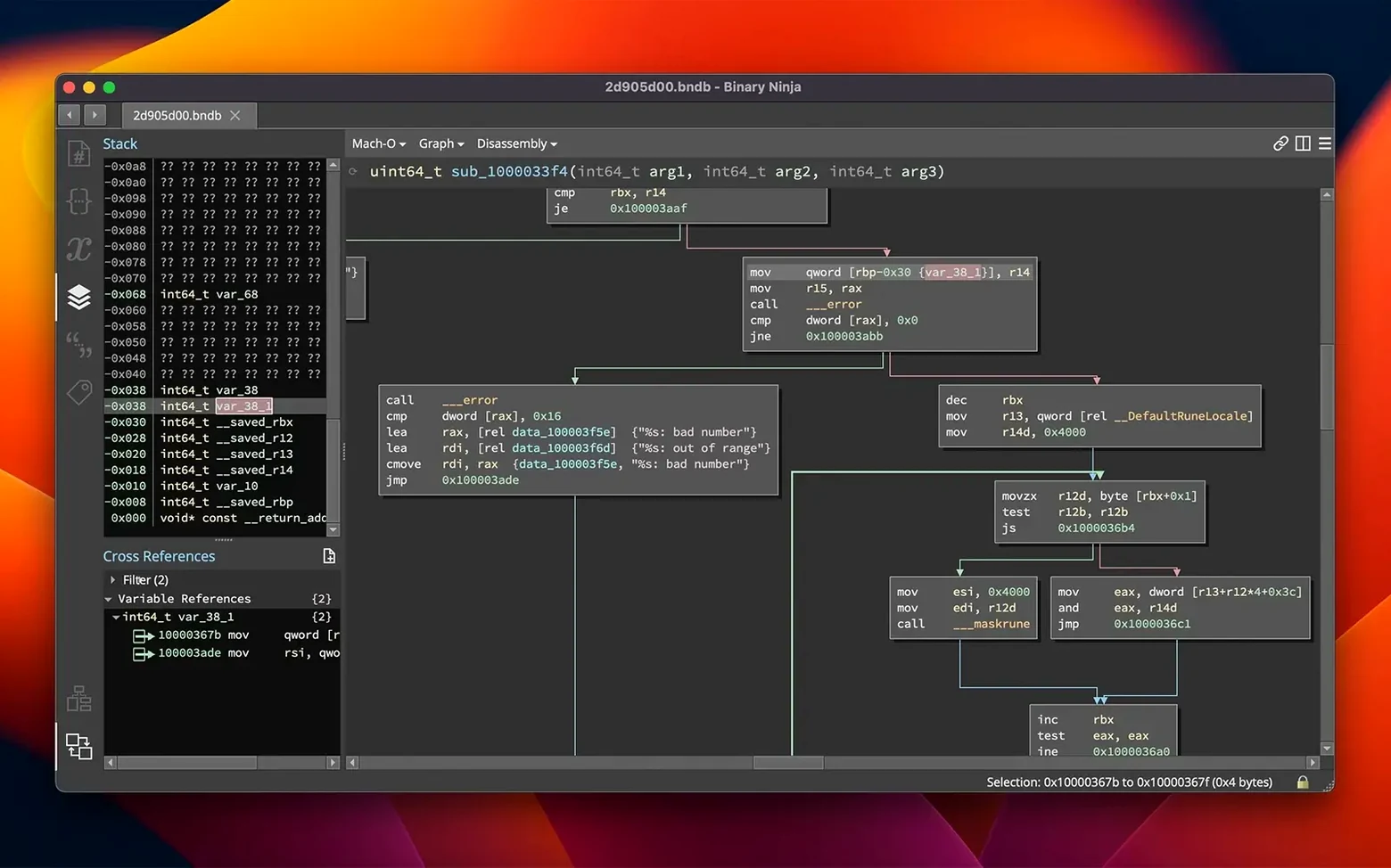
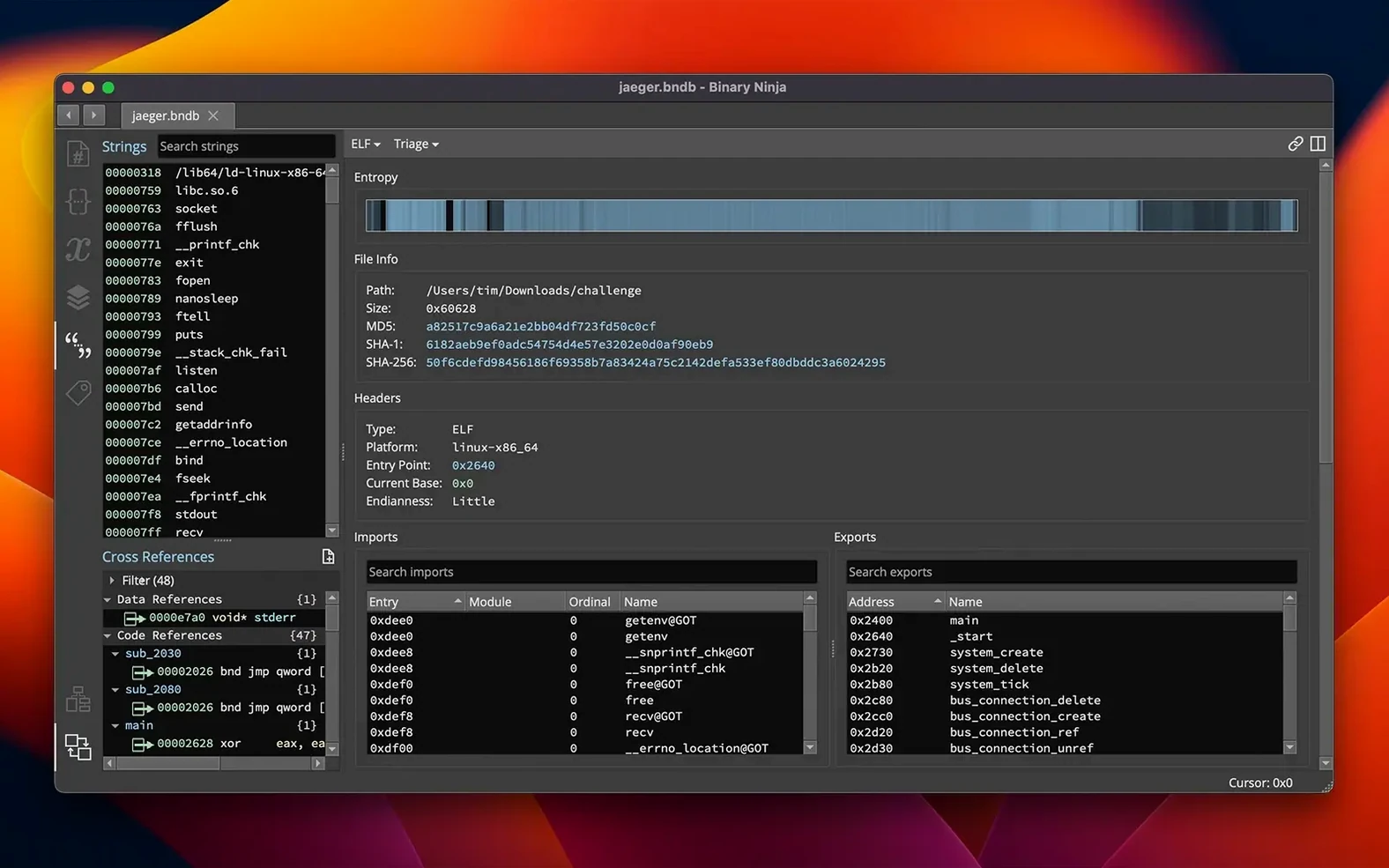
Binary Ninja is a reverse-engineering platform that combines disassembly, decompilation, and interactive binary analysis. It’s built for analysts who want to understand how software works at a low level, whether they’re examining malware, hunting vulnerabilities, or just curious about closed-source code. The interface is English-only, with native support for Apple Silicon and Intel Macs running macOS 10.15 or later.
| Quick facts | |
|---|---|
| Current version | 6.0.10601-personal |
| Developer | Vector 35 Inc. |
| Architectures | x86, x86-64, ARMv7, ARMv8/AArch64, PowerPC, 6502, Z80, MIPS, TMS320C6x |
| APIs | C++, Python, Rust |
Open any executable or library and start by renaming a function. Double-click a name in the disassembly view, type a meaningful label, and watch cross-references update instantly. Next, apply a type: right-click a variable, choose your type, and see the decompiled output sharpen. Create a structure to group related fields, then add comments to document your findings. Switch to the control-flow graph view to trace branches interactively. If you’re working with an unfamiliar file format, browse the Extension Manager—the redesigned plugin hub lets you add architecture support or analysis helpers in a few clicks.
Offline use and full API scripting
Does it run without an internet connection? Yes. Binary Ninja works offline once activated. It phones home for nothing in your day-to-day work.
Can you automate it? The Python and C++ APIs let you script everything from disassembly to decompilation. Run it headless on a server, integrate it into your build pipeline, or batch-process hundreds of binaries overnight. The MCP server added in 6.0 means you can connect it to AI tools for guided analysis.
Is it safe to open malware? Binary Ninja is a static analysis tool—it won’t execute the binary you load. You can inspect ransomware, trojans, or any suspicious file without triggering it. Use the entropy graph to spot packed or encrypted sections before you dive deeper.
How steep is the learning curve? The interface is clean but assumes you know assembly and reverse-engineering concepts. If you’ve used a disassembler before, you’ll feel at home within an hour. If not, expect to spend a few days learning the terminology alongside the platform.
What’s changed in everyday use
Version 6.0 brought changes you’ll notice from your first session:
- Extension Manager — the old Plugin Manager is gone. Browse, install, and update extensions from a unified panel that handles dependencies better and loads faster.
- Binary Similarity — compare functions across binaries to find reused code. Useful for tracking malware families or spotting copied routines in firmware updates.
- Calling convention refactor — decompiler output is cleaner, especially on ARM targets. Fewer manual type adjustments needed for function arguments.
- HLIL structure initializers — decompiled code now shows struct field assignments inline, matching how the original source likely looked.
- Debugger improvements — stepping through code, setting breakpoints, and inspecting memory got incremental polish. Not a rewrite, but fewer annoyances.
- TMS320C6x support — if you’re reversing embedded DSP firmware, you now have a disassembler and lifter for this architecture without needing a third-party plugin.
Performance and memory usage also improved across the board. Large binaries that used to stutter during analysis now load and respond more smoothly.
Entropy graphs and custom signature scanners
Malware analysts get the most value because Binary Ninja’s interactive workflow matches how they actually work: rename, annotate, graph, repeat. The entropy graph flags packed sections, and the API lets you write custom unpackers or signature scanners. Binary Similarity helps you cluster samples by shared code—no need to export hashes to another tool.
Vulnerability researchers will appreciate the decompiler’s clarity. Clean HLIL output makes it easier to spot buffer overflows, use-after-free patterns, and logic bugs without fighting the disassembly view. Python scripting means you can write fuzzing harnesses or patch generation scripts that call directly into the analysis engine.
Embedded developers working with ARM, MIPS, or PowerPC firmware will find the multi-architecture support covers their targets. Patch binaries in the hex editor, compile small fixes with the built-in SCC compiler, and test without leaving the platform.
CTF players and students benefit from the approachable interface and broad architecture support. The 6502 and Z80 backends cover retro challenges, while the extension system lets the community add support for niche formats you’ll encounter in competitions.
- New MCP server for external tool integration
- New Binary Similarity feature for comparing code across files
- Plugin Manager redesigned as the Extension Manager
- Added TMS320C6x architecture support
- macOS 10.15 or later
- Apple Silicon or Intel Mac
Questions the team asks
It handles executables and libraries across multiple formats, platforms, and architectures including x86, ARM, PowerPC, MIPS, and more.








Comments 0
Sign in or create an account to add a comment.
No comments yet. They go up after moderation.