

DataGrip — Mac download
Download (1 GB) Earlier builds
Ticked
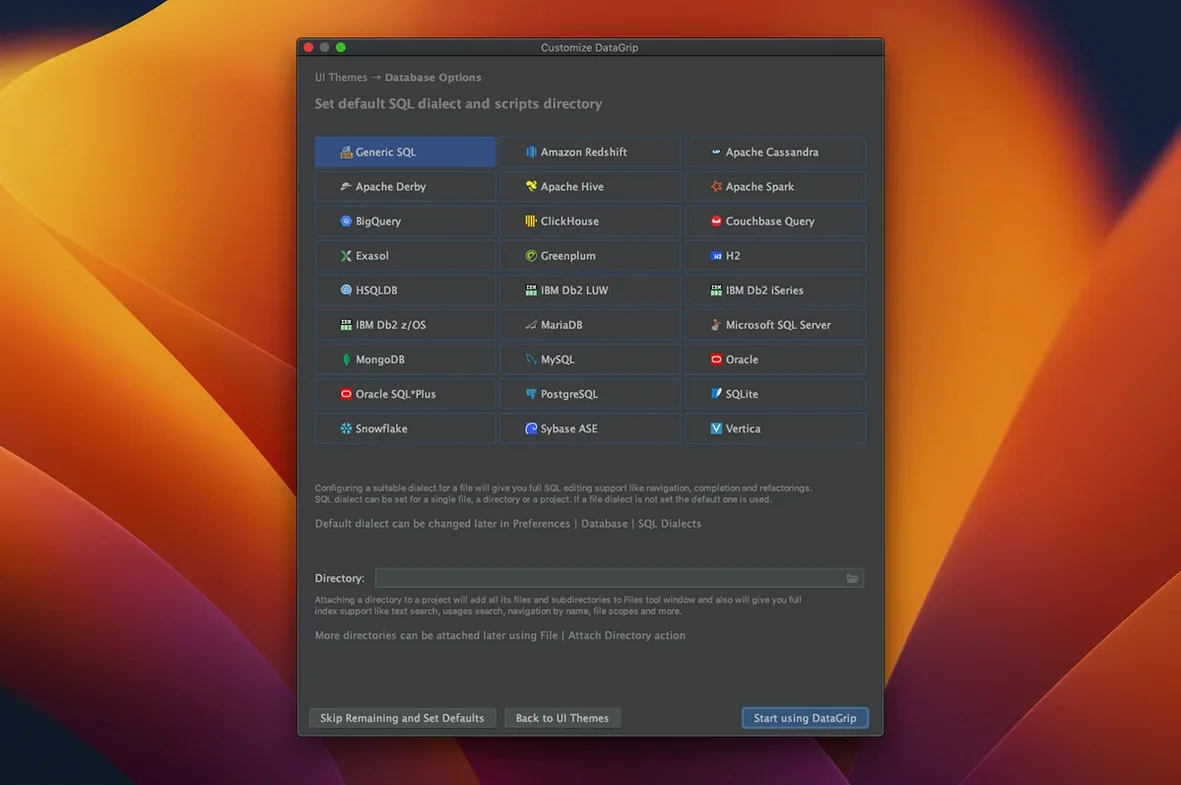
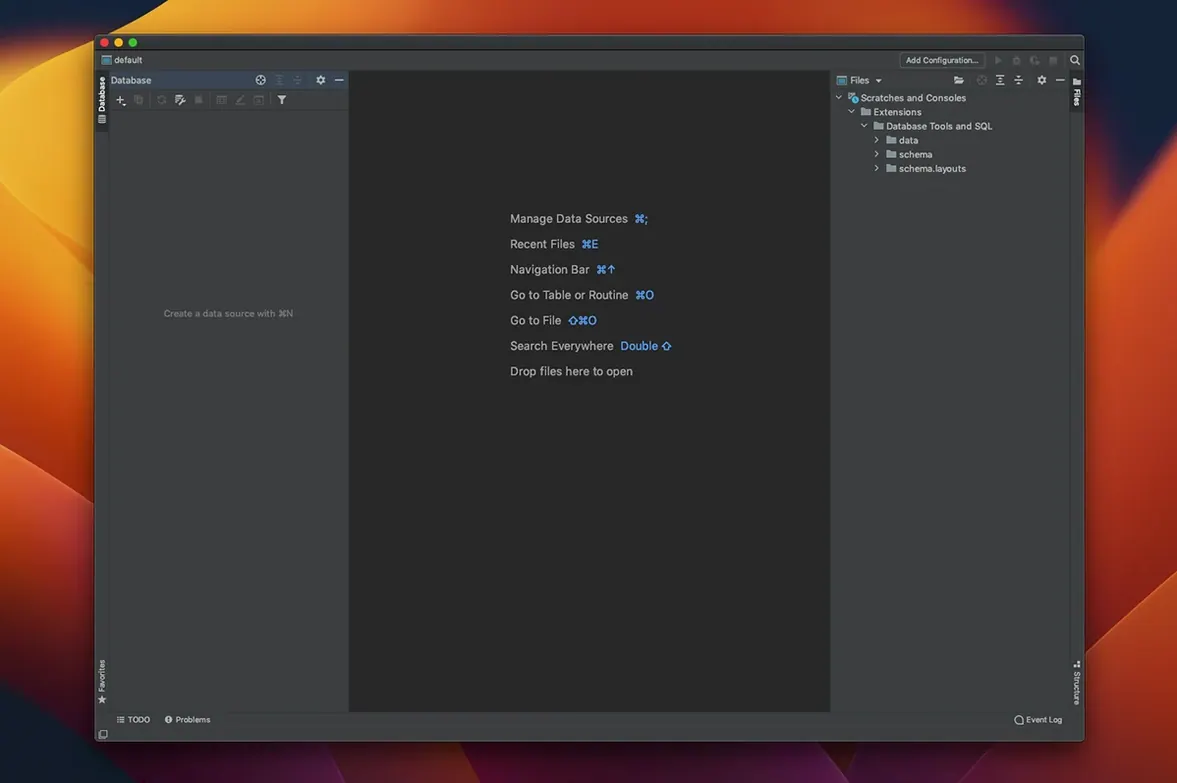
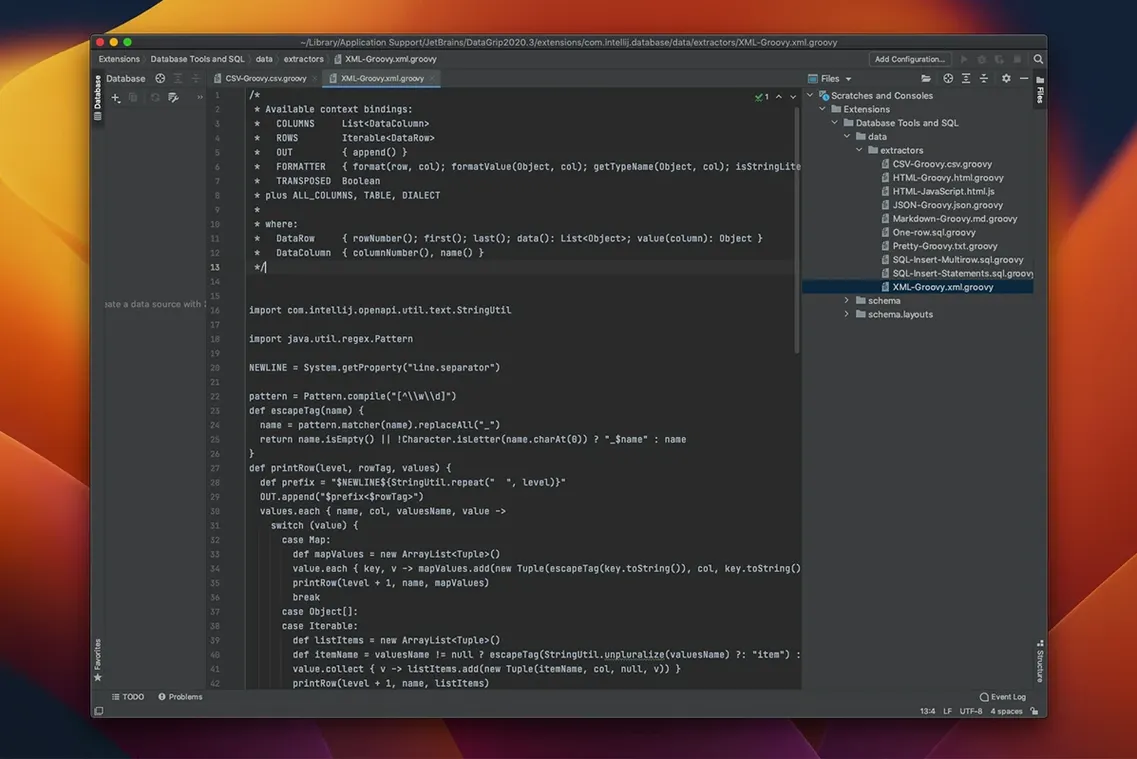
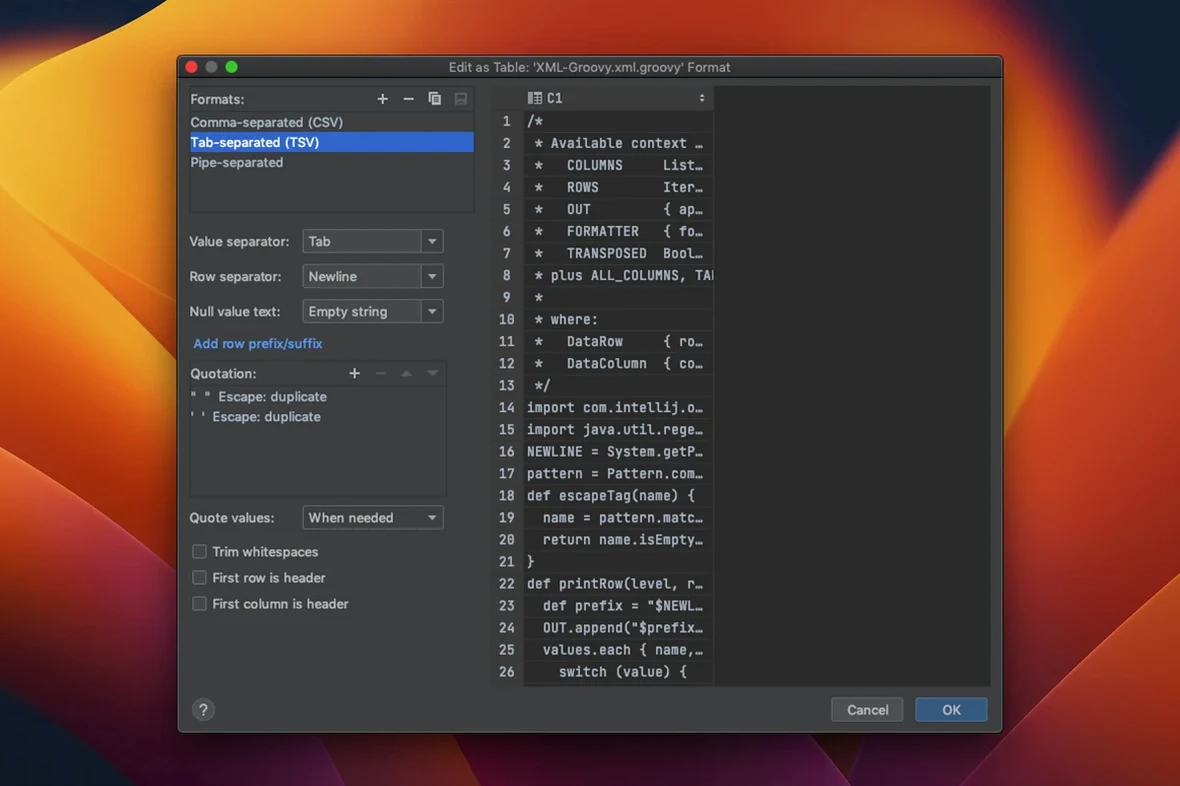
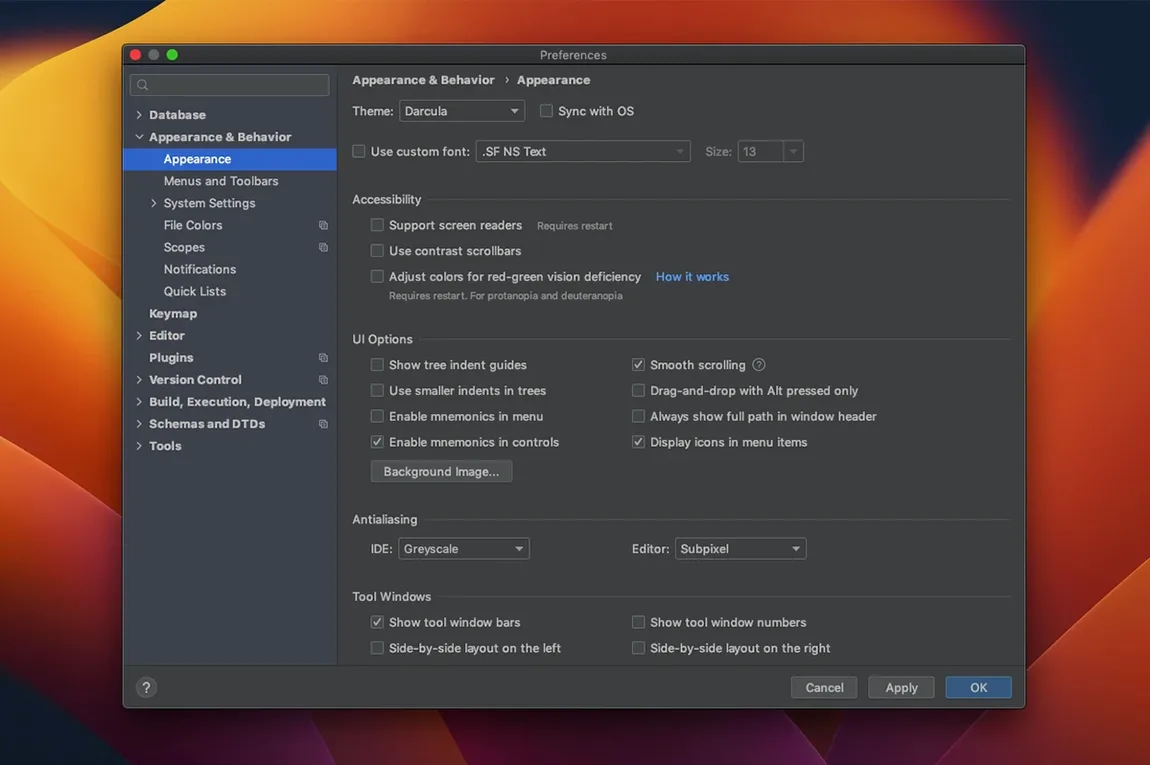
Working with a query in 2026.2.5
- Open the smart query console. It runs in two modes — normal or read-only — so you never alter a production table by accident.
- Write your SQL. Code completion suggests tables, columns and joins as you type.
- Code analysis kicks in and flags problems. If something is off, it offers an automatic fix.
- Need to rename an alias? Refactoring updates it across every usage in the file. No manual search-and-replace.
- Commit the query to Git, SVN or Mercurial directly from the IDE. Version control support is built in.
Version 2026.2.5 runs on macOS 11 and later. The interface stays in English. Navigation, analysis and quick-fix detection work the same as in the rest of the JetBrains for Data suite — no surprises, just a tighter query console.
A full task: compare two query plans
- Open a slow production query in the console. Switch to read-only mode.
- Run Explain Plan. The tree view shows the costliest nodes first.
- Duplicate the console tab. Tweak the join order in the copy.
- Run Explain Plan again, then open the graph view side by side with the original.
- Spot the difference: one plan shows a sequential scan where the other uses an index seek. Tree view confirms the cost drop.
- Rename the working alias with Refactor > Rename — it updates in every reference across both tabs.
- Commit the improved query to Git. The diff view inside DataGrip highlights exactly what changed.
Where DataGrip fits
It is not a database server tool. It is the layer between you and your databases. In a typical day it sits next to a JetBrains IDE — IntelliJ IDEA, PyCharm or Rider — sharing shortcuts and the same version control pane. You jump from application code to a stored procedure in one keystroke. Search for an object by name and DataGrip opens its source DDL, no extra window.
macOS integration is straightforward. The clipboard history plays nicely with the system pasteboard. You can drag a result set into Numbers or a plain text editor. The app follows the system appearance setting: light, dark, whichever you prefer. If you already use Git in your JetBrains setup, DataGrip picks up the same credentials without asking again.
Release notes for 2026.2.6 are available on the developer's site.
- macOS 11 or later
- Apple Silicon or Intel 64-bit








Comments 0
Sign in or create an account to add a comment.
No comments yet. They go up after moderation.