
dBpoweramp Music Converter — Mac download
Download (31 MB) Earlier builds
Ticked
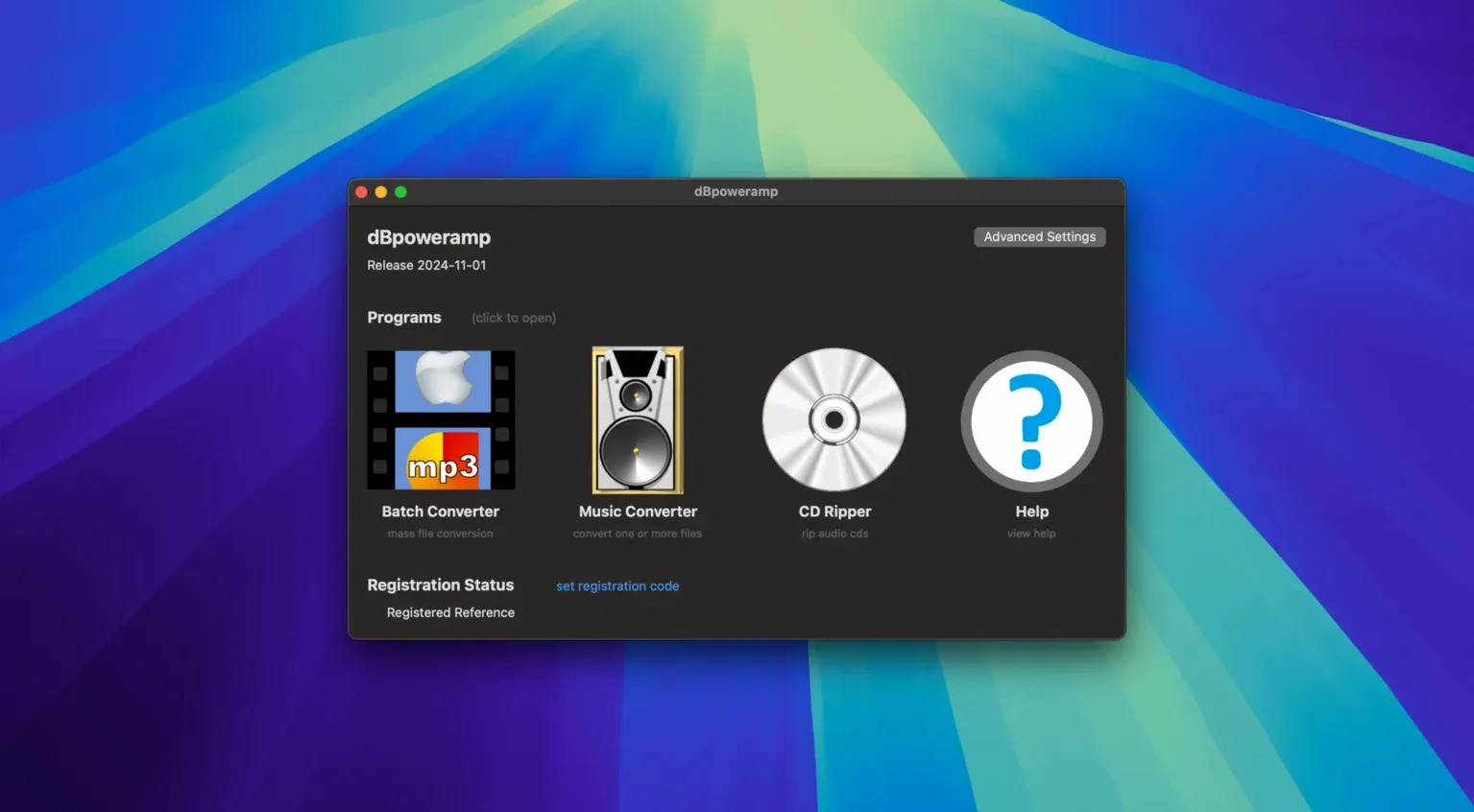
dBpoweramp Music Converter is a batch audio conversion tool that also handles CD ripping and tag editing on your Mac.
Works on Apple Silicon Macs with Finder right-click conversion
- Version 2026.09.13, from dBpoweramp
- Runs on macOS 11 and later, both Apple Silicon and Intel
- Interface in English
- Includes CD Ripper and ID tag editor
- Finder integration via 'Convert with dBpoweramp'
Batch-convert a whole library while normalising volume in one pass
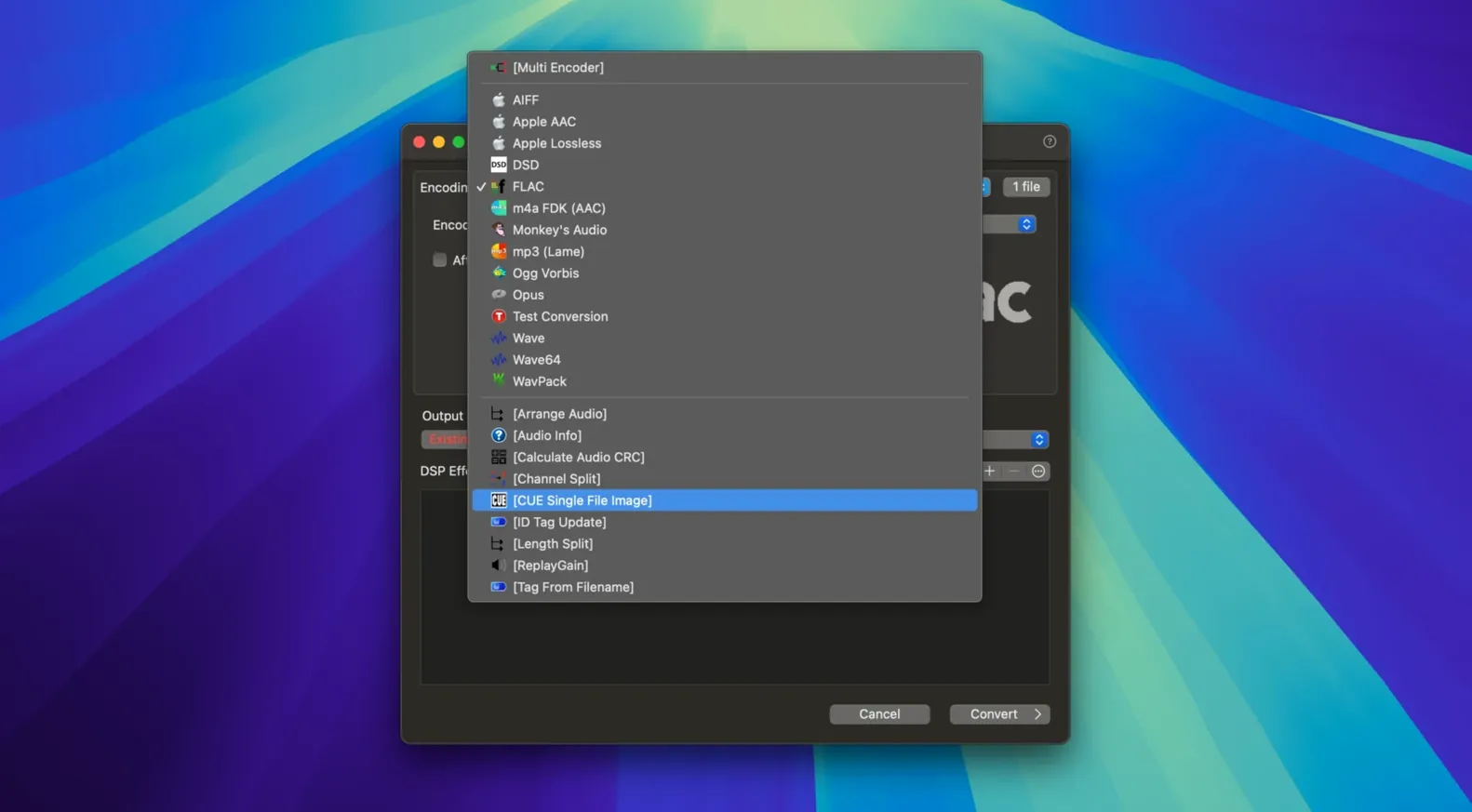
Anyone managing a large local music library. The batch processor converts multiple files in one go, while the built-in DSP lets you normalise volume or change sample rates during conversion. Tag editing keeps metadata tidy, and the CD Ripper covers the occasional physical disc. Right-click a file in Finder to start a conversion without opening the main window.
Right-click option vanishes after a clean install
Even a solid converter throws up the odd hiccup. Here are the ones I see most often.
- Finder shortcut missing. After a fresh install, 'Convert with dBpoweramp' sometimes does not appear in the right-click menu. Open the app once from Launchpad, then log out and back in. The service needs that first launch to register.
- FLAC files skipping artwork. If your FLAC output is bare of cover art, check the DSP tab before converting. Add the ID Tag Processing DSP and tick 'Copy Artwork'. The default profile does not always include it.
- Multi-core not kicking in. On Apple Silicon Macs, a single-threaded conversion usually means an Intel-only codec is in use. Switch to a native ARM codec where possible, or accept the slower pace for that format.
- Tags closing the dialog early. The R2026-09-13 build fixed the Enter key bug in Edit Tags. If you are on an older version, grab the current one — dbpoweramp mac updates often squash these small but irritating things.
- CD Ripper not seeing a drive. An external SuperDrive needs a direct USB port. Hubs, particularly unpowered ones, cause the drive to vanish mid-rip. Plug it straight into the Mac.
First days with dBpoweramp Music Converter
A few habits to build right away. These save time and stop sloppy libraries forming.
- Set up a naming scheme before you convert anything. Open Batch Converter, click 'File Naming' and build a pattern. Something like
[artist] - [album] - [track] - [title]keeps folders scan-ready. Changing it later means re-tagging a mess. - Create a DSP chain for your most-used format. If you regularly convert FLAC to Apple Lossless, save a preset that includes volume normalisation and sample rate matching. Apply it with one click instead of ticking boxes each time.
- Tag a small test batch first. Grab five albums, run them through the ID Tag Editor and check how they appear in Music.app or your player of choice. Sorting quirks show up fast when you scroll by artist.
- Right-click from Finder and save the extra click. Select a pile of WAVs, choose 'Convert with dBpoweramp', pick a format, and go. You never touch the main window for straightforward format swaps.
- Check codec support early. Some older WMA files need the Intel codec bridge. Confirm your most obscure formats convert cleanly before you commit a whole library migration. A dbpoweramp full conversion of thirty thousand tracks is not the time to discover a missing decoder.
dBpoweramp Music Converter vs similar Mac apps
XLD (X Lossless Decoder)
XLD handles lossless formats well and is lightweight. Where dBpoweramp pulls ahead is batch flexibility. XLD's queue system is fine for album-by-album work, but dBpoweramp's multi-core encoding chews through huge folders faster. The Finder integration on dBpoweramp is also more polished. XLD's tag editing is barebones compared to the dedicated ID Tag Editor included here. People searching for dbpoweramp torrent often want exactly that tagging depth in one package.
MediaHuman Audio Converter
MediaHuman is simpler. Drag, pick a format, convert. It suits quick one-offs. dBpoweramp adds the CD Ripper, DSP processing and the tag editor, so it covers the whole pipeline. If you only convert the odd YouTube rip, MediaHuman is enough. If you maintain an archive, dBpoweramp for mac gives you more control over the output.
Fre:ac
Fre:ac is open source and cross-platform. It converts to most formats and does basic tagging. The interface feels dated on macOS, and Finder integration is absent. dBpoweramp's Apple Silicon build and native Mac service hooks make it the cleaner fit for a Mac-only workflow. Fre:ac works, but it asks for more clicks to do the same job. A dBpoweramp Music Converter torrent search often starts with someone hitting Fre:ac's interface limits.
- Resampling improvements
- Fixed Enter key behaviour in Edit Tags when autocomplete is visible
- Fixed an Intel-only component warning on the latest macOS
- macOS 11 or later
- Apple Silicon or Intel processor




Comments 0
Sign in or create an account to add a comment.
No comments yet. They go up after moderation.