
DirEqual — Mac download
Download (19 MB) Earlier builds
Ticked
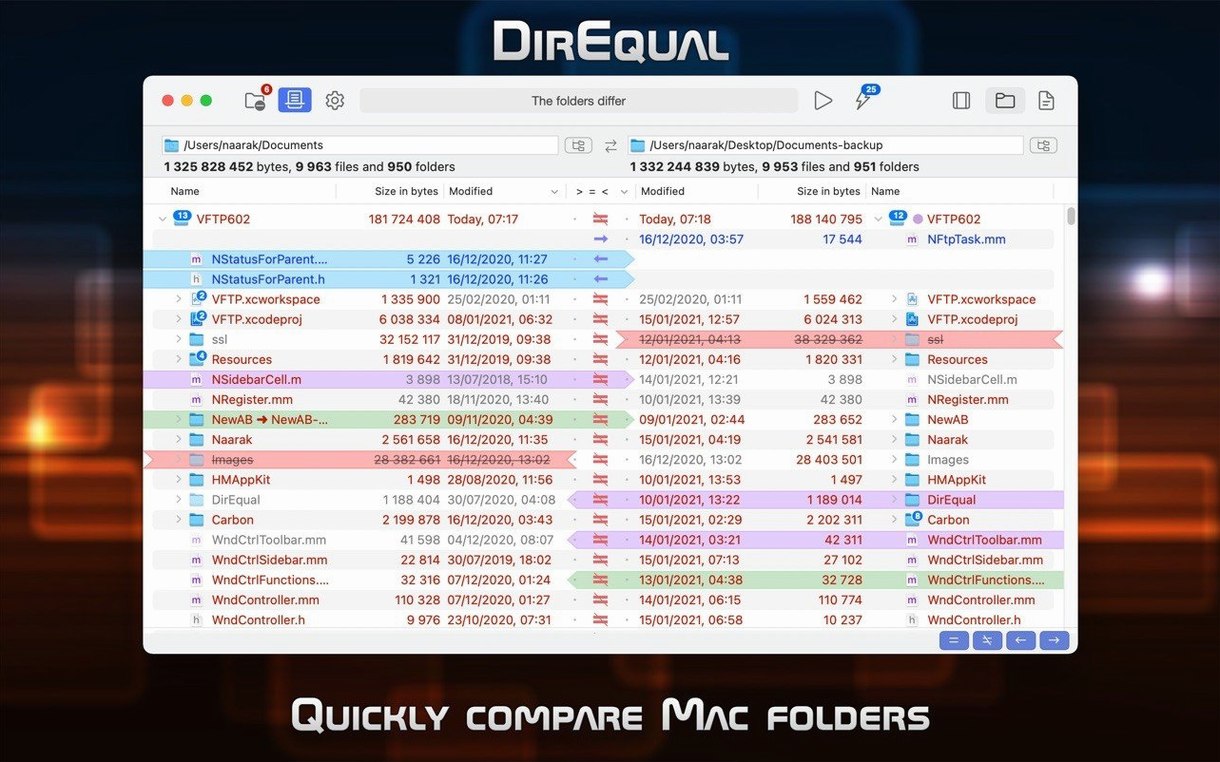
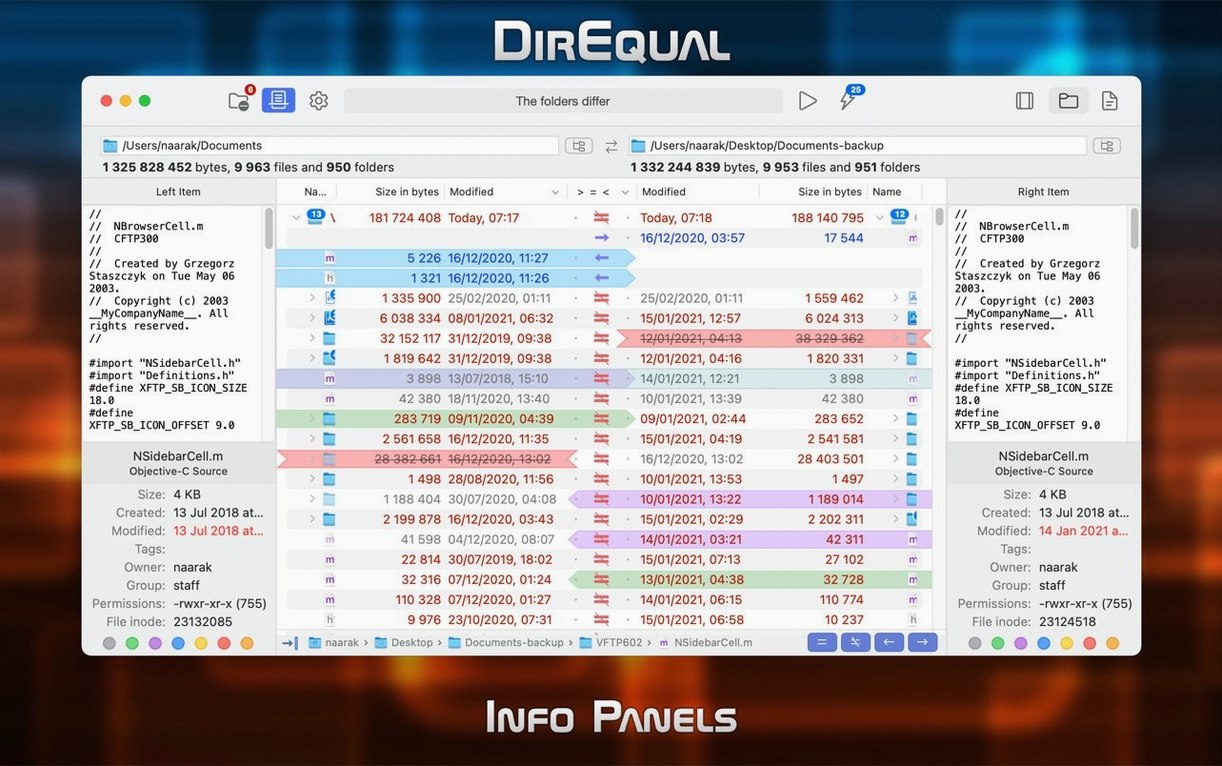
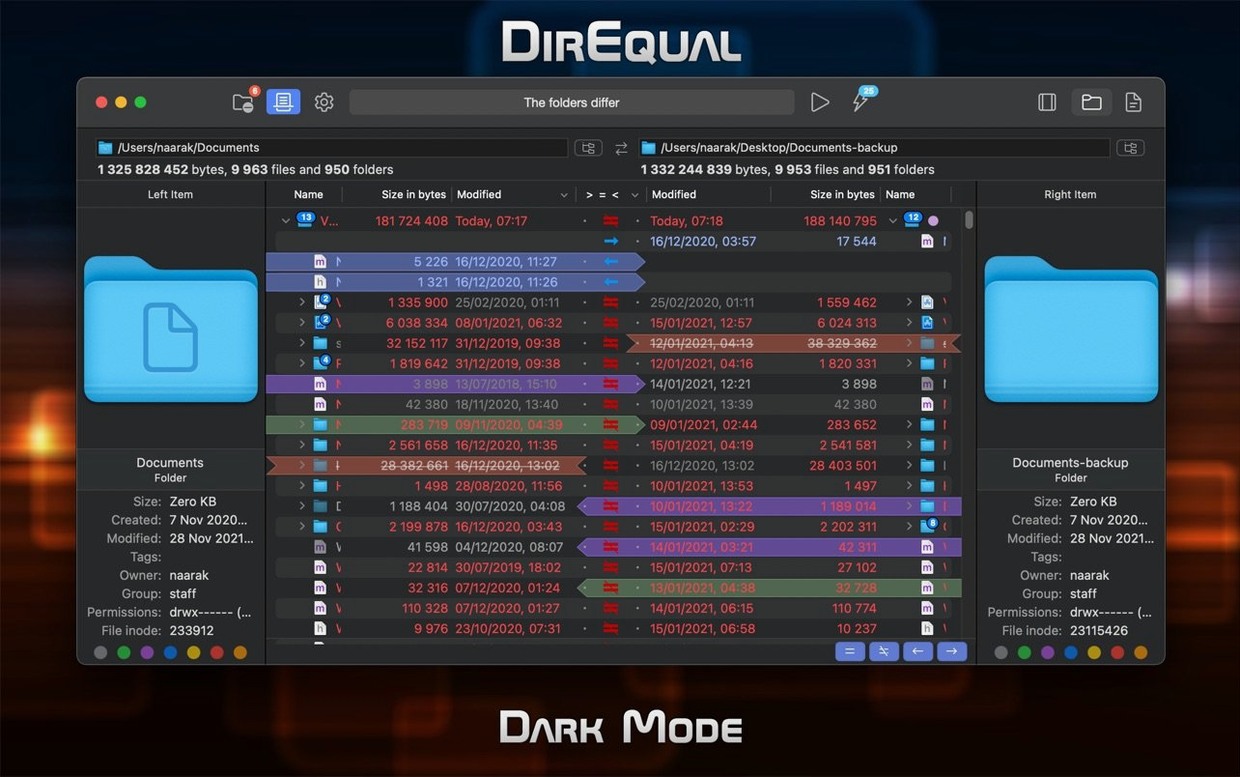
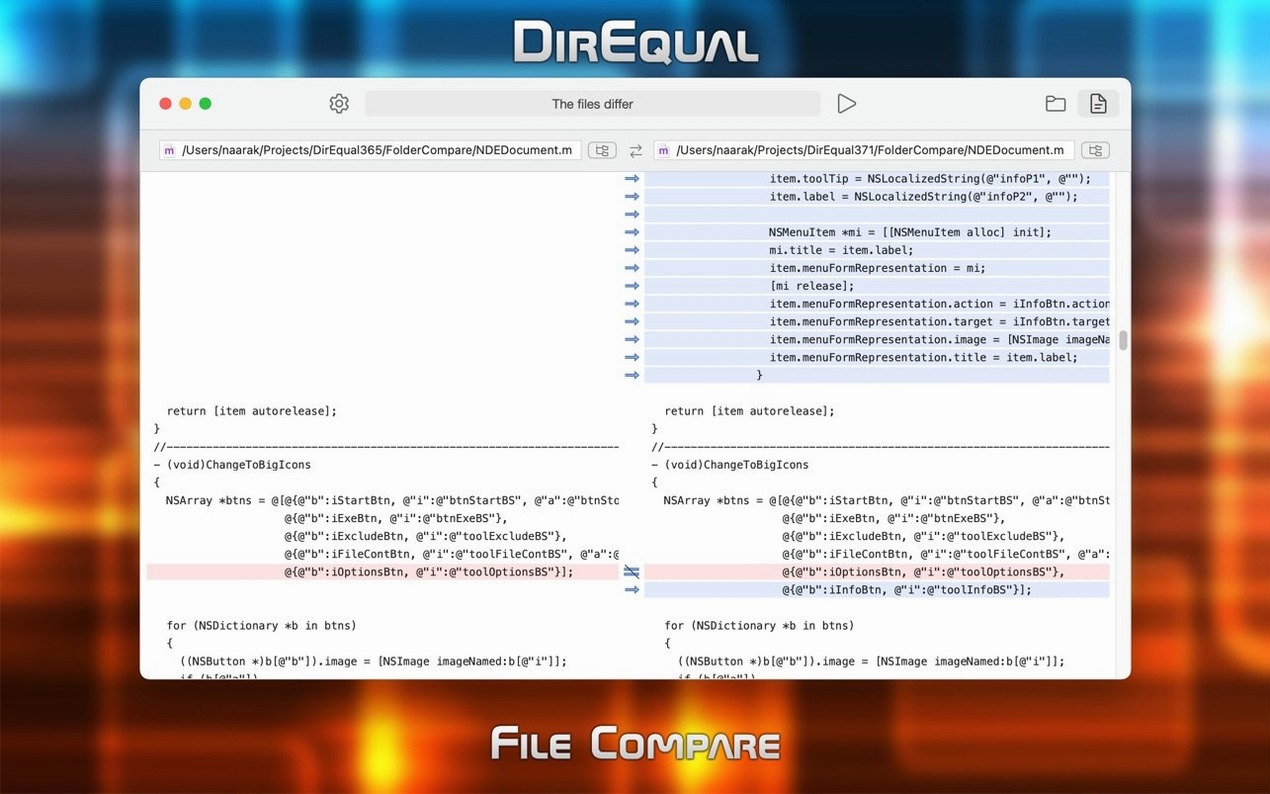
Version 7.7.2 keeps DirEqual lean and direct. The comparison view now feels quicker when you drop two folders onto the interface. Drag a pair of directories from Finder and the app draws a clean, colour-coded map of what matches and what doesn’t.
Start with two local folders. DirEqual shows the size and modification date for every item, then lets you drill into file content to see what actually changed. Pick an item and copy, delete, or move it across — manual sync, no automation that gets ahead of you.
Newcomers should try right-clicking a highlighted difference. The context menu gives you a single action to push the file one way or the other. No dialogue boxes, no confirmation prompts unless you ask for them. It’s the fastest path to tidy folders.
The app speaks English, German, or French, and runs natively on both Apple Silicon and Intel Macs. If you spend your day reconciling project folders, this is the checklist item you tick before you call something done.
When renamed files look mismatched
A few things can trip you up the first time.
- Comparison looks wrong after renaming. DirEqual matches by name by default. If you’ve renamed a batch of files, switch to a filename template filter. Define a pattern like
*_v2.*and the comparison snaps into place. - Content comparison slow on large sets. A full byte-level scan of thousands of files takes time. Narrow the scope first: collapse subfolders you don’t need, then run content comparison on what’s left.
- Forgotten folder pair on relaunch. Pin your most-used pairs. The app remembers them across sessions — no need to drag the same folders in every morning.
- Accidental overwrite during sync. The colour coding is your safety net. Red means difference, grey means identical. Before you copy left or right, glance at the icon; a single misclick won’t ruin anything if you spot the highlight.
- Activation not sticking. Drag the SN file onto the app window once, not into the app bundle. That’s the step most people skip.
Comparing a few hundred items finishes in under a second
In daily work DirEqual stays quiet. A standard two-folder comparison of project directories — a few hundred items, mostly code and images — finishes in under a second on Apple Silicon. Intel Macs add a slight pause, but nothing that breaks your flow.
Memory sits around 80–120 MB for a typical session. CPU spikes only during content comparison; the rest of the time the app idles near zero. Fans stay off.
Stability holds up across long sessions. Leave it open all day with four or five tabs, each pointing at different folder pairs, and it doesn’t degrade. Switching between tabs is instant. The one quirk: a deeply nested tree with thousands of expanded nodes can make scrolling slightly janky. Collapsing a few branches fixes it.
If you work across network shares, expect slower listing — that’s the protocol, not the app. For local drives, it’s as fast as Finder, just far more useful.
- macOS 10.15 or later
- Apple Silicon or Intel 64-bit
Questions the team asks
Yes. Beyond size and date, DirEqual can perform a byte-by-byte file content comparison to find real differences.
No, it uses manual synchronization. You review the differences and choose exactly which files or folders to copy or delete.
It requires macOS 10.15 or later and runs natively on both Intel and Apple Silicon (ARM) Macs.






Comments 0
Sign in or create an account to add a comment.
No comments yet. They go up after moderation.