

Downie — Mac download
Download (42 MB) Earlier builds
Ticked
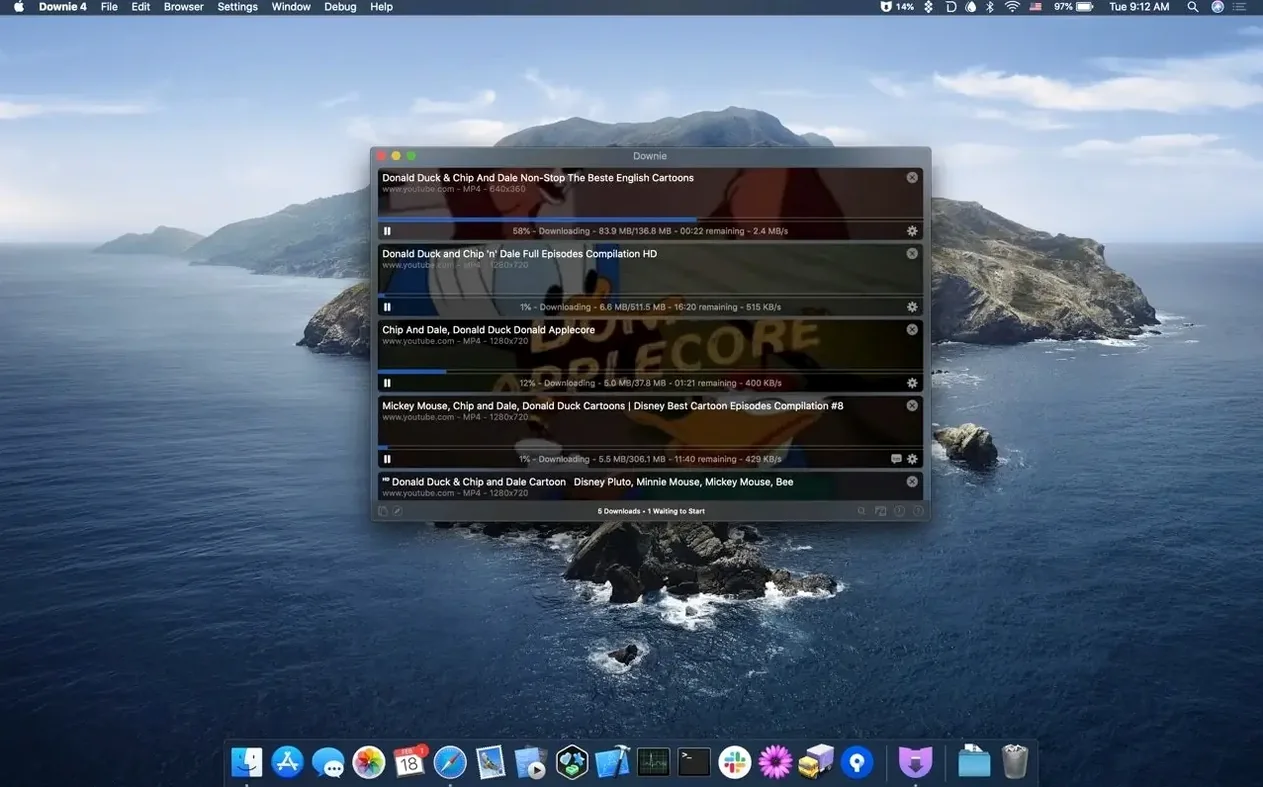
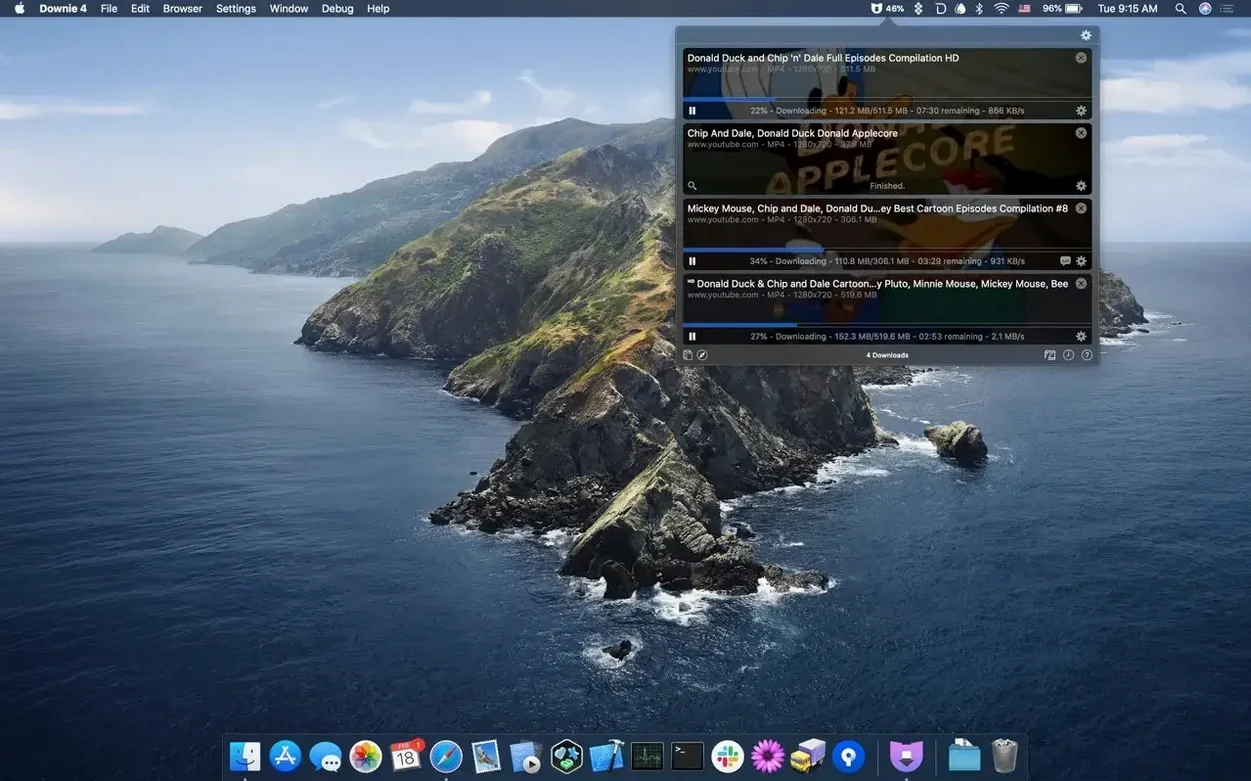
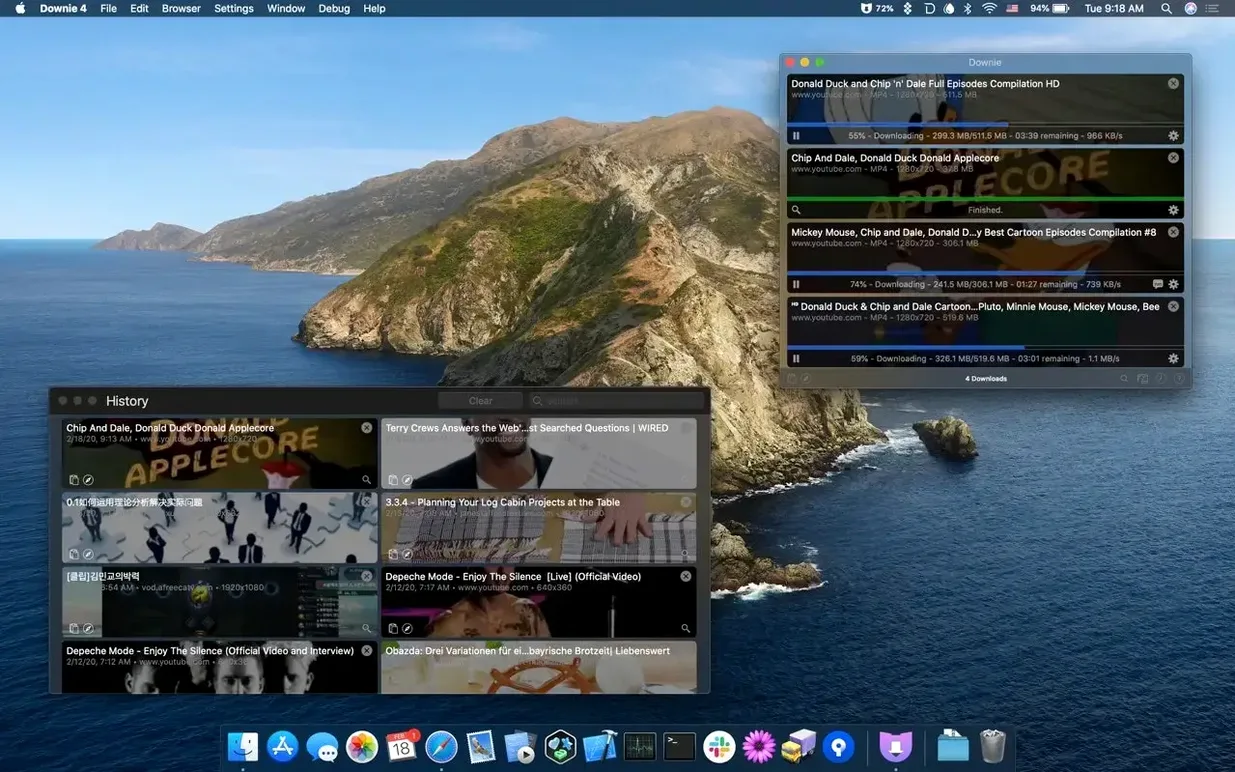
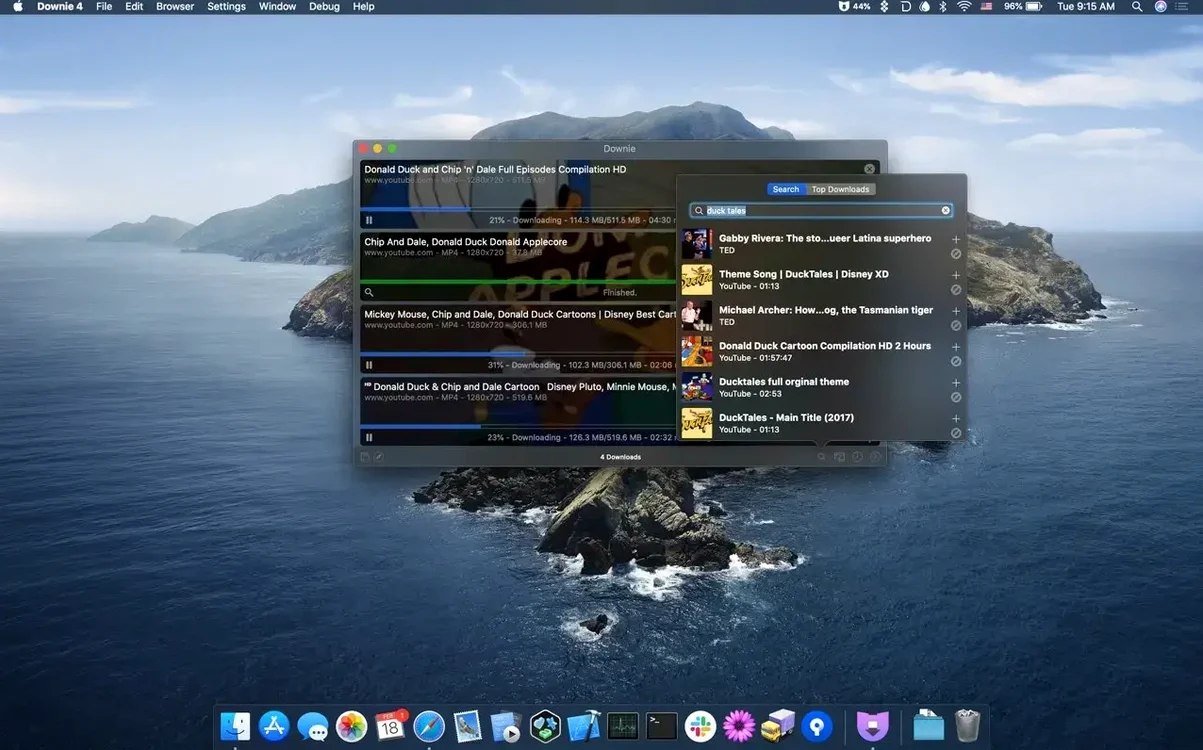
A project manager in Bristol gets a Slack message with a link to a supplier's product walkthrough. She needs the video saved locally before the morning stand-up. Downie on macOS turns that into a drag-and-drop job.
Grab the video
Paste a link or use the browser extension to send it straight to the app. Downie handles the rest, pulling the best quality available.
Strip out the audio
Toggle a setting and Downie saves only the audio track. No extra tool needed when the narration is all that matters.
Feed it a batch list
Import a CSV or XML file packed with links and custom titles. Downie works through the queue while you get on with the rest of the morning.
Sits at 2–6% CPU and stays out of the way
Downie 4 rarely announces itself. On an M-series Mac it sits quietly, using around 2–6% CPU per active download. RAM typically hovers between 150 MB and 300 MB, even with a dozen queued items. You notice it only when Finder suddenly has new files.
Stability holds across long batch runs. A 40-video queue from a conference playlist ran overnight without a single stalled item. The app picks up where it left off after sleep or a network blip — no manual restart required.
What to watch
- Disk space disappears fast when 4K is the default. A 20-minute clip can grab over 2 GB.
- Waking the Mac from sleep mid-download sometimes triggers a re-authentication pop-up for password-protected streams.
Leaving the format on “best available” creates unplayable files
New users often overlook one setting, then wonder why their library is a mess.
- Leaving the format on “best available.” Great for archiving, frustrating when the file won't play on the office presentation laptop. Set MP4 as the default in Preferences unless you specifically need MKV or WebM.
- Ignoring the custom title field in batch imports. A CSV without a title column gives you files named by YouTube IDs. Renaming 30 clips manually takes longer than the downloads themselves.
- Forgetting to check audio-only mode. People toggle it for a podcast, then wonder why their next video has no picture. The setting sticks until you switch it back.
- Pasting a playlist link and expecting one file. Downie grabs every video. Use the search bar with a filter if you want a single item.
No section text provided
Downie vs. ClipGrab
ClipGrab covers the big sites — YouTube, Vimeo, Dailymotion — and converts on the fly. Downie supports over 1,200 destinations and handles niche platforms without a second step. ClipGrab's interface feels dated on a modern Mac. Downie integrates with Permute, respects dark mode, and stays out of the way. For occasional downloads, ClipGrab works. For a project manager's checklist, Downie covers more ground.
Downie vs. 4K Video Downloader
4K Video Downloader handles playlists and subtitles well, and its single-click browser extension is tidy. Downie matches the extension approach but adds CSV/XML batch import and tighter macOS integration. Where 4K Video Downloader sometimes struggles with age-restricted YouTube content, Downie often pushes through with a sandboxed workaround. If subtitles are essential, 4K earns its place. For raw versatility and macOS-native feel, Downie pulls ahead.
Downie vs. JDownloader
JDownloader is a power tool. It scrapes forums, file hosts, and video platforms with equal determination. But its Java foundation shows — memory usage climbs, and the interface is cluttered. Downie focuses on video and does it with a Mac app that doesn't need a tutorial. For someone who wants a downloader, not a download-manager project, Downie is the shorter path.
- macOS 11 or later
- Apple Silicon or Intel 64-bit processor
Questions the team asks
Yes. Downie can extract and save only the audio track, skipping the video file entirely.
Yes. You can send completed downloads directly to Permute for post-processing, such as converting to a different format.








Comments 0
Sign in or create an account to add a comment.
No comments yet. They go up after moderation.