
DisplayBuddy — Mac download
Download (12 MB) Earlier builds
Ticked
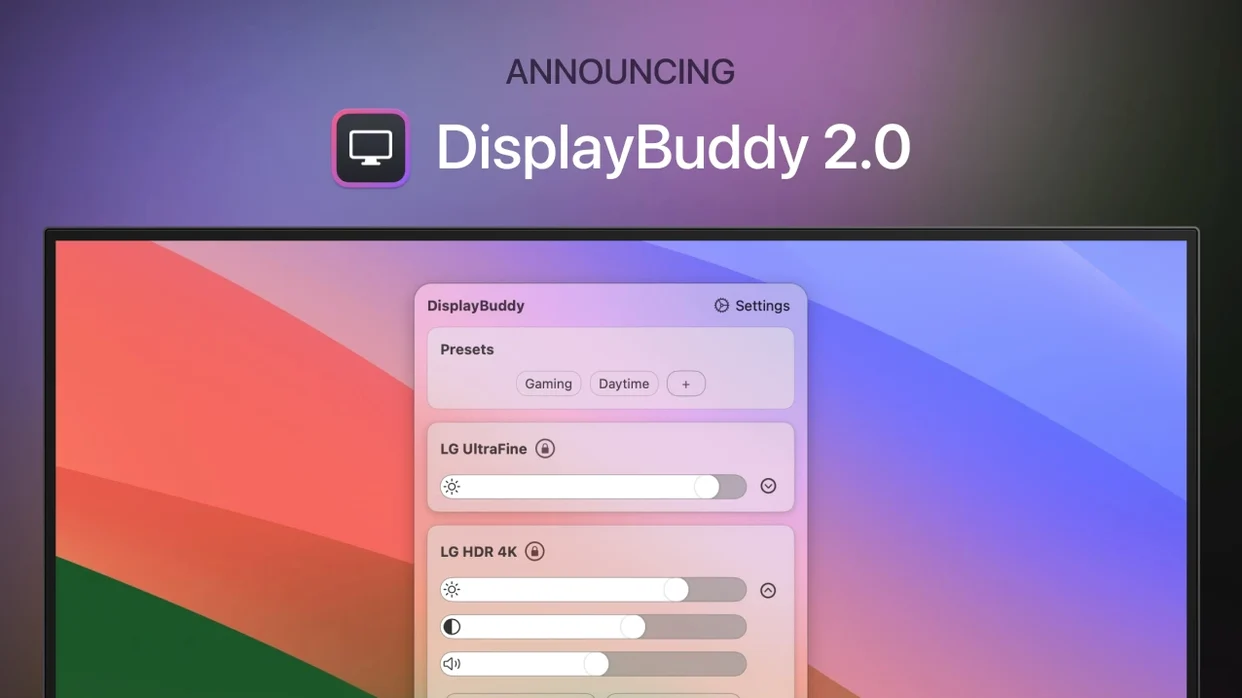
Version 3.9.6, released 2026-08-29, fixes two layout bugs and adds colour profile switching.
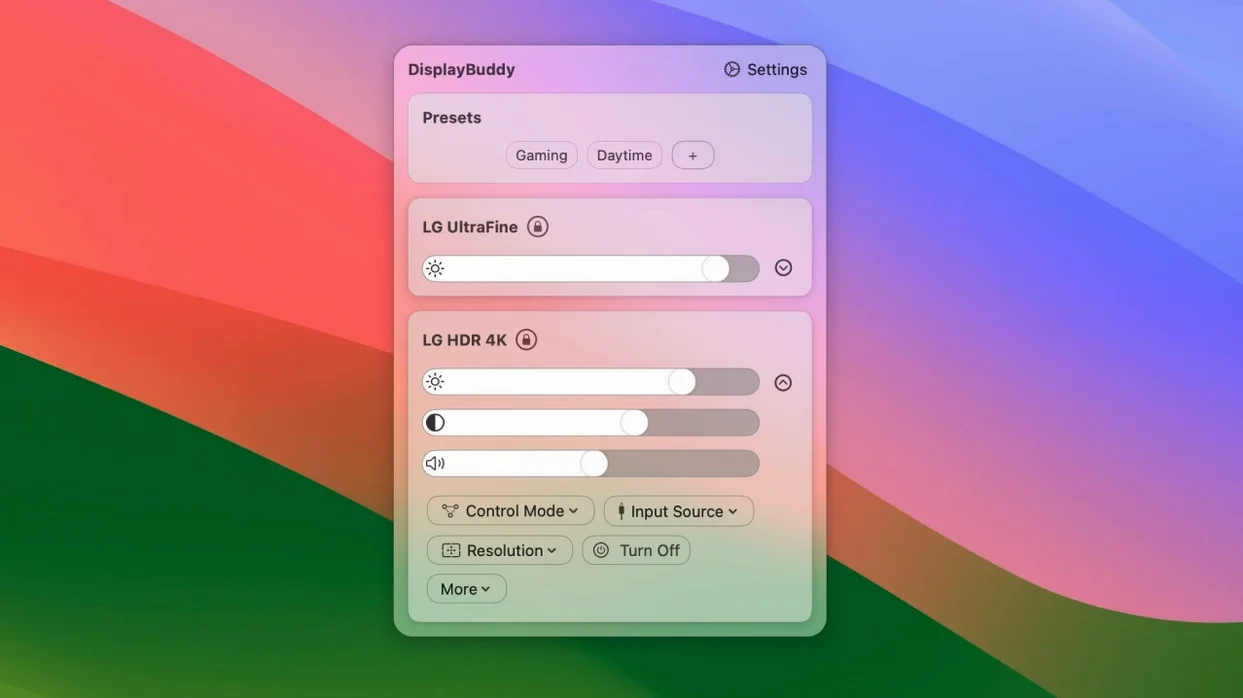
Menu bar monitor control — Adjust brightness, contrast and volume on external displays without touching the physical buttons on the monitor.
Multi-display sync — Lock brightness and contrast across two or more screens so they match as you drag one slider.
Keyboard shortcuts — Assign custom keys for any display control. Change brightness on a specific monitor without opening the menu.
Colour profile switching — New in 3.9.6: select a colour profile or a macOS Display Preset directly from the menu bar on supported displays.
Dark Mode, Night Shift, True Tone — Toggle these system display settings from the same menu. Responsiveness for these controls improved in the latest version.
Supported displays — Works with Apple Studio Display, Pro Display XDR, Apple Thunderbolt Display, iMac, and DDC-compatible third‑party monitors. Volume slider visibility on some DDC displays is now fixed.
Brightness slider dead? Check your cable first
Brightness slider does nothing — Check your monitor cable. DDC control needs DisplayPort or HDMI. USB‑C to HDMI adapters sometimes block the signal. Try a direct connection first.
Volume slider missing on a DDC display — Fixed in 3.9.6. If you are on an older version, a download displaybuddy update sorts it. Some monitors also need DDC/CI enabled in their own on‑screen menu.
Preset menu clipped at the bottom — Also fixed in 3.9.6. On earlier builds, reducing the number of presets or rearranging them stopped the cut‑off.
App does not detect a monitor — Disconnect and reconnect the display. If it still will not show, give DisplayBuddy screen recording permission in System Settings. DDC detection runs through that access on Apple Silicon Macs.
Contrast, presets, and a widget beyond MonitorControl
DisplayBuddy vs MonitorControl — MonitorControl is open‑source and covers basic brightness and volume. DisplayBuddy adds contrast control, multi‑display sync, input switching, presets, and a widget. The menu bar panel groups Dark Mode, Night Shift, and True Tone into one place. MonitorControl keeps things simpler but skips colour profile selection and UltraBright.
DisplayBuddy vs Lunar — Lunar offers hardware‑based dimming and a bigger set of auto‑rules. DisplayBuddy focuses on manual, deliberate control with fewer background processes. The preset system in DisplayBuddy is quicker to toggle. Lunar suits tinkerers who want adaptive brightness curves; DisplayBuddy suits people who want a checklist of settings for each work setup.
DisplayBuddy vs BetterDisplay — BetterDisplay leans into resolution and HiDPI management. DisplayBuddy stays closer to everyday controls a project manager reaches for: brightness, contrast, volume, input source, colour profile. If your main need is squeezing pixel‑perfect scaling, BetterDisplay does more. If you want fast preset switching on multiple monitors without menu diving, DisplayBuddy fits better.
- Select a colour profile or macOS Display Preset on compatible displays
- Volume slider no longer hidden for certain DDC displays
- Preset menu clipping fixed
- Faster response for Dark Mode, Night Shift and True Tone toggles
- macOS 10.13 or later
- Apple Silicon and Intel Macs
- Interface: English



Comments 0
Sign in or create an account to add a comment.
No comments yet. They go up after moderation.